
Reel Analyzer: Transcript‑First Instagram Reels Research (Hooks, CTAs, Objections) + Workflow Guide (VideoToTextAI)
 Video To Text AI
A reel analyzer should turn any public Instagram Reel link into a transcript-first research asset you can search, tag, and reuse across campaigns. With VideoToTextAI, you can go from Reel URL → transcript → hooks/CTAs/objections → original drafts without the outdated download/upload loop.
What a “Reel Analyzer” Should Do (and what most tools miss)
Define the job-to-be-done: from Reel link → research asset library
Most “reel analyzer” tools stop at metadata (views, likes) or visual pacing. That’s useful, but it misses the core growth job: turning competitor and peer Reels into a repeatable library of persuasion patterns.
A modern reel analyzer should:
- Accept a public Reel URL as the primary input
- Produce a clean transcript you can store and search
- Help you extract hooks, CTAs, objections, claims, and proof
- Output briefs and drafts that are original (not copy-paste)
Brand POV: Downloading video files is an outdated workflow. Link-based extraction is the future of creator productivity because it removes friction and makes research scalable.
The 3 analysis layers that matter for growth teams
Transcript layer (what’s said)
Use the transcript to identify:
- Claims and promises (“you’ll get X in Y days”)
- Steps and mechanisms (frameworks, checklists, “do this first”)
- Proof (results, credentials, examples)
- Objections (“this won’t work if…”)
- CTAs (comment, DM, link in bio, save/share)
Structure layer (how it’s said)
Map how the Reel delivers the message:
- Hook pattern (contrast, curiosity, mistake, “3 steps”)
- Pacing (short lines vs long explanations)
- Transitions (“here’s the part nobody tells you…”)
- Payoff timing (when the “answer” arrives)
Audience layer (why it works)
Use comments and reactions to find:
- Repeated questions (confusion points)
- Trust signals (“this worked for me”)
- Skepticism and pushback (objections you must address)
- Language patterns (category terms, “I didn’t know…”)
Why transcript-first beats “watch and guess”
Watching Reels and taking notes is slow and inconsistent. Transcript-first wins because it’s:
- Searchable and taggable: you can query patterns across 50+ Reels
- Reusable: transcripts become durable research assets, not one-off notes
- Faster to iterate: hooks/CTAs/objections become structured inputs for ideation
- Safer for regulated niches: you can analyze patterns without copying wording
If you’re building a system (not a one-time audit), transcripts are the foundation.
When to Use a Reel Analyzer (use cases mapped to intent)
Competitor research and positioning
Use transcripts to identify:
- Repeated promises across creators (what the market expects)
- Differentiators (what they emphasize that you don’t)
- “Category language” (terms prospects already understand)
This is especially useful before writing landing pages, ad angles, or a new content pillar.
Hook extraction for new creative testing
A hook bank is not “inspiration.” It’s a testing asset.
With transcript-first analysis, you can build a hook bank by:
- Topic (e.g., “DUI timelines,” “estate planning mistakes”)
- Persona (e.g., “first-time defendant,” “busy parent”)
- Format (myth-bust, checklist, story, mistake)
CTA and objection mining for conversion improvements
Reels are mini sales pages. Transcripts reveal:
- What they ask viewers to do (CTA type)
- What they offer (lead magnet, consult, checklist)
- What friction they reduce (“free,” “no obligation,” “2 minutes”)
Objections show you what must be answered before the CTA lands.
Topic clustering for SEO + social content systems
Recurring Reel themes are often high-intent questions. Turn them into:
- SEO clusters (pillar + supporting posts)
- Social series (Part 1/2/3)
- Client education libraries (especially in legal/regulated niches)
Repurposing into compliant drafts (not copy-paste)
Repurposing should convert insights into original assets:
- New scripts using the same structure, different language and POV
- Blog outlines based on recurring questions and objections
- FAQ drafts that route through review (for regulated industries)
Transcript‑First Reel Analyzer Workflow (URL → transcript → insights → outputs)
Step 1: Collect Reel URLs and define the research question
Start with a batch of 10–30 Reels from competitors, peers, and adjacent niches.
Capture inputs per Reel:
- URL
- Creator/account
- Date posted
- Niche/practice area
- Target persona
- Offer type (consult, lead magnet, “DM me”)
Pick 1–2 research questions per batch:
- “What hooks stop scroll for [persona]?”
- “What objections are addressed before the CTA?”
- “What claims would require substantiation or disclaimers in our niche?”
Step 2: Generate a clean transcript from a link (no download/upload loop)
Use VideoToTextAI’s link-based tool: Instagram to Transcript.
Output requirements for analysis:
- Plain text transcript (for tagging, searching, clustering)
- Optional subtitle formats (SRT/VTT) if your workflow includes editing/review
If your current process requires downloading Reels, renaming files, uploading, and waiting, you’re paying a “workflow tax” every week.
Step 3: Normalize transcripts into a consistent analysis format
Transcript cleanup rules (so analysis is reliable)
- Remove filler words only if they don’t change meaning
- Keep timestamps only if you’re mapping pacing/retention moments
- Preserve on-screen text callouts as separate lines (often the real hook)
Tagging schema (copy into your SOP)
Use a consistent tagging format so multiple team members can analyze the same way:
[HOOK]first 1–2 lines that create curiosity/contrast/urgency[PROBLEM]pain or trigger event[MECHANISM]the “how” or framework[PROOF]results, credentials, examples[OBJECTION]“you might think…” / “but…”[CTA]ask + next step + offer[DISCLAIMERS]risk, limitations, compliance language
Step 4: Extract hooks with a repeatable method (not vibes)
Use: Instagram Reel Hook Extractor.
Instead of “this feels strong,” score hooks consistently.
Hook scoring criteria (what to evaluate per hook)
- Specificity: numbers, timeframes, constraints
- Contrast: before/after, myth vs truth, mistake vs fix
- Stakes: what happens if you ignore this
- Payoff clarity: what you’ll learn/get
Hook rewrite rules (originality + compliance)
- Keep the structure, change the language, tailor the mechanism to your POV
- Do not reuse competitor phrasing verbatim; treat transcripts as pattern research
- Add your proof (case study, process, credentials) where appropriate
Step 5: Mine CTAs and objections to improve conversion
CTA extraction checklist
For each Reel, capture:
- CTA type: comment keyword, link in bio, DM, save/share, follow for part 2
- Offer: lead magnet, consult, checklist, webinar, case study
- Friction reducers: “no obligation,” “free,” “takes 2 minutes,” “template included”
Objection mining checklist
Tag objections by category:
- Price, time, complexity, risk, trust, eligibility, “will this work for me?”
- Note what proof/disclaimer they use to neutralize objections
This is where transcript-first analysis directly improves conversion copy and funnel messaging.
Step 6: Build topic clusters from transcript patterns (for SEO + social)
Cluster method (fast)
Group 20–50 transcripts by repeated:
- Questions asked
- Mistakes called out
- Frameworks taught
- “Myth vs reality” claims
Output:
- 5–10 clusters
- 3–7 subtopics each
- A short “angle note” for each subtopic (hook + objection + CTA)
Step 7: Repurpose insights into original assets (transcript-first outputs)
Pick 2–4 outputs per batch:
- Blog outline + draft (SEO)
- LinkedIn post (thought leadership)
- Short script variations (A/B hooks)
- Client education FAQ (regulated niches)
Tools to use:
For deeper process guidance, connect this workflow with:
- Instagram Reel Competitor Research: How to Find Hooks, Angles, and Content Ideas From Transcripts
- Instagram Reels Content Ideas From Competitor Transcripts (Transcript-First Workflow with VideoToTextAI)
- Repurpose Instagram Reels Into Blog Post Ideas: Transcript-First Workflow (Hooks, CTAs, Objections) with VideoToTextAI
Reel Analyzer Checklist (copy/paste for teams)
Inputs checklist
- 10–30 competitor/peer Reel URLs collected
- Persona + offer + objective defined (hooks vs objections vs CTAs)
- Storage location decided (sheet/notion/doc) + naming convention
Transcript checklist
- Transcript generated from link (not manual typing)
- On-screen text captured separately
- Transcript normalized to tagging schema
Analysis checklist
- Hooks tagged + scored
- CTAs categorized + friction reducers noted
- Objections listed + proof/disclaimer patterns captured
- Topics grouped into clusters with subtopics
Output checklist
- Hook bank created (10–50 hooks) with rewrite notes
- CTA swipe file created (by funnel stage)
- 5–10 topic clusters created for content calendar
- Repurposed drafts created with originality guardrails
Reel Analyzer for Legal Marketing Teams (law firms + agencies)
Transcript-first Reel analysis is especially powerful for legal marketing because it surfaces real client questions and decision triggers. It’s also a niche where you must be strict about originality and review.
For role-specific examples, see:
- Legal Marketing Agency Instagram Reel Competitor Research: Transcript‑First Workflow (Hooks, CTAs, Objections) with VideoToTextAI
- Law Firms Transcribing Instagram Reels for Content Ideas: Transcript-First Research Workflow (VideoToTextAI)
What to analyze in legal/regulated niches (and what to avoid)
Analyze:
- Questions, misconceptions, and decision triggers
- Eligibility confusion (“do I qualify?”)
- Timeline anxiety (“how long does this take?”)
- Trust requirements (credentials, process transparency)
Avoid:
- Copy-paste scripts or competitor wording
- Unsubstantiated claims
- Guaranteed outcomes or misleading comparisons
Role-specific operating steps (agency workflow)
Intake: define compliance constraints before analysis
Document before you start:
- Jurisdiction and practice area
- Ad rules and required disclaimers
- Review process (who approves what, and when)
Research: build a “client question library” from competitor transcripts
From each transcript, tag:
- Fees and pricing framing
- Timelines and process steps
- Eligibility and “what disqualifies you”
- Risks and tradeoffs
- Next steps (what to do today)
Production: convert insights into compliant client education
- Write original explanations in your firm’s voice
- Add disclaimers where needed
- Route drafts to attorney review before publishing
Compliance/review caveats (include in SOP)
- Treat transcripts as research notes, not publish-ready copy
- Run legal review on claims, comparisons, or outcome language
- Document sources (URLs) for internal substantiation, not public citation
Common Mistakes When Using a Reel Analyzer (and fixes)
Mistake: analyzing visuals only (missing the persuasion logic)
Fix: transcript-first tagging + CTA/objection extraction.
Visuals tell you how it looks; transcripts tell you why it persuades.
Mistake: building a hook bank without a testing plan
Fix: map hooks to personas + offers + funnel stage.
Test 3 variants per theme (contrast vs curiosity vs mistake).
Mistake: repurposing competitor language too closely
Fix: rewrite from structure + mechanism, then add your POV and proof.
In regulated niches, treat competitor transcripts as pattern research only.
Mistake: no library = repeated work every month
Fix: store transcripts with tags, cluster labels, and outcomes (what performed).
Your reel analyzer becomes a compounding asset, not a recurring task.
VideoToTextAI vs Competitors
A fair comparison starts with the workflow you actually need: Instagram Reel URL → transcript → structured insights → repurposing outputs. Many tools are excellent at transcription in general, but not optimized for link-based competitor research and repeatable analysis.
Comparison criteria (fair, workflow-based)
- URL-based workflow speed (paste link vs download/upload)
- Transcript quality + export readiness (TXT + subtitle formats when needed)
- Research outputs (hook extraction, CTA/objection mining, creative briefs)
- Repeatability for teams (projects, libraries, consistent tagging workflow)
Workflow comparison table
| Tool | Best fit | Link-based Reel input | Transcript + export readiness | Research/repurposing workflow focus | Notes (fair constraints) |
|---|---|---|---|---|---|
| VideoToTextAI | Reel competitor research + transcript-first ideation | Yes (URL-first) | Transcript-first; supports analysis + repurposing tools | Strong: hooks/CTAs/objections + repurposing outputs | Built around turning Reels into reusable research assets; avoids download/upload loops. |
| Zapier Com | Broad market overview + app comparisons | Not a Reel-specific workflow | General guidance; depends on tools chosen | Not a dedicated Reel transcript research system | Useful if you want editorial recommendations before selecting a tool stack. |
| Nytimes Com | High-level transcription service roundup | Not a Reel analyzer workflow | General transcription guidance | Not positioned for Reel link-to-analysis workflows | Strong general advice, but not an operational Reel research SOP. |
| AI- ... (riverside.com) | Recording studio + editing + transcription | Primarily recording/upload workflows | Exports like TXT/SRT are supported (per their transcription page) | Better for studio production than competitor link research | Great if you need a recording suite; less aligned to paste-a-Reel-link competitor research. |
| Morningscore IO | “Free tool testing” list angle (editorial) | Not positioned for Reel link analysis | Not positioned as a Reel transcript system | Not a Reel transcript research workflow | Useful for browsing/testing lists, not for transcript-first Reel intelligence. |
Where a competitor may fit better (narrow jobs)
- If you need a recording studio + editing suite, AI- ... (riverside.com) may fit better.
- If you want a broad market overview before choosing tools, Zapier Com or Nytimes Com can help.
- If you only care about “free tool testing” lists, Morningscore IO is aligned to that intent.
Where VideoToTextAI fits best
VideoToTextAI wins when your job is operational and repeatable:
- Link-based Instagram/Reels → transcript → hook/CTA/objection analysis → repurposing outputs
- Built to treat transcripts as reusable research assets, not one-off summaries
- Relevant tools for this workflow:
- Instagram Analytics (competitor research + analysis workflow)
- Instagram to Transcript (URL → transcript)
- Instagram Reel Hook Extractor (hook extraction)
- Reel to Post Converter (repurposing outputs)
If you’re building a team process, also reference:
- How to Get Started with VideoToTextAI: Complete Onboarding Guide
- ChatGPT “Chats With Attachments Paused”: What It Means + a Transcript‑First Instagram Reels Workflow (VideoToTextAI)
Competitor Gap
Gap 1: Most “reel analyzer” pages focus on metadata/visuals, not transcript intelligence
Missing in many tools/pages:
- Structured extraction of hooks, CTAs, objections, claims, proof
- Topic clustering from repeated transcript patterns
Gap 2: Few tools present a repeatable SOP + tagging schema
Teams need:
- A consistent tagging format
- A shared library structure
- A way to compare patterns across creators and time
Without this, “analysis” becomes subjective and hard to scale.
Gap 3: Little troubleshooting + operational guidance
Real-world issues include:
- Messy transcripts
- Poor audio
- Heavy slang/accent variance
- On-screen text that carries the hook
A reel analyzer should help you operationalize around these constraints, not ignore them.
Gap 4: Repurposing is often framed as “copy this,” which is risky in regulated niches
What’s missing:
- Originality guardrails
- Review caveats
- A process that turns competitor research into new client education (not recycled wording)
FAQ
Can ChatGPT do video transcription?
ChatGPT can help you interpret transcripts and generate drafts, but it’s not typically the most reliable way to transcribe a public Instagram Reel from a URL. For a reel analyzer workflow, use a link-based transcript generator first, then use AI for tagging, clustering, and rewriting.
What is the best free way to transcribe a video?
If you have a file, upload-based tools can work. If you’re doing competitor research from Instagram links, a link-based workflow is usually faster because it eliminates downloading, renaming, and uploading.
Does Microsoft have a video transcription tool?
Microsoft offers transcription features in some products (often meeting/recording related). Those can be useful for internal recordings, but they’re not usually designed for Instagram Reel link analysis, hook extraction, and transcript-first repurposing.
Is Otter the best transcription app?
Otter is widely used for meetings and notes. Whether it’s “best” depends on your job: for Reel competitor research, prioritize URL-based input and transcript-first analysis outputs over meeting-centric features.
Suggested CTA Block (end of post)
“Turn any public Reel into a research asset in minutes”
- Primary: Try VideoToTextAI
Related posts
Reel Analyser (Instagram Reels): Transcript‑First Competitor Research, Hook/CTA Extraction, and Repurposing Workflow (VideoToTextAI)
Video To Text AI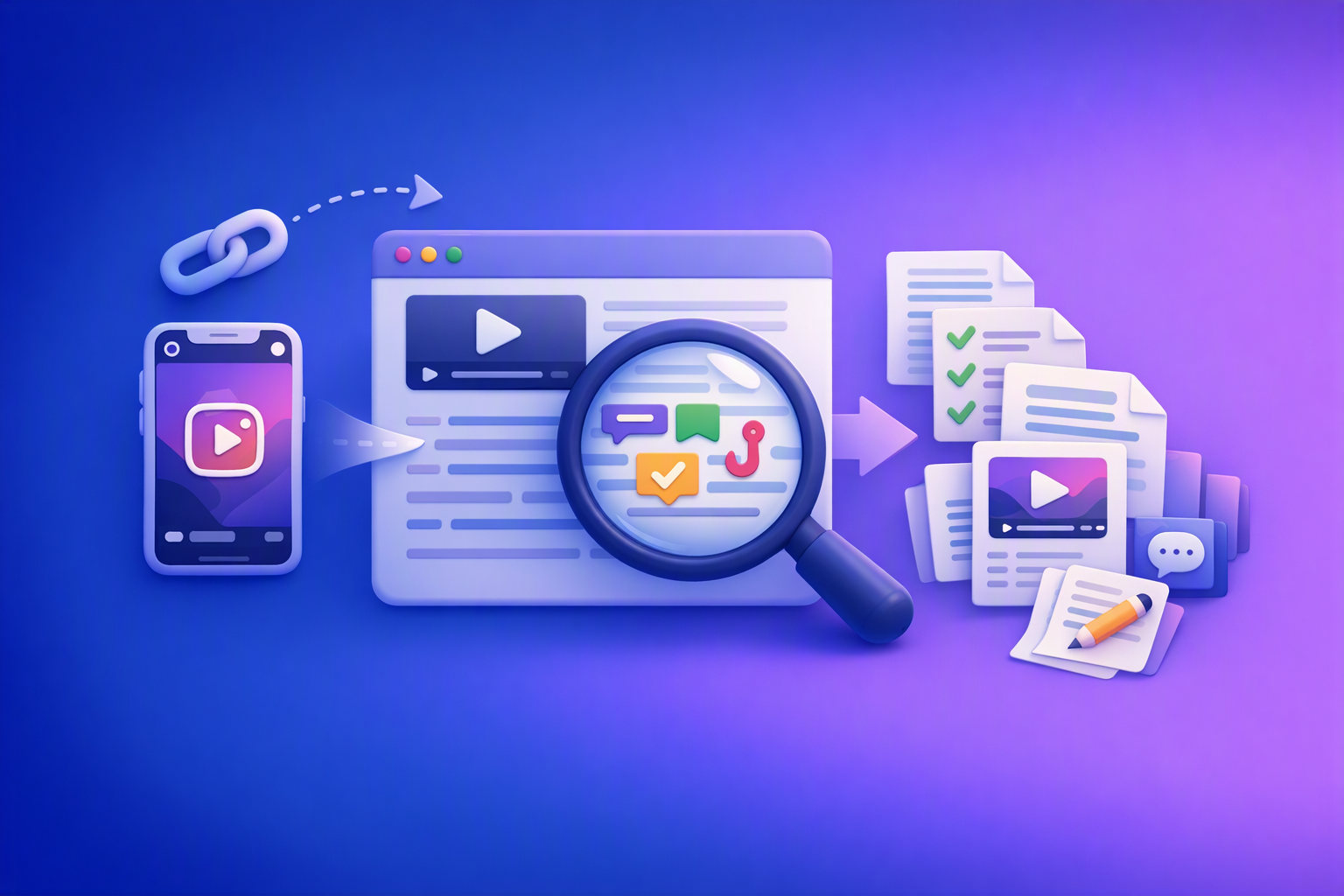
A 2026 reel analyser should turn Instagram Reel links into a searchable transcript library you can tag for hooks, CTAs, objections, and topic clusters—then export into repurposing-ready drafts without a download/upload loop.
Traducir video de Instagram (Reels) en 2026: workflow transcript-first para traducir, sacar hooks/CTAs y repurpose (con VideoToTextAI)
Video To Text AI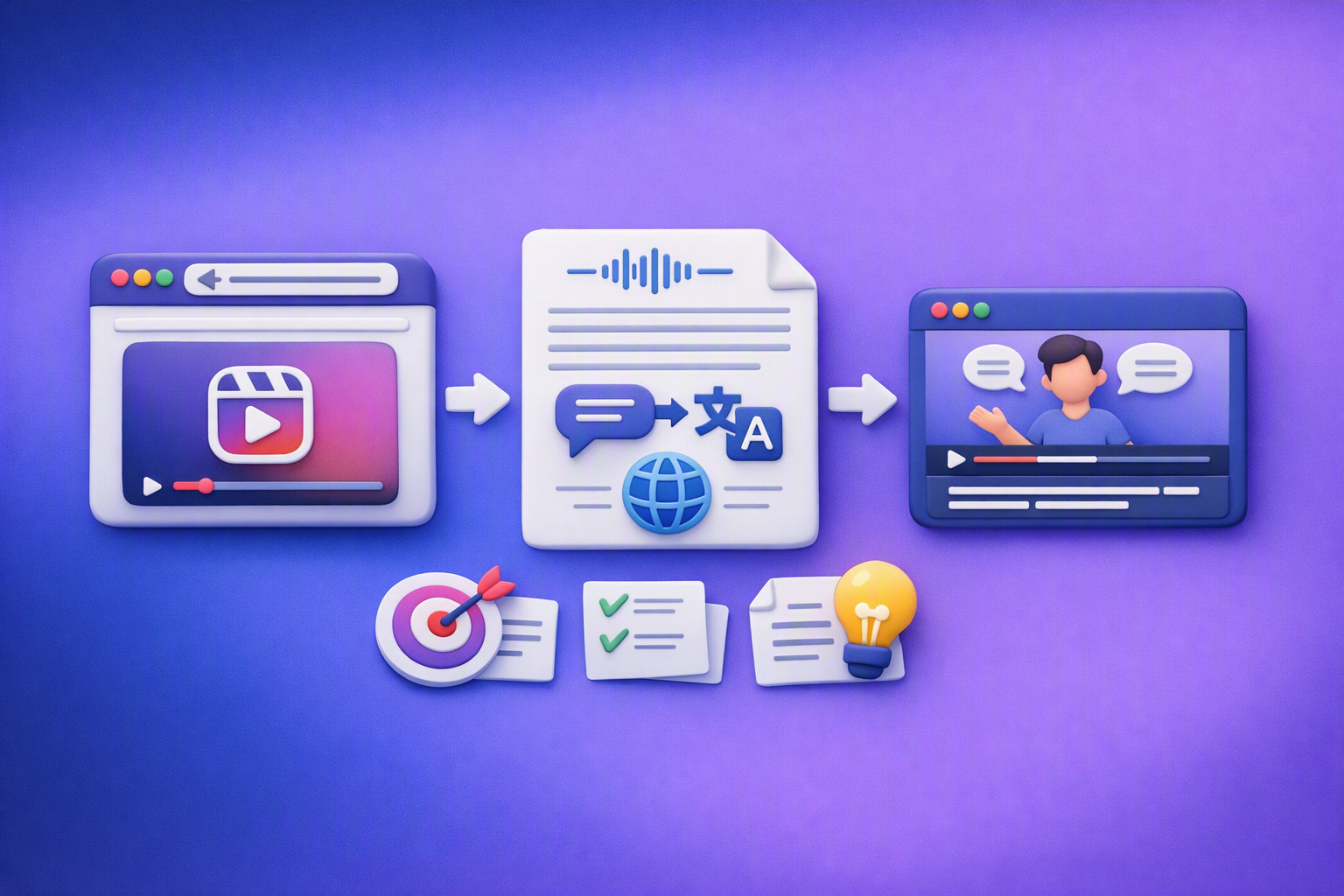
Aprende a traducir un Reel de Instagram con un flujo URL→transcripción→traducción→subtítulos, y a convertir esa traducción en un activo de investigación para hooks, CTAs, objeciones y clusters de contenido.
How to Get Started with VideoToTextAI: Complete Onboarding Guide
Video To Text AI
Create your VideoToTextAI account, complete onboarding, transcribe your first file or social link, then edit, translate, and export the result.