
ChatGPT “Chats With Attachments Paused”: What It Means + a Transcript‑First Instagram Reels Workflow (VideoToTextAI)
 Video To Text AI
If ChatGPT shows “chats with attachments paused,” stop trying to re-upload files and move the work into a transcript-first flow you can paste as text. The fastest fix for Reels research is URL → transcript → hooks/CTAs/objections → drafts, so your workflow doesn’t break when attachments are gated.
This is exactly why downloading video files is an outdated workflow: it adds friction, creates version chaos, and fails the moment an “attachment-capable” chat gets paused. Link-based extraction is the future of creator productivity—especially for teams doing competitor research at scale.
Why you’re seeing “chats with attachments paused”
What the message typically indicates
“Chats with attachments paused” usually means ChatGPT is temporarily restricting or you’ve hit a usage gate for conversations that include any attachment (files, images, audio, etc.).
Even if you’re not uploading something right now, the chat thread may still be treated as an “attachment chat” because an attachment exists in the history.
Common triggers (free limits, model gating, file-type handling, account/org policies)
Common reasons include:
- Free or plan-based limits for attachment-enabled chats (daily or rolling windows).
- Model gating: attachment features may require a specific model tier or availability.
- File-type handling: certain file types can trigger stricter processing rules.
- Org/admin policies (workspaces, enterprise, school accounts) that restrict file tools.
Why the chat can become “locked” to an attachment-capable model
Once a chat includes an attachment, the system may require an attachment-capable model to continue that thread. If that capability is paused or unavailable, the thread can feel “locked,” even for plain-text follow-ups.
Operational takeaway: don’t let a single chat thread become your “source of truth” for research. Make the transcript the source of truth.
What you can do immediately (fast triage)
60-second checklist to confirm the cause
Run this quick check:
- Check whether the chat contains any file/image/audio attachment (even from earlier).
- Start a new chat without attachments and test a simple prompt.
- Try switching models (if your UI allows it) and reload the page/app.
- Confirm you’re not hitting daily/plan limits (look for usage banners or account notices).
If a new chat works but the old one doesn’t, your issue is almost always thread-level attachment gating.
Options to keep working without waiting for attachment access
Option A: Continue the same task in a new chat (no files)
If you only need reasoning or writing help:
- Copy your prompt context into a new chat.
- Avoid uploading anything.
- Keep the “attachment chat” only for when attachments are available again.
This works, but it’s still fragile if your workflow depends on uploading videos.
Option B: Convert the “attachment” into text you can paste (transcript-first)
For Instagram Reels, the “attachment” is usually the video itself. Convert it into:
- Transcript text (clean TXT)
- Optional caption formats later (SRT/VTT if needed)
Once you have text, you can paste it into any chat, any model, any tool.
Option C: Move the workflow to a dedicated transcription tool (URL → transcript → assets)
For Reels competitor research, the most repeatable approach is:
- Paste a Reel link into a transcript tool
- Export text
- Analyze hooks/CTAs/objections
- Repurpose into drafts
This avoids the download/upload loop entirely.
Why transcript-first beats “upload to ChatGPT” for Reels research
Attachments are fragile; text workflows are portable
Attachments introduce:
- Model dependency (some models can’t handle files)
- Thread dependency (a single chat becomes “special”)
- Limit dependency (usage caps hit at the worst time)
Text is portable:
- Paste into any LLM
- Store in a shared doc
- Search and tag across a library
Transcripts as research assets (not summaries)
Treat each Reel transcript as a research artifact you can reuse:
- Searchable library: find patterns across 50–200 competitor Reels.
- Taggable hooks/CTAs/objections: build swipe files based on structure.
- Reusable topic clusters: turn repeated themes into SEO pillars + Reels series.
This is the difference between “watching content” and operationalizing content.
When ChatGPT is still useful (after you have text)
Once you have transcripts, ChatGPT (or any LLM) becomes a multiplier for:
- Angle generation (new takes on the same topic)
- Outline drafting (Reel scripts, blog outlines, FAQ sections)
- Objection-handling frameworks (compliance-friendly)
- CTA variants (without copying competitor wording)
For regulated niches, use transcripts to learn patterns, not to copy claims.
Step-by-step: Instagram Reel competitor research without ChatGPT attachments (VideoToTextAI)
Step 1: Collect Reel links (competitors, peers, creators in your niche)
Create a simple “Reels to analyze” sheet with:
- Reel URL
- Account name
- Date posted
- Topic guess
- Target persona
Add context fields that matter for analysis:
- Offer type (consultation, lead magnet, webinar, retainer)
- Audience segment (new leads vs warm audience)
- Claim type (educational vs promotional)
Reminder: downloading videos to a folder is the old way. Links + transcripts are the scalable way.
Step 2: Generate transcripts from links (no download/upload loop)
Use link-based transcription so you never touch the file:
Output targets:
- Clean TXT for analysis (your primary research asset)
- Optional caption formats later if you need them for publishing
Step 3: Normalize transcripts for analysis (make them comparable)
Create a consistent transcript format
Standardize every transcript into the same sections:
- Hook (first 1–2 lines)
- Problem framing
- Mechanism/steps
- Proof/credibility
- CTA
This makes competitor comparisons fast and reduces “interpretation drift.”
Add metadata tags
Add tags directly in your sheet or doc:
- Topic cluster tag (e.g., “DUI defense”, “estate planning”, “personal injury intake”)
- Intent tag (educate, qualify, convert, nurture)
- Objection tag (price, time, trust, risk)
Step 4: Hook extraction (turn intros into a hook bank)
Use a dedicated hook workflow:
What to extract (copy structure, not wording):
- Pattern: “If you’re X, stop doing Y”
- Pattern: “3 mistakes that cost you Z”
- Pattern: “Before you sign anything, know this”
Deliverable (hook bank fields):
- Pattern
- Topic
- Audience
- Compliance notes (regulated niches)
- Your original angle (how you’ll say it differently)
Transcript-first advantage: you can build a hook bank from 100 Reels in a day because you’re not rewatching videos.
Step 5: CTA + objection mining (build conversion assets)
CTA extraction rules
Scan transcripts for:
- Explicit CTAs: “call now,” “DM ‘X’,” “download,” “book”
- Implied CTAs: “save this,” “send to a friend,” “comment ‘guide’”
Objection mining rules
Flag phrases that signal:
- Fear/uncertainty: “you might be liable,” “don’t talk to insurance”
- Trust builders: credentials, years, case outcomes
Compliance note: don’t reuse competitor specifics (numbers, outcomes, comparisons).
Deliverable:
- CTA library mapped to funnel stage
- Objection library with compliant response angles
Step 6: Idea mining → topic clusters (SEO + Reels series planning)
Convert transcript patterns into original content angles
Turn repeated competitor patterns into your own series:
- “Myth vs reality” series
- “What happens next” procedural explainers
- “Checklist before you…” posts
Build clusters
Example cluster for a legal marketing team:
- Pillar: “What to do after a car accident”
- Supporting: recorded statements, medical liens, timeline, settlement factors
This is where Reels research connects directly to SEO planning. For deeper guidance, see:
- Instagram Reel Competitor Research: How to Find Hooks, Angles, and Content Ideas From Transcripts
- Instagram Reels Content Ideas From Competitor Transcripts (Transcript-First Workflow with VideoToTextAI)
Step 7: Repurpose transcripts into publishable drafts (without attachments)
Once you have text, you can generate drafts without uploading anything:
- Reel → blog post draft: Instagram Reel to Blog Post
- Reel → LinkedIn post draft: Instagram Reel to LinkedIn Post
- Reel → short-form written variants: Reel to Post Converter
Related internal workflows:
Role-specific workflow: legal marketing agencies & law firms (compliance-first)
Operating steps for agencies (repeatable weekly sprint)
A simple weekly sprint that doesn’t depend on ChatGPT attachments:
Monday: competitor capture + transcription batch
- Collect 20–40 Reel links
- Generate transcripts via link
- Store in a shared folder + sheet
Tuesday: hook/CTA/objection tagging + cluster updates
- Extract hooks into a pattern-based bank
- Tag CTAs and objections
- Update cluster map (pillars + supporting topics)
Wednesday: draft creation + attorney review queue
- Create 5–10 drafts (Reels scripts, blog outlines, LinkedIn posts)
- Route to attorney review with a checklist
Thursday: publish + distribution + internal enablement snippets
- Publish approved content
- Create internal snippets for intake staff (FAQ answers, call handling notes)
Friday: performance notes + update the research library
- Note which hooks drove saves/DMs/calls
- Add “winning patterns” to the library
More role-specific guidance:
- Legal Marketing Agency Instagram Reel Competitor Research: Transcript‑First Workflow (Hooks, CTAs, Objections) with VideoToTextAI
- Law Firms Transcribing Instagram Reels for Content Ideas: Transcript-First Research Workflow (VideoToTextAI)
Attorney review & compliance caveats (do not skip)
For legal and regulated niches:
- Do not copy competitor wording. Extract patterns and write original explanations.
- Avoid guarantees or specific outcome promises.
- Avoid unverifiable comparisons (“best,” “#1,” “we win more”).
- Add jurisdiction disclaimers where needed.
- Maintain a review log (who approved, when, what changed).
Example deliverables for a legal team
- “Top 25 hooks that qualify high-intent callers” (pattern-based)
- “Objection map: cost/time/risk” with compliant responses
- “Client education series: 10 Reels → 10 blog outlines”
Troubleshooting: if you must use ChatGPT but attachments are paused
How to continue the conversation without files
Use text-only inputs:
- Paste transcript excerpts with timestamps (e.g., “00:00–00:12 hook”).
- Split long transcripts into sections:
- Hook
- Body
- Proof
- CTA
This keeps analysis quality high without uploads.
What not to do
- Don’t repeatedly re-upload the same file; you’ll waste limits and time.
- Don’t rely on one chat thread as your archive. Your transcript library is the archive.
Implementation checklist (copy into your SOP)
Inputs
- Reel URL list with metadata (account, date, topic, persona)
- Transcript format template (hook/problem/mechanism/proof/CTA)
Processing
- Transcribe via link (no downloads)
- Tag hooks/CTAs/objections + topic cluster
- Add compliance notes (regulated niches)
Outputs
- Hook bank (pattern-based)
- CTA + objection libraries
- 10–20 original content angles per cluster
- Repurposed drafts (blog/LinkedIn/posts) routed to review
VideoToTextAI vs Competitors
Comparison criteria (workflow-fit, not feature guessing)
Use criteria that matter for teams doing Reels research:
- URL-first workflow vs upload-first workflow (speed + repeatability)
- Export readiness for transcript-driven production (clean TXT; caption formats when needed)
- Research workflow support (hook/CTA/objection extraction + repurposing outputs)
- Team process fit (handoffs, review, repeatable SOPs)
Workflow comparison table
| Criteria | VideoToTextAI | Transcribe Video to Text with AI | Choppity Com | Reduct Video |
|---|---|---|---|---|
| Best starting input for Reels competitor research | Link-based (URL-first) | Upload-first (file upload emphasized) | Upload-first (upload workflow emphasized) | Upload-first (upload + document workflows emphasized) |
| Speed for “analyze 30 competitor Reels” | Fast: paste links → transcripts | Slower: download/upload loop | Slower: upload loop | Slower: upload loop |
| Transcript-first research tooling (hooks/CTAs/objections) | Yes: purpose-built extractors + converters | Not strongly positioned for research extraction | Not strongly positioned for research extraction | More doc/search/collab oriented than Reels repurposing |
| Repurposing outputs (blog/LinkedIn/post variants) | Yes: transcript → drafts | Not strongly positioned for repurposing | Not strongly positioned for repurposing | Not strongly positioned for repurposing |
| Where it may fit better | Best for URL-to-transcript-to-content workflows | If you prefer a traditional upload-based transcription flow | If you want an AI editing/captions-centric workflow | If you need a team repository for documents/recordings and collaboration |
Why VideoToTextAI wins (evidence-bound)
VideoToTextAI is built around link-based extraction and transcript-driven production, which directly addresses the “attachments paused” problem:
- Workflow speed: URL → transcript is faster than downloading Reels and uploading files.
- Operational repeatability: a link-based SOP is easier to delegate to assistants and agencies.
- Repurposing depth: transcript-first tools for hooks and draft generation reduce manual work.
Where a competitor may fit better (narrower jobs)
Keep it fair:
- If your only need is uploading local files and editing inside a dedicated editor, an upload-first tool may be sufficient.
- If you need a document-centric review environment for internal repositories, a team-focused platform may be a better fit.
Competitor Gap
Most top results about “chatgpt chats with attachments paused” focus on the error itself (or forum threads) and miss the operational fix. This post covers what’s usually missing:
- A concrete no-attachments workaround that preserves analysis quality (transcript-first).
- A repeatable Reel competitor research SOP (hooks/CTAs/objections → clusters → drafts).
- Compliance/review steps for regulated niches (law firms, legal marketing agencies).
- A production checklist that turns transcripts into publishable assets, not just summaries.
FAQ
How to bypass ChatGPT attachment limit?
You generally can’t bypass it reliably. The practical approach is to remove the dependency on attachments: generate a transcript from a link, then paste text into ChatGPT in sections for analysis.
What is the attachment limit for ChatGPT?
Limits vary by plan, model availability, and system conditions, and they can change. Treat attachments as non-guaranteed capacity and design your workflow so it still works without them.
Can ChatGPT transcribe video to text?
Sometimes, if attachments are available and supported. But when attachments are paused, ChatGPT can’t access the media—so use a dedicated transcription tool first, then use ChatGPT for analysis and drafting.
How can I take a video and turn it into text?
Use a transcript tool that supports link-based input when possible (especially for Instagram). Then export clean text and reuse it for research, captions, and repurposed drafts.
Internal Link Plan
Use these related guides to expand your transcript-first system:
- Legal Marketing Agency Instagram Reel Competitor Research: Transcript‑First Workflow (Hooks, CTAs, Objections) with VideoToTextAI
- Instagram Reel Competitor Research: How to Find Hooks, Angles, and Content Ideas From Transcripts
- Instagram Reels Content Ideas From Competitor Transcripts (Transcript-First Workflow with VideoToTextAI)
- Law Firms Transcribing Instagram Reels for Content Ideas: Transcript-First Research Workflow (VideoToTextAI)
- Repurpose Instagram Reels Into Blog Post Ideas: Transcript-First Workflow (Hooks, CTAs, Objections) with VideoToTextAI
- Happy Scribe Alternative for Instagram Reel Transcripts: Transcript-First Research Workflow (Hooks, CTAs, Objections) with VideoToTextAI
If you want the fastest way to keep Reels research moving when ChatGPT attachments are paused, build your SOP around link-based transcripts and reusable research assets with VideoToTextAI.
Related posts
Reel Analyser (Instagram Reels): Transcript‑First Competitor Research, Hook/CTA Extraction, and Repurposing Workflow (VideoToTextAI)
Video To Text AI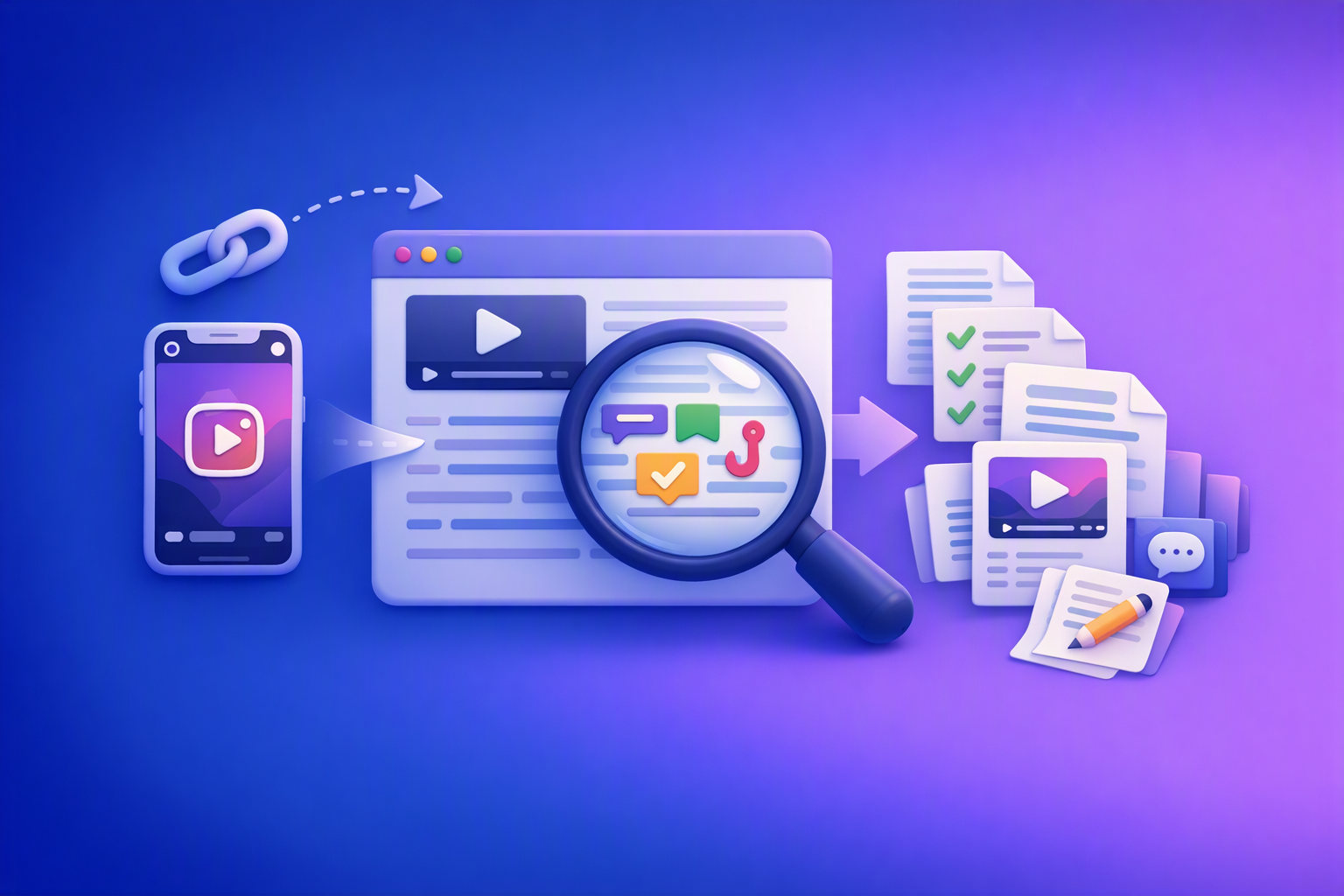
A 2026 reel analyser should turn Instagram Reel links into a searchable transcript library you can tag for hooks, CTAs, objections, and topic clusters—then export into repurposing-ready drafts without a download/upload loop.
Traducir video de Instagram (Reels) en 2026: workflow transcript-first para traducir, sacar hooks/CTAs y repurpose (con VideoToTextAI)
Video To Text AI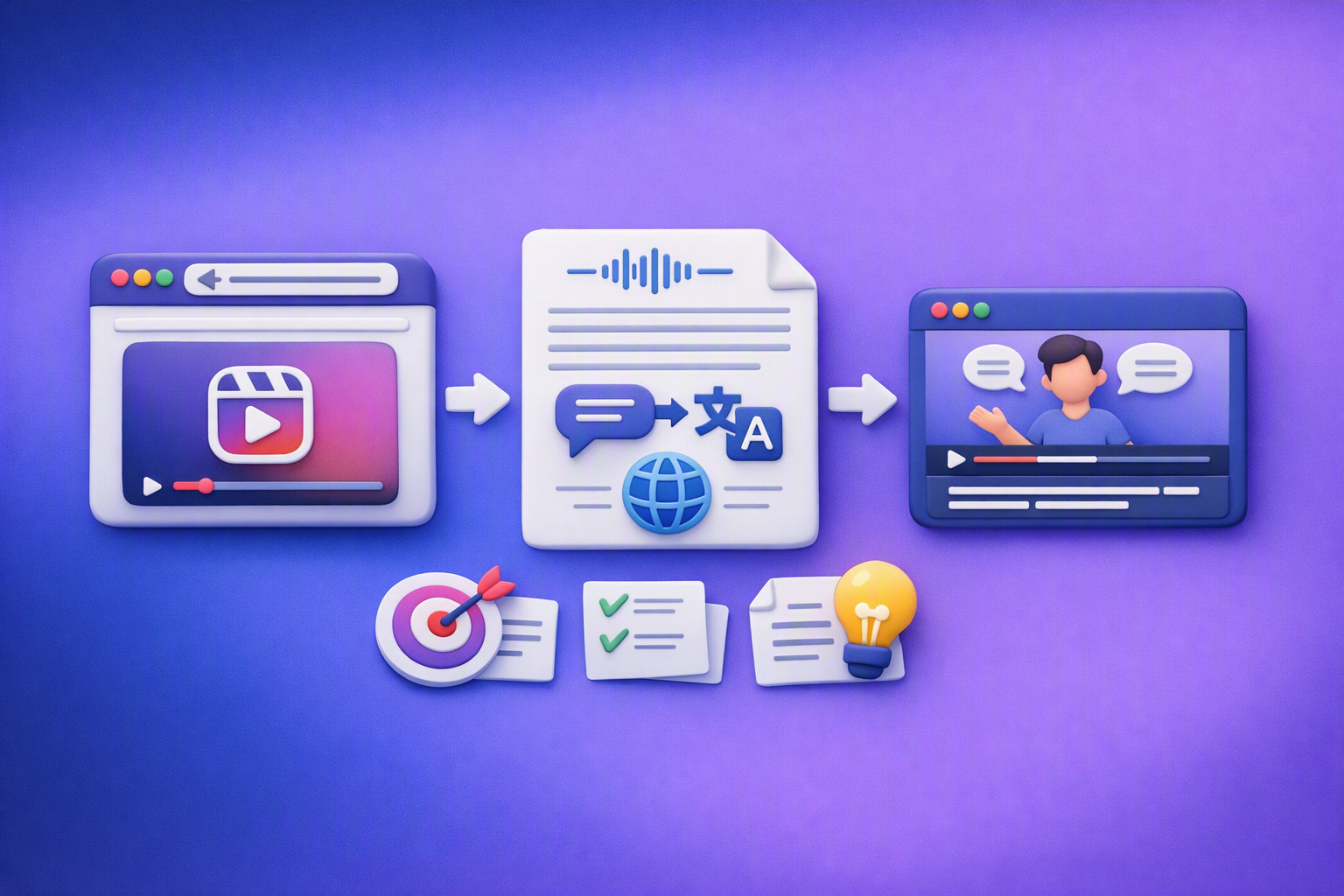
Aprende a traducir un Reel de Instagram con un flujo URL→transcripción→traducción→subtítulos, y a convertir esa traducción en un activo de investigación para hooks, CTAs, objeciones y clusters de contenido.
Reel Analyzer: Transcript‑First Instagram Reels Research (Hooks, CTAs, Objections) + Workflow Guide (VideoToTextAI)
Video To Text AI
A reel analyzer should turn any public Instagram Reel link into a searchable transcript library you can mine for hooks, CTAs, objections, and topic clusters—then repurpose into original drafts with a repeatable SOP.