
“All Images” Isn’t the Real Problem: Build a Transcript‑First Instagram Reels Research Library (Hooks, CTAs, Objections) with VideoToTextAI
 Video To Text AI
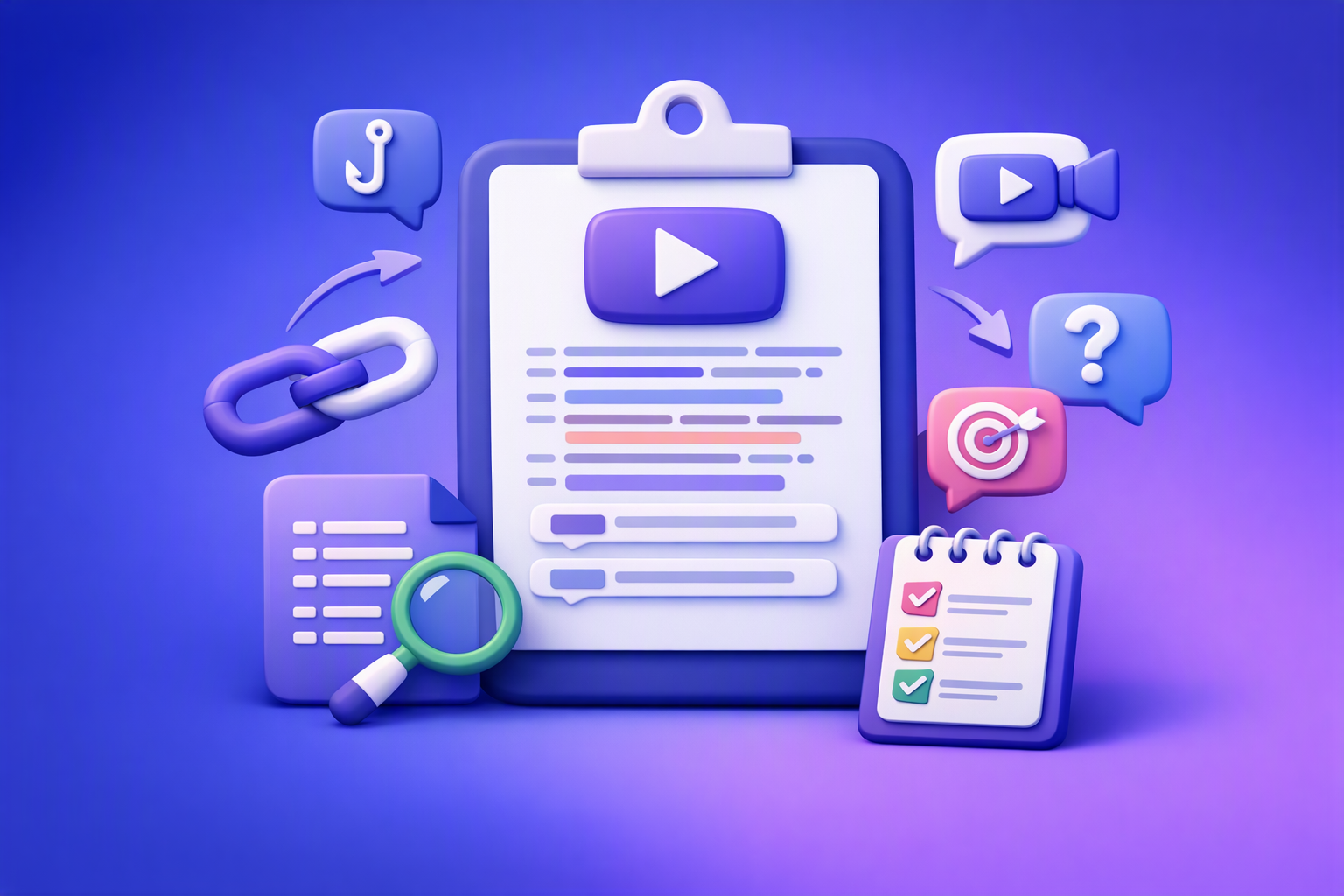
You don’t need “all images”—you need all the messaging behind the images. Build a transcript-first Instagram Reels research library so you can search, tag, and reuse hooks, CTAs, objections, and topic clusters for original content.
This is the workflow modern creator teams and legal marketing agencies use to turn competitor Reels into repeatable research assets—without the outdated download/upload loop.
Search intent + angle clarification (so the post matches the SERP and your cluster)
Why “all images” is ambiguous in Google
“All images” is one of those queries that can mean completely different things depending on context. Google often interprets it as a photo management or bulk downloading problem.
That’s useful for personal galleries—but it’s not the real bottleneck for Reels teams.
The two dominant SERP meanings (and how we’ll address them)
-
“All my photos” (Google Photos / phone galleries)
You’re trying to locate, search, or organize everything you’ve saved. -
“Download all images from a page” (Chrome extensions)
You’re trying to extract assets from a webpage in bulk.
We’ll acknowledge both, but we’ll focus on the higher-leverage creator workflow: turning Instagram Reels into searchable transcript data.
The content wedge that expands your Instagram/Reels + competitor-comparison clusters
Instead of collecting “all images,” collect all transcripts from the Reels you care about—then tag them for:
- Hooks (what earns attention)
- CTAs (what drives action)
- Objections (what blocks conversion)
- Proof (what increases trust)
- Topic clusters (what to publish next)
This is competitor research for original ideation, not summaries.
What “All Images” workflows miss for Instagram/Reels teams
Images show what; transcripts show why
A screenshot can capture a claim, but it can’t reliably capture the structure that makes the claim work.
Transcript-first research gives you:
-
Hook mechanics (first 1–2 lines)
What pattern starts the Reel, and what promise is made? -
CTA placement and phrasing patterns
Are they asking for a comment keyword, a DM, a save, or a consult? -
Objection handling and proof points
What fears do they address, and what evidence do they use?
When screenshots are still useful (and how to pair them with transcripts)
Screenshots still matter when you need to preserve visual context.
Pair them with transcripts using a simple mapping:
-
Visual claim → transcript evidence
Example: “No fee unless we win” on-screen → transcript line where it’s explained. -
Compliance review trail (regulated niches)
Keep a record of what was said and shown, when, and where it came from.
The transcript-first system: URL → searchable research asset (VideoToTextAI)
Brand POV: Downloading video files is an outdated workflow. Link-based extraction is the future of creator productivity because it removes friction and makes research scalable.
Step 1: Collect Reel links (competitors, peers, creators, client accounts)
Build a “watch list” by topic cluster. For legal marketing, start with practice-area buckets like:
- DUI
- Estate planning
- Personal injury
- Immigration
- Criminal defense
- Family law
Capture metadata you’ll need later:
- Account handle
- Reel date
- Theme/topic
- Offer type (consult, checklist, DM keyword)
- Jurisdiction notes (for legal)
Step 2: Convert each Reel link into text (no download/upload loop)
Use Instagram link → transcript so you can move from “I saw it” to “I can analyze it” immediately.
Tool: Instagram to Transcript (VideoToTextAI)
Step 3: Normalize transcripts for analysis (make them comparable)
Normalization makes your library searchable and consistent:
- Remove filler words (optional)
- Standardize speaker labels (if multiple speakers)
- Keep timestamps for hook/CTA extraction and editing references
Step 4: Store transcripts as a research library you can search
Use a naming convention that makes sorting effortless:
Account | Topic | Hook Type | CTA Type | Date
Add a tagging schema you can filter later:
- Hooks (type + first line)
- CTAs (type + placement)
- Objections (bucket)
- Proof (stat, authority, testimonial, case result)
- Offer (consult, lead magnet, DM keyword)
- Audience (injured driver, new immigrant, business owner, etc.)
Transcript-first analysis for Instagram/Reels competitor research
Hook extraction (first 3 seconds) — what to capture and how to label it
Your goal isn’t to “summarize the Reel.” Your goal is to capture repeatable hook patterns you can adapt into original scripts.
Hook types to tag
- Pattern interrupt
- “If you…” conditional
- Myth-busting
- Authority credential
- Outcome promise
Implementation: hook bank template (copy/paste fields)
Store each hook as a record:
- Hook line (verbatim for internal research)
- Target audience
- Claim type (risk, reward, urgency)
- Proof used (case result, stat, authority)
- Visual cue (optional)
Tool support: Instagram Reel Hook Extractor (VideoToTextAI)
CTA extraction — map what they ask viewers to do (without copying wording)
CTAs are where competitor research becomes conversion research. You’re looking for patterns, not copy-paste lines.
CTA categories to tag
- Comment keyword
- DM prompt
- Link in bio
- Save/share
- Book consult / call now
CTA placement patterns
Tag where the CTA appears:
- Early CTA (first 3–5 seconds)
- End CTA (final line)
- CTA + objection handling sequence (CTA followed by reassurance/proof)
Compliance note (legal/regulatory): Do not reuse competitor wording verbatim. Use transcripts to identify structure and intent, then write original language and run review.
Objection mining — turn competitor scripts into your FAQ and content plan
Competitor scripts reveal what prospects are worried about before they contact you.
Common objection buckets (especially for services)
- Price/fees
- Timeline
- Eligibility/fit
- Risk/fear (legal consequences, uncertainty)
- Trust (credentials, reviews, outcomes)
Output: “Objection → Answer angle” table (original phrasing only)
Create a table like:
- Objection: “Do I have a case if I didn’t go to the ER?”
- Answer angle: Explain documentation options, timelines, and when to seek care (jurisdiction-safe, no guarantees)
- Proof angle: Process clarity, not outcomes (“Here’s what we review…”)
Topic clustering — build an editorial map from transcript patterns
Once you have 20–50 transcripts, patterns emerge fast.
Cluster method
Group transcripts by:
- Recurring questions
- Misconception themes
- Process steps themes
Deliverable
Build 10–20 topic clusters with 3–5 Reel-derived angles each. This becomes your editorial calendar and your script backlog.
Repurposing workflows (transcript-first, compliance-safe)
Transcript-first repurposing works because you’re starting from validated messaging patterns, not blank-page brainstorming.
Repurpose to blog outlines (SEO-first)
Tool: Instagram Reel to Blog Post (VideoToTextAI)
Output requirements for regulated niches:
- Original structure and original examples
- Verify claims (statutes, timelines, eligibility)
- Add disclaimers where needed
- Avoid guarantees/outcome promises
Repurpose to LinkedIn posts (positioning + authority)
Tool: Instagram Reel to LinkedIn Post (VideoToTextAI)
Use transcripts to extract:
- A strong opening claim (rewritten)
- A “myth vs fact” structure
- A process checklist
- A soft CTA (education-first)
Repurpose to captions/subtitles for your own videos
When evaluating any workflow, treat export readiness as a requirement. Common formats teams plan for:
- TXT for analysis and drafting
- SRT/VTT for subtitles/captions pipelines
(Use this as selection criteria; don’t assume every tool supports every export.)
Repurpose to “hook library” + “CTA library” for future scripts
Weekly cadence target:
- Add 20 hooks
- Add 20 CTAs
- Add 20 objections
Over time, you stop guessing what to say—and start building from proven structures.
Role-specific workflow: law firms + legal marketing agencies using Reel transcripts
Operating steps (agency SOP)
1) Define practice-area boundaries + compliance rules
Set rules before you collect anything:
- No legal advice; include jurisdiction disclaimers
- Avoid guarantees and outcome promises
- Redact client details; protect confidentiality
2) Build a competitor set (and a peer set)
- Competitors: local + national firms in the same practice area
- Peers: bar associations, legal educators, court self-help resources
3) Transcript review workflow (two-pass)
- Pass A (strategist): tag hooks/CTAs/objections/proof
- Pass B (attorney/compliance): flag claims, missing disclaimers, prohibited language
4) Create “client education” assets from transcript insights
Use competitor patterns to build better education assets:
- “What to do next” checklists
- Myth vs fact explainers
- Process explainers (timelines, steps, documents)
Examples (what to extract, not what to copy)
- Example hook pattern: “3 mistakes after an accident…”
- Example objection pattern: “Do I have a case if…?”
- Example CTA pattern: “Comment ‘CHECKLIST’ for…”
Compliance caveats (explicit)
- Do not copy competitor wording verbatim
- Use transcripts to identify topics and structures, then write original scripts
- Run attorney review before publishing (especially ads and claims)
Step-by-step implementation: 60-minute setup + weekly cadence
60-minute setup (one-time)
- Create a Reel link list (20–30 links)
- Generate transcripts via Instagram Transcript From Link (VideoToTextAI)
- Apply naming convention + tags
- Create 3 libraries: Hooks / CTAs / Objections
- Create 5 topic clusters and assign each transcript to one cluster
Weekly cadence (repeatable)
- Add 10 new competitor Reels
- Extract hooks + CTAs
- Add 10 objections to your FAQ backlog
- Draft 2 original scripts + 1 blog outline
- Compliance review (regulated niches)
Checklist (copy/paste)
Research capture checklist
- Reel URL saved
- Account + date recorded
- Transcript generated from link
- Hook tagged (type + line)
- CTA tagged (type + placement)
- Objection tagged (bucket + proof)
- Topic cluster assigned
Repurposing checklist
- Draft is original (no competitor phrasing)
- Claims verified (especially legal/regulated)
- Disclaimers included where needed
- Final asset exported and stored with source transcript reference
VideoToTextAI vs Competitors
Below is a workflow-based comparison using only publicly observable positioning from researched pages. The key difference: VideoToTextAI is built for link-based social workflows, while many transcription tools are optimized for uploads or meetings.
| Criteria | VideoToTextAI | Happyscribe Com | Meetjamie AI | Sarabussandri Com |
|---|---|---|---|---|
| Best fit | Instagram/Reels research + repurposing workflows | Broad transcription/subtitles platform needs | Meeting capture + notes | Service-led content/repurposing guidance |
| Input workflow | Link-based (Reel URL → transcript) | Strong signals for transcription/subtitles platform; link-based workflow not clearly positioned in research | Meeting-focused capture; upload/meeting workflow signals | Not a tool-first link workflow; more guidance/services + tool recommendations |
| Speed for competitor research | High: paste link, tag hooks/CTAs/objections | Strong production platform, but may be heavier for quick competitor tagging workflows | Not designed for social link research libraries | Depends on service process; not an operational transcript engine |
| Repurposing outputs | Purpose-built tools for Reel → blog/LinkedIn + hook extraction | Repurposing not a primary positioning signal in research | Repurposing not a primary positioning signal in research | Repurposing is a core theme (service-led), but not link-to-transcript automation |
| Team repeatability (SOP-friendly) | Library + tagging system is straightforward to standardize | Team workflows exist; more platform breadth | Team plans exist; meeting-centric SOPs | Repeatability depends on human process and deliverables |
| When it may be better | — | If you need a broader transcription/subtitle platform (e.g., multilingual, subtitle workflows) | If your main input is meetings and you want meeting notes | If you want done-for-you writing/repurposing support |
Why VideoToTextAI wins for this use case (evidence-bound):
- Workflow speed: link → transcript → hook/CTA/objection tagging is the shortest path for Reels research.
- Link-based input: avoids the outdated “download video → upload file → wait” loop that slows teams down.
- Repurposing alignment: dedicated Reel workflows (hook extraction + Reel-to-written drafts) support transcript-first ideation and production.
- Operational repeatability: naming conventions + tagging schemas make it easy to run as an agency SOP.
Where competitors can be better (fair callouts):
- Meetjamie AI can be a better fit when your input is primarily meetings, not social links.
- Happyscribe Com may fit better when you need a broader transcription/subtitle platform across many formats and languages.
- Sarabussandri Com reflects a service-led approach that can be better if you want done-for-you writing rather than building an internal research library.
Competitor Gap
What top results for “all images” don’t solve
The SERP leaders help you find or download images. They don’t help you analyze the messaging that makes Reels perform.
They typically lack:
- A transcript-first tagging system for hooks/CTAs/objections
- A method for topic clustering into an editorial map
- A compliance-safe workflow for regulated industries
- A repeatable SOP for competitor research
What most transcription listicles miss (gap from competitor research)
Even when transcription tools are compared, most pages skip:
- Step-by-step SOPs for Instagram/Reels competitor research
- Reusable templates (hook bank, objection table, CTA map)
- Troubleshooting for link-based workflows
- Clear guidance on compliance review and originality
Troubleshooting + common mistakes
Mistake: treating transcripts as summaries instead of research data
Fix: tag transcripts like a dataset:
- Hook type + first line
- CTA type + placement
- Objection bucket + proof type
Mistake: copying competitor phrasing (risk + brand dilution)
Fix: extract structure, then rewrite:
- Keep the idea, change the language
- Add your jurisdiction/process specifics
- Run review (legal/regulatory)
Mistake: no tagging schema → library becomes unsearchable
Fix: define tags before you scale. Start with:
- Hook types, CTA categories, objection buckets, proof types
Mistake: skipping review in regulated niches
Fix: implement a two-pass workflow (strategist → attorney/compliance).
If a Reel transcript is messy
- Re-run with a clean link (ensure it’s the Reel URL, not a share redirect)
- Normalize: remove filler words, keep timestamps, standardize labels
FAQ
How do I search all photos?
Use the built-in search in your photo app (Google Photos, iOS Photos, or your Android gallery) to filter by people, places, objects, dates, or text. For marketing research, searching photos won’t reveal spoken positioning—transcripts are what you can reliably search for messaging patterns.
Where are all my saved photos on my phone?
Typically:
- iPhone: Photos app → Library/Albums (and iCloud Photos if enabled)
- Android: Google Photos or device Gallery (plus cloud backups if enabled)
If you’re doing content research, store Reel links + transcripts in a separate research library so it doesn’t get mixed with personal media.
How to best transcribe a video?
Choose a workflow that:
- Preserves timestamps
- Produces editable text you can tag
- Avoids unnecessary file handling when possible
For Reels, link-based transcription is usually the fastest path.
Can ChatGPT transcribe video?
ChatGPT can help analyze transcripts, but it generally needs the audio/video file or an existing transcript first. A practical workflow is: generate a transcript from the Reel link, then use AI to extract hooks, CTAs, objections, and repurposing drafts.
Internal Link Plan
Use these to expand your Instagram/Reels cluster and keep users moving through related workflows:
- Instagram Reel Analytics Checker (2026): Transcript‑First Workflow to Benchmark Reels, Extract Hooks/CTAs, and Repurpose (VideoToTextAI)
- Reel Analyser (Instagram Reels): Transcript‑First Competitor Research, Hook/CTA Extraction, and Repurposing Workflow (VideoToTextAI)
- Instagram Reel Competitor Research: How to Find Hooks, Angles, and Content Ideas From Transcripts
- Legal Marketing Agency Instagram Reel Competitor Research: Transcript‑First Workflow (Hooks, CTAs, Objections) with VideoToTextAI
- Law Firms Transcribing Instagram Reels for Content Ideas: Transcript-First Research Workflow (VideoToTextAI)
- Repurpose Instagram Reels Into Blog Post Ideas: Transcript-First Workflow (Hooks, CTAs, Objections) with VideoToTextAI
Primary CTA (contextual, not salesy)
Build your first Reel transcript research library in 15 minutes: VideoToTextAI.
Related posts
Instagram Reel Analytics Checker (2026): Transcript‑First Workflow to Benchmark Reels, Extract Hooks/CTAs, and Repurpose (VideoToTextAI)
Video To Text AI
An Instagram reel analytics checker tells you what happened; a transcript-first workflow tells you why it happened. Learn a metrics + transcript SOP to benchmark Reels, extract hooks/CTAs/objections, and turn competitor research into original, compliance-safe content—fast.
Reel Analyser (Instagram Reels): Transcript‑First Competitor Research, Hook/CTA Extraction, and Repurposing Workflow (VideoToTextAI)
Video To Text AI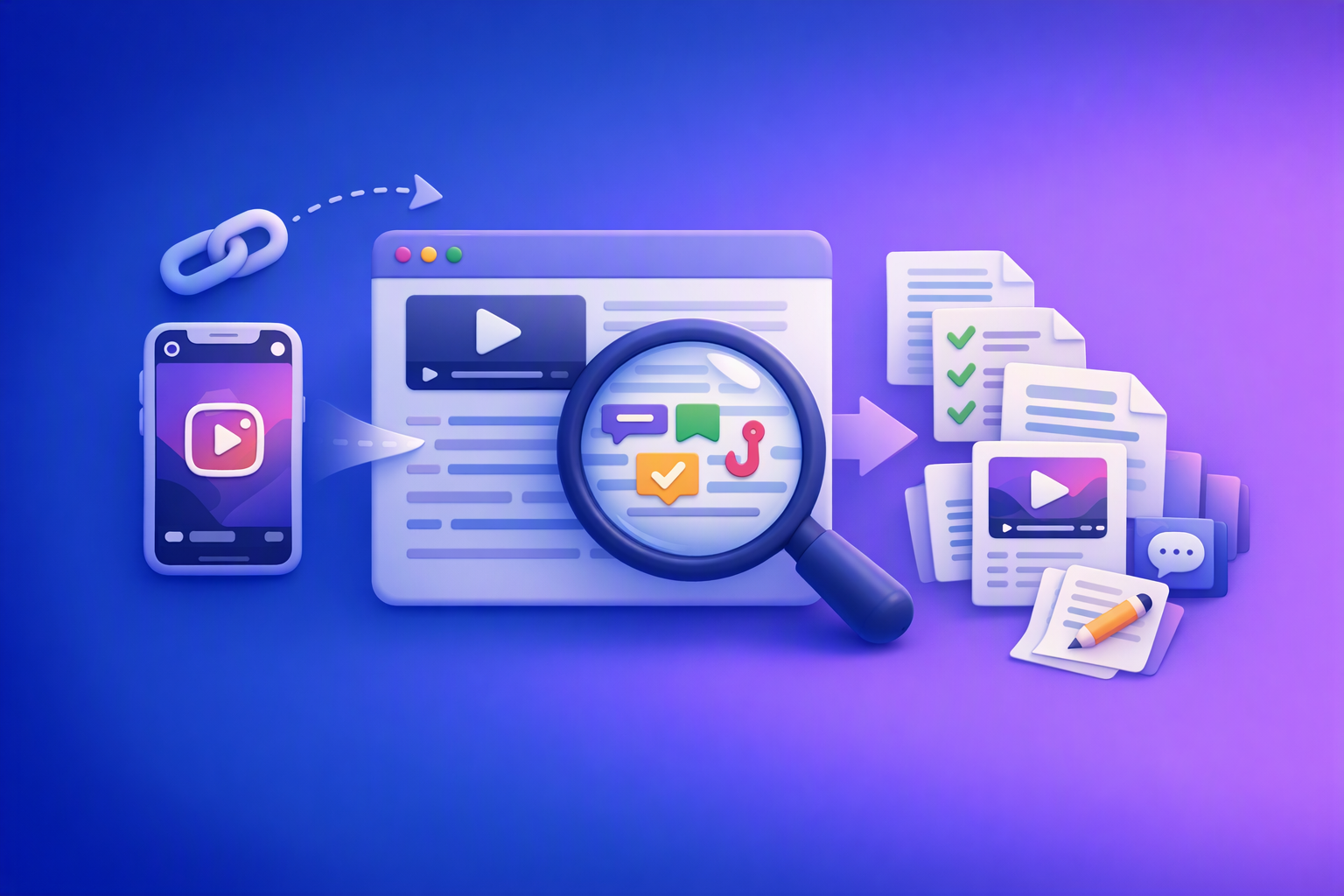
A 2026 reel analyser should turn Instagram Reel links into a searchable transcript library you can tag for hooks, CTAs, objections, and topic clusters—then export into repurposing-ready drafts without a download/upload loop.
Traducir video de Instagram (Reels) en 2026: workflow transcript-first para traducir, sacar hooks/CTAs y repurpose (con VideoToTextAI)
Video To Text AI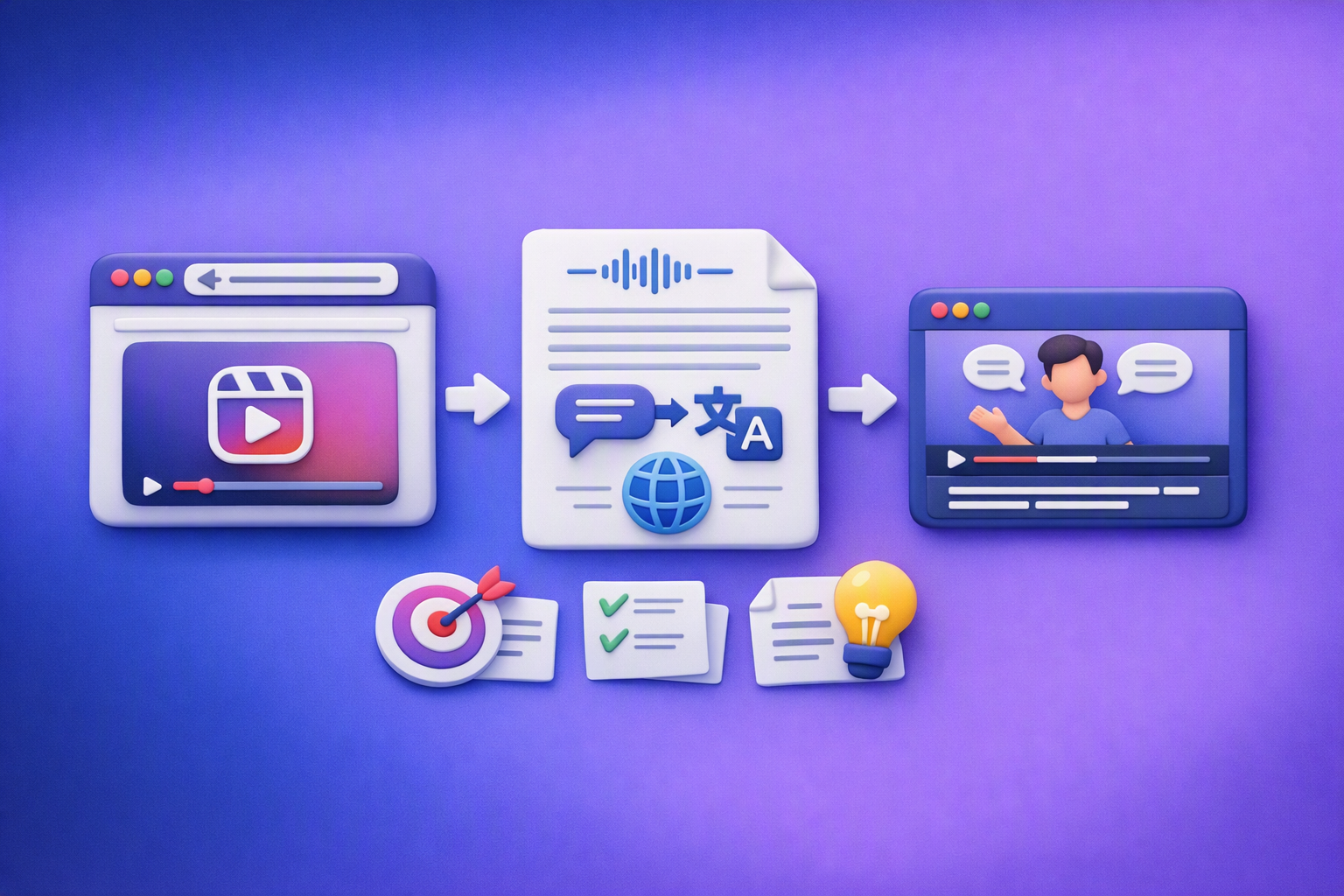
Aprende a traducir un Reel de Instagram con un flujo URL→transcripción→traducción→subtítulos, y a convertir esa traducción en un activo de investigación para hooks, CTAs, objeciones y clusters de contenido.