
Instagram Reel Analytics Checker (2026): Transcript‑First Workflow to Benchmark Reels, Extract Hooks/CTAs, and Repurpose (VideoToTextAI)
 Video To Text AI
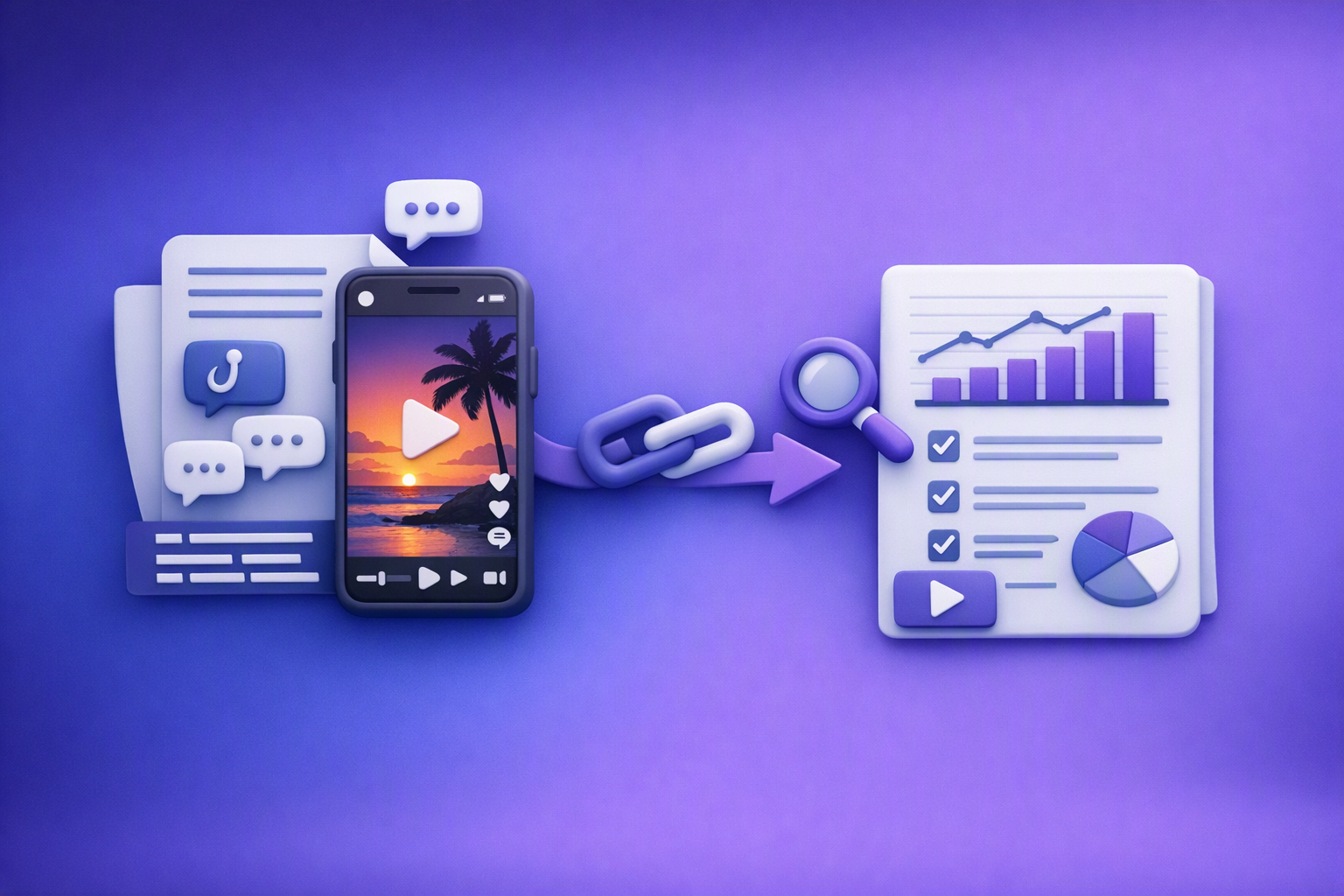
An instagram reel analytics checker is useful for benchmarking views and engagement, but it won’t tell you why a Reel worked. The fastest way to explain performance is to combine metrics + transcript analysis so you can isolate hooks, CTAs, objections, and topic patterns you can repurpose into original content.
This is the brand POV: downloading video files is an outdated workflow. Link-based extraction is the future of creator productivity, because it turns Reels into a searchable research library you can operate weekly.
Search intent + what this post will help you do
What “instagram reel analytics checker” usually means (and what it misses)
Most people searching this want one of these:
- A Reel views checker (plays/views, likes, comments)
- An engagement rate calculator
- A “virality score” benchmark based on visible counts
What it usually misses:
- Messaging analysis (hook structure, claim language, CTA prompts)
- Repeatable creative learnings you can apply across 20–200 Reels
- A system for topic clustering and repurposing (Reel → LinkedIn → blog → client education)
The upgrade: combine metrics + transcript analysis to explain why a Reel worked
Metrics tell you what happened. Transcripts tell you:
- What was promised
- How objections were handled
- What CTA was used
- What language patterns repeat in high-performing posts
That’s how you move from “this Reel got 50k views” to “this structure drives saves and shares.”
Who this workflow is for
Creators and solo marketers
- Build a hook bank and CTA bank from your niche
- Stop rewatching Reels to “study them”
- Repurpose faster (Reel → caption → newsletter → blog)
Social media managers and agencies
- Standardize competitor research into an SOP
- Produce weekly insight reports tied to performance
- Create repeatable content briefs for clients
Law firms and legal marketing agencies (regulated messaging)
- Use transcripts to identify client questions, claim language, and disclaimer patterns
- Build compliance-first education content (original wording only)
- Reduce risk by adding a review checkpoint before publishing
What an Instagram Reel analytics checker can (and can’t) measure
Metrics you can reliably pull from Instagram Insights (owned accounts)
From Instagram Insights (for accounts you manage), you can typically capture:
- Plays/views, reach, watch time, average watch time
- Likes, comments, shares, saves
- Follows, profile visits, website taps (availability varies by account type and placement)
These are your best “truth” metrics because they’re first-party.
What “by URL” checkers typically do for public Reels
What you may get: visible engagement counts + basic post metadata
For public Reels, many tools can only access what’s visible:
- Views/plays (if shown)
- Likes and comments (if shown)
- Caption text (sometimes)
- Audio metadata (sometimes)
What you usually won’t get: watch time, retention curve, saves (often hidden), audience breakdown
Common gaps for public-by-URL tools:
- Watch time and retention curves
- Saves (often not exposed publicly)
- Audience demographics and follower/non-follower breakdown
- Attribution (profile visits, website taps)
When you should not rely on third-party “checkers”
Private accounts, restricted content, changing platform availability
Don’t build a business-critical workflow that assumes permanent access to:
- Private/Reels behind login
- Region-restricted content
- Data fields that Instagram may change or hide
Compliance/security considerations for client work
For agencies (especially legal), treat third-party scraping and data handling carefully:
- Avoid uploading client credentials into unknown tools
- Document what data you collect and why
- Keep a clear boundary between public research and client account analytics
The transcript-first model: turn Reels into research assets (not summaries)
Why transcripts beat “watching and guessing”
Transcripts let you:
- Scan 20–100 competitor Reels in minutes (search + skim)
- Build a searchable library of claims, objections, and CTAs
- Compare messaging patterns across top vs bottom performers
Watching is slow. Guessing is unreliable. Text is analyzable.
What to capture from every Reel (research fields)
For each Reel, capture these fields (you’ll use them later for clustering and briefs):
- Hook (first 1–2 lines)
- Promise/claim + proof mechanism (why should the viewer believe it?)
- Objections handled + disclaimers
- CTA type (comment, DM, link in bio, save/share)
- Offer framing (lead magnet, consult, product, education)
Tooling to support transcript-first research with VideoToTextAI
Create transcripts from public Instagram links
Use link-based tools so you don’t do a download/upload loop:
Step-by-step: Instagram Reel analytics checker workflow (metrics + transcript)
Step 1 — Pick the Reel set (yours + competitors)
Minimum viable sample size (10–20 Reels) vs. agency-grade (50–200)
- 10–20 Reels: enough to spot obvious hook/CTA patterns
- 50–200 Reels: enough to build reliable clusters and benchmarks
How to choose competitors fairly (same niche, similar audience size, same format)
To avoid misleading conclusions:
- Pick accounts in the same niche
- Prefer similar audience size (or segment by size tiers)
- Compare similar formats (talking head vs b-roll vs text-only)
Step 2 — Collect metrics (what to record in a spreadsheet)
Required columns (copy/paste ready)
- Reel URL
- Date posted
- Views/plays
- Likes
- Comments
- Shares
- Saves (if available)
- Caption text (if available)
- Audio used
- Reel length (seconds)
- CTA type (comment/DM/link/save)
Derived metrics (formulas)
- Engagement rate by views = (likes + comments + shares + saves) / views
- Save rate = saves / views
- Share rate = shares / views
- Comment rate = comments / views
If you can’t access saves for competitors, don’t fake it—use what’s available and note the limitation.
Step 3 — Generate transcripts from URLs (no download/upload loop)
This is where link-based workflows win operationally: you can transcribe as you research.
Suggested operating rhythm:
- Daily: add 5–10 Reels to your transcript library
- Weekly: tag + cluster + repurpose into drafts
Step 4 — Tag the transcript for hook/CTA/objections (repeatable SOP)
Hook tagging rules (what counts as a hook)
Tag a hook when the first line includes:
- A clear audience callout (“If you’re a…”)
- A specific outcome (“Here’s how to…”)
- A tension statement (“Stop doing X…”)
- A curiosity gap tied to a real payoff (not vague clickbait)
CTA tagging rules (explicit vs implicit CTAs)
- Explicit: “Comment ‘GUIDE’ and I’ll send it”
- Implicit: “Save this checklist” (still a CTA even if not framed as an ask)
Objection tagging rules (price, time, trust, risk, “does this apply to me?”)
Tag any line that reduces friction, such as:
- “Even if you don’t have…”
- “This doesn’t mean you should…”
- “Results vary…” / disclaimers (important in regulated niches)
Step 5 — Connect transcript patterns to performance (the “why” layer)
Compare top 20% vs bottom 20% Reels by save/share rate
Sort by save rate and share rate (when available). Then compare:
- Hook types
- Structure (checklist vs story vs myth-busting)
- CTA placement (early vs late)
Identify “high-save” structures (education, checklists, myth-busting)
High-save Reels often include:
- Step-by-step frameworks
- “Do this, not that”
- Simple checklists viewers want to reference later
Identify “high-comment” structures (controversial take, question hook, prompt CTA)
High-comment Reels often include:
- A strong opinion (still aligned with brand)
- A question hook
- A “comment X” CTA with a clear reward
Hook extraction: build a reusable hook bank from competitor transcripts
Fast extraction method (10 minutes per 20 Reels)
- Pull the first 2 lines of each transcript
- Pull the first on-screen claim (if captured in transcript)
- Add a short label: “myth-bust,” “checklist,” “story,” “warning,” “how-to”
Then normalize into templates without copying wording:
- “If you’re a [role], stop doing [common mistake].”
- “Here’s the fastest way to [outcome] without [constraint].”
- “Most people think [myth]. The truth is [reframe].”
Tool-assisted hook extraction
Hook checklist (quality control)
- Clear audience callout
- Specific outcome/benefit
- Time/effort constraint (optional)
- Curiosity gap without clickbait
- Matches the Reel’s actual delivery
CTA extraction: map CTAs to outcomes (comments, DMs, clicks, saves)
CTA types to track (and what they optimize for)
“Comment X” CTAs (optimize comments + DM automation workflows)
Best for:
- Engagement spikes
- Lead magnet delivery flows
- Qualifying intent (“comment ‘CASE’ if…”)
“Save this” CTAs (optimize saves; good for educational Reels)
Best for:
- Checklists
- “3 mistakes” content
- Compliance-friendly education (especially legal)
“DM me” CTAs (optimize leads; track response handling)
Best for:
- Consult offers
- Intake workflows
- High-intent conversations
“Link in bio” CTAs (optimize clicks; requires landing page alignment)
Best for:
- Webinar signups
- Guides
- Service pages (but only if the landing page matches the Reel promise)
CTA-to-metric mapping (what to look for)
- Save rate as the primary KPI for educational content
- Comment rate for prompt-based Reels
- Profile visits/website taps for conversion Reels (owned accounts)
Objection mining: extract what the market is worried about (and write original angles)
Common objection categories to tag
- Cost/fees
- Time
- Complexity
- Trust/credibility
- Risk
- Eligibility (“does this apply to me?”)
Turn objections into content angles (without copying competitor scripts)
Use transcripts for pattern recognition, then write original content:
- “What happens if…” explainer
- “3 mistakes to avoid…” compliance-safe education
- “Myth vs fact…” framing
For legal: avoid implying outcomes; prefer process + education.
Topic clustering + ideation: turn transcripts into an original content roadmap
Build clusters from transcript tags (example structure)
A practical cluster model:
- Problem → misconception → process → proof → next step
Example (legal marketing, personal injury):
- Problem: “What to do after a car accident”
- Misconception: “I should wait to see if pain goes away”
- Process: “Document, medical care, reporting”
- Proof: “Why documentation matters” (no guarantees)
- Next step: “Consultation / education resource”
Ideation outputs to generate from each cluster
From one cluster, produce:
- 10 Reel ideas (hook + 3 bullets each)
- 3 carousel outlines
- 1 long-form blog outline
Repurposing tools (from Reel transcript to drafts)
Role-specific workflow: legal marketing agencies + law firms (compliance-first)
What to analyze in legal Reels (beyond engagement)
Tag and review:
- Claim language (results, guarantees, “best,” “specialist”)
- Jurisdiction and practice-area specificity
- Disclaimers and “this is not legal advice” patterns
Operating steps (agency SOP)
Step A — Build a competitor transcript library by practice area
- Separate libraries: PI, family, immigration, criminal, estate, etc.
- Track jurisdiction where possible (state/city cues)
Step B — Tag by client question (intake-driven topics)
Use intake logs to create tags like:
- “fees/cost”
- “timeline”
- “eligibility”
- “what to bring”
- “what not to say”
Step C — Create “client education” scripts from patterns (original wording only)
- Use competitor transcripts to identify structures, not sentences
- Write scripts in the firm’s voice
- Add disclaimers where required
Step D — Compliance review checkpoint (before publishing)
- Attorney review for claims and jurisdictional nuance
- Log approvals (who/when/what changed)
Risk/compliance caveats (do not skip)
- Do not copy competitor wording; use transcripts for pattern recognition only
- Validate claims with attorney review; add jurisdictional disclaimers where required
- Avoid implying outcomes; prefer process/education framing
Checklist: Instagram Reel analytics checker + transcript-first research (copy/paste)
Setup checklist (one-time)
- Spreadsheet template created with required + derived metric columns
- Folder/tags for: Hooks, CTAs, Objections, Topics, Offers
- Defined competitor set (10–50 accounts)
Weekly execution checklist
- Collect metrics for new Reels (yours + competitors)
- Transcribe 20–50 Reels from URLs
- Tag hooks/CTAs/objections
- Update topic clusters + angle bank
- Produce 5–10 original drafts (Reels/captions/LinkedIn/blog)
Quality + compliance checklist (regulated niches)
- No copy-paste competitor phrasing
- Claims reviewed and sourced
- Disclaimers included where needed
- Final review logged (who approved, when)
VideoToTextAI vs Competitors
Comparison criteria (workflow-based, not feature hype)
Evaluate tools on:
- URL-first ingestion (paste a Reel link vs download/upload)
- Transcript library usability (search, tagging, reuse in workflows)
- Export readiness (clean text for briefs + repurposing drafts)
- Team repeatability (SOP-friendly, consistent outputs)
Workflow comparison table
| Criteria | VideoToTextAI | Happyscribe Com | Meetjamie AI | Sarabussandri Com |
|---|---|---|---|---|
| Best fit | Link-based Reel research + repurposing workflows | Subtitle/translation-oriented transcription workflows | Meeting transcription + summaries | Manual repurposing perspective + writing services |
| Link-based Instagram Reel → transcript | Yes (link-based tools for Instagram) | Not a strong public signal for paste-a-link Instagram workflow (positioning emphasizes transcription/subtitles/translation) | Not positioned for social link-based research (meeting-focused) | Not a tool; content/services perspective (often upload/manual workflows) |
| Subtitles/translation exports | Focus on transcript-first research + repurposing outputs | Strong positioning for subtitles/translation + exports | Not positioned for subtitle workflows | Not applicable |
| Repurposing outputs (Reel → blog/LinkedIn drafts) | Yes (repurposing tool pages and workflows) | Limited public positioning around repurposing | Not positioned for repurposing | Repurposing is a core theme, but not link-based automation tooling |
| Operational repeatability for agencies | SOP-friendly: URL → transcript → tags → clusters → drafts | Strong for transcription/subtitle operations; less about competitor research systems | Strong for team meeting notes; not for Reels research | Useful guidance, but execution is more manual/service-based |
Where VideoToTextAI fits best
VideoToTextAI is strongest when your job-to-be-done is:
- Link-based Instagram Reel → transcript → hook/CTA/objection extraction → repurposing drafts
- Building a searchable competitor transcript library you can operate weekly
- Eliminating the download/upload loop (outdated and slow)
If you want to implement this workflow end-to-end, start at VideoToTextAI.
Fair-fit notes: where competitors may fit better for narrower jobs
- Happyscribe Com: may be a better fit when you need dedicated subtitle/translation workflows and broader platform positioning around captions/subtitles.
- Meetjamie AI: may fit meeting-focused transcription/summaries rather than social link-based competitor research.
- Sarabussandri Com: useful perspective for creators focused on manual repurposing processes and writing services, not a link-based tool workflow.
Decision guide (pick based on your primary job-to-be-done)
- “I need a Reel research engine” → transcript-first + tagging + repurposing
- “I need subtitles/translation at scale” → prioritize subtitle export workflows
- “I need meeting notes” → prioritize meeting capture + summaries
Competitor Gap
What top “Reel analyzer” pages typically do
Most “Reel analyzer” tools/pages focus on:
- Engagement rate calculations
- Benchmarks (e.g., “top 5%”)
- Recommendations based on entered metrics
That’s helpful, but incomplete.
What they usually don’t do (and why it matters)
They typically lack:
- Transcript-first analysis (can’t explain messaging patterns)
- Hook/CTA/objection extraction system (no reusable creative assets)
- Topic clustering method (no scalable ideation)
- Compliance workflow for regulated niches (high risk for agencies)
How this post closes the gap
You now have:
- A metrics + transcript SOP
- Copy/paste spreadsheet fields + formulas
- A tagging system that turns Reels into research assets
- A repurposing pipeline that produces original drafts, not copied scripts
FAQ
How to best transcribe a video?
Use link-based transcription when possible, then review for accuracy on names, numbers, and on-screen claims. For Reels research, the “best” approach is the one that produces clean exports and supports repeatable tagging.
Can ChatGPT transcribe video?
ChatGPT can analyze transcripts and help generate drafts, but it usually needs the transcript (or the media) provided first. For Instagram Reels, generate the transcript via a link-based workflow, then use AI for clustering, hooks, and repurposing.
How can I convert a Facebook video to text?
Paste the Facebook video URL into a tool that supports link-based transcription for that source, then export to TXT/SRT/VTT as needed. If link-based isn’t supported for that URL, downloading/uploading is a fallback—but it’s slower and harder to operationalize.
Can you make 1k a month transcribing? (what’s realistic and what skills matter)
It can be realistic, but it’s rarely “just typing.” The skills that matter most:
- Accuracy and fast QA (names, jargon, timestamps)
- Niche familiarity (legal/medical/technical)
- Packaging deliverables (clean transcripts, summaries, highlights)
- Reliable turnaround and client communication
Internal Link Plan
- Reel Analyzer: Transcript‑First Instagram Reels Research (Hooks, CTAs, Objections) + Workflow Guide (VideoToTextAI)
- Reel Analyser (Instagram Reels): Transcript‑First Competitor Research, Hook/CTA Extraction, and Repurposing Workflow (VideoToTextAI)
- Instagram Reel Competitor Research: How to Find Hooks, Angles, and Content Ideas From Transcripts
- Instagram Reels Content Ideas From Competitor Transcripts (Transcript-First Workflow with VideoToTextAI)
- Repurpose Instagram Reels Into Blog Post Ideas: Transcript-First Workflow (Hooks, CTAs, Objections) with VideoToTextAI
- Legal Marketing Agency Instagram Reel Competitor Research: Transcript‑First Workflow (Hooks, CTAs, Objections) with VideoToTextAI
- Law Firms Transcribing Instagram Reels for Content Ideas: Transcript-First Research Workflow (VideoToTextAI)
- How to Get Started with VideoToTextAI: Complete Onboarding Guide
Related posts
“All Images” Isn’t the Real Problem: Build a Transcript‑First Instagram Reels Research Library (Hooks, CTAs, Objections) with VideoToTextAI
Video To Text AI
If you’re searching “all images,” you probably want everything in one place—but for Reels research, images alone don’t capture the messaging that drives views and leads. This guide shows how to turn Instagram Reel links into a searchable transcript library you can tag for hooks, CTAs, objections, and topic clusters using VideoToTextAI.
Reel Analyser (Instagram Reels): Transcript‑First Competitor Research, Hook/CTA Extraction, and Repurposing Workflow (VideoToTextAI)
Video To Text AI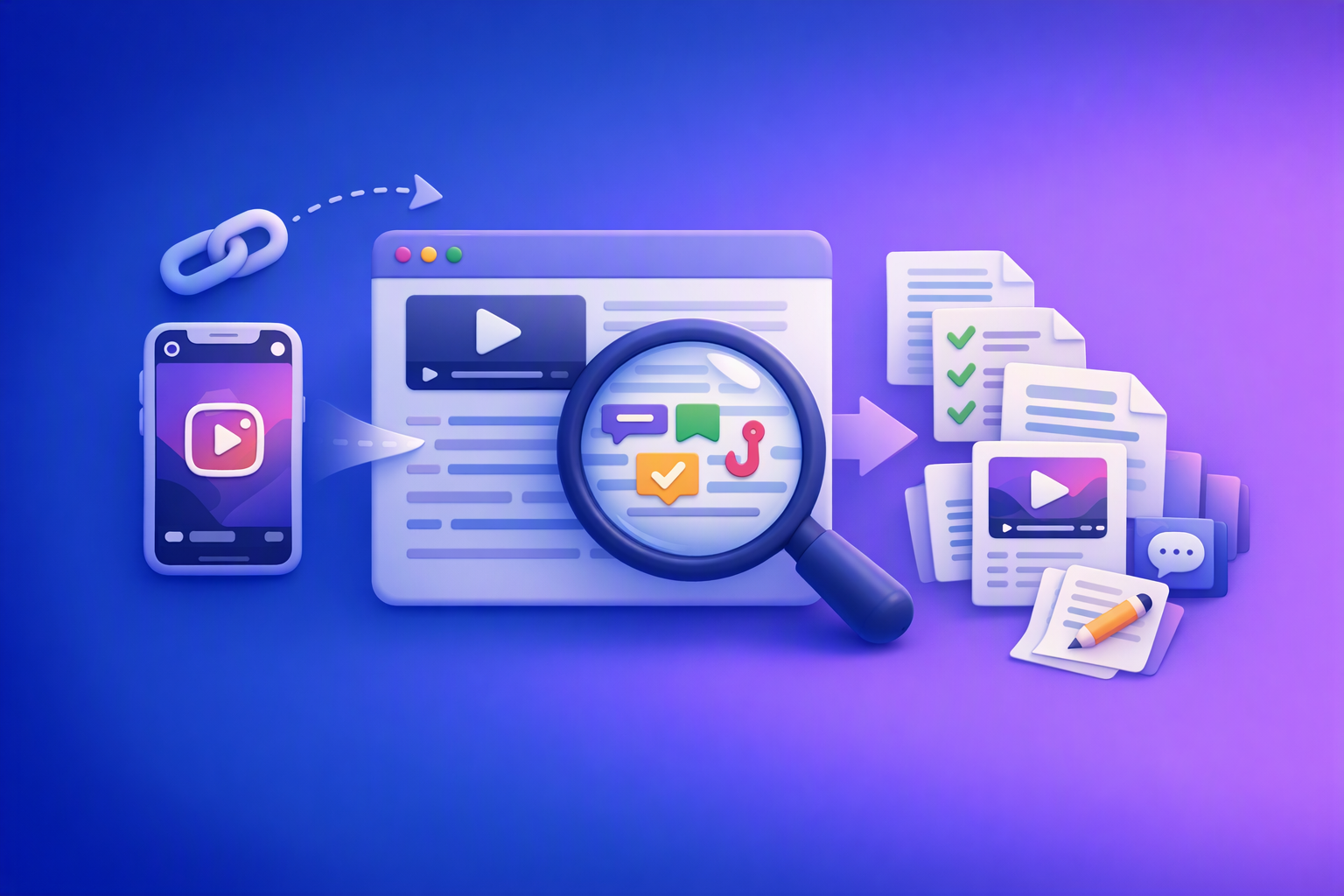
A 2026 reel analyser should turn Instagram Reel links into a searchable transcript library you can tag for hooks, CTAs, objections, and topic clusters—then export into repurposing-ready drafts without a download/upload loop.
Traducir video de Instagram (Reels) en 2026: workflow transcript-first para traducir, sacar hooks/CTAs y repurpose (con VideoToTextAI)
Video To Text AI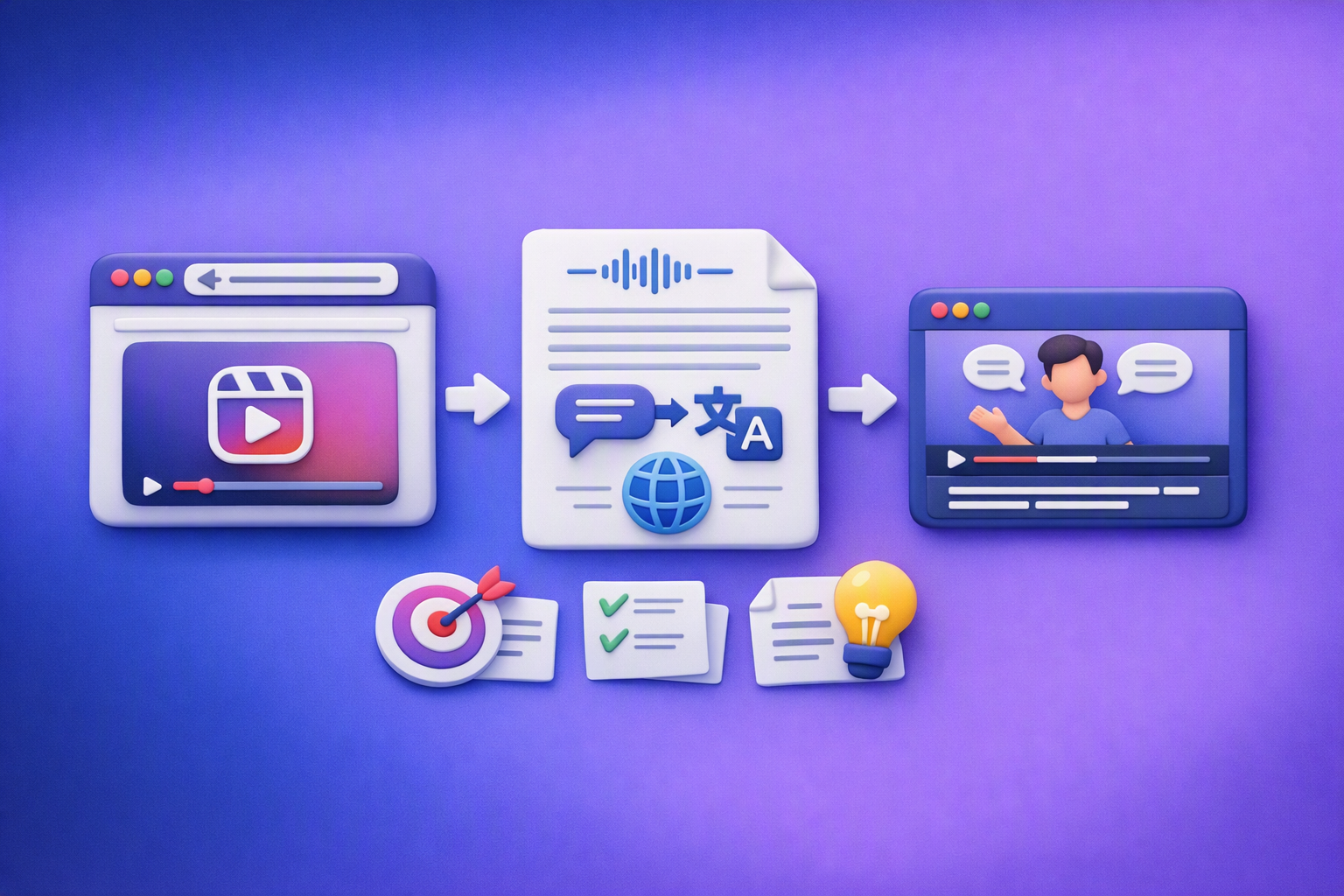
Aprende a traducir un Reel de Instagram con un flujo URL→transcripción→traducción→subtítulos, y a convertir esa traducción en un activo de investigación para hooks, CTAs, objeciones y clusters de contenido.