
Reel Analyser (Instagram Reels): Transcript‑First Competitor Research, Hook/CTA Extraction, and Repurposing Workflow (VideoToTextAI)
 Video To Text AI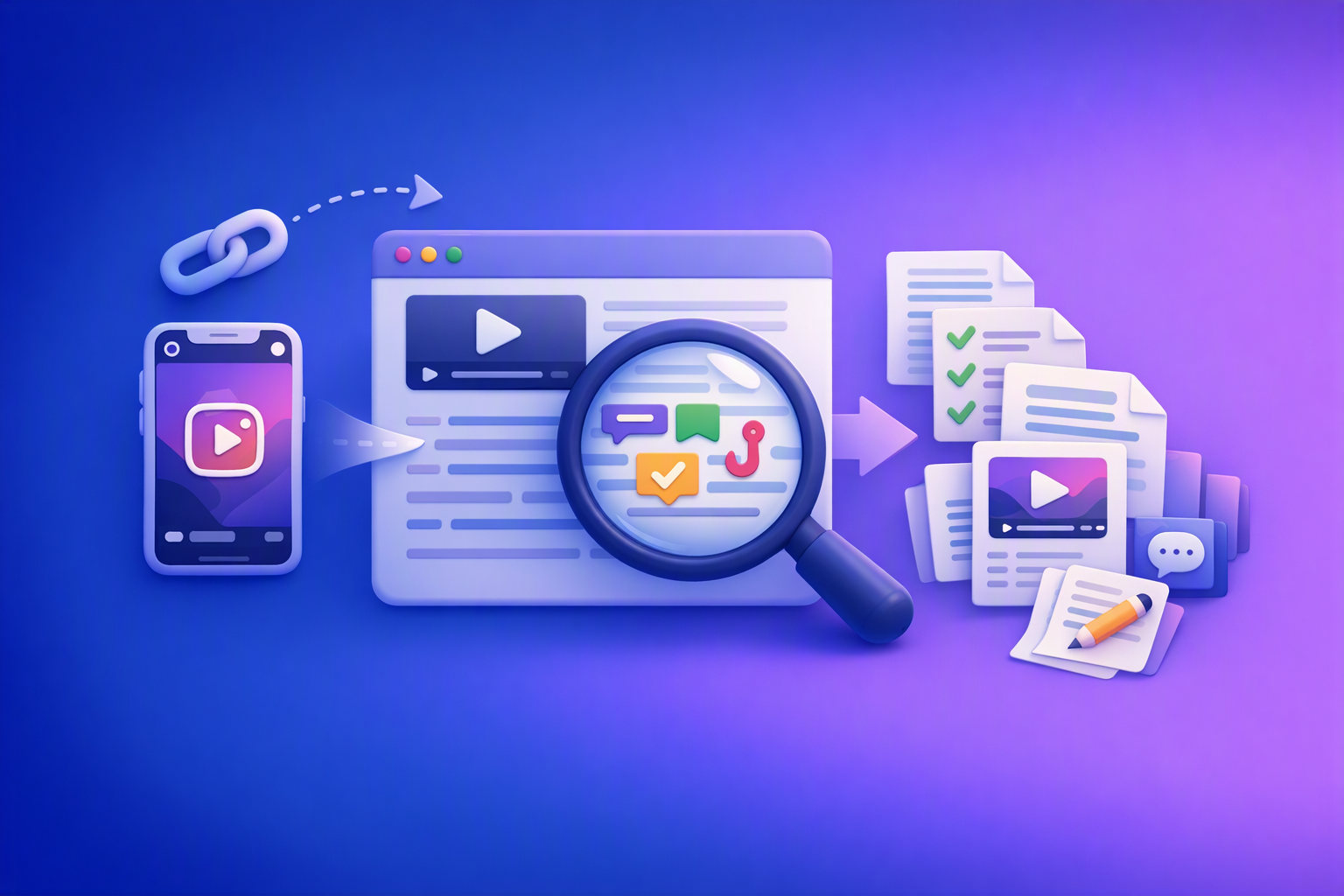
A modern reel analyser should start with a Reel URL and output a clean, timestamped transcript you can tag and search. Then it should help you extract hooks, CTAs, objections, and topic clusters so you can publish original, compliant content faster—without downloading video files.
Downloading and re-uploading videos is an outdated workflow in 2026. Link-based extraction is the future of creator productivity because it’s faster, easier to standardize, and easier to operationalize across a team.
What a “reel analyser” should do in 2026 (beyond views/likes)
Most “Reel analysis” tools focus on performance metrics (views, retention, skip rate). That’s useful—but it’s a different job than competitive messaging research.
Transcript-first vs analytics-first: two different jobs
Analytics-first answers: How did this Reel perform on my account?
Transcript-first answers: What did they say, how did they structure it, and what patterns repeat across accounts?
If your goal is ideation, positioning, and repurposing, transcript-first wins because it turns Reels into searchable research assets.
The 4 outputs you actually need from a reel analyser
A reel analyser that supports competitor research and repurposing should produce:
-
Searchable transcript (clean text + timestamps)
You need to find patterns across 30–50 Reels without rewatching them. -
Hook + CTA + objection tags (structured)
Not “summary”—labeled lines you can compare. -
Topic clusters (repeatable themes across accounts)
Themes become your Reels series, FAQ pages, and SEO pillars. -
Repurposing-ready exports (captions/subtitles + drafts)
Transcripts should feed drafts (blog, LinkedIn, captions) with your original angle.
When to use a reel analyser (use cases mapped to intent)
Competitor research (find patterns without rewatching 50 Reels)
Use a reel analyser when you want to answer questions like:
- What claims are competitors emphasizing?
- Which proof types show up most (testimonials, stats, “3 steps,” case stories)?
- Which offers are positioned as “low friction” (DM keyword, checklist, consult)?
Transcript-first analysis lets you scan instead of scrub.
Hook engineering (what the first 2–3 seconds say, not just what they show)
Visuals matter, but the spoken hook often carries the positioning:
- “If you’re injured and the insurance company already called you…”
- “Three mistakes that destroy your settlement…”
- “Stop doing this after a crash…”
A transcript-first reel analyser makes hooks extractable and scoreable.
CTA and objection mining (what they ask viewers to do + what they address)
Competitor Reels often reveal:
- CTA mechanics: DM vs comment keyword vs “link in bio”
- Friction reducers: “no obligation,” “free checklist,” “not legal advice”
- Objections: cost, eligibility, timeline, trust, risk
These become your funnel map and your content backlog.
Regulated niches (legal/finance/health): research + review workflow, not copy/paste
If you’re in a regulated niche (especially law firms and legal marketing agencies), treat competitor transcripts as:
- Messaging research
- Client-question discovery
- Topic clustering input
Do not treat them as scripts to reuse. Build a review gate for disclaimers, substantiation, and jurisdiction rules.
Transcript-first Reel analysis workflow (URL → research library)
Step 1 — Collect Reel URLs and define your research question
Start with 30–50 Reels per practice area (or per offer). Then define one research question per batch.
Examples:
- “Which hooks are used to open personal injury consultations?”
- “Which CTAs drive DMs vs link clicks?”
- “Which objections are repeated (price, time, eligibility, risk)?”
This prevents your library from becoming a random pile of transcripts.
Step 2 — Turn each Reel link into text with VideoToTextAI
Use link-based transcription tools (no download/upload loop):
Output requirements to enforce:
- Clean paragraphs (remove filler words only if meaning stays intact)
- Timestamps for key moments (hook, transition, CTA)
- Speaker labeling if multiple speakers (when available)
Step 3 — Normalize transcripts so they’re comparable
If you don’t normalize, you can’t compare hooks across creators.
Standard transcript formatting rules (copy/paste SOP)
- One sentence per line for the first 10 seconds
- Mark on-screen text separately from spoken audio (e.g.,
ON-SCREEN:) - Add a “claim type” label: educational / promotional / testimonial / story
This makes your dataset consistent enough to tag quickly.
Step 4 — Build a searchable “Reel transcript library”
You can do this in a spreadsheet, Notion, or Airtable. Keep it simple at first.
Minimal fields to store per Reel (spreadsheet/Notion/Airtable)
- URL
- Creator
- Date
- Niche / practice area
- Offer
- Hook text
- CTA text
- Objections addressed
- Proof type
- Length
- Notes
Tagging taxonomy (so analysis scales past 10 Reels)
Use a controlled vocabulary so you can filter and count patterns:
- Hook type: contrarian, question, shock stat, myth-bust, story, list, “if you…”
- CTA type: comment keyword, DM, link in bio, save/share, follow, consult/book
- Objection type: cost, time, eligibility, risk, trust, complexity, urgency
Hook extraction: how to score and rewrite hooks without copying
Step-by-step: identify the hook boundary (0:00–0:03 / 0:00–0:05)
For each Reel, isolate:
- The first spoken sentence
- Any on-screen headline
- The first promise (“here’s what you’ll learn”)
Store it as a single “Hook” field plus timestamp.
If you want to speed this up, use a dedicated hook workflow like the Instagram Reel Hook Extractor.
Hook scoring rubric (fast, repeatable)
Score each hook 1–5 on:
- Clarity (what is this about?)
- Specificity (who is it for?)
- Tension (what’s at stake?)
- Novelty (why now/why different?)
You’re not judging “creativity.” You’re measuring message performance potential.
Create an “original hook bank” from competitor transcripts (compliance-safe)
Your goal is to extract structures, not wording.
Rewrite rules (avoid competitor wording)
- Keep the structure, change the language and example
- Replace any unique phrasing, metaphors, or slogans
- Validate claims with your own sources before publishing
For legal marketing, also ensure hooks don’t imply outcomes or guarantee results.
CTA extraction: map CTAs to funnel stage and content type
Step-by-step: isolate the CTA line(s) and the “reason to act”
Capture:
- The exact CTA line
- The timestamp
- The “reason to act now” (incentive, urgency, fear, convenience)
Then map it to funnel stage:
- Top-of-funnel: save/share/follow
- Mid-funnel: comment keyword, download checklist
- Bottom-funnel: consult/book, intake form, call
CTA library template (what to capture)
- CTA text
- Placement timestamp
- Incentive (checklist, template, consult)
- Friction reducer (“no obligation,” “quick question,” “not legal advice”)
- Next step (DM, comment, link)
Turn CTAs into your own compliant variants (examples)
- “Comment ‘CHECKLIST’” → “Reply ‘GUIDE’ and we’ll send the resource”
- “DM me ‘case’” → “Message us for an intake checklist (not legal advice)”
In regulated niches, keep CTAs educational-first and route sensitive steps to compliant intake.
Objection mining: turn competitor scripts into a client-question database
Step-by-step: find objections explicitly answered vs implied
Look for lines that:
- Compare options (“You don’t have to…”)
- Reduce fear (“This won’t…”)
- Clarify eligibility (“If you were…”)
- Address cost/time (“It takes…” / “You pay…”)
Tag each objection and store the exact line + timestamp.
Build an “objection → content angle” map
Examples (legal marketing):
- Objection: “Do I qualify?” → Angle: eligibility checklist Reel + FAQ page
- Objection: “Is it worth it?” → Angle: expectations, timelines, and process overview
- Objection: “Will this hurt my case?” → Angle: “what not to do” series + disclaimer
This is how competitor scripts become your client education roadmap.
Topic clustering: convert transcripts into an SEO + Reels content map
Step-by-step: cluster by recurring phrases and questions
Once you have 30–50 transcripts, cluster by:
- repeated questions (“Should I…”, “Can I…”, “What happens if…”)
- repeated entities (insurance adjuster, statute of limitations, medical records)
- repeated promises (“3 mistakes,” “what to do next,” “avoid this”)
Cluster outputs to generate
For each practice area, produce:
- 5 pillar topics
- 3–7 subtopics per pillar
- “Proof assets” needed (case studies, citations, disclaimers)
Turn clusters into a publishing plan (Reels + blog + LinkedIn)
Use transcript-to-draft workflows to speed up first drafts (then rewrite with original examples and verified claims):
Repurposing (without turning research into plagiarism)
What you can repurpose safely
- Your own commentary, frameworks, checklists, and examples
- Re-shot scripts using original wording and original claims
- “Same topic, new angle” content based on your client experience
What not to reuse (especially in regulated niches)
- Competitor exact phrasing
- Unique story beats or personal narratives
- Slogans, catchphrases, or distinctive metaphors
- Legal claims that imply outcomes or can’t be substantiated
Export-ready assets to produce from each Reel
From each Reel, aim to produce:
- Transcript (TXT/Doc)
- Subtitles (SRT/VTT) when needed for editing workflows
- A “research brief” (hook + CTA + objections + angle)
Legal marketing workflow (law firms + legal agencies): compliant Reel transcript research SOP
Operating steps for a legal team (roles + handoffs)
Researcher
- Collect 30–50 competitor/peer Reels by practice area
- Transcribe via URL and tag hooks/CTAs/objections
- Maintain a clean library with consistent formatting
Strategist
- Convert tags into a messaging matrix (practice area × objection × CTA)
- Approve topic clusters and content angles
- Assign content briefs with disclaimers and proof requirements
Attorney/reviewer (compliance gate)
- Review for jurisdiction rules, disclaimers, and claim substantiation
- Confirm “educational, not legal advice” language where required
- Approve final scripts and captions before publishing
Risk/compliance caveats (must include in the workflow)
- Do not imply outcomes; avoid unverifiable “results” claims
- Avoid copy-paste reuse of competitor wording
- Maintain review logs for regulated content approvals
Step-by-step implementation (30–60 minutes to first usable output)
10-minute setup
- Create a spreadsheet with required fields: URL, hook, CTA, objections, tags
- Define one research question for the batch
20-minute batch (5 Reels)
- Transcribe 5 URLs
- Tag hook/CTA/objections using the taxonomy above
- Add timestamps for hook and CTA
15-minute synthesis
- Identify top 3 hook patterns + top 3 objections
- Draft 5 original angles + 5 original hooks (new wording, new examples)
Checklist: Reel analyser deliverables (copy/paste)
- Reel URLs collected with a defined research question
- Transcripts generated from links (clean + timestamped)
- Hooks extracted and scored
- CTAs extracted and mapped to funnel stage
- Objections tagged and converted into Q&A prompts
- Topic clusters created (pillars + subtopics)
- Repurposing outputs drafted (original wording, verified claims)
- Compliance/review step completed (regulated niches)
VideoToTextAI vs Competitors
A fair comparison starts with workflow fit, not feature checklists. If your goal is transcript-first competitor research and repurposing, prioritize: URL → transcript speed, exportability, and SOP repeatability.
Workflow-based comparison table
| Criteria | VideoToTextAI | Retensis Com | Free Video Analyzer | Reviews · Instagram Reel Analyzer |
|---|---|---|---|---|
| Link-based input (avoid download/upload loop) | Yes (Instagram link → transcript tools) | Not a strong public signal for link-based workflow (upload/library oriented) | Yes (link-based “instant insights” positioning) | Not a strong public signal for paste-a-link UX (developer platform context) |
| Transcript quality for analysis (clean text + timestamps + exportability) | Designed for transcript-first workflows; supports timestamped outputs for analysis | Focus appears analytics-first (retention/skip-rate style) rather than transcript-first | Provides transcripts and summaries (lightweight) | Supports transcription (Whisper optional) in a scraping/API context |
| Repurposing workflow (transcript → drafts) | Yes: Reel → blog/LinkedIn/post converters | Limited public positioning around repurposing | Limited public positioning around repurposing | Limited public positioning around repurposing |
| Best fit | Competitor research + hook/CTA/objection mining + repurposing | Performance analysis on your own posted content (analytics-first) | Quick “instant insights” checks when you don’t need a full workflow | Developer/API scraping pipelines and automation-heavy extraction |
Where VideoToTextAI fits best
VideoToTextAI fits best when you want:
- Link-based Instagram Reel transcription (no downloading files)
- A transcript-first research library you can tag for hooks/CTAs/objections
- Repurposing outputs (drafts for blog/LinkedIn/captions) built from transcripts
- A workflow your team can repeat weekly with a clear SOP
If you want to standardize this across a content team, start with the core transcription tools and build your tagging library around them. For the platform overview, use the single CTA here: VideoToTextAI.
Fair notes on where competitors may fit better (narrower jobs)
- Retensis Com: may fit better if your primary need is retention/skip-rate style performance analysis on your own posted content (analytics-first).
- Free Video Analyzer: may fit better for quick, lightweight “instant insights” checks when you don’t need a repurposing workflow.
- Reviews · Instagram Reel Analyzer: may fit better for developer/API scraping pipelines and automation-heavy data extraction.
Competitor Gap
Top-ranking pages/tools often under-deliver for Instagram competitor research because:
-
They treat transcripts as summaries, not reusable research assets.
This guide adds tagging + clustering + SOPs so your library stays usable. -
They don’t provide a repeatable hook/CTA/objection extraction framework.
This guide adds rubrics, templates, and scoring. -
They rarely cover regulated-niche compliance and review gates.
This guide adds a legal marketing workflow with review roles and caveats. -
They mention “analysis” but skip repurposing outputs and exports.
This guide connects transcript-first research to blog/LinkedIn publishing.
FAQ
What is a reel analyser?
A reel analyser is a tool and workflow that helps you break down Instagram Reels into components you can study—especially what’s said (hook, claims, CTA, objections) and how themes repeat across accounts.
Is there a free reel analyser online?
Some tools offer free tiers or limited free analyses (varies by provider). For serious competitor research, prioritize whether the tool supports link-based transcription, exportable transcripts, and a workflow you can repeat weekly.
How do I analyze an Instagram Reel without downloading it?
Use a link-based workflow:
- Collect Reel URLs
- Generate transcripts from the links
- Tag hooks/CTAs/objections
- Cluster topics and draft original angles
This avoids the outdated download/upload loop and keeps your research searchable.
What should I look for when analyzing competitor Reels (without copying)?
Focus on structures and patterns, not wording:
- Hook type and promise
- CTA type and funnel stage
- Objections addressed and proof used
- Recurring topics and questions
Then rewrite using your own examples, your own claims, and your own compliance standards.
Can law firms use Reel transcripts for content research safely?
Yes—if you implement a review gate and avoid copying. Use transcripts to identify client questions and messaging patterns, then publish original educational content with appropriate disclaimers and attorney review where required.
Internal Link Plan
- Reel Analyzer: Transcript‑First Instagram Reels Research (Hooks, CTAs, Objections) + Workflow Guide (VideoToTextAI)
- Instagram Reel Competitor Research: How to Find Hooks, Angles, and Content Ideas From Transcripts
- Instagram Reels Content Ideas From Competitor Transcripts (Transcript-First Workflow with VideoToTextAI)
- Repurpose Instagram Reels Into Blog Post Ideas: Transcript-First Workflow (Hooks, CTAs, Objections) with VideoToTextAI
- Legal Marketing Agency Instagram Reel Competitor Research: Transcript‑First Workflow (Hooks, CTAs, Objections) with VideoToTextAI
- Law Firms Transcribing Instagram Reels for Content Ideas: Transcript-First Research Workflow (VideoToTextAI)
- How to Get Started with VideoToTextAI: Complete Onboarding Guide
Related posts
Traducir video de Instagram (Reels) en 2026: workflow transcript-first para traducir, sacar hooks/CTAs y repurpose (con VideoToTextAI)
Video To Text AI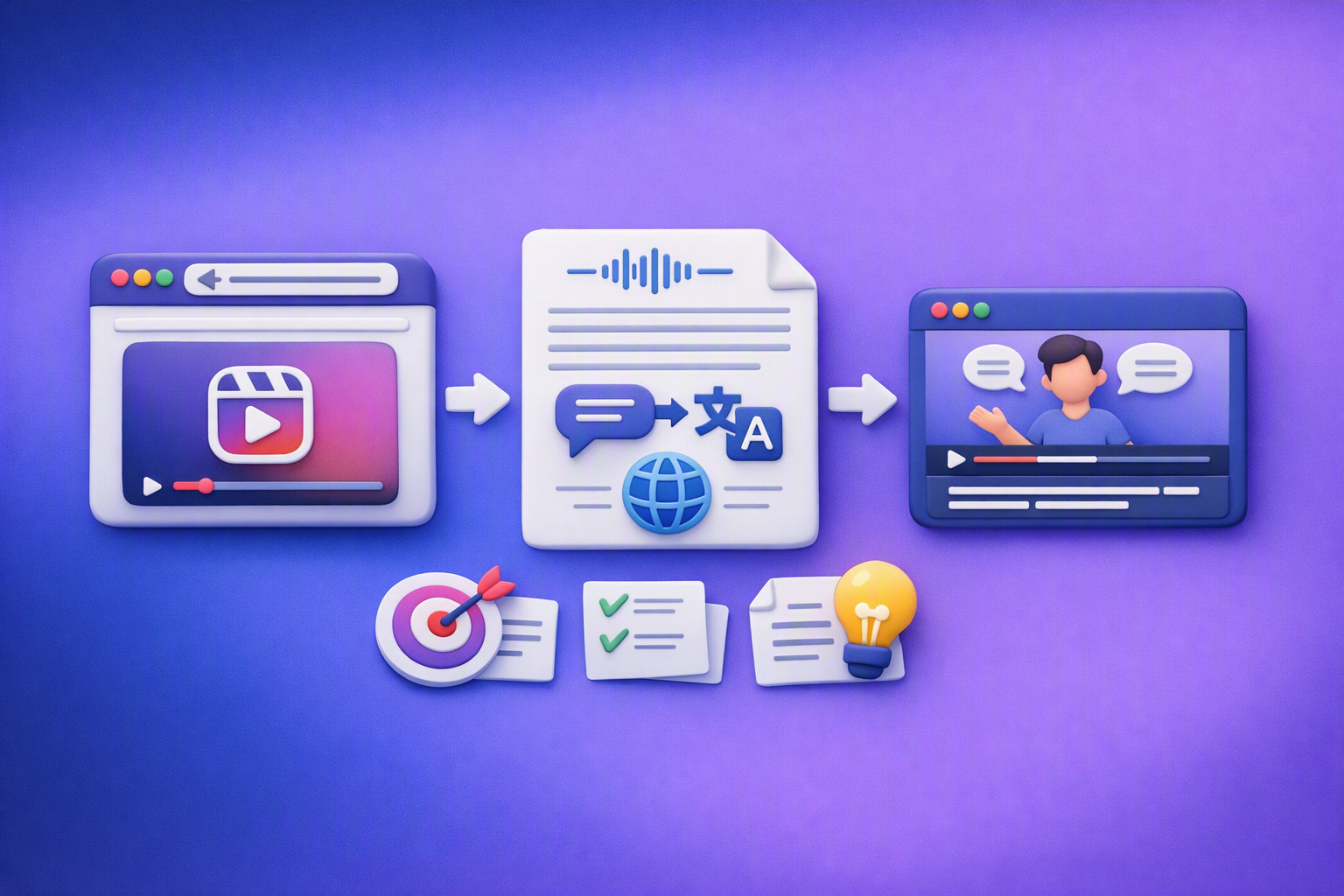
Aprende a traducir un Reel de Instagram con un flujo URL→transcripción→traducción→subtítulos, y a convertir esa traducción en un activo de investigación para hooks, CTAs, objeciones y clusters de contenido.
Reel Analyzer: Transcript‑First Instagram Reels Research (Hooks, CTAs, Objections) + Workflow Guide (VideoToTextAI)
Video To Text AI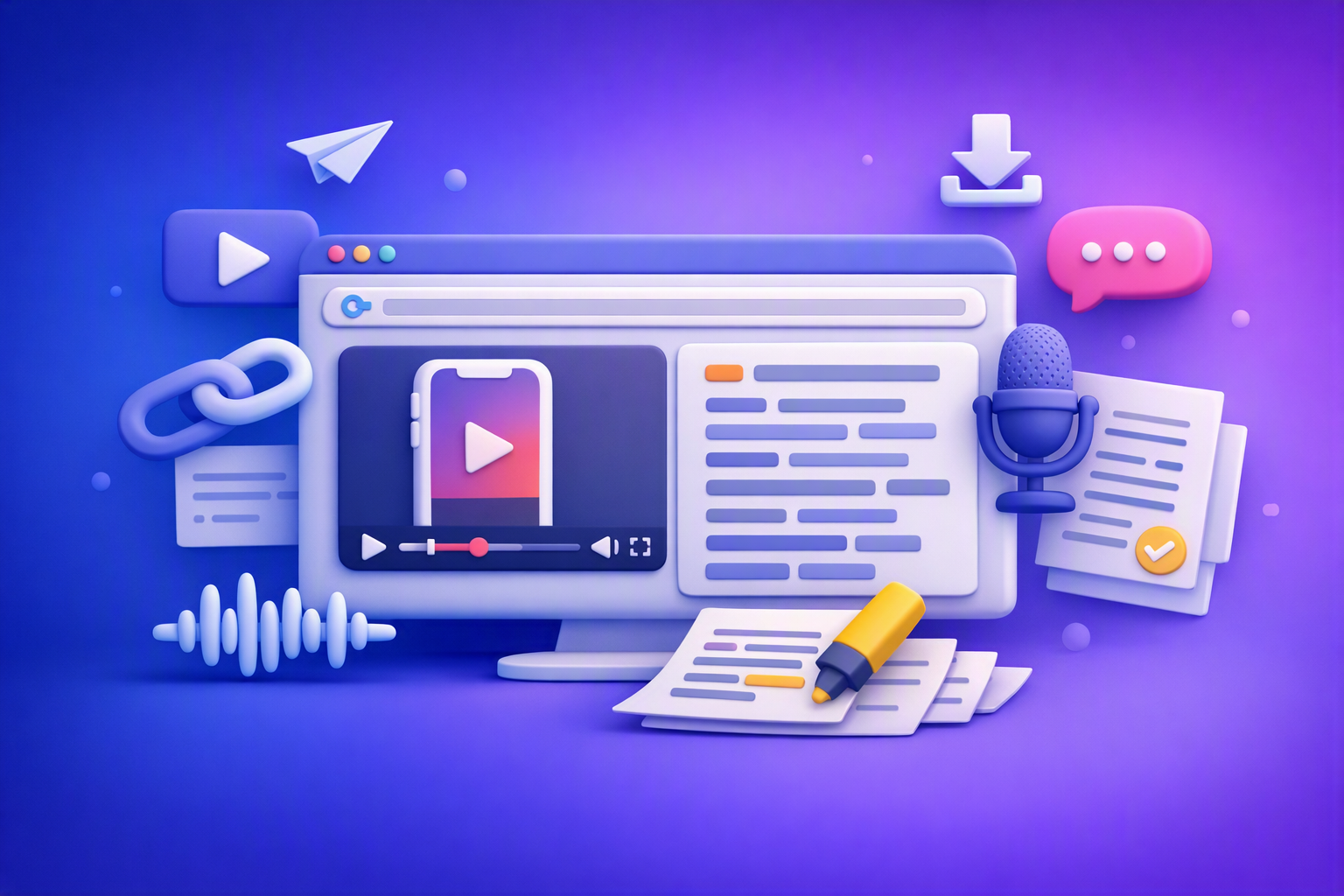
A reel analyzer should turn any public Instagram Reel link into a searchable transcript library you can mine for hooks, CTAs, objections, and topic clusters—then repurpose into original drafts with a repeatable SOP.
How to Get Started with VideoToTextAI: Complete Onboarding Guide
Video To Text AI
Create your VideoToTextAI account, complete onboarding, transcribe your first file or social link, then edit, translate, and export the result.