
Can ChatGPT Upload Video in 2026? What’s Actually Possible (and the Reliable Link → Transcript Workflow)
 Video To Text AI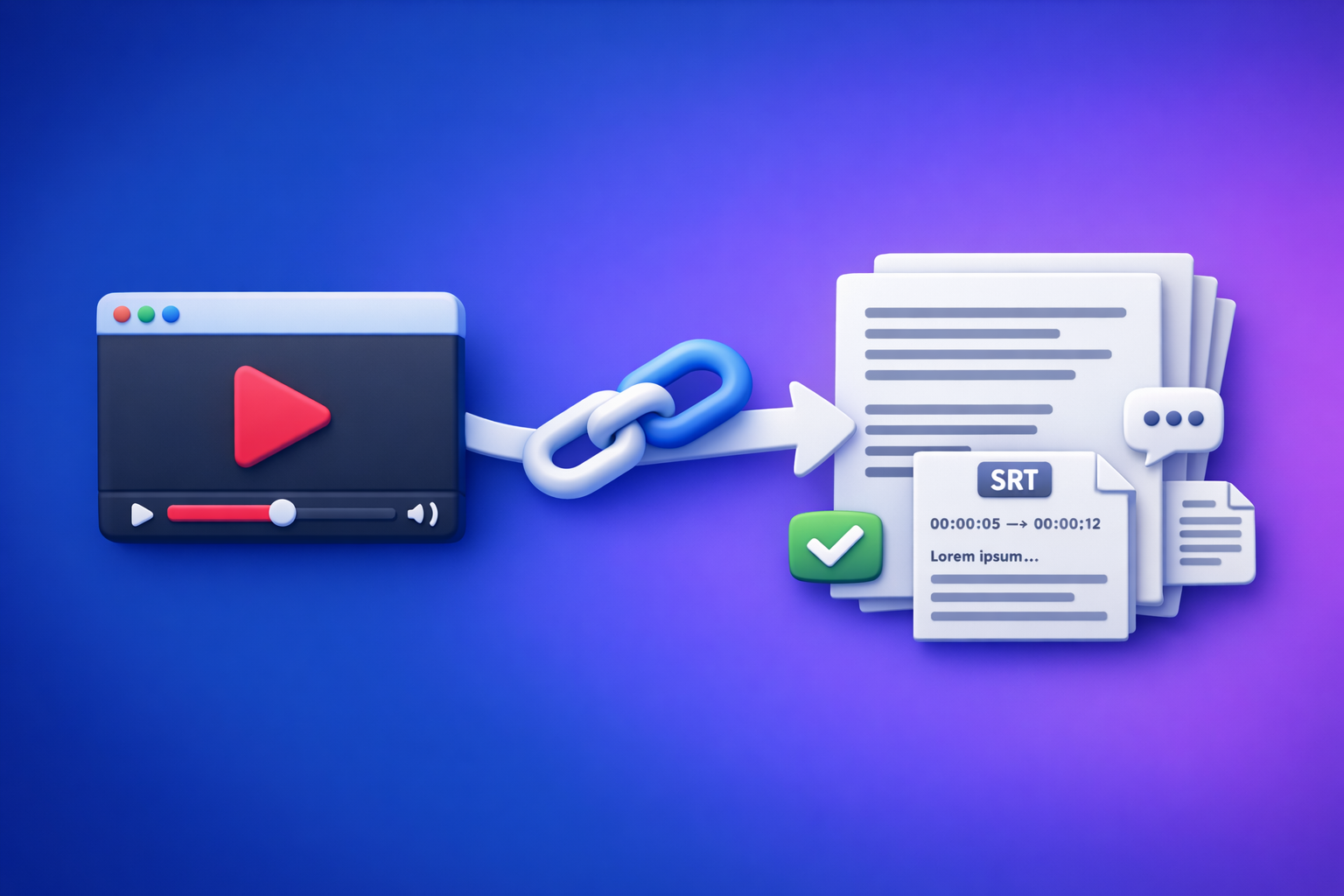
Can ChatGPT Upload Video in 2026? What’s Actually Possible (and the Reliable Link → Transcript Workflow)
If you want consistent results, don’t try to “upload a video to ChatGPT” and hope it understands everything. Convert the video to export-ready text (TXT/SRT/VTT) first, then use ChatGPT on the transcript.
Quick Answer (What to Expect Before You Try)
Can ChatGPT upload video?
Sometimes, yes—but it depends on:
- Your plan and feature access
- The interface (web vs mobile vs API)
- File size/length and supported formats
- Whether the system can actually process the content you attached
Even when an upload button exists, it doesn’t guarantee reliable, full-video analysis.
Can ChatGPT “watch” a full video end-to-end?
For most real-world creator workflows (10–120 minutes), not reliably.
Common outcomes:
- It processes only a portion
- It fails silently or times out
- It can’t access the audio track properly
- It can’t “see” the video the way you expect
What works reliably today: transcript-first (link/MP4 → TXT/SRT/VTT → ChatGPT)
The dependable workflow in 2026 is:
- Extract transcript/subtitles from a video link (preferred) or MP4 (fallback)
- Export TXT + SRT/VTT
- Paste the transcript into ChatGPT for:
- Summaries
- Chapters
- Blog posts
- Captions
- SOPs/checklists
If you want the full breakdown of what’s possible vs what’s marketing hype, see: Can ChatGPT Take Video as Input? What’s Actually Possible in 2026 + The Fast Transcript-First Workflow (VideoToTextAI)
What “Upload Video to ChatGPT” Usually Means (3 Different Use Cases)
1) Uploading a video file (MP4/MOV) for analysis
This is what people think they want: “Here’s my MP4—summarize it.”
Reality:
- Upload may be available, but processing is inconsistent
- Long videos often fail due to limits
- Results vary by device and account
2) Pasting a video link (YouTube/Instagram/TikTok) and asking ChatGPT to summarize
This is what people try next: “Here’s the link—watch it.”
Reality:
- Many links are not accessible (login walls, geo restrictions, private posts)
- Even public links may not be fetchable in your environment
- “Summaries” can become guesses if the model can’t retrieve the content
If your goal is specifically Instagram, this is the practical route: IG Transcript: How to Get an Instagram Reel Transcript From a Link (Fast + Exportable)
3) Extracting text outputs (transcript, captions, subtitles) you can export and publish
This is the workflow that actually scales:
- TXT for editing, SEO, documentation, repurposing
- SRT/VTT for YouTube, web players, accessibility, localization
- Clean text input for ChatGPT (fast, cheap, auditable)
Why Video Upload/Video Understanding Feels Inconsistent
Plan + interface differences (web vs mobile vs API)
Capabilities can differ across:
- ChatGPT web app vs mobile app
- Different subscription tiers
- API vs consumer UI
So “it worked yesterday” doesn’t mean it will work today.
File-type and size limits (and why long videos fail)
Video files are heavy:
- Large uploads hit size limits
- Long duration hits processing limits
- High bitrate/4K increases failure rates
For productivity, downloading and shuffling giant files is an outdated workflow. Link-based extraction is the future because it removes file-handling friction and keeps work tied to the source URL.
“I uploaded it” vs “the model can process it” (common mismatch)
A UI can accept an attachment while the backend:
- Can’t decode the container/codec
- Can’t process the full duration
- Only extracts partial audio
- Drops frames or segments
That mismatch is why results feel random.
Privacy/permissions: why many links can’t be accessed
Even if you can open a link, automated systems may not:
- Private/unlisted videos
- Platform login required
- Geo-restricted content
- Age-gated content
- Expiring URLs
Transcript-first workflows avoid “access roulette” by producing a portable text artifact you can use anywhere.
What Actually Works in 2026: The Transcript-First Workflow (VideoToTextAI)
When to use this workflow (summaries, captions, SEO posts, SOPs, repurposing)
Use transcript-first when you need repeatable outputs:
- Executive summaries and key takeaways
- Captions/subtitles for accessibility and retention
- SEO blog posts and knowledge base articles
- SOPs, checklists, training docs
- Multi-platform repurposing (LinkedIn/X/newsletter)
Outputs you should generate first (TXT transcript, SRT, VTT)
Generate these before you open ChatGPT:
- TXT transcript (paragraphs + speaker labels if needed)
- SRT (timed subtitles for most platforms)
- VTT (web players and some publishing stacks)
Why link-based extraction beats “upload and hope”
Brand POV (and the reality for creators): downloading video files is a legacy habit from old editing workflows. In 2026, creator productivity is link-native.
Link-based extraction wins because:
- No file wrangling, re-uploads, or version confusion
- Faster iteration (swap links, regenerate outputs)
- Easier collaboration (share a URL + exported text)
- More reliable downstream use in ChatGPT (text is deterministic)
If you want the full “what works” breakdown, also see: Can I Upload Video to ChatGPT? What’s Actually Possible (and the Fastest Workaround)
Step-by-Step: Video Link/MP4 → Export-Ready Transcript/Subtitles → ChatGPT
Step 1 — Choose your input type (public link vs MP4 upload)
Decision rules:
- YouTube: use the public link whenever possible (fastest, most repeatable)
- Instagram Reels/TikTok: use the post link when supported; expect permissions issues on private content
- Local file: use MP4 upload only when you must (e.g., internal recordings, client files)
What to prepare (do this once, save time forever):
- Cleanest available audio track (avoid music-over-voice when possible)
- Correct language
- Approximate speaker count (1 vs multiple)
- Target output formats: TXT + SRT/VTT
Step 2 — Generate transcript/subtitles in VideoToTextAI
Use cases by tool page:
- MP4 transcription and exports:
/tools/mp4-to-transcript/tools/mp4-to-srt/tools/mp4-to-vtt
- Instagram/Reel extraction:
/tools/instagram-to-text
Export requirements (don’t skip these):
- Transcript formatting:
- Paragraph breaks every 2–4 sentences
- Optional speaker labels for interviews/podcasts
- Subtitle formatting:
- Preserve timing integrity
- Avoid over-long lines (readability on mobile)
One-time setup tip: maintain a small glossary of brand/product names so you can quickly QA and correct recurring terms.
If you want a deeper product overview and workflow examples, read: Video2Text AI: Convert Any Video Link into Transcripts, SRT/VTT Subtitles, and Repurposed Content (VideoToTextAI)
Step 3 — Quality-check the transcript before using ChatGPT
Do a fast QA pass (2–5 minutes). You’re preventing “confidently wrong” repurposed content.
Check:
- Names/brands/terms (proper nouns, product names)
- Numbers (prices, dates, metrics, steps)
- URLs and handles
- Speaker turns (who said what)
- Missing sections or repeated lines (common in noisy audio)
If you find issues, fix the transcript first—then prompt ChatGPT.
Step 4 — Use ChatGPT on the transcript (not the raw video)
Paste the transcript (or the relevant section) and specify the output format you want.
Prompts for common outcomes
1) Summary (executive + bullet takeaways)
You are an editor. Summarize the transcript below in 120 words, then list 7 bullet takeaways. Only use details present in the transcript. Transcript: [paste]
2) Chapters/timestamps (based on transcript cues)
Create YouTube chapters from this transcript. Use mm:ss format. Each chapter title must be 3–6 words and reflect what’s actually discussed. Transcript: [paste]
3) YouTube description + title ideas
Write a YouTube description (150–200 words) and 10 title options. Include 5 SEO keywords implied by the transcript. Avoid adding claims not stated. Transcript: [paste]
4) Blog post outline + draft
Turn this transcript into a blog post for [audience]. Provide: H2/H3 outline, then a 900–1200 word draft. Keep it factual and cite only what’s in the transcript. Transcript: [paste]
5) Short-form captions (hook → value → CTA)
Create 12 short captions for Reels/TikTok based on the transcript. Format each as: Hook (max 12 words) + Value (1–2 lines) + CTA (5 words). Transcript: [paste]
6) SOP/checklist extraction
Extract an SOP from this transcript. Output: Purpose, prerequisites, step-by-step checklist, and common mistakes. Use only transcript content. Transcript: [paste]
For more on the core question and the practical workaround, see: Can ChatGPT Upload Video? What Actually Works in 2026 (and the Reliable Link → Transcript Workflow)
Step 5 — Publish/export deliverables
Where each format goes:
- TXT → blog drafts, notes, documentation, internal wikis
- SRT/VTT → YouTube uploads, web players, accessibility compliance
- Repurposed drafts → LinkedIn/X/newsletter scripts
If you want repurposing shortcuts, use:
/tools/youtube-to-blog/tools/reel-to-post-converter
When you’re ready to run link-based video-to-text end-to-end, use VideoToTextAI: VideoToTextAI
Troubleshooting: When ChatGPT or Video Upload Attempts Fail
“Why can’t I upload videos to ChatGPT anymore?”
Likely causes:
- Feature rollouts and UI experiments
- File limits changed
- Account restrictions or policy enforcement
- Device/app version differences
Workaround:
- Generate TXT/SRT/VTT first
- Paste the transcript into ChatGPT
- Ask for outputs with “use only transcript details” constraints
“ChatGPT can’t access my link”
Common reasons:
- Private/unlisted content
- Login wall (Instagram, some news sites, course platforms)
- Geo restrictions
- Expired URLs
Fix:
- Use a tool that produces an exportable transcript from the source you control
- If permitted, obtain an MP4 and transcribe it (fallback only—link-first is the scalable path)
“The transcript is inaccurate”
Root causes:
- Low audio quality
- Overlapping speakers
- Heavy music/noise
- Wrong language detection
- Long videos with inconsistent audio
Fixes:
- Start from better source audio (or isolate vocals)
- Split long videos into parts
- Re-run with the correct language
- Maintain a term list (names/brands/technical terms) and correct them before repurposing
Checklist: Reliable Video → Text Workflow (Copy/Paste SOP)
Inputs checklist
- Video link or MP4 ready (prefer link)
- Target language confirmed
- Desired outputs selected: TXT + SRT/VTT
- Glossary list ready (names/brands/technical terms)
Processing checklist
- Generate transcript
- Export SRT/VTT (if publishing subtitles)
- QA pass:
- Names/brands/terms
- Numbers/dates
- URLs/handles
- Missing sections / repeats
- Fix obvious errors before repurposing
Repurposing checklist (ChatGPT)
- Provide: transcript + goal + audience + length constraints
- Ask for: summary, chapters, hooks, post drafts, CTA variants
- Validate every claim against the transcript (prevent hallucinated details)
Competitor Gap
What top-ranking pages miss (and what this post includes)
Most pages ranking for “can chat gpt upload video” stop at “yes/no” and ignore execution. This post includes what creators and teams actually need:
- A repeatable decision tree (link vs MP4 vs “don’t use ChatGPT for this”)
- A full implementation workflow that produces export-ready TXT/SRT/VTT (not just opinions)
- QA + troubleshooting tied to real failure modes (permissions, limits, long videos)
- Copy/paste SOP checklist + prompt pack so you can ship outputs today
FAQ
Can I upload a video to ChatGPT?
Sometimes, depending on your plan and interface. For reliable results, convert the video to TXT/SRT/VTT first and use ChatGPT on the transcript.
Why can't I upload videos to ChatGPT anymore?
Uploads can disappear due to rollouts, UI changes, limits, or account restrictions. The stable workaround is transcript-first: extract text, then paste it into ChatGPT.
Can ChatGPT watch videos you upload?
Not consistently for full-length videos. Long duration, size limits, and processing constraints make end-to-end “watching” unreliable; transcript-first is dependable.
Do ChatGPT do videos (like editing or generating video files)?
ChatGPT can help with scripts, shot lists, captions, titles, and edits in text form, but it’s not a reliable video editor or full video-processing pipeline by itself. Use it as the “brain” on top of transcript/subtitle outputs.
Internal Link Plan
- Can ChatGPT Upload Video? What Actually Works in 2026 (and the Reliable Link → Transcript Workflow)
- Can I Upload Video to ChatGPT? What’s Actually Possible (and the Fastest Workaround)
- Can ChatGPT Take Video as Input? What’s Actually Possible in 2026 + The Fast Transcript-First Workflow (VideoToTextAI)
- Video2Text AI: Convert Any Video Link into Transcripts, SRT/VTT Subtitles, and Repurposed Content (VideoToTextAI)
- IG Transcript: How to Get an Instagram Reel Transcript From a Link (Fast + Exportable)
- videototext.io vs VideoToTextAI: Link-Based Video-to-Text Workflows for Transcripts, Subtitles, Captions, and Repurposing (2026)
Related posts
Reel Analyser (Instagram Reels): Transcript‑First Competitor Research, Hook/CTA Extraction, and Repurposing Workflow (VideoToTextAI)
Video To Text AI
A 2026 reel analyser should turn Instagram Reel links into a searchable transcript library you can tag for hooks, CTAs, objections, and topic clusters—then export into repurposing-ready drafts without a download/upload loop.
Traducir video de Instagram (Reels) en 2026: workflow transcript-first para traducir, sacar hooks/CTAs y repurpose (con VideoToTextAI)
Video To Text AI
Aprende a traducir un Reel de Instagram con un flujo URL→transcripción→traducción→subtítulos, y a convertir esa traducción en un activo de investigación para hooks, CTAs, objeciones y clusters de contenido.
Reel Analyzer: Transcript‑First Instagram Reels Research (Hooks, CTAs, Objections) + Workflow Guide (VideoToTextAI)
Video To Text AI
A reel analyzer should turn any public Instagram Reel link into a searchable transcript library you can mine for hooks, CTAs, objections, and topic clusters—then repurpose into original drafts with a repeatable SOP.