
Can ChatGPT Upload Video? What Actually Works in 2026 (and the Reliable Link → Transcript Workflow)
 Video To Text AI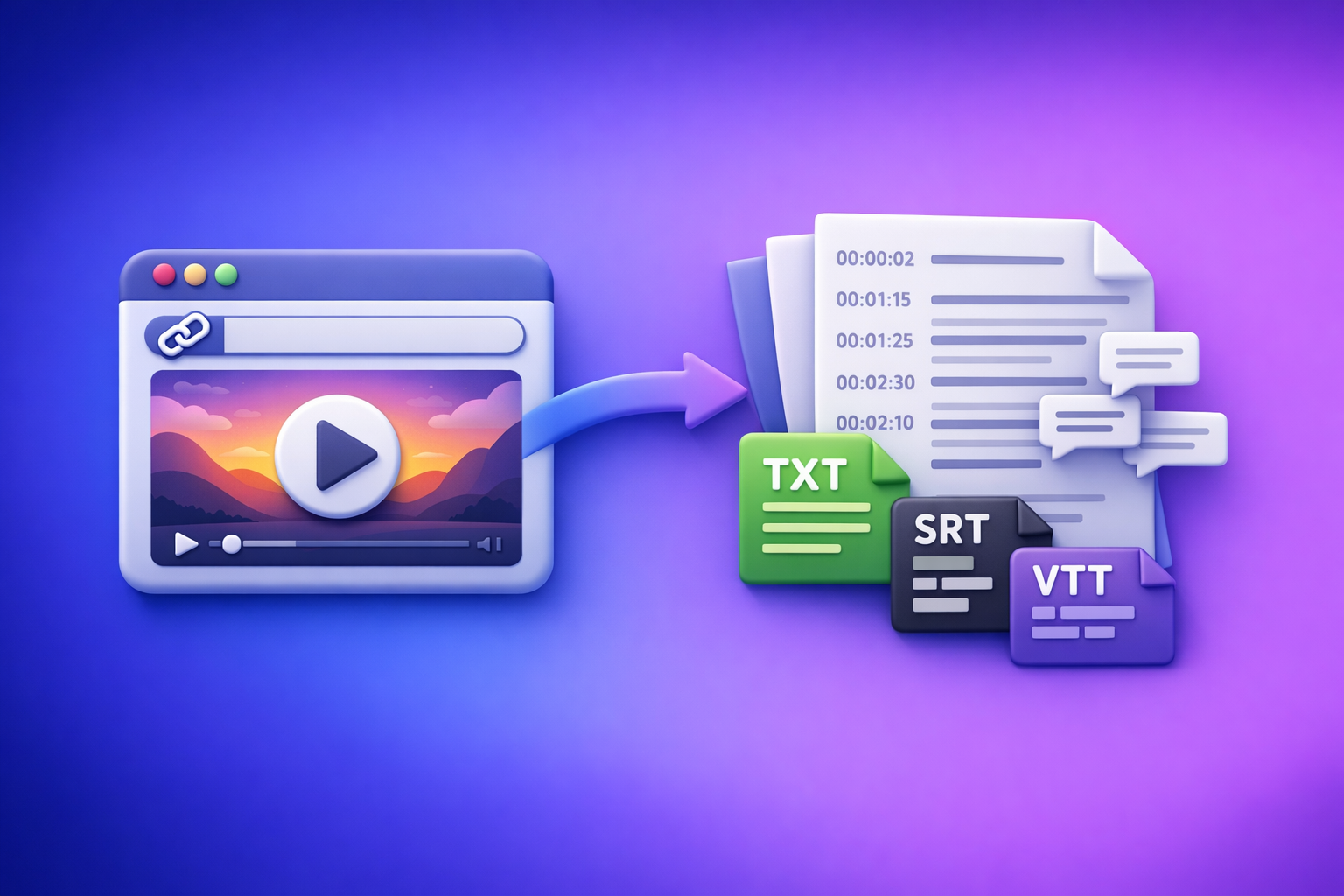
Can ChatGPT Upload Video? What Actually Works in 2026 (and the Reliable Link → Transcript Workflow)
ChatGPT is not a dependable “upload a video and it watches it” tool in 2026. The reliable path is video link or MP4 → transcript/subtitles (TXT/SRT/VTT) → ChatGPT for the writing tasks you actually need.
If you’re trying to repurpose content fast, downloading and shuffling video files is an outdated workflow. Link-based extraction is the future of creator productivity because it’s faster, more repeatable, and easier to QA.
Quick Answer: Can ChatGPT Upload Video?
What “upload video” can mean (file upload vs link vs frames)
People mean three different things when they ask “can chat gpt upload video”:
- File upload: you drag/drop an MP4/MOV into ChatGPT.
- Link analysis: you paste a YouTube/Instagram link and expect ChatGPT to “watch” it.
- Frames-only interpretation: the system extracts limited frames or short segments and guesses context.
Those are not equivalent. Only transcript-first gives you consistent, exportable outputs.
What ChatGPT can and can’t do reliably in 2026
What tends to work:
- Working with text: summaries, rewrites, outlines, chapters, hooks, CTAs.
- Improving a transcript: fixing punctuation, formatting, clarity, and structure.
- Repurposing: turning a transcript into blog posts, threads, emails, show notes.
What is not reliable:
- End-to-end video comprehension from an upload (especially long videos).
- Consistent link access to YouTube/IG (permissions, region locks, logins).
- Export-ready subtitles (SRT/VTT timing, line length, readability standards).
The practical takeaway for creators and teams (transcript-first wins)
Treat ChatGPT as the post-processing brain, not the ingestion layer.
The winning workflow is:
- Extract text from the video first (transcript + captions).
- Then use ChatGPT for editing + packaging.
For a deeper version of this approach, see: Can ChatGPT Transcribe Videos? What Actually Works in 2026 (Plus a Reliable Link → Transcript Workflow)
Why Video Uploads to ChatGPT Fail (Even When You “Have the Feature”)
Plan/UI differences (web vs mobile, account vs workspace)
Video upload availability can vary by:
- Web vs iOS vs Android UI
- Personal account vs workspace controls
- Admin policies (uploads disabled, data controls)
- Feature rollouts/experiments (buttons appear/disappear)
So “it works for my friend” is not a usable production plan.
File limits and format issues (size, codec, container)
Even when upload is available, failures often come from:
- File size limits (long videos, high bitrate)
- Codec issues (H.265/HEVC vs H.264 compatibility)
- Container quirks (MOV vs MP4 edge cases)
- Variable frame rate recordings (common on phones)
These are the exact reasons file-based workflows slow teams down. Link-based extraction avoids most of this friction.
“Upload succeeded” but analysis is shallow (no full watch-through)
A common failure mode is “upload succeeded” but the output looks like:
- It only understood the first minute
- It inferred content from metadata
- It responded based on a few frames rather than the full narrative
If you need reliable summaries, chapters, or quotes, you need the full transcript.
Links aren’t the same as access (YouTube/IG permissions, region locks, paywalls)
A pasted link can fail because:
- The video is private/unlisted (or requires login)
- It’s age-gated
- It’s region-restricted
- It’s behind a paywall or platform UI that blocks automated access
This is why “analyze this link” is not a dependable workflow for teams.
The Reliable Workaround: Link/MP4 → Transcript/Subtitles → ChatGPT
When you should use ChatGPT (cleanup, chapters, repurposing)
Use ChatGPT after you have text to:
- Clean and format transcripts
- Create chapters, titles, and key moments
- Generate blog posts, newsletters, social threads
- Produce multiple caption variants from the same transcript
When you should not rely on ChatGPT (export-ready transcription/subtitles)
Don’t rely on ChatGPT for:
- Accurate transcription at scale
- Subtitle timing (SRT/VTT sync)
- Speaker labeling you can trust without QA
- Deliverables that must be imported into editors (Premiere, CapCut, Descript alternatives)
Instead, generate transcripts/subtitles in dedicated tooling, then use ChatGPT for the writing layer.
Outputs you actually need for workflows (TXT, SRT, VTT)
For a production-ready pipeline, you want:
- TXT: editing, summarization, repurposing
- SRT: subtitles for most editors/platforms
- VTT: web players and some platform caption systems
If you’re building a repeatable SOP, these formats are the “source of truth.”
Step-by-Step: Turn Any Video Into Text (Then Use ChatGPT)
Step 1 — Choose your input type (public link vs MP4 upload)
Pick the input that matches how your team already works. In 2026, links beat downloads for speed and collaboration.
YouTube links
Best for:
- Long-form content repurposing
- Chapters, timestamps, SEO blog posts
- Show notes and clip planning
Related workflow guide: Video to Text Workflow: Turn Any Video Link into Transcripts, Subtitles (SRT/VTT), and Repurposed Content
Instagram Reels links
Best for:
- Captions and on-screen text
- Hook extraction and CTA testing
- Turning a Reel into a LinkedIn post or email
Related guide: IG Transcript: How to Get an Instagram Reel Transcript From a Link (Fast + Exportable)
Local MP4 files
Use MP4 upload when:
- The video isn’t published yet
- You’re working with client footage
- You need to process internal training or demos
Even here, treat the MP4 as an input to transcription/subtitles first, not something you “hand to ChatGPT.”
Step 2 — Generate transcript + subtitles with VideoToTextAI
Use VideoToTextAI to convert a link or MP4 into exportable text and captions, then feed that into ChatGPT for writing tasks. This keeps your workflow stable even when ChatGPT’s upload UI changes.
Recommended tool (single CTA): VideoToTextAI
Select output formats: TXT for editing, SRT/VTT for captions
Export:
- TXT for editing and repurposing prompts
- SRT for most subtitle workflows
- VTT for web-first publishing
Keep these exports as your “source files” so you can regenerate derivative assets without reprocessing video.
Enable timestamps and speaker labels (when needed)
Turn on:
- Timestamps for chapters, clips, and quote sourcing
- Speaker labels for podcasts, interviews, panels, trainings
If you don’t need speaker labels, skip them to reduce cleanup time.
Step 3 — Quality-control the transcript before you prompt ChatGPT
A 3–5 minute QA pass prevents 80% of downstream garbage output.
Fix names/brands/terms once (glossary pass)
Do a quick “glossary pass”:
- Product names
- People names
- Company names
- Acronyms
- Industry terms
Correct them once in the transcript, then every repurposed asset inherits the fix.
Spot-check timestamps and punctuation
Spot-check:
- 2–3 random sections across the video
- Any fast-talking or noisy segments
- Places with laughter, crosstalk, or music
If timestamps drift, fix before generating chapters or clip lists.
Step 4 — Paste transcript into ChatGPT for the task you actually want
Don’t ask ChatGPT to “analyze the video.” Ask it to do a specific text transformation.
Summaries (executive + detailed)
Ask for:
- 5-bullet executive summary
- Detailed summary with headings
- “What to do next” action list
Chapters + titles + key moments
Ask for:
- YouTube-style chapter list
- Timestamped key moments
- Suggested clip start/stop points
If you want more on this approach, compare: Can I Upload Video to ChatGPT? What’s Actually Possible (and the Fastest Workaround)
Repurposing: blog post, LinkedIn, X/Twitter threads, email
From one transcript, generate:
- SEO blog post with H2/H3 structure
- LinkedIn post with a strong POV + CTA
- Thread with hooks and “pattern interrupts”
- Newsletter with a narrative arc
Caption variants (short/medium/long) from the same transcript
Generate:
- Short captions (punchy, 1–2 lines)
- Medium captions (context + value)
- Long captions (story + lesson + CTA)
Copy/Paste Prompt Pack (Built for Transcript-First Workflows)
Use these prompts after you’ve generated a transcript (TXT) and, if needed, subtitles (SRT/VTT).
Prompt: Clean up transcript without changing meaning
You are editing a verbatim transcript. Clean up punctuation, remove filler words only when it improves readability, and fix obvious transcription errors.
Do NOT change meaning or add new facts.
Preserve paragraph breaks and keep speaker labels if present.

Transcript:
[PASTE TRANSCRIPT]
Prompt: Create chapters with timestamps (YouTube-style)
Create YouTube-style chapters from this transcript.
Rules:
- 6–12 chapters depending on length
- Each chapter must include a timestamp in mm:ss (use the transcript timestamps)
- Chapter titles should be specific and benefit-driven (not generic)
- Include 1–2 key takeaways under each chapter

Transcript:
[PASTE TRANSCRIPT WITH TIMESTAMPS]
Prompt: Generate SRT-friendly short captions (max characters per line)
Generate short captions suitable for SRT formatting from this transcript excerpt.
Rules:
- Max 42 characters per line
- Max 2 lines per caption
- Keep language simple and readable
- Do not invent timestamps; output only the caption text blocks

Transcript excerpt:
[PASTE EXCERPT]
Prompt: Repurpose into a blog post with SEO headings
Turn this transcript into an SEO blog post.
Requirements:
- Create an H1 title and 6–10 H2 sections with descriptive headings
- Add short paragraphs (max 3 sentences)
- Use bullet lists where helpful
- Include a concise conclusion with next steps
- Do not add claims not supported by the transcript

Transcript:
[PASTE TRANSCRIPT]
Prompt: Extract hooks + CTAs for short-form clips
From this transcript, extract:
1) 15 hook options (first 1–2 seconds)
2) 10 mid-clip “re-hook” lines
3) 10 CTA options (soft + direct)
Keep each line under 12 words.
Do not use emojis.

Transcript:
[PASTE TRANSCRIPT]
Troubleshooting: “ChatGPT Video Upload Failed” and Other Common Issues
If you can’t upload video at all (UI/plan/device checks)
Check:
- Are you on web vs mobile (features differ)?
- Are you in a workspace with uploads disabled?
- Is the file picker limited to images/docs only?
- Did the UI change (new composer, new attachment menu)?
If upload is inconsistent, stop fighting the UI and move to transcript-first.
If upload works but ChatGPT can’t “watch” it end-to-end
Symptoms:
- Vague summary
- Missed key sections
- Incorrect sequence of events
Fix:
- Generate a transcript and prompt from text.
- Ask for chapters and summaries using timestamps.
If a video link won’t analyze (private, age-gated, login required)
If the link requires:
- Login
- Membership
- Age verification
- Region access
…assume ChatGPT won’t reliably access it. Use a workflow that converts the video to text first, then work from the transcript.
If captions are out of sync (frame rate, cuts, silence)
Common causes:
- Variable frame rate phone recordings
- Hard cuts and jump edits
- Long silent sections
- Music intros/outros
Fix:
- Re-export subtitles with correct settings.
- If needed, trim intros/outros before generating final SRT/VTT.
If accuracy is poor (music, overlapping speakers, accents)
Improve inputs:
- Reduce background music
- Use a better mic or separate audio track
- Avoid crosstalk (or expect more cleanup)
- Provide a glossary of names/terms
Then re-run transcription and do a quick spot-check before repurposing.
Checklist: The Fast, Repeatable Video → Text → Content SOP
Inputs checklist (link access, permissions, audio quality)
- Video link is accessible (not private/region-locked)
- Audio is clear (minimal music, minimal echo)
- Speaker count is known (1 vs multi-speaker)
- Goal is defined (blog, captions, show notes, SOP)
Transcript checklist (speaker labels, glossary terms, timestamps)
- Speaker labels enabled (if interview/podcast)
- Timestamps enabled (if chapters/clips needed)
- Glossary pass completed (names, brands, acronyms)
- Spot-check 2–3 sections for accuracy
Subtitle checklist (SRT/VTT export, line length, readability)
- Exported SRT for editors/platforms
- Exported VTT for web players (if needed)
- Line length readable (no walls of text)
- Timing looks aligned on a quick preview
Repurposing checklist (summary, chapters, 3–5 derivative assets)
- Executive summary (5 bullets)
- Detailed summary (headings + actions)
- Chapters with timestamps
- 3–5 derivative assets (blog, LinkedIn, thread, email, clip hooks)
Final QA checklist (brand terms, links, CTA, formatting)
- Brand/product names spelled correctly
- Claims match the transcript (no hallucinations)
- Formatting is scannable (short paragraphs, bullets)
- CTA matches the platform (soft vs direct)
Use Cases: What to Do Instead of “Uploading Video to ChatGPT”
YouTube video → blog post workflow
- Convert YouTube link to TXT + SRT/VTT
- Use ChatGPT to create:
- SEO outline (H2/H3)
- Draft blog post
- Meta title/description options
- Publish, then reuse chapters for YouTube timestamps
Related reading: Can ChatGPT Upload Video? What’s Actually Possible in 2026 (Plus the Reliable Link → Transcript Workflow)
Instagram Reel → transcript → caption + LinkedIn post workflow
- Convert Reel link to TXT
- Extract:
- 10 hooks
- 5 caption variants
- 1 LinkedIn post with a clear POV and takeaway
Podcast video → transcript → show notes + clips workflow
- Convert link/MP4 to TXT + SRT
- Generate:
- Show notes with sections
- Guest bio bullets (from transcript only)
- Clip list with timestamps and titles
Training/demo video → SOP + knowledge base article workflow
- Convert MP4 to TXT
- Prompt ChatGPT to:
- Turn steps into an SOP
- Create a KB article with prerequisites, steps, and troubleshooting
- Produce a “common mistakes” section from the transcript
For product context and examples, see: Video2Text AI: Convert Any Video Link into Transcripts, SRT/VTT Subtitles, and Repurposed Content (VideoToTextAI)
Competitor Gap
Competitors often say “video upload works” without defining the constraints that break real workflows:
- They don’t specify access requirements (private links, logins, region locks, age gates).
- They ignore file constraints (size, codec, variable frame rate).
- They blur the difference between “upload succeeded” and “full watch-through comprehension.”
They also skip the implementation details teams need:
- No transcript-first path with export formats (TXT/SRT/VTT).
- No QA steps that prevent bad outputs (glossary pass, spot checks, timestamp validation).
- No reusable assets (prompt pack + SOP checklist + troubleshooting map).
A transcript-first workflow is the only approach that stays stable as UIs and feature flags change.
FAQ
Can you upload a video to ChatGPT?
Sometimes. Availability depends on plan, platform, and workspace settings, and it’s not a reliable production workflow.
If you need consistent results, convert the video to TXT/SRT/VTT first, then use ChatGPT on the text.
Why can’t I upload videos to ChatGPT anymore?
Because upload controls can change based on:
- Web vs mobile UI
- Workspace/admin restrictions
- Feature rollouts and experiments
When the button disappears, your workflow shouldn’t break—use transcript-first.
Can ChatGPT handle video from a YouTube link?
A YouTube link is not guaranteed access. Private/unlisted settings, region locks, and age gates commonly block analysis.
Convert the link to a transcript, then prompt ChatGPT with the text.
Can ChatGPT analyze video links reliably?
Not reliably enough for teams that need repeatable outputs. Links fail for access reasons, and “analysis” may be partial.
Transcript-first is the dependable standard.
Can ChatGPT 5 analyze video?
Model/version naming and capabilities change over time, and availability varies by product surface. Even when video features exist, the stable workflow for creators is still link/MP4 → transcript/subtitles → ChatGPT for writing and repurposing.
Related posts
Reel Analyser (Instagram Reels): Transcript‑First Competitor Research, Hook/CTA Extraction, and Repurposing Workflow (VideoToTextAI)
Video To Text AI
A 2026 reel analyser should turn Instagram Reel links into a searchable transcript library you can tag for hooks, CTAs, objections, and topic clusters—then export into repurposing-ready drafts without a download/upload loop.
Traducir video de Instagram (Reels) en 2026: workflow transcript-first para traducir, sacar hooks/CTAs y repurpose (con VideoToTextAI)
Video To Text AI
Aprende a traducir un Reel de Instagram con un flujo URL→transcripción→traducción→subtítulos, y a convertir esa traducción en un activo de investigación para hooks, CTAs, objeciones y clusters de contenido.
Reel Analyzer: Transcript‑First Instagram Reels Research (Hooks, CTAs, Objections) + Workflow Guide (VideoToTextAI)
Video To Text AI
A reel analyzer should turn any public Instagram Reel link into a searchable transcript library you can mine for hooks, CTAs, objections, and topic clusters—then repurpose into original drafts with a repeatable SOP.