
Can ChatGPT Take Video as Input? What’s Actually Possible in 2026 + The Fast Transcript-First Workflow (VideoToTextAI)
 Video To Text AI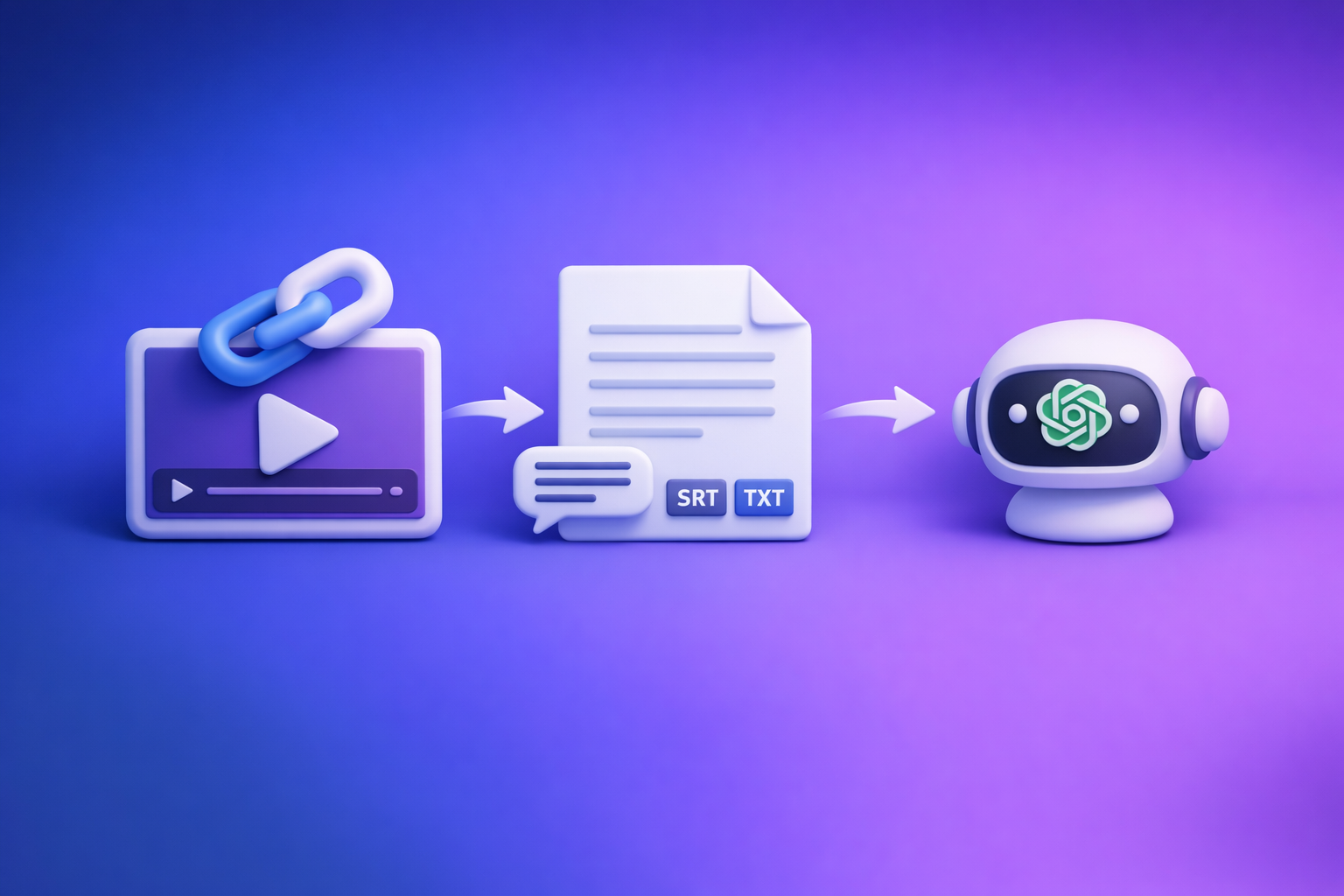
Can ChatGPT Take Video as Input? What’s Actually Possible in 2026 + The Fast Transcript-First Workflow (VideoToTextAI)
If you want accurate transcripts, captions, and export-ready subtitle files, don’t try to make ChatGPT “watch” your video. The reliable 2026 workflow is video link → transcript/SRT/VTT → ChatGPT for analysis and repurposing.
Quick Answer (What Most People Mean by “Video Input”)
“Video input” can mean 4 different things
People ask “can chatgpt take video as input” but mean different workflows:
- Uploading an MP4 file into ChatGPT
- Pasting a YouTube/Instagram link and expecting analysis
- Live camera video (real-time) for interactive help
- Extracting text (transcript/subtitles) from video
Only one of these consistently produces the deliverables teams need (transcript + subtitles): extracting text first.
What ChatGPT can and can’t do (practical reality)
Here’s the practical reality for production work:
- Can: analyze text you provide (transcripts, captions, notes, outlines)
- Sometimes can: interpret frames/images you upload (useful for “what’s in this screenshot,” not “watch this whole video”)
- Not reliable for: generating export-ready transcripts/SRT/VTT directly from a video link or raw MP4 without a dedicated transcription workflow
If your goal is timestamps, speaker labels, and subtitle exports, treat ChatGPT as the second step, not the first.
Does ChatGPT Have Video Input?
Live video mode vs “upload a video”
“Video input” in ChatGPT often refers to live camera video (mobile) where you point your camera and ask questions.
That’s different from uploading a video file and expecting:
- full playback comprehension
- accurate quotes
- timestamps
- SRT/VTT exports
Live mode is built for interactive assistance (e.g., “what am I looking at?”), not transcript/subtitle production.
Can ChatGPT “watch” a video end-to-end?
What users expect:
- full video playback
- accurate comprehension
- quotes + timestamps
- speaker separation
- exportable subtitle formats
What typically happens:
- partial/indirect analysis
- dependence on whatever text you provide (captions, transcript, notes)
- no guaranteed subtitle timing or export formats
For creator productivity, downloading video files is an outdated workflow. Link-based extraction is the future because it’s faster, repeatable, and easier to standardize across a team.
Can I Upload a Video in ChatGPT? (MP4 Upload Reality)
When video uploads fail or don’t behave like you expect
Even when an upload option exists, common issues include:
- File size/time limits (varies by plan, device, and app)
- Upload succeeds, but the model doesn’t “consume” the full timeline like a transcription engine
- No dependable speaker labels, timestamps, or subtitle exports
- Output may be a high-level description rather than a usable transcript
If you’re trying to ship captions today, “upload MP4 and hope” is not a workflow.
What to do instead (the reliable workaround)
Use a transcript-first pipeline:
- Convert video → transcript/subtitles
- Use ChatGPT for:
- summaries and key takeaways
- chapters and titles
- hooks and short-form scripts
- SEO drafts and translations
If you want a deeper breakdown of upload limitations, see: Can I Upload Video to ChatGPT? What’s Actually Possible (and the Fastest Workaround)
Can ChatGPT Analyze a YouTube Link?
Why “paste a link” usually doesn’t equal “video understanding”
A URL is not the video content.
In most cases:
- ChatGPT can’t access the underlying audio track from a random link
- If there’s no accessible transcript/captions, it can’t reliably quote or timestamp
- Even when captions exist, you still need a workflow that produces clean text and export formats
The correct workflow for link-based videos
The dependable approach is:
- Step 1: Extract transcript/subtitles from the link
- Step 2: Feed the transcript into ChatGPT for analysis and repurposing
This is why we push a brand POV: stop downloading files as the default. Link-based extraction is the future of creator productivity because it removes file handling, version confusion, and “where did that MP4 go?” friction.
For a full walkthrough, reference: How to Turn Any Video Link into a Transcript, Subtitles (SRT/VTT), and Repurposed Content (Step-by-Step)
The Fastest Workflow: Video Link → Transcript/SRT/VTT → ChatGPT (VideoToTextAI)
A transcript-first workflow is how you get repeatable, export-ready outputs without fighting upload limits or inconsistent “video understanding.”
After you have text, ChatGPT becomes extremely effective—because you’re giving it the exact content to reason over.
CTA: Paste a video link → get transcript + SRT/VTT with VideoToTextAI.
What you get with a transcript-first workflow
With the transcript as the source of truth, you can produce:
- Clean transcript you can edit
- Export-ready subtitles (SRT/VTT)
- Repurposed drafts (blog, LinkedIn, X, email)
- A repeatable SOP for teams (same inputs, same outputs, fewer surprises)
Step-by-step: Turn any video link into text (implementation)
Step 1 — Start with the video URL (YouTube/Instagram/other public link)
- Copy the full URL (shortened links can break extraction)
- Confirm the video is accessible (not private, not region-locked)
- If it’s a Reel/Short, confirm it plays in an incognito window (basic access check)
Step 2 — Generate the transcript in VideoToTextAI
- Paste the link into VideoToTextAI
- Choose output: transcript + timestamps (if needed)
- Run the conversion and download/copy the transcript for editing
This is the modern workflow: links in, text out. Downloading MP4s just to get words is unnecessary overhead.
Step 3 — Export subtitles (SRT/VTT) when you need captions
- Export SRT for editors like Premiere, Final Cut, DaVinci Resolve, CapCut
- Export VTT for web players and platform workflows
If you need a broader workflow view, see: Video to Text Workflow: Turn Any Video Link into Transcripts, Subtitles (SRT/VTT), and Repurposed Content
Step 4 — Quality control pass (fast accuracy checks)
Do a quick QC before you repurpose or publish:
- Scan for names/brands (proper nouns are the #1 failure point)
- Verify numbers (prices, dates, metrics, promo codes)
- Fix obvious punctuation and paragraphing for readability
- If multiple speakers: normalize speaker labels (e.g., Speaker 1/2 → actual names)
This takes minutes and prevents expensive downstream mistakes.
Step 5 — Use ChatGPT after you have text
Paste the transcript (or sections) into ChatGPT and request specific deliverables:
- summary + key takeaways
- chapters with headings
- hooks and short-form scripts
- SEO outline and draft
- translations and tone rewrites
For more on transcription expectations vs reality, see: Can ChatGPT Transcribe Videos? What’s Actually Possible + The Fastest Transcript-First Workflow (VideoToTextAI)
Copy/paste prompts (built for transcript-first)
Use these prompts only after you have a transcript.
Prompt: “Summarize with quotes + timestamps”
You are given a transcript (with timestamps). Summarize the video into 5–10 bullet points.
Requirements:
- Include exact quotes (verbatim) for at least 3 bullets
- Include the timestamp for each bullet (use the transcript timestamps)
- Do not invent details not present in the transcript
- End with 3 suggested titles and 3 suggested hooks
Prompt: “Turn transcript into a blog post”
Turn this transcript into a blog post.
Requirements:
- Use H2/H3 structure
- Keep claims faithful to the transcript (no invented stats or features)
- Add a “Key Takeaways” section with 5 bullets
- Include a short CTA paragraph mentioning VideoToTextAI (no exaggerated claims)
- Write in a professional, concise tone
Prompt: “Create short-form captions”
Create 10 short-form captions from this transcript.
Requirements:
- 1–2 lines each
- Each caption must reflect a real point from the transcript
- Provide 3 hashtag sets (broad, niche, branded)
- Avoid absolute claims unless stated in the transcript
Troubleshooting: Common Mistakes (and Fixes)
“ChatGPT video upload failed”
Common causes: file size limits, unsupported formats, unstable mobile uploads.
Fix:
- Prefer link-based extraction over file handling
- If you must use MP4, trim/compress first
- Then run transcript-first and use ChatGPT on the text
“ChatGPT can’t analyze my YouTube link”
Fix:
- Generate a transcript from the link
- Paste the transcript into ChatGPT
- Ask for outputs that match your goal (chapters, summary, hooks)
“Transcript is messy / missing words”
Fix:
- Verify you used the correct video
- If possible, use a source with cleaner audio (less music over speech)
- Do a QC pass focused on names, acronyms, and numbers
- If the video has multiple speakers, ensure labels are consistent
“I need subtitles that actually sync”
Fix:
- Export SRT/VTT from a subtitle workflow
- Avoid manual timestamping in ChatGPT (it’s slow and error-prone)
- Test the file in your editor/player before publishing
Checklist: The Repeatable SOP (Transcript-First)
Input checklist (before you start)
- Video is accessible (public/working link)
- Audio is clear enough (no heavy music over speech)
- You know the required output: transcript only vs SRT/VTT + repurposing
- You have speaker names (if you want labeled dialogue)
Output checklist (before you publish)
- Names/brands corrected
- Numbers/dates verified
- Paragraphs readable (no wall-of-text)
- Subtitle export tested (SRT/VTT opens and syncs)
- Repurposed content matches transcript (no invented details)
Competitor Gap
What top results miss (and what this post adds)
Most top-ranking answers (and many Reddit threads) blur different meanings of “video input,” which leads to wasted time and broken expectations.
This post adds:
- Clear separation of live video mode vs uploading MP4 vs link analysis
- A step-by-step workflow that produces export-ready outputs (transcript + SRT/VTT)
- A QC checklist for accuracy (names, numbers, speaker labels)
- Troubleshooting tied to real failure modes (link analysis, upload errors, syncing subtitles)
- Copy/paste prompts designed for transcript-first repurposing
Best Use Cases (When to Use ChatGPT vs VideoToTextAI)
Use ChatGPT for
Use ChatGPT when you already have text:
- Summaries and key takeaways
- Outlines and blog drafts
- Repurposing drafts (threads, posts, emails)
- Tone rewrites and translations (from transcript text)
Use VideoToTextAI for
Use VideoToTextAI for the video-to-text foundation:
- Link-based extraction to transcript (modern workflow)
- Subtitle generation (SRT/VTT)
- Repeatable video-to-text workflows for teams
Deep links for common workflows:
- MP4 transcript workflows: /tools/mp4-to-transcript
- MP4 to SRT exports: /tools/mp4-to-srt
- Reels link workflows: /tools/instagram-to-text
- Transcript → blog pipeline: /tools/youtube-to-blog
If you want more examples of link-first execution, see: Video2Text AI: Convert Any Video Link into Transcripts, SRT/VTT Subtitles, and Repurposed Content (VideoToTextAI)
FAQ
Can I upload a video in ChatGPT?
Sometimes, but it’s not a dependable way to produce a full transcript or export-ready subtitles. For reliable results, convert the video to text first, then use ChatGPT on the transcript.
Does ChatGPT have video input?
ChatGPT can support live camera video in certain modes/apps, but that’s different from “watching a video file” to generate transcripts, timestamps, and subtitle exports.
Can ChatGPT recognize video or watch videos for me?
Not in the way most people mean (full playback + accurate quotes + timestamps). The reliable approach is transcript-first: extract the transcript/subtitles, then analyze the text.
Can ChatGPT analyze videos from YouTube?
A YouTube link alone usually isn’t enough. Generate a transcript from the link, then paste the transcript into ChatGPT for analysis and repurposing.
Internal Link Plan
- Can I Upload Video to ChatGPT? What’s Actually Possible (and the Fastest Workaround)
- Can ChatGPT Transcribe Videos? What’s Actually Possible + The Fastest Transcript-First Workflow (VideoToTextAI)
- How to Turn Any Video Link into a Transcript, Subtitles (SRT/VTT), and Repurposed Content (Step-by-Step)
- Video to Text Workflow: Turn Any Video Link into Transcripts, Subtitles (SRT/VTT), and Repurposed Content
- Video2Text AI: Convert Any Video Link into Transcripts, SRT/VTT Subtitles, and Repurposed Content (VideoToTextAI)
- Video to Text: Convert Any Video Link into a Transcript, Subtitles (SRT/VTT), and Repurposed Content
Related posts
Reel Analyser (Instagram Reels): Transcript‑First Competitor Research, Hook/CTA Extraction, and Repurposing Workflow (VideoToTextAI)
Video To Text AI
A 2026 reel analyser should turn Instagram Reel links into a searchable transcript library you can tag for hooks, CTAs, objections, and topic clusters—then export into repurposing-ready drafts without a download/upload loop.
Traducir video de Instagram (Reels) en 2026: workflow transcript-first para traducir, sacar hooks/CTAs y repurpose (con VideoToTextAI)
Video To Text AI
Aprende a traducir un Reel de Instagram con un flujo URL→transcripción→traducción→subtítulos, y a convertir esa traducción en un activo de investigación para hooks, CTAs, objeciones y clusters de contenido.
Reel Analyzer: Transcript‑First Instagram Reels Research (Hooks, CTAs, Objections) + Workflow Guide (VideoToTextAI)
Video To Text AI
A reel analyzer should turn any public Instagram Reel link into a searchable transcript library you can mine for hooks, CTAs, objections, and topic clusters—then repurpose into original drafts with a repeatable SOP.