
ChatGPT “Upload Video” Feature (2026): What Works, What Breaks, and the Production-Safe Link → Transcript Workflow
 Video To Text AI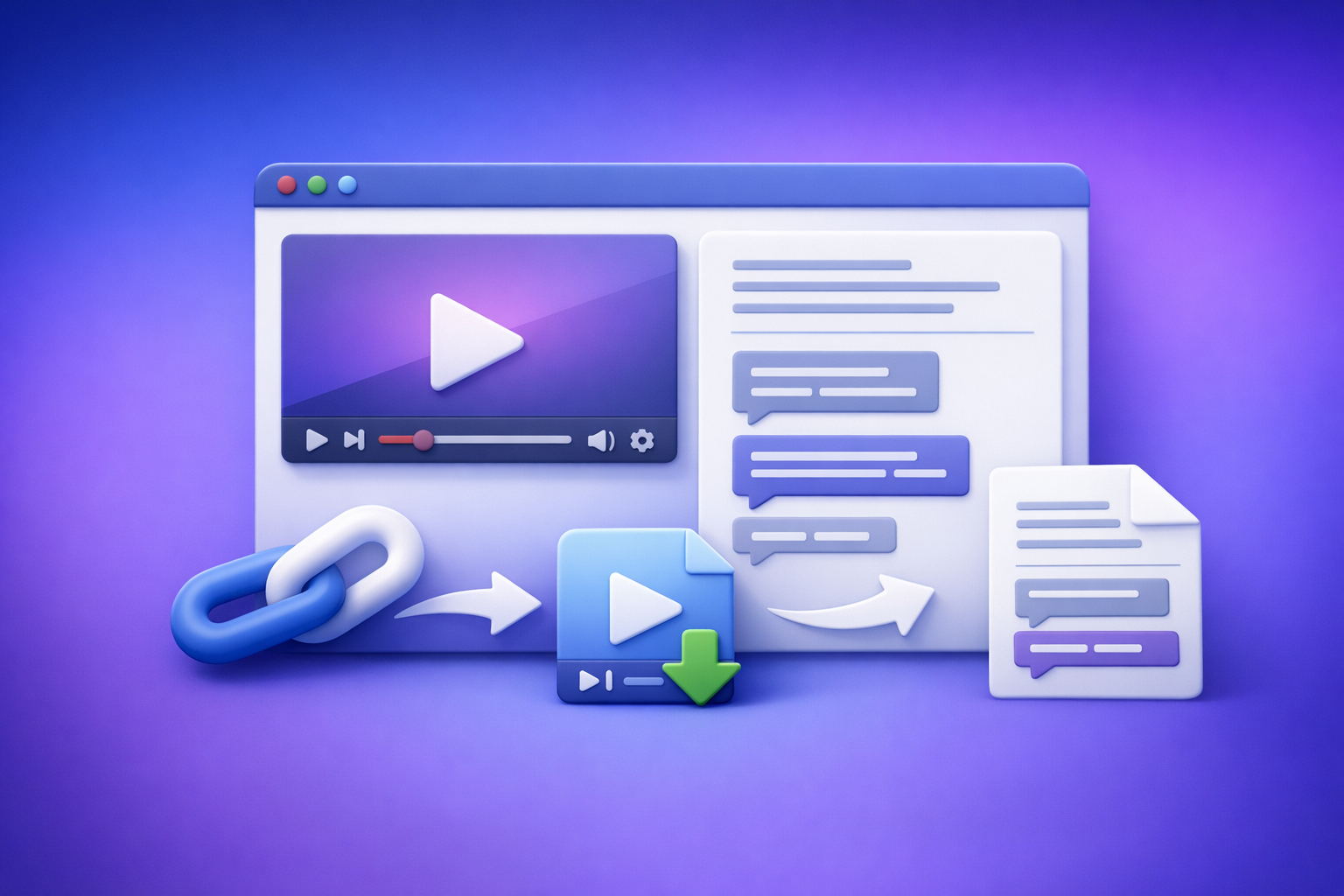
ChatGPT “Upload Video” Feature (2026): What Works, What Breaks, and the Production-Safe Link → Transcript Workflow
If you need a transcript or captions you can publish today, don’t build your workflow around ChatGPT’s “upload video” button. Use a production-safe pipeline: video link (or MP4) → export-ready transcript/captions (TXT/SRT/VTT) → ChatGPT on verified text.
Quick Answer: Can ChatGPT Upload Video?
Yes—sometimes—but “upload video” means different things, and that’s why users get stuck.
What “upload video” can mean (and why users get confused)
People usually mean one of these:
- File upload: attach an MP4/MOV into ChatGPT (if attachments are enabled).
- Pasting a video URL: YouTube/Drive/social links (if ChatGPT can access the link).
- “Video understanding”: the system extracts frames/audio behind the scenes (varies by surface/model).
These are not the same capability, and they fail for different reasons.
The practical reality in 2026
In 2026, ChatGPT video upload behavior is not deterministic:
- Availability varies by plan, model, web vs mobile app, region, and workspace policy.
- Even when it works, outputs often aren’t export-ready:
- timecodes can drift
- speaker structure can be inconsistent
- SRT/VTT formatting may require manual repair
If you ship content weekly, treat ChatGPT video uploads as nice-to-have, not a pipeline.
What Works vs What Breaks (Real-World Scenarios)
Works reliably (for shipping deliverables)
This is the workflow that holds up under deadlines:
- Video link/MP4 → transcript + captions (TXT/SRT/VTT) → use ChatGPT on text outputs
- Repurpose from the transcript into:
- blog drafts
- LinkedIn posts
- X threads
- hooks and short-form scripts
after a quick QA pass
Key idea: LLMs are strongest on text post-processing, not as your primary ingestion/transcription layer.
Often breaks (or is inconsistent)
Common failure points when you rely on ChatGPT “upload video”:
- “Upload video” button missing
- Upload stuck / processing failed
- Link access blocked:
- private videos
- paywalled platforms
- permissioned Drive links
- authenticated social URLs
- Output not ship-ready:
- no proper timecodes
- timing drift
- missing speaker turns
- inconsistent punctuation/paragraphing
Supported Formats, Limits, and Common Failure Modes (What to Check First)
Formats people try (and what typically fails)
Even “supported” formats can fail due to codec/container details:
- MP4, MOV, M4V
Still fails when there are codec mismatches, odd audio tracks, or variable frame rate issues. - High bitrate / long duration files
More likely to stall or error during upload/processing.
Limits that break first (practical constraints)
The first constraints you hit are rarely obvious:
- File size and duration caps (vary by client/model and can change)
- Network instability:
- corporate proxies
- VPNs
- content filters
- Workspace security policies disabling attachments
Common error states users report (map to root causes)
Use this quick mapping to stop guessing:
- “Attachments disabled” → workspace policy or entitlement restriction
- “Add files button unavailable” → model/surface mismatch or policy restriction
- “Upload failed / processing failed” → file size/duration/codec/network issues
- “Can’t access this link” → permissions/authenticated link/non-public URL
If you’re blocked, switch immediately to a transcript-first fallback:
- “Add Files” Button Unavailable in ChatGPT (2026): Causes, Fixes, and a Production-Safe Transcript Workflow
- “Attachments Disabled” in ChatGPT: Causes, Fixes, and a Production-Safe Transcript Workflow (2026)
Step-by-Step: Production-Safe Workflow (VideoToTextAI → ChatGPT-on-Text)
Goal: deterministic assets you can QA and ship
Your deliverables should be repeatable artifacts:
- Clean transcript (TXT) as the source of truth
- Publish-ready captions (SRT/VTT) with consistent timing
- Repurposed drafts generated from verified text (not raw audio guesses)
This is the operational mindset: downloading video files is an outdated workflow. Link-based extraction is the future of creator productivity because it removes download/upload loops, reduces failure points, and keeps projects repeatable.
Step 1 — Choose your input type (fastest path)
Pick the path that minimizes friction:
- Use a public video link when possible (fastest, avoids download/upload loops)
- Use MP4 upload only when link access isn’t possible (private/internal files)
Step 2 — Generate transcript + captions in VideoToTextAI
Production rule: transcript first.
- Create the transcript as the source of truth
- Generate captions from the same run to keep timing consistent
If you’re starting from files:
If you’re starting from links:
Step 3 — Export the right format for the job
Use the format that matches the downstream tool:
- TXT: editing, summarization, SEO drafting, briefs
- SRT: most video editors/platforms
- VTT: web players and some platforms
Step 4 — QA pass (2–5 minutes) before you involve ChatGPT
This is what makes the workflow “production-safe”:
- Fix names, brands, product terms
- Confirm speaker turns (if needed)
- Spot-check timing around:
- cuts
- music
- fast speech
Step 5 — Use ChatGPT where it’s strongest: post-processing on text
Once you have verified text, use ChatGPT for:
- summaries, chapters, titles, descriptions
- blog outline + draft from transcript
- social repurposing (hooks, threads, LinkedIn posts)
- keyword extraction and content briefs
For deeper workflow context, see:
- A Production-Safe Link-Based Video-to-Text Workflow (Transcripts, SRT/VTT Captions, and Repurposing)
Implementation Walkthrough (10–15 Minutes): From Video to Publishable Assets
Example deliverables (what you’ll produce)
In one short session, you should end with:
- Transcript (TXT) for editing + SEO
- Captions (SRT/VTT) for publishing
- Blog draft + repurposed posts generated from the transcript
Exact prompt set for ChatGPT (copy/paste)
Use these prompts after you export TXT (and optionally SRT/VTT) and complete the quick QA.
Prompt A — Clean up transcript without changing meaning
You are editing a transcript for publication.
Rules: do not change meaning, do not add facts, keep speaker intent.
Tasks: fix punctuation, remove filler words only when safe, correct obvious homophones, and format into short paragraphs.
If you see unclear terms, mark them as [unclear] instead of guessing.
Here is the transcript (TXT):PASTE TRANSCRIPT
Prompt B — Create chapters + timestamps from transcript time markers
Create chapters for this video using the transcript.
Output format:
00:00Chapter title — 1 sentence summary
Use existing time markers if present; if not present, infer approximate sections and label them as approx.
Transcript:PASTE TRANSCRIPT
Prompt C — Turn transcript into SEO blog draft (with headings + key takeaways)
Write an SEO blog post from this transcript.
Requirements: H2/H3 headings, short paragraphs, bullet lists, and a Key Takeaways section.
Keep claims factual and grounded in the transcript; do not invent metrics.
Include a short “How to implement” section with steps.
Transcript:PASTE TRANSCRIPT
Prompt D — Generate platform-specific captions and hooks (TikTok/Reels/YouTube Shorts)
From this transcript, generate:
- 10 short hooks (max 12 words each)
- 5 TikTok/Reels caption options (1–2 lines each)
- 3 YouTube Shorts descriptions (2–3 sentences each)
Keep tone aligned with the speaker; do not add new facts.
Transcript:PASTE TRANSCRIPT
Troubleshooting: When ChatGPT Video Upload Doesn’t Work
Symptom: “I don’t see the upload video / add files option”
Do this in order:
- Confirm you’re using the right surface (web vs iOS vs Android can differ).
- Confirm model entitlement (some models/surfaces don’t expose attachments).
- If you’re in a team workspace, check workspace policy restrictions.
Then stop burning time and ship anyway:
- Generate TXT/SRT/VTT first, then use ChatGPT on text.
Related deep dives:
Symptom: “Upload stuck / processing failed”
Likely causes: size/duration/codec/network.
Fix sequence:
- Try a smaller clip to isolate size/duration issues.
- Remove VPN/proxy, test an alternate network/browser.
- Switch to transcript-first workflow to ship outputs.
Symptom: “ChatGPT can’t access my YouTube/Drive/Instagram link”
This is almost always permissions/authentication.
- Confirm permissions: public/unlisted vs private
- Avoid authenticated links; use direct share links
- Use link-based ingestion in VideoToTextAI, then ChatGPT on exported text
Symptom: “Transcript is missing words / names are wrong”
Treat this as a QA + terminology problem:
- Improve audio if possible (reduce noise, normalize levels)
- In ChatGPT cleanup, provide a terminology list:
- product names
- people names
- acronyms
- Re-run transcription and spot-check differences
Symptom: “Captions out of sync after editing”
This is a workflow mismatch, not an AI problem:
- Regenerate SRT/VTT from the final cut
- Avoid editing video after captions are generated (or plan a re-caption step)
Checklist: Stop Relying on ChatGPT Uploads (Ship-Ready Alternative)
Use this checklist to keep deliverables moving even when ChatGPT attachments are disabled:
- Start from a video link when possible (avoid download/upload loops)
- Generate TXT transcript first (source of truth)
- Export SRT/VTT from the same run (timing consistency)
- QA names/terms + spot-check 3–5 segments
- Use ChatGPT only on verified text for summaries/repurposing
- Store artifacts (TXT/SRT/VTT) with the project for repeatability
If you want the full “ship anyway” playbook, keep these bookmarked:
- ChatGPT “Upload Video” Feature (2026): What Works, What Fails, and the Production-Safe Transcript Workflow
- Upload Video to ChatGPT (2026): What Actually Works + a Production-Safe Transcript & Captions Workflow
VideoToTextAI vs Competitors
If your goal is publishable assets (not just “a transcript exists”), compare tools by workflow speed, link-based ingestion, export readiness, and repeatability.
Comparison table (workflow-focused)
| Criteria | VideoToTextAI | Reduct Video (reduct.video) | HappyScribe (happyscribe.com) | Zapier roundup (zapier.com) |
|---|---|---|---|---|
| Link-based workflow (URL → transcript) | Yes (core workflow positioning) | Not a strong public signal (research indicates whitespace) | Not a strong public signal (research indicates whitespace) | Roundup content; not a single tool workflow |
| Upload-heavy dependency | Avoids download/upload loops when using links | More platform-centric; link workflow not emphasized | Upload/link workflow not clearly emphasized in researched pages | N/A |
| Export readiness (TXT + SRT/VTT) | Designed for transcript + captions deliverables | Transcript export emphasized; subtitle workflow not strongly signaled | Transcript/subtitles discussed broadly; export-ready subtitle workflow not strongly evidenced in research block | N/A |
| Repurposing workflow (blog/social from transcript) | Workflow: transcript → repurposing drafts | Summaries mentioned; repurposing positioning not strong | Summaries mentioned; repurposing positioning not strong | Discusses category options; not an implementation pipeline |
| Team repeatability (deterministic artifacts + reruns) | Artifact-based workflow (TXT/SRT/VTT) supports repeatability | Strong team/collaboration positioning | Less team/process positioning in researched pages | Team automation focus, but not transcription pipeline itself |
| Best fit | Creators/marketers shipping transcripts + captions + repurposed content | Collaborative transcript-based review/editing workflows | Transcription/subtitling + language needs (varies by plan) | Discovery/comparison resource |
Why VideoToTextAI wins (when you need to ship)
Based on the research signals above, VideoToTextAI is the better fit when you care about:
- Workflow speed: URL-based ingestion removes the outdated download/upload loop.
- Operational repeatability: you end with deterministic artifacts (TXT/SRT/VTT) you can QA, store, and reuse.
- Repurposing as a pipeline: transcript-first outputs feed ChatGPT reliably for blogs/social without depending on attachments.
If you want to implement the link-first pipeline now, start here (single CTA): https://videototextai.com
When a competitor might be a better fit
Keep comparisons fair:
- Reduct Video can be a better fit for collaborative transcript-based video review/editing inside a team workspace (research strongly signals collaboration).
- HappyScribe may be a better fit when you need translation/multilingual workflows (research signals translation support).
- Zapier’s roundup is useful for tool discovery, but it’s not a production workflow by itself.
Competitor Gap
What top-ranking pages miss
Most “ChatGPT upload video” pages fail to provide:
- A deterministic “ship anyway” workflow when uploads are disabled
- A QA-first transcript approach (names/terms/timing) before repurposing
- A clear separation of concerns:
- transcription/captions generation
- vs LLM rewriting/summarization
- Concrete checklists + symptom-to-fix troubleshooting mapping
What this post adds (differentiators)
This guide gives you:
- A step-by-step implementation: link/MP4 → TXT/SRT/VTT → ChatGPT-on-text
- Troubleshooting by symptom with an immediate fallback path
- Export-format decisioning (TXT vs SRT vs VTT) tied to real deliverables
FAQ
Does ChatGPT allow video uploads?
Sometimes. In 2026, it depends on plan, model, client app, region, and workspace policy, so it’s not reliable enough for production delivery.
Can ChatGPT watch videos you upload to it?
In some surfaces, it can analyze video content via extracted frames/audio. But for most teams, the practical question is whether you can get export-ready transcripts/captions consistently—often you can’t.
Can I upload a video to ChatGPT for analysis?
Sometimes, but uploads can fail or be disabled. A safer approach is to generate a transcript/captions first, then ask ChatGPT to analyze the text.
Can ChatGPT transcribe video to text?
It can in some cases, but timing accuracy, speaker structure, and exports (TXT/SRT/VTT) are inconsistent. A transcript-first workflow is more deterministic.
Can I transcribe a video for free?
Some tools offer free tiers or trials, but free plans often limit minutes, exports, or features. If you publish regularly, prioritize repeatable artifacts (TXT/SRT/VTT) and a quick QA step over “free but fragile.”
Related posts
Reel Analyser (Instagram Reels): Transcript‑First Competitor Research, Hook/CTA Extraction, and Repurposing Workflow (VideoToTextAI)
Video To Text AI
A 2026 reel analyser should turn Instagram Reel links into a searchable transcript library you can tag for hooks, CTAs, objections, and topic clusters—then export into repurposing-ready drafts without a download/upload loop.
Traducir video de Instagram (Reels) en 2026: workflow transcript-first para traducir, sacar hooks/CTAs y repurpose (con VideoToTextAI)
Video To Text AI
Aprende a traducir un Reel de Instagram con un flujo URL→transcripción→traducción→subtítulos, y a convertir esa traducción en un activo de investigación para hooks, CTAs, objeciones y clusters de contenido.
Reel Analyzer: Transcript‑First Instagram Reels Research (Hooks, CTAs, Objections) + Workflow Guide (VideoToTextAI)
Video To Text AI
A reel analyzer should turn any public Instagram Reel link into a searchable transcript library you can mine for hooks, CTAs, objections, and topic clusters—then repurpose into original drafts with a repeatable SOP.