
ChatGPT “Upload Video” Feature (2026): What Works, What Fails, and the Production-Safe Transcript Workflow
 Video To Text AI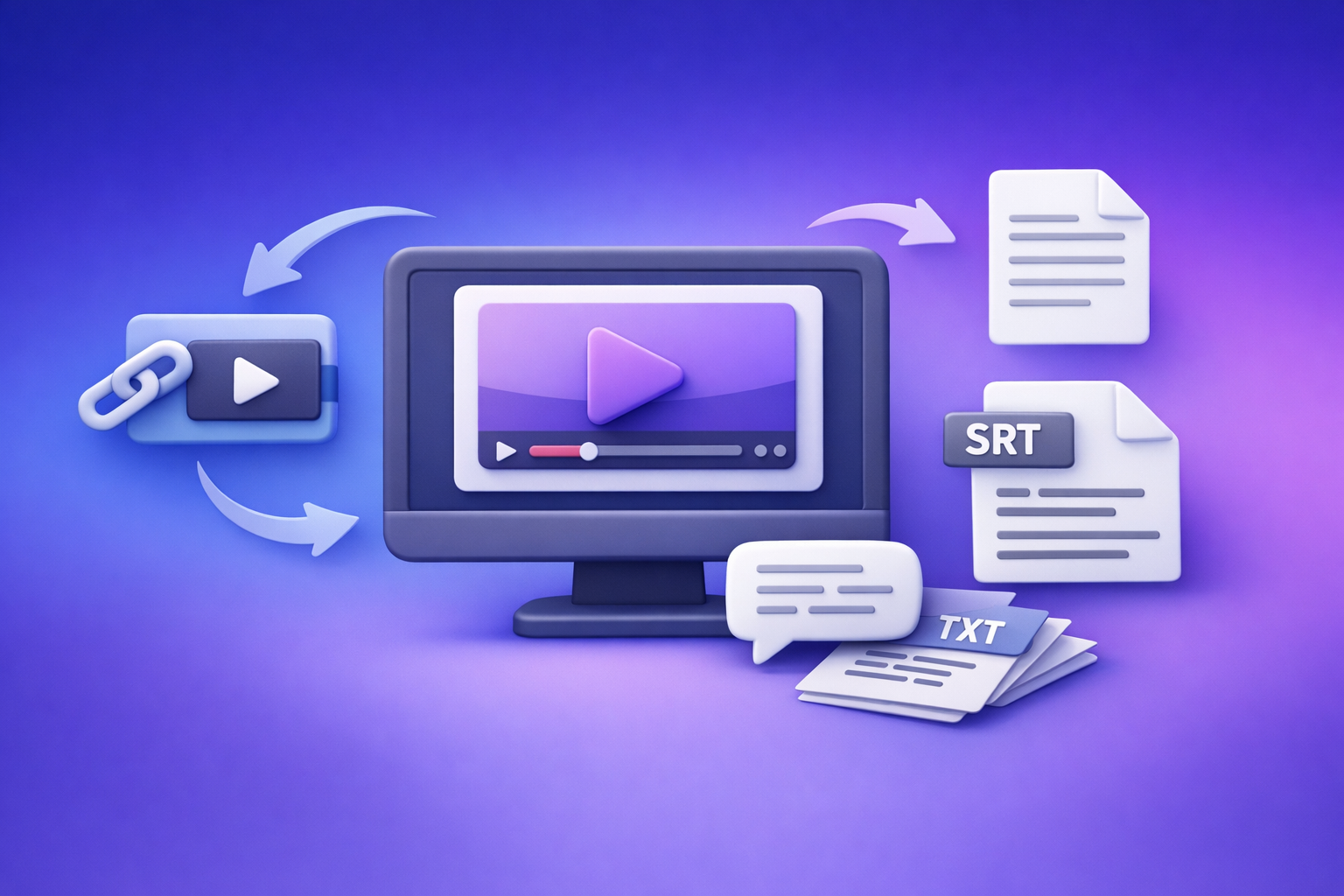
ChatGPT’s “upload video” feature is not a production-safe workflow in 2026 because access and reliability vary widely. The dependable approach is video link (or MP4) → transcript/subtitles (TXT/SRT/VTT) → ChatGPT-on-text so you can QA and ship consistent assets.
This is exactly why downloading video files is an outdated workflow: it adds friction, breaks automation, and creates avoidable failure points. Link-based extraction is the future of creator productivity because it standardizes inputs and outputs across teams and tools.
Quick Answer: Can ChatGPT Upload Video in 2026?
What “upload video” can mean (and why users talk past each other)
When people say “chatgpt upload video feature”, they usually mean one of these:
- Uploading an MP4/MOV file as an attachment inside ChatGPT
- Pasting a video link (YouTube/Drive/social) and expecting ChatGPT to open it
- Asking ChatGPT to “watch” the video (visual/audio analysis) vs. analyze a transcript (text-only)
These are different capabilities with different failure modes.
The reality: availability varies by plan, workspace policy, client, region, and rollout
In practice, video upload behaves like a rolling experiment:
- The upload button may appear/disappear depending on the model and UI client.
- Some workspaces show “attachments disabled” due to policy or entitlements.
- Link access can fail due to permissions, login walls, geo restrictions, or bot protection.
Best default for reliable deliverables: video link/MP4 → TXT/SRT/VTT → ChatGPT-on-text
If you need outputs you can publish (captions, subtitles, transcripts, SEO content), treat ChatGPT as the transformation layer, not the ingestion layer:
- Ingest video → export text artifacts (TXT/SRT/VTT)
- Use ChatGPT on those artifacts for summaries, chapters, repurposing, and formatting
Related reading:
What Works vs What Fails (Real-World Scenarios)
Works reliably (low variance)
These scenarios are consistent because they don’t depend on fragile UI features:
- Generate transcript/captions outside ChatGPT, then use ChatGPT for:
- rewriting and tightening
- summarizing
- structuring into chapters, posts, or docs
- Use export-ready subtitle formats:
- SRT/VTT for publishing pipelines
- TXT as your source-of-truth for editing and SEO
Often fails or is inconsistent
Common production blockers:
- Missing/greyed upload button
- “Attachments disabled”
- Upload stuck / processing failed
- Link access blocked (YouTube/Instagram/Drive permissions, bot protection, paywalls)
If your workflow depends on any of the above, you’ll eventually miss a deadline.
When ChatGPT video upload is “good enough”
Use it when all of these are true:
- Short clip
- Low-stakes analysis
- No need for shippable artifacts (TXT/SRT/VTT)
- No team handoff required
When it’s the wrong tool
Avoid relying on ChatGPT upload when you need:
- Accurate transcripts you can QA
- Caption timing (SRT/VTT) for editors/platforms
- Consistent exports for repeatable publishing
- A workflow that works for a team, not just one session
Supported Formats, Limits, and Common Error Messages (What to Check First)
Formats users try (and why “supported” still fails)
Most users attempt:
- MP4
- MOV
- web exports
- screen recordings
Even if a format is “supported,” it can still fail due to codec, duration, or session constraints.
Constraints that break first
Typical breakpoints:
- File size (large exports, long recordings)
- Duration (multi-hour meetings, webinars)
- Codec/container issues (especially screen recordings)
- Upload bandwidth and browser instability
- Session timeouts during processing
Common symptoms → likely causes
Use this as a fast triage:
- Upload button missing → model/plan/workspace policy/client UI
- “Attachments disabled” → entitlement/policy/network controls
- Upload fails mid-way → extensions, unstable network, large file
- Link not accessible → permissions, geo restrictions, login walls
If you’re seeing “attachments disabled,” this guide helps:
Privacy/security checks before uploading any media
Before uploading any video to an LLM:
- Remove or avoid sensitive client data and internal meetings.
- Assume media may be retained per provider policy and workspace settings.
- Prefer transcript-first because it’s easier to redact and QA.
Step-by-Step: Production-Safe Workflow (VideoToTextAI → ChatGPT)
Goal: deterministic outputs you can QA and ship (TXT/SRT/VTT)
A production workflow needs:
- repeatable inputs (prefer links)
- standard exports (TXT/SRT/VTT)
- QA checkpoints (names, acronyms, timing)
- tool separation (transcription vs transformation)
Step 1 — Choose your input type (fastest path)
- Use a video link when available (YouTube/social/public URL)
- This avoids download/upload loops (outdated and slow).
- Use MP4 upload only when link isn’t possible
- e.g., private local recordings, offline files
Step 2 — Generate transcript + captions in VideoToTextAI
Produce:
- Transcript (TXT)
- Subtitles/captions (SRT/VTT)
Include timestamps when you need:
- caption publishing
- clip-finding
- chaptering and highlights
Step 3 — Export the right artifact for the job
- TXT: editing, summarization, blog drafts, SEO pages
- Tool: mp4 to transcript
- SRT: captions for most editors/platforms
- Tool: mp4 to srt
- VTT: web players and some platform caption pipelines
- Tool: mp4 to vtt
Step 4 — Use ChatGPT on text (what it’s best at)
ChatGPT is strongest when you provide clean text and a clear output spec:
- summaries and key takeaways
- chapters and timestamps (based on transcript timestamps)
- hooks, titles, descriptions
- repurposing into blog/social/email formats
- formatting into templates (Notion, Markdown, docs)
Avoid asking ChatGPT to “watch” the video when you can provide the transcript. Text is faster to process, easier to validate, and easier to reuse.
Implementation Walkthrough (10–15 Minutes): From Video to Publishable Assets
A. Create export-ready transcript/captions in VideoToTextAI
- Open VideoToTextAI: https://videototextai.com
- Paste a video URL or upload an MP4
- Generate transcript
- Export TXT + SRT (and VTT if needed)
This is the modern workflow: paste link → generate artifacts → publish. Downloading files first is a legacy habit that slows teams down.
B. Run a QA pass before you publish
Do a quick, practical QA scan:
- Speaker names/labels (if applicable)
- Proper nouns: people, brands, product names
- Acronyms and technical terms
- Caption timing around cuts, music, and fast transitions (SRT/VTT)
If you edit captions, re-check sync after edits.
C. Paste transcript into ChatGPT for content outputs
Give ChatGPT the transcript and a strict output format. Examples:
- Blog outline + draft (SEO headings, key points, CTA placement)
- YouTube description + chapters (based on timestamps)
- Short-form clip pack:
- 10 hooks
- 10 caption rewrites (keep timing constraints in mind)
If your goal is a blog post from a YouTube video, start here:
D. Ship outputs
- Upload SRT/VTT to your platform/editor
- Store TXT as your source-of-truth for future repurposing
- Keep exports with the project so teammates can reuse them without reprocessing
Troubleshooting: “ChatGPT Video Upload Failed” (Fixes by Symptom)
“I don’t have the upload button”
- Confirm you’re in the correct account/workspace.
- Switch client: web vs mobile can differ.
- Try a different model (some models/clients expose different attachment options).
- If you’re in enterprise/education, check workspace policy restrictions.
If you need to ship today, bypass the UI dependency and use transcript-first.
“Attachments disabled”
Isolate the cause:
- entitlement (plan/model)
- workspace policy
- browser/client issue
- network controls (corporate filtering)
Then switch immediately to the fallback that always ships: video → TXT/SRT/VTT → ChatGPT-on-text.
More detail:
“Upload stuck / processing failed”
- Try a different browser profile.
- Disable extensions (privacy blockers often interfere).
- Reduce file size (re-export with a standard codec).
- Prefer link-based ingestion to avoid unstable uploads.
“ChatGPT can’t access my link”
- Fix permissions: set to public/unlisted where appropriate.
- Remove login requirements (Drive/Dropbox often fail here).
- If the platform blocks bots, ingest via a dedicated video-to-text tool and export text.
Checklist: Do This Instead of Relying on ChatGPT Video Upload
Inputs
- Prefer URL over download/upload loops
- Keep a local MP4 only when link isn’t possible
Processing
- Generate TXT + SRT (and VTT when needed)
- Run a quick QA scan for names + missing words
ChatGPT usage
- Use ChatGPT for rewriting/structuring, not primary transcription
- Provide the transcript + desired output format (chapters, blog, captions polish)
Quality control
- Validate caption sync after edits
- Store exports as reusable artifacts for future repurposing
VideoToTextAI vs Competitors
If your goal is publishable transcripts + captions + repurposing, the key differentiator is whether the tool supports a link-based workflow and produces export-ready artifacts you can hand off.
Based on the researched pages, here’s a fair comparison of workflow signals (not pricing or limits):
| Tool | Link-based input (paste URL) | Upload-first workflow | Export-ready subtitles (SRT/VTT) | Repurposing positioning | Team/collab positioning | Best fit |
|---|---|---|---|---|---|---|
| VideoToTextAI | Yes (core workflow) | Optional | Yes (TXT/SRT/VTT) | Yes (transcript → content) | Yes (repeatable artifacts) | Creators/teams who want fast URL → shippable exports → ChatGPT repurposing |
| Reduct Video | No strong public signal | Yes (platform-based) | Not a strong public signal | Limited public positioning | Yes | Teams needing collaborative transcript-based review/editing |
| Otter.ai | No strong public signal | Yes (file-based) | Not a strong public signal | Limited public positioning | Yes | Meetings/notes workflows where summaries + collaboration matter most |
| Zapier roundup (benchmark) | Not applicable (directory) | Not applicable | Not applicable | Not applicable | Not applicable | Research starting point, not a workflow tool |
Why VideoToTextAI wins for operational repeatability (when you need to ship):
- Workflow speed: paste a link instead of downloading, re-uploading, and retrying failed attachments.
- Export readiness: TXT/SRT/VTT outputs are standardized artifacts you can QA, store, and reuse.
- Failure tolerance: when ChatGPT uploads/links fail, you still ship because your pipeline doesn’t depend on ChatGPT ingestion.
- Repurposing-friendly: once you have clean text exports, ChatGPT becomes predictable for drafts, chapters, and rewrites.
Where competitors may be better (narrower jobs):
- If your primary need is collaborative review and transcript-based editing inside one platform, Reduct can be a strong fit.
- If your primary need is meeting capture + summaries across a team, Otter is often used for that workflow.
Competitor Gap
What top-ranking pages and community threads miss
Most content treats “upload video” as the workflow instead of a fragile UI feature:
- They assume the upload button is always available.
- They don’t standardize outputs (TXT/SRT/VTT) as the source-of-truth.
- They skip symptom-based troubleshooting that gets teams unblocked fast.
What this post adds (differentiators)
- A production-safe, export-first workflow that works even when ChatGPT uploads are unavailable
- A QA + delivery checklist for captions/transcripts
- Clear decision rules:
- use ChatGPT upload for quick, low-stakes tasks
- bypass it for anything you need to publish or hand off
For deeper workflow context, see:
FAQ
Will ChatGPT let me upload a video?
Sometimes. It depends on your plan, model, workspace policy, client app, region, and rollout status. For reliable deliverables, use video → TXT/SRT/VTT → ChatGPT-on-text.
Can ChatGPT watch videos that I upload?
In some configurations it can analyze video content, but it’s not consistent enough to be your primary transcription/caption pipeline. If you need accuracy and exports, generate the transcript/captions first and have ChatGPT work from the text.
Can I upload a video to ChatGPT for analysis?
You can try, but expect failures with long files, large uploads, or restricted links. For analysis that must ship, provide the transcript and ask for structured outputs (chapters, summary, key points, action items).
Can you upload videos from your camera roll to ChatGPT?
On some mobile clients, yes—if attachments are enabled for your account/workspace. If it’s missing or disabled, export the video to a transcript/captions workflow and paste the text into ChatGPT.
Can you upload videos to ChatGPT for free?
Free access is inconsistent and often limited. Even when it works, it’s not a stable production dependency—so build around exported text artifacts instead.
Internal links used:
- /posts/2026-04-22-chatgpt-upload-video-feature-2026-what-works-why-it-fails-and-the-production-safe-transcript-workflow
- /posts/2026-04-20-upload-video-to-chatgpt-2026-what-actually-works-why-uploads-fail-and-the-production-safe-link-transcript-workflow
- /posts/2026-04-22-attachments-disabled-in-chatgpt-causes-fixes-and-the-production-safe-transcript-workflow-2026
- /posts/2026-04-23-attachments-disabled-in-chatgpt-causes-fixes-and-a-production-safe-transcript-workflow-2026
- mp4 to transcript
- mp4 to srt
- mp4 to vtt
- youtube to blog
Related posts
Reel Analyser (Instagram Reels): Transcript‑First Competitor Research, Hook/CTA Extraction, and Repurposing Workflow (VideoToTextAI)
Video To Text AI
A 2026 reel analyser should turn Instagram Reel links into a searchable transcript library you can tag for hooks, CTAs, objections, and topic clusters—then export into repurposing-ready drafts without a download/upload loop.
Traducir video de Instagram (Reels) en 2026: workflow transcript-first para traducir, sacar hooks/CTAs y repurpose (con VideoToTextAI)
Video To Text AI
Aprende a traducir un Reel de Instagram con un flujo URL→transcripción→traducción→subtítulos, y a convertir esa traducción en un activo de investigación para hooks, CTAs, objeciones y clusters de contenido.
Reel Analyzer: Transcript‑First Instagram Reels Research (Hooks, CTAs, Objections) + Workflow Guide (VideoToTextAI)
Video To Text AI
A reel analyzer should turn any public Instagram Reel link into a searchable transcript library you can mine for hooks, CTAs, objections, and topic clusters—then repurpose into original drafts with a repeatable SOP.