
ChatGPT “Upload Video” Feature (2026): What Works, Why Uploads Fail, and the Production-Grade Link → Transcript Workflow
 Video To Text AI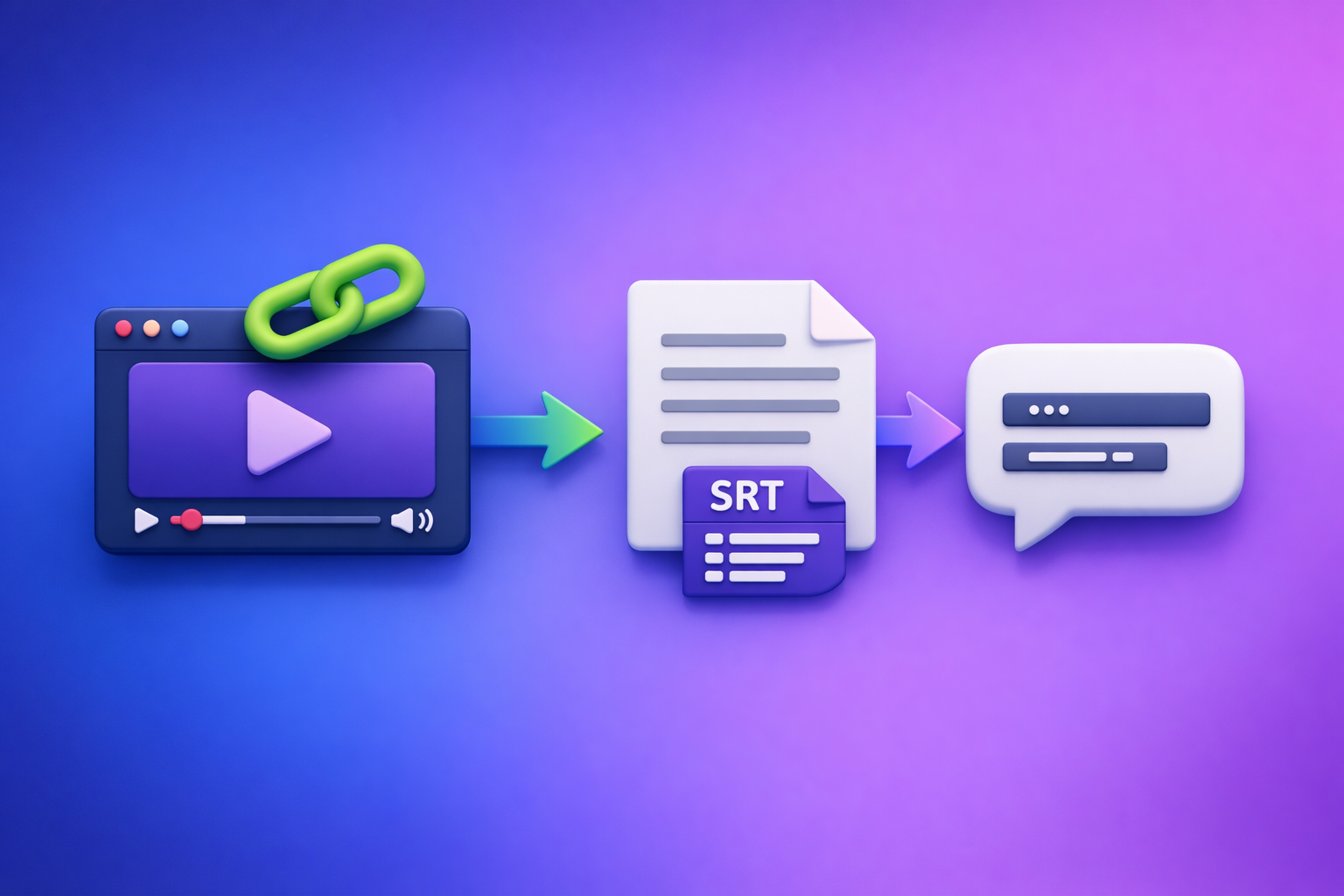
ChatGPT “Upload Video” Feature (2026): What Works, Why Uploads Fail, and the Production-Grade Link → Transcript Workflow
If your goal is export-ready transcripts or captions, don’t rely on the ChatGPT “upload video” feature. Use a deterministic video-to-text step first (from a link or MP4), then use ChatGPT on the resulting text for summaries, structure, and repurposing.
Quick Answer (What You Can and Can’t Do)
When ChatGPT video upload is useful (short clip understanding, quick Q&A)
ChatGPT video upload is most useful when you need fast, lightweight understanding of a short clip, such as:
- “What happens in this 20-second clip?”
- “List the key objects/people you see.”
- “What’s the general topic and tone?”
- “Generate questions I should ask after watching this.”
Treat it as assistive interpretation, not a production pipeline.
When it’s the wrong tool (export-ready transcripts, SRT/VTT captions, long-form, batch workflows)
It’s the wrong tool when you need deliverables you can ship:
- Accurate transcripts for editing, compliance, or publishing
- SRT/VTT captions for YouTube, players, and editors
- Long-form content (podcasts, webinars, courses)
- Batch workflows (multiple videos, recurring series)
- Repeatability (same inputs → consistent outputs)
In practice, uploads fail more often as duration and file size increase, and outputs aren’t consistently formatted for production.
The reliable alternative in one line: video link/MP4 → transcript + SRT/VTT → ChatGPT on text
Workflow that ships: video link or MP4 → transcript + SRT/VTT → ChatGPT uses the transcript to generate summaries, chapters, cut lists, and repurposed content.
This is also the future of creator productivity: downloading video files is an outdated workflow when link-based extraction can be faster, cleaner, and easier to repeat.
What People Mean by “ChatGPT Upload Video”
Uploading a local file (MP4/MOV) vs. sharing a link (YouTube/Drive/social)
People usually mean one of two things:
- Local upload: attaching an MP4/MOV from desktop or camera roll
- Link share: pasting a YouTube/Drive/social URL and expecting ChatGPT to “watch it”
These are not equivalent. A link often fails due to access restrictions, and even when it works, it may not behave like a transcript engine.
“Analyze my video” vs. “Transcribe my video” vs. “Create captions/subtitles”
These are three different jobs:
- Analyze: interpret scenes, topics, intent, claims
- Transcribe: convert speech to text accurately
- Captions/subtitles: generate timestamped text in SRT/VTT formats
ChatGPT can help with analysis and rewriting, but transcription + caption export is a specialized, deterministic step.
Why “video understanding” ≠ deterministic transcription/caption export
“Understanding” is probabilistic and interpretive. Transcription/captions are deliverables that require:
- consistent timestamps
- stable formatting (SRT/VTT rules)
- minimal omissions
- predictable speaker turns (when needed)
That’s why production teams separate extraction (deterministic) from generation (creative).
Does ChatGPT Allow You to Upload Videos? (Reality in 2026)
Where the upload button appears (web vs. iOS vs. Android; rollout variance)
In 2026, whether you see a video upload option can vary by:
- Client: web vs iOS vs Android
- Account/plan: feature availability differs
- Rollout timing: staged releases and experiments
So “I can upload video” and “I can’t” can both be true—at the same time.
Common constraints that matter in practice
Duration/timeouts (long videos fail more often)
Longer videos increase the chance of:
- upload timeouts
- processing timeouts
- partial analysis
- inconsistent outputs
If you need long-form transcription, don’t build on a feature that degrades with length.
File size ceilings and slow uploads
Large files trigger:
- slow uploads on mobile networks
- app backgrounding interruptions
- attachment failures
This is exactly why link-based extraction is replacing “download → upload” workflows.
Codec/container issues (MP4 isn’t always “supported” if audio track/encoding is odd)
“MP4” is a container, not a guarantee. Failures often come from:
- missing or unusual audio tracks
- variable frame rate edge cases
- nonstandard AAC/MP3 audio encoding inside MP4
- corrupted metadata
What outputs you typically don’t get reliably (clean TXT + SRT/VTT + speaker labels)
Even when a video upload “works,” you typically can’t count on:
- clean TXT transcript suitable for editing
- SRT/VTT exports that validate and align
- speaker labels that are consistent enough for publishing
- stable timestamps for cut lists and chapters
How to Upload a Video to ChatGPT (If You Still Want to Try)
Step-by-step: upload flow (local file)
Step 1: prepare a short clip (trim to the specific segment you need)
Trim to the smallest segment that answers your question:
- target 15–60 seconds when possible
- remove dead air and long intros
- keep the audio clear
Short clips reduce timeouts and ambiguity.
Step 2: upload and ask for a narrow task (scene description, key moments, questions)
Ask for one job at a time:
- “Describe what happens, step-by-step.”
- “List key moments and what changes.”
- “Answer these 5 questions about the clip.”
Avoid “transcribe this perfectly” if you actually need captions.
Step 3: validate against ground truth (don’t treat as transcript)
If accuracy matters, validate with:
- the original audio
- a real transcript tool output
- spot checks of names, numbers, and claims
Step-by-step: link flow (what usually happens)
Why private links fail (permissions, auth walls)
Links fail when ChatGPT can’t access the content:
- Google Drive requires login
- unlisted/private social posts require auth
- expiring signed URLs break mid-process
If a human needs to log in, an automated system usually can’t fetch it.
Why DRM/restricted platforms fail (policy + access)
DRM and restricted platforms can block access entirely. Even public pages may restrict automated retrieval.
Prompts that reduce failure modes (copy/paste)
Use prompts that acknowledge uncertainty and request structure.
“Summarize the clip in bullets + timestamps you observed (if any)”
Summarize the clip in 8–12 bullets. If you can observe timestamps, include them; if not, say “no timestamps observed.” Keep bullets factual and short.
“List entities and claims; mark uncertainty”
Extract (1) people/brands/places mentioned or shown, (2) claims made. Mark each item as certain / likely / uncertain based on what you can verify from the clip.
“Generate questions to verify with the transcript”
Generate 10 verification questions I should answer using the transcript (names, numbers, steps, promises, disclaimers). Format as a checklist.
Why ChatGPT Video Uploads Fail (Root Causes You Can Diagnose)
1) “Video upload failed” errors: size, duration, network, timeouts
Most common causes:
- file too large for the client/session
- unstable network (mobile, VPN, captive portals)
- long processing time → timeout
- app backgrounded during upload
Fix: trim duration, reduce file size, or avoid uploads entirely.
2) Unsupported/edge codecs: audio track missing, variable frame rate, container mismatch
Symptoms:
- upload succeeds but analysis is nonsense
- no speech recognized
- partial output
Fix: re-encode to standard MP4 (H.264 video + AAC audio).
3) Client differences: iPhone vs. Android vs. web behavior
Common differences:
- attachment picker supports different file types
- background upload behavior differs
- permissions prompts differ
Fix: try web if mobile fails (or vice versa).
4) Access problems: camera roll permissions, cloud link permissions, region/account limits
Check:
- Photos/Files permissions (mobile)
- link sharing settings (“Anyone with the link can view”)
- account feature availability
5) Output constraints: even when it “works,” you can’t ship captions without SRT/VTT
This is the production blocker. If you need captions, you need:
- SRT/VTT exports
- predictable timestamps
- formatting that passes platform validators
The Production-Grade Workflow: Link/MP4 → Transcript/Subtitles → ChatGPT-on-Text
Why this workflow ships (deterministic extraction first, generative second)
Production teams separate concerns:
- Extract speech to text with timestamps (deterministic)
- Generate summaries, chapters, hooks, and posts (generative)
This avoids rework and makes results repeatable across a content pipeline.
What you get at the end (deliverables teams actually need)
Clean transcript (TXT)
- editable source-of-truth
- searchable and reusable
- supports QA and compliance
Subtitles/captions (SRT + VTT)
- upload directly to YouTube and players
- hand off to editors
- use timestamps for cut lists and chapters
Repurposed assets (blog, LinkedIn, X, hooks, summaries)
- consistent messaging across channels
- faster iteration
- easier approvals (everything cites the transcript)
Step-by-Step: Use VideoToTextAI for Reliable Video-to-Text (Then Use ChatGPT)
Downloading video files is an outdated workflow for most creator teams. Link-based extraction is faster, reduces file handling, and scales better across repeated publishing.
Step 1 — Choose your input type
Paste a public video URL (YouTube/social)
Use link-based input whenever possible:
- no “download → re-upload” loop
- easier collaboration (share the same URL)
- faster iteration across multiple assets
Upload an MP4 (local file)
Use MP4 upload when:
- the video is private/offline
- you’re working with raw exports from an editor
- you need to process a file not hosted anywhere
Step 2 — Generate export-ready outputs in VideoToTextAI
Generate the formats your workflow actually needs:
- Transcript (TXT) for editing and QA
- Subtitles (SRT/VTT) for publishing and editors
If you want to implement this as a repeatable pipeline, start here: VideoToTextAI.
Step 3 — Quality pass (fast QA that prevents downstream rework)
Do a quick QA before repurposing:
Speaker labels (when needed) and paragraphing
- ensure speaker turns are sensible
- break long blocks into readable paragraphs
Punctuation + proper nouns (brands, names, acronyms)
- fix brand/product names once
- standardize acronyms
- correct numbers and units
Timestamp sanity check (spot-check 3–5 segments)
- pick 3–5 random points
- confirm the caption timing matches the audio
- verify key quotes are correctly captured
Step 4 — Run ChatGPT on the transcript (not the video)
Use ChatGPT where it’s strongest: structuring and rewriting text.
Summaries (executive + detailed)
- executive summary for stakeholders
- detailed summary for publishing notes
Chapters/sections with timestamps (use transcript timestamps)
- chapters that map to the transcript’s timestamps
- consistent navigation for viewers
Cut list (best quotes, hooks, “remove this” segments)
- highlight best 10–20 soundbites
- mark segments to remove (filler, tangents)
- include timestamps for editor handoff
Repurposing (blog post, LinkedIn post, X thread, newsletter)
- blog outline + draft
- 3–5 LinkedIn angles
- X thread with hooks
- newsletter version with CTA placeholders
Step 5 — Publish/export
Upload SRT/VTT to YouTube/players
- upload captions directly
- validate formatting if the platform flags issues
Hand off transcript + cut list to editor
- editor gets timestamps + quotes
- fewer back-and-forth cycles
Store transcript as source-of-truth for future content
- reuse for future posts, FAQs, sales enablement
- keep prompts and outputs for repeatability
Copy/Paste Implementation Checklist (Ship-Ready)
Inputs checklist
- Video URL is accessible (no login wall) or MP4 is available locally
- Target output: TXT, SRT, VTT, plus repurposing formats
- Language(s) and any domain vocabulary list (names, product terms)
VideoToTextAI run checklist
- Generate TXT + SRT + VTT
- Spot-check timestamps and speaker turns
- Fix obvious proper nouns before repurposing
ChatGPT-on-text checklist
- Provide transcript + goal + constraints (tone, length, audience)
- Ask for structured outputs (headings, bullets, tables)
- Require citations to transcript timestamps for claims/quotes
Publishing checklist
- Upload SRT/VTT to platform
- Save transcript + prompts used (repeatability)
- Create 3–5 derivative assets (blog, LinkedIn, X, short hooks)
Troubleshooting Matrix (Fast Fixes)
If ChatGPT won’t let you upload videos
- Check client/app version and account availability
- Try web vs. mobile; confirm attachment permissions
- If you’re blocked, don’t wait—switch to transcript-first
Related reading: ChatGPT “Upload Video” Feature: What Works in 2026 (and the Reliable Link → Transcript Workflow)
If uploads fail mid-way
- Trim duration, reduce file size, re-encode to standard MP4 (H.264/AAC)
- Switch to link-based workflow to avoid repeated uploads
If you need “analysis,” not transcription
- Extract transcript first, then ask ChatGPT to analyze claims, topics, and structure
- For visual-only questions, isolate a short clip or key frames and provide context
More context: ChatGPT “Upload Video” Feature (2026): How It Works, Why It Fails, and the Reliable Link → Transcript Workflow
Competitor Gap
What competitor posts typically miss
Most competitor content covers “how to upload” but skips what teams need to ship:
- Export-ready deliverables (SRT/VTT) and how captions are actually published
- A deterministic “transcribe first, generate second” workflow with QA steps
- Copy/paste checklists + troubleshooting tied to real failure modes (timeouts, codecs, permissions)
How this post closes the gap
- Clear decision rule: use ChatGPT upload for short clip understanding; use transcript-first for production
- Step-by-step implementation with outputs (TXT/SRT/VTT) + repurposing pipeline
- Operational checklist for repeatable team workflows
If you want a deeper version of the same workflow framing, compare:
- ChatGPT “Upload Video” Feature (2026): What Works, Why Uploads Fail, and the Reliable Link → Transcript Workflow
- ChatGPT “Upload Video” Feature in 2026: What Works, Why It Fails, and the Reliable Link → Transcript Workflow (VideoToTextAI)
FAQ
Does ChatGPT allow you to upload videos?
Sometimes. Availability depends on client (web/iOS/Android), account, and rollout status, and reliability drops with longer videos and larger files.
Why won’t ChatGPT let me upload videos?
Typical causes:
- the feature isn’t enabled on your account/client yet
- file size/duration timeouts
- unsupported codecs/audio track issues
- permissions (Photos/Files) or link access restrictions
Can I upload a video to ChatGPT to analyze?
For short clips, yes—use it for high-level understanding and Q&A. For anything requiring accurate transcripts/captions, extract text first and analyze the transcript.
Can you add videos from your camera roll to ChatGPT?
On some mobile clients, yes—if the attachment picker supports video and you’ve granted Photos permissions. If you need production outputs, avoid repeated uploads and use a transcript-first workflow.
Can you upload videos to ChatGPT for free?
Access varies by plan and rollout. Even when available, “free” doesn’t equal “production-ready,” especially for long-form transcription and caption exports.
Recommended VideoToTextAI Tools (Pick Your Workflow)
MP4 workflows
- MP4 → Transcript:
/tools/mp4-to-transcript - MP4 → SRT:
/tools/mp4-to-srt - MP4 → VTT:
/tools/mp4-to-vtt - MP4 → Summary:
/tools/mp4-to-summary
Link/social workflows
- YouTube → Blog:
/tools/youtube-to-blog - TikTok → Transcript:
/tools/tiktok-to-transcript - Instagram → Text:
/tools/instagram-to-text
Internal Link Plan
- ChatGPT “Upload Video” Feature (2026): How It Works, Why It Fails, and the Reliable Link → Transcript Workflow
- ChatGPT “Upload Video” Feature (2026): What Works, Why Uploads Fail, and the Reliable Link → Transcript Workflow
- ChatGPT “Upload Video” Feature (2026): What Works, What Fails, and the Production-Grade Link → Transcript Workflow
- ChatGPT “Upload Video” Feature: What Works in 2026 (and the Reliable Link → Transcript Workflow)
- ChatGPT “Upload Video” Feature in 2026: What Works, Why It Fails, and the Reliable Link → Transcript Workflow (VideoToTextAI)
- ChatGPT “Upload Video” Feature (2026): What Works, Why Uploads Fail, and the Reliable Link → Transcript Workflow (VideoToTextAI)
Related posts
Reel Analyser (Instagram Reels): Transcript‑First Competitor Research, Hook/CTA Extraction, and Repurposing Workflow (VideoToTextAI)
Video To Text AI
A 2026 reel analyser should turn Instagram Reel links into a searchable transcript library you can tag for hooks, CTAs, objections, and topic clusters—then export into repurposing-ready drafts without a download/upload loop.
Traducir video de Instagram (Reels) en 2026: workflow transcript-first para traducir, sacar hooks/CTAs y repurpose (con VideoToTextAI)
Video To Text AI
Aprende a traducir un Reel de Instagram con un flujo URL→transcripción→traducción→subtítulos, y a convertir esa traducción en un activo de investigación para hooks, CTAs, objeciones y clusters de contenido.
Reel Analyzer: Transcript‑First Instagram Reels Research (Hooks, CTAs, Objections) + Workflow Guide (VideoToTextAI)
Video To Text AI
A reel analyzer should turn any public Instagram Reel link into a searchable transcript library you can mine for hooks, CTAs, objections, and topic clusters—then repurpose into original drafts with a repeatable SOP.