
ChatGPT “Upload Video” Feature (2026): What Works, Why Uploads Fail, and the Reliable Link → Transcript Workflow
 Video To Text AI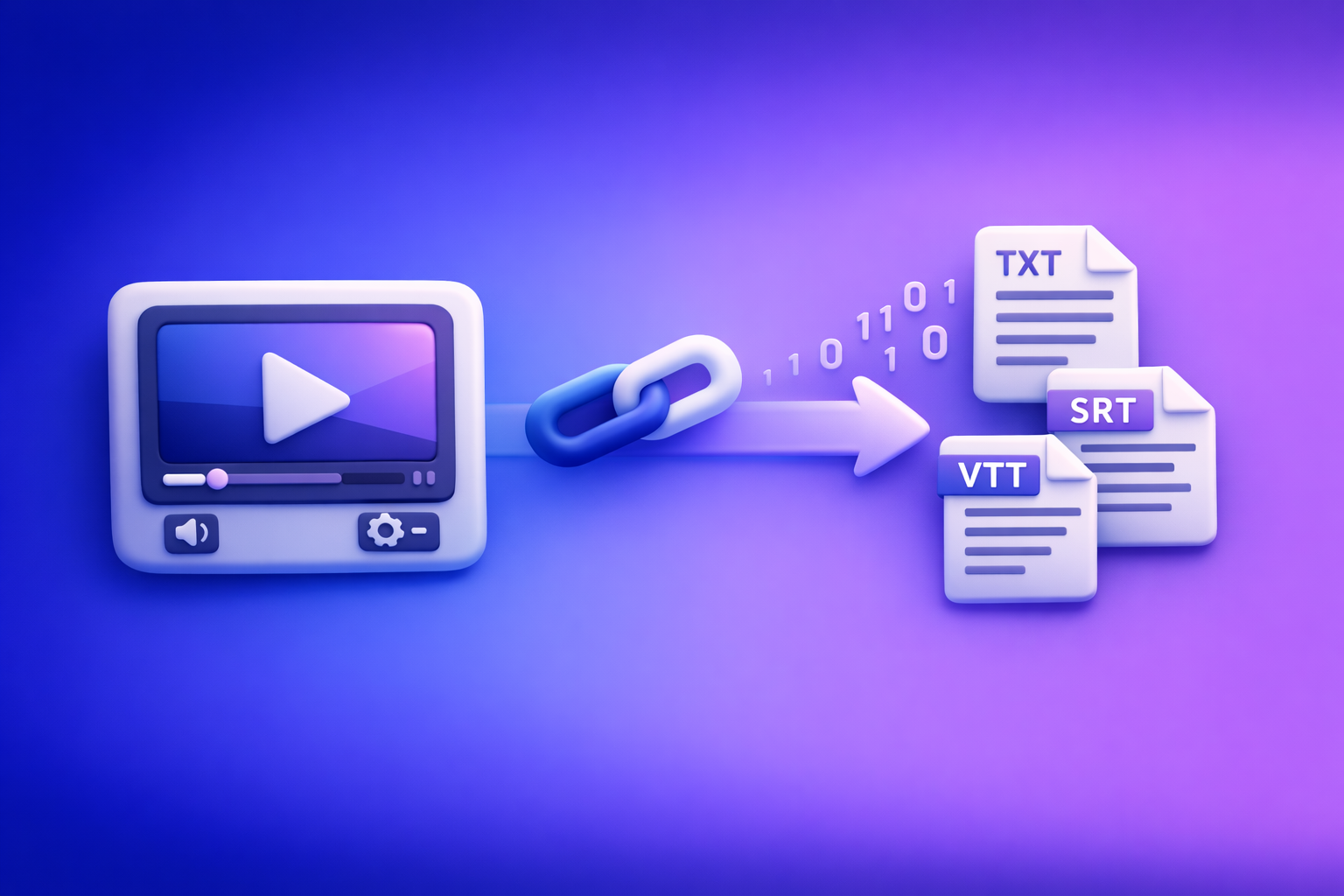
ChatGPT “Upload Video” Feature (2026): What Works, Why Uploads Fail, and the Reliable Link → Transcript Workflow
If you need reliable transcripts/captions, don’t bet your workflow on the “chatgpt” “upload video” feature—convert the video to TXT + SRT + VTT first, then use ChatGPT on the text. The fastest, most repeatable approach in 2026 is link-based extraction (paste a URL) instead of downloading and re-uploading large files.
TL;DR (Decision Tree)
If you need a transcript/captions (SRT/VTT)
Do this:
- Video link/MP4 → transcript + subtitles (SRT/VTT) in a transcription tool
- ChatGPT-on-text for cleanup, formatting, repurposing
Avoid this:
- Uploading long videos into ChatGPT and expecting accurate, complete transcription
If you need “analysis” (high-level summary, topics, Q&A)
Do this:
- Get a transcript first (or at least a clean audio track)
- Ask ChatGPT to produce summary, topics, Q&A from the transcript
Acceptable shortcut:
- Upload a short clip for visual reasoning (when you truly need visuals)
If you need repurposing (blog, LinkedIn, X/Twitter, hooks)
Do this:
- Transcript with timestamps → ChatGPT prompts for chapters, hooks, posts, blog draft
- Keep the “no new facts” constraint to prevent invented details
What “ChatGPT Upload Video” Actually Means (and What It Doesn’t)
Uploading a local file (MP4/MOV) vs. sharing a link (YouTube/Drive)
People mix two different actions:
- Local upload: you attach an MP4/MOV from your device
- Link sharing: you paste a URL and expect ChatGPT to “watch” it
In practice, link access is often blocked by permissions, geo, DRM, or expiring tokens—so “paste a link” is not the same as “the model can access the media.”
“Analyze my video” vs. “Transcribe my video” vs. “Summarize my video”
These are different jobs:
- Analyze: interpret what’s happening (visuals + audio), answer questions
- Transcribe: produce a verbatim text record (accuracy matters)
- Summarize: compress content into key points (accuracy still matters, but differently)
Most frustration comes from asking for transcription inside a tool optimized for conversational reasoning, not deterministic captioning.
The core constraint: ChatGPT is not a deterministic transcription pipeline
Even when video upload works, you’re still dealing with:
- Variable processing limits and timeouts
- Non-deterministic outputs (format drift, missing segments)
- Inconsistent timestamping and caption formatting
For production work, treat ChatGPT as the editor/strategist on top of text—not the transcription engine.
Does ChatGPT Allow You to Upload Videos in 2026?
Where the upload button appears (web vs. iOS vs. Android)
What users report in 2026:
- Web: attachment controls may appear near the prompt box
- iOS: often supports camera roll uploads, but UI varies by version
- Android: similar variability; some builds lag features
If you’re searching for “chatgpt upload video feature iphone” or “how to upload a video to chatgpt from iphone,” the answer is: it depends on your app version and rollout cohort, not just your device.
Plan/rollout variability: why two users see different capabilities
Two users can have different experiences because of:
- A/B tests and staged rollouts
- Plan entitlements and regional availability
- Temporary feature flags (enabled/disabled during load)
Practical limits that matter: duration, file size, processing timeouts
The limits that actually break workflows:
- Long duration (more frames + more audio = more failure points)
- Large file size (upload + processing timeouts)
- Backgrounding on mobile (app suspends, upload fails)
If your goal is captions for a 20–90 minute video, you want a workflow designed for that output.
Why ChatGPT Video Uploads Fail (Root Causes You Can Actually Fix)
Client/UI issues
Missing attachment button, disabled uploads, app version mismatches
Fixes to try:
- Update the app (iOS/Android) and refresh the web session
- Log out/in, clear cache, try a different client (web vs. mobile)
- Confirm you’re in the correct chat mode that supports attachments
If the button isn’t there, you can’t “force” it—switch workflows.
File constraints
Container/codec mismatches (MP4/MOV isn’t enough), audio track problems
“MP4” is a container, not a guarantee. Failures often come from:
- Unsupported codecs (video or audio)
- Variable frame rate edge cases
- Missing or muted audio track
Quick checks:
- Confirm the file plays with sound in a standard player
- Re-encode to a common profile (H.264 video + AAC audio) if needed
Large files and long videos causing timeouts
Symptoms:
- Upload stalls at a percentage
- Processing spins indefinitely
- Output is partial or stops mid-way
Fix:
- Trim to a short segment (if you only need analysis)
- For transcription/captions, use a transcript tool first
Link/access constraints
Private/permissioned links, expiring URLs, geo/DRM restrictions
Common blockers:
- Google Drive links requiring login
- Unlisted links with expiring tokens
- Region-locked streams or DRM-protected content
If the model can’t access the media, it can’t reliably analyze it.
Workflow mismatch
Expecting accurate transcripts from a “video understanding” interaction
If you need:
- SRT/VTT
- consistent timestamps
- speaker labeling
- export-ready captions
…you’re asking for a captioning pipeline, not a chat interaction.
The Production-Grade Workflow: Video Link/MP4 → Transcript/Subtitles → ChatGPT-on-Text
Why this workflow is reliable
This pipeline works because it separates concerns:
- Transcription engine produces deterministic text + timestamps
- ChatGPT produces structured outputs from that text (summaries, chapters, posts)
It also aligns with the 2026 reality: downloading video files is an outdated workflow. Link-based extraction is the future of creator productivity because it removes file juggling, reduces failure points, and scales across teams.
What you get at the end (deliverables)
Clean transcript (TXT)
- Paragraphs, punctuation, optional timestamps
- Ready for editing, search, and reuse
Captions/subtitles (SRT + VTT)
- SRT for most editors/platforms
- VTT for web players and some platforms
Repurposed assets (blog, posts, hooks, summaries)
- Chapters, titles, descriptions
- Social posts and threads
- Clip plan with timestamp ranges
Step-by-Step: Use VideoToTextAI to Convert Video → Text (Then Use ChatGPT Reliably)
If you want the fastest path to TXT + SRT + VTT without fighting upload failures, run a link-based workflow in VideoToTextAI.
Step 1 — Choose your input type
Option A: Paste a public video URL (YouTube, TikTok, Instagram, etc.)
Best for:
- Creator workflows
- Team collaboration
- Avoiding “download → re-upload” friction
Option B: Upload an MP4 you own
Best for:
- Private recordings
- Local exports from editing tools
Step 2 — Generate export-ready outputs in VideoToTextAI
Transcript output settings to choose (punctuation, paragraphs, timestamps)
Recommended defaults for repurposing:
- Punctuation: ON
- Paragraphs: ON (improves readability for ChatGPT)
- Timestamps: ON (critical for chapters and clip lists)
Subtitle exports: when to use SRT vs. VTT
- Use SRT when uploading captions to most video platforms/editors
- Use VTT when your player or workflow expects WebVTT formatting
Step 3 — Quality pass before you involve ChatGPT
Fix speaker names/labels (if needed)
If it’s an interview/podcast:
- Replace “Speaker 1/2” with real names
- Keep labels consistent (helps summaries and quote extraction)
Spot-check timestamps and terminology
Do a quick scan for:
- Brand/product names
- Acronyms and technical terms
- Any obvious mishears that could change meaning
Step 4 — Run ChatGPT on the transcript (not the video)
Prompt: summary + key takeaways (structured)
Copy/paste:
You are given a transcript. Create: (1) a 5-bullet executive summary, (2) 10 key takeaways, (3) 5 audience FAQs with answers.
Constraints: No new facts; only use what’s in the transcript.
Output format: H2 headings + bullets.
Prompt: chapters + timestamps (YouTube-style)
Copy/paste:
Using the transcript timestamps, generate YouTube chapters.
Requirements: 8–15 chapters, each with MM:SS timestamp + title.
Constraints: No new facts; titles must reflect the spoken content.
Prompt: clip list (hook → payoff → CTA) using timestamps
Copy/paste:
Create a clip plan from this transcript.
Output a table with: Clip Title | Start Timestamp | End Timestamp | Hook line | Payoff | CTA.
Constraints: No new facts; keep hooks under 12 words.
Prompt: rewrite for brand voice without changing meaning
Copy/paste:
Rewrite the following transcript excerpt into a concise, professional SaaS tone.
Constraints: Do not change meaning and do not add claims.
Output: 2 versions (short + long).
Step 5 — Publish + repurpose (repeatable outputs)
Blog post draft from transcript
Use the transcript + chapter outline to generate:
- H1 + H2 structure
- Key sections
- Pull quotes and examples (only from transcript)
LinkedIn post + X/Twitter thread
Ask for:
- 1 LinkedIn post (150–250 words)
- 1 thread (6–10 posts), each with a single idea
Captions/subtitles upload workflow (SRT/VTT)
- Upload SRT/VTT to your platform/editor
- Validate timing on a quick preview
- Fix any line-length issues if the platform enforces limits
Copy/Paste Implementation Checklist (Ship This in 15 Minutes)
Inputs checklist
- Video URL is public and playable (or MP4 is local and complete)
- Audio is present and clear (no muted track)
- Target outputs selected: TXT + SRT + VTT
VideoToTextAI run checklist
- Generate transcript
- Export SRT
- Export VTT
- Save transcript for ChatGPT prompts
ChatGPT-on-text checklist
- Provide transcript + goal + output format
- Request structured output (headings, bullets, table, JSON if needed)
- Add “no new facts” constraint to prevent fabrication
Publishing checklist
- Upload captions (SRT/VTT) to platform
- Add chapters to description
- Repurpose into 2–5 social posts
Troubleshooting: If You Still Need to Use ChatGPT With Video
When uploading a short clip is acceptable (and when it’s a trap)
Acceptable:
- You need visual interpretation (what’s on screen, gestures, objects)
- The clip is short and focused (single moment)
A trap:
- You need complete transcription or export-ready captions
- The video is long, multi-speaker, or technical
How to reduce failure rates
Trim to a short segment
- Cut to 30–120 seconds
- Remove dead air and long intros
Re-encode to a common MP4 profile
- H.264 video + AAC audio
- Constant frame rate if possible
Ensure the audio track is standard and present
- Confirm the file has an audio stream
- Avoid unusual multi-track audio exports unless necessary
If your goal is analysis, not transcription
Extract key frames + provide context + ask targeted questions
If you can’t upload video reliably:
- Export 5–15 key frames (screenshots)
- Provide a short context paragraph
- Ask specific questions (e.g., “What does slide 3 claim?” “What UI element is highlighted?”)
Competitor Gap
What competing guides typically miss
- They treat “upload video” as a single feature instead of separating transcription vs. analysis vs. repurposing
- They don’t provide a deterministic workflow that outputs TXT + SRT + VTT consistently
- They skip implementation artifacts (checklists, prompts, deliverables)
What this post adds (differentiators)
- A repeatable link/MP4 → transcript/subtitles → ChatGPT-on-text pipeline
- Concrete failure-mode mapping (client, file, access, workflow mismatch)
- Copy/paste prompts + a ship-ready checklist for teams
Recommended VideoToTextAI Tools (Pick Your Workflow)
MP4 workflows
/tools/mp4-to-transcript/tools/mp4-to-srt/tools/mp4-to-vtt/tools/mp4-to-blog-post
Social/video platform workflows
/tools/tiktok-to-transcript/tools/instagram-to-text/tools/youtube-to-blog
FAQ
Does ChatGPT allow you to upload videos?
Sometimes. Availability depends on your client (web/iOS/Android), plan, and rollout cohort, and it’s not consistent enough to build a production captioning workflow on.
Can I upload a video to ChatGPT to analyze?
Yes, for short clips and targeted questions—especially when visuals matter. For long-form content, extract a transcript first and run analysis on the text.
Why won’t ChatGPT let me upload videos?
Most failures come from missing/disabled attachment UI, app/version mismatches, codec/audio issues, file size/duration timeouts, or private/DRM/geo-restricted links.
Can you upload videos to ChatGPT for free?
Free access varies and typically has tighter limits. If you need reliable outputs (TXT/SRT/VTT), use a transcript/subtitle workflow first, then use ChatGPT on the transcript.
Internal Link Plan (Related Reading)
- ChatGPT “Upload Video” Feature (2026): What Works, Why Uploads Fail, and the Reliable Link → Transcript Workflow (VideoToTextAI)
- ChatGPT “Upload Video” Feature: What Works in 2026 (and the Reliable Link → Transcript Workflow)
- Chat GPT Transcribe: What Actually Works in 2026 (Audio, Video Links, and the Reliable Workflow)
- Can ChatGPT Transcribe Videos? What Works in 2026 + The Reliable Link → Transcript Workflow (VideoToTextAI)
- Can ChatGPT Upload Video in 2026? What Works, What Fails, and the Reliable Link → Transcript Workflow (VideoToTextAI)
- Can ChatGPT Transcribe Video? What Works in 2026 (and the Reliable Link → Transcript Workflow)
Related posts
Reel Analyser (Instagram Reels): Transcript‑First Competitor Research, Hook/CTA Extraction, and Repurposing Workflow (VideoToTextAI)
Video To Text AI
A 2026 reel analyser should turn Instagram Reel links into a searchable transcript library you can tag for hooks, CTAs, objections, and topic clusters—then export into repurposing-ready drafts without a download/upload loop.
Traducir video de Instagram (Reels) en 2026: workflow transcript-first para traducir, sacar hooks/CTAs y repurpose (con VideoToTextAI)
Video To Text AI
Aprende a traducir un Reel de Instagram con un flujo URL→transcripción→traducción→subtítulos, y a convertir esa traducción en un activo de investigación para hooks, CTAs, objeciones y clusters de contenido.
Reel Analyzer: Transcript‑First Instagram Reels Research (Hooks, CTAs, Objections) + Workflow Guide (VideoToTextAI)
Video To Text AI
A reel analyzer should turn any public Instagram Reel link into a searchable transcript library you can mine for hooks, CTAs, objections, and topic clusters—then repurpose into original drafts with a repeatable SOP.