
Can ChatGPT Transcribe Videos? What Works in 2026 + The Reliable Link → Transcript Workflow (VideoToTextAI)
 Video To Text AI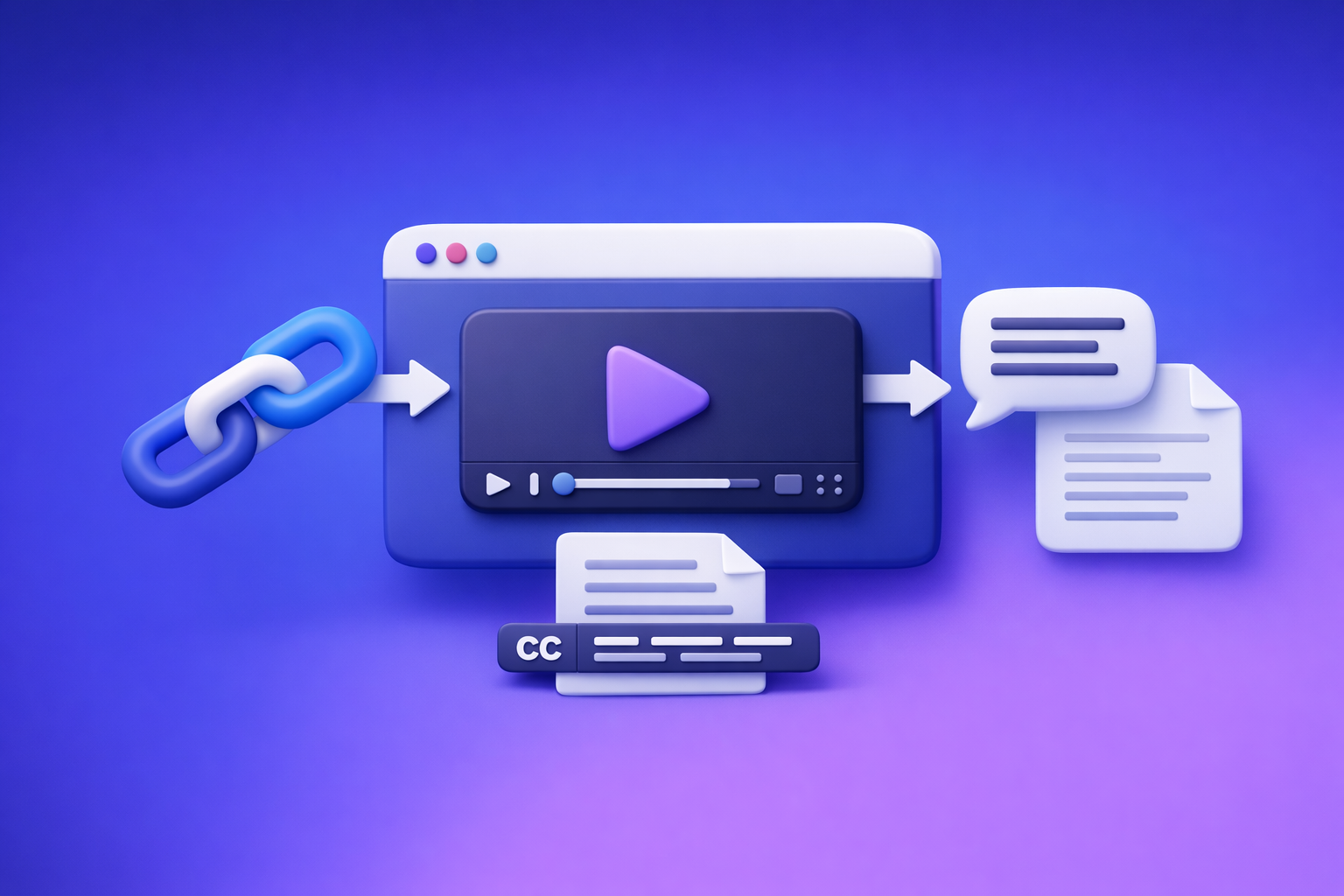
Can ChatGPT Transcribe Videos? What Works in 2026 + The Reliable Link → Transcript Workflow (VideoToTextAI)
If you want reliable results, don’t ask ChatGPT to “transcribe a video link”—generate a transcript/captions first, then use ChatGPT on the text. The production-grade workflow in 2026 is link/MP4 → export-ready transcript/subtitles → ChatGPT for cleanup + repurposing.
Quick Answer (What You Can Expect)
Can ChatGPT transcribe videos directly?
Sometimes, but it’s not deterministic. Depending on the ChatGPT app/version and your account capabilities, you may be able to upload a video file and get a partial transcript or summary.
What you should expect in real workflows:
- Best case: it processes the audio track and returns usable text for short clips.
- Common case: it returns a summary, misses timestamps, or drops sections.
- Worst case: it can’t access the media, times out, or refuses the link.
When it works vs. when it fails (links, length, permissions, formats)
ChatGPT tends to fail when:
- You paste a link (YouTube/TikTok/Instagram) and expect it to fetch the media.
- The video is private, unlisted without proper access, paywalled, or geo-restricted.
- The file is long, large, or the session hits timeouts/retries.
- You need SRT/VTT timing, speaker labels, or consistent exports.
The reliable approach: video link/MP4 → transcript/subtitles → ChatGPT on the text
For teams shipping content weekly, the reliable approach is:
- Use a link-based extractor (preferred) or upload MP4 only when needed.
- Export TXT/SRT/VTT as your source-of-truth.
- Paste the transcript into ChatGPT for editing, chapters, summaries, and repurposing.
This is also why downloading video files is an outdated workflow: it adds friction, versioning problems, and wasted time. Link-based extraction is the future of creator productivity because it matches how content is actually stored and shared.
What “Transcribe a Video” Actually Means (So You Choose the Right Tool)
Transcript vs. captions vs. subtitles (TXT vs. SRT vs. VTT)
These are different deliverables, and mixing them up causes rework.
- Transcript (TXT): readable text, often paragraph-form. Best for blogs, SEO, notes, and search.
- Captions (SRT): timed text blocks (start/end time + lines). Best for burned-in captions and most editors.
- Subtitles (VTT): timed text similar to SRT, commonly used for web players and accessibility workflows.
Rule of thumb:
- Choose TXT for editing and repurposing.
- Choose SRT for most caption pipelines.
- Choose VTT for web video players and accessibility tooling.
Accuracy drivers: audio quality, speakers, accents, background noise
Transcription accuracy is mostly an audio problem, not an AI problem.
Top drivers:
- Mic quality and distance
- Overlapping speakers
- Background noise (music, crowd, echo)
- Accents + fast speech
- Proper nouns (names, brands, locations)
Deliverables teams usually need (timestamps, speaker labels, exports)
Most “we need a transcript” requests actually mean:
- Timestamps (for editing, chapters, and clip selection)
- Speaker labels (for interviews, webinars, podcasts)
- Exports in TXT + SRT/VTT
- A stable source-of-truth file that can be reused across teams
Can ChatGPT Extract Text From a Video Link (YouTube/TikTok/Instagram)?
Why “paste a link” usually fails (access + no deterministic media fetch)
In most cases, ChatGPT does not reliably fetch and process media from arbitrary URLs. Even when it can browse, media extraction is not guaranteed.
Typical failure modes:
- The system can’t access the stream due to permissions or robots/anti-bot controls.
- The link resolves to a page, not a clean media file.
- The session can’t maintain a stable fetch long enough to process audio.
Public vs. private/unlisted vs. paywalled videos
- Public: still not guaranteed that ChatGPT can fetch and process the media.
- Unlisted/private: usually fails unless you provide direct access in a supported way.
- Paywalled/inside platforms: almost always fails without a dedicated integration.
What to do if you only have a link (best-practice workflow)
Best practice in 2026:
- Keep the workflow link-first. Don’t download unless you must.
- Generate transcript/captions from the link using a tool built for link-based extraction.
- Use ChatGPT only after you have exported text.
If you’re building a repeatable pipeline, link-based extraction is the scalable path—downloading files is the legacy workaround.
Can You Put a Video Into ChatGPT? (Upload Reality Check)
Upload limitations that break transcription (size, duration, timeouts)
Uploads can fail due to:
- File size limits
- Long duration processing
- Network instability
- Session timeouts
- Retries that restart processing
Why results can be inconsistent (processing + context window + retries)
Even when upload works, results can vary because:
- The system may prioritize summarization over verbatim transcription.
- Long transcripts can exceed practical context limits for editing in one pass.
- A retry can change segmentation, punctuation, or omit sections.
When ChatGPT is still useful in a video workflow (post-processing)
ChatGPT is excellent for:
- Cleaning transcripts (grammar, filler words, readability)
- Creating chapters and titles
- Extracting quotes, takeaways, and action items
- Drafting blogs, emails, and social posts from the transcript
In other words: ChatGPT is a post-production editor, not your transcription engine.
The Reliable Workflow (Production-Grade): Link/MP4 → Transcript/Subtitles → ChatGPT
Step 1 — Collect the input (choose one)
Option A: Use a shareable video link (YouTube/Instagram/TikTok)
This is the modern workflow. It’s faster, avoids file handling, and matches how teams collaborate.
Use a link when:
- The video is already published or shared
- You want repeatable processing without file downloads
- Multiple stakeholders need the same source
Option B: Upload an MP4 file
Use MP4 when:
- The video is not hosted anywhere accessible
- You’re working with raw exports from an editor
- You need to process internal recordings
If you can use a link, do it—downloading and passing around MP4s is outdated and slows down creator productivity.
Step 2 — Generate export-ready text with VideoToTextAI
Use VideoToTextAI to generate the deliverable you actually need:
- TXT transcript for editing and repurposing
- SRT captions for editors and social platforms
- VTT subtitles for web players
Enable/confirm:
- Timestamps (critical for chapters and clip workflows)
- Paragraphing (for readability)
- Speaker labels (when available/needed)
Exactly one CTA: Use VideoToTextAI for link-based video-to-text workflows here: https://videototextai.com
Step 3 — QA the transcript fast (2-minute review method)
You don’t need a full read to catch most issues.
Spot-check: first 60 seconds, a mid section, and the ending
- Start: confirms the model “locked in” to the audio correctly.
- Middle: catches drift, speaker confusion, or noisy segments.
- End: catches truncation and outro/music issues.
Fix obvious proper nouns (names, brands, locations)
Do a quick search/replace pass for:
- Company/product names
- Guest names
- Cities, events, acronyms
- Industry terms
Step 4 — Use ChatGPT on the transcript (not the video)
Paste the exported transcript (TXT) into ChatGPT and run targeted prompts.
Prompt: clean up grammar without changing meaning
You are editing a transcript. Fix grammar, punctuation, and readability without changing meaning. Keep technical terms. Remove filler words only when it improves clarity. Output as clean paragraphs.
Prompt: create chapters with timestamps
Using the transcript with timestamps, create 6–12 chapters. Each chapter must include a timestamp range and a short title. Keep titles action-oriented and specific.
Prompt: extract quotes, key takeaways, and action items
Extract (1) 10 quotable lines, (2) 7 key takeaways, and (3) a checklist of action items. Keep wording faithful to the speaker. If a quote needs light cleanup, preserve intent.
Step 5 — Repurpose into publishable assets
Use the cleaned transcript as the source.
Blog post outline + draft
- Convert chapters into an outline
- Expand each section with examples
- Add a conclusion + CTA (if applicable)
Internal link idea: If your input is YouTube, see the workflow at youtube to blog.
Social posts (LinkedIn/X) + hooks
- 5 hooks (contrarian, data point, mistake, framework, story)
- 3 LinkedIn posts (150–250 words)
- 10 short posts (1–2 lines) for X
Email summary + subject lines
- 1 short summary email (100–150 words)
- 5 subject lines
- 1 “reply with a question” CTA
Step-by-Step: Do It in VideoToTextAI (Link → Transcript/Subtitles)
1) Paste the video URL (or upload MP4)
- Use a public/shareable link when possible.
- Upload MP4 only when link access isn’t available.
Related tools (internal):
2) Select your output format (TXT/SRT/VTT)
Pick based on your downstream use:
- Editing/repurposing: TXT
- Captions for editors/social: SRT
- Web subtitles: VTT
Internal links:
3) Export and download (store as source-of-truth)
Store:
- The TXT transcript (source-of-truth for writing)
- The SRT/VTT (source-of-truth for timing)
4) Paste transcript into ChatGPT for editing/repurposing
Keep ChatGPT’s job narrow:
- Edit and structure text
- Generate chapters and summaries
- Produce repurposed drafts
Troubleshooting: Common Failures and Fixes (Fast)
Problem: “ChatGPT can’t access the link”
Fix: generate transcript from the link in VideoToTextAI, then paste text into ChatGPT.
Why this works:
- You remove link permissions, fetch instability, and platform restrictions from the equation.
- You get a stable export (TXT/SRT/VTT) you can reuse.
Problem: “Upload fails / takes forever”
Fix:
- Use an MP4 → transcript tool designed for long media.
- If needed, split long videos into parts (e.g., 30–60 minutes) and merge transcripts after.
Problem: “Transcript is inaccurate”
Fix:
- Improve audio first: noise reduction, normalize levels, reduce echo.
- Re-run transcription.
- Do targeted corrections: proper nouns + repeated terms.
Problem: “No timestamps / captions don’t sync”
Fix:
- Export SRT/VTT from VideoToTextAI.
- Avoid manual timestamping (it’s slow and error-prone).
- Preview 30–60 seconds in your target player/editor to confirm sync.
Checklist: Reliable Video → Text Results (Copy/Paste)
Input checklist (before you start)
- Confirm link is accessible (public or properly shared)
- Prefer the highest-quality audio source available
- Note speaker names + key terms (for quick corrections)
- Decide deliverable: TXT vs SRT vs VTT
- If the video is long, plan for chunking (if needed)
Output checklist (before you publish)
- Transcript: correct names/brands + remove filler words (optional)
- Captions: verify SRT/VTT timing on a 30–60s preview
- Chapters: confirm timestamps align with topic shifts
- Final: store transcript + SRT/VTT as reusable assets
Competitor Gap
What competitors miss (and this post includes)
- A deterministic workflow that doesn’t depend on ChatGPT link access or upload stability
- A troubleshooting matrix for common failure modes: links, permissions, length, exports
- Copy/paste checklists + prompts to go from transcript → chapters → repurposed content
Implementation assets to include in the post
- The 2-minute QA method (start/middle/end spot-check)
- A prompt pack for cleanup, chapters, summaries, and repurposing
- Export guidance: when to use TXT vs SRT vs VTT (and why)
Use-Case Paths (Pick One)
Creators: YouTube/TikTok → captions + blog post
Workflow:
- Link → transcript + SRT
- QA proper nouns
- ChatGPT: chapters + blog draft + hooks
Useful internal tools:
Marketing teams: webinar → transcript + chapters + LinkedIn posts
Workflow:
- Link/MP4 → transcript (TXT) + captions (SRT)
- ChatGPT: chapters, key takeaways, 3 LinkedIn posts, 10 short posts
- Store exports as campaign assets
Podcasters: episode → transcript + show notes + clips plan
Workflow:
- Episode link/MP4 → transcript with timestamps
- ChatGPT: show notes, quote bank, clip timestamps, titles
- Use timestamps to brief editors quickly
Internal tool:
FAQ
Can ChatGPT extract text from a video?
Not reliably from a link. The dependable method is to generate a transcript/captions first (TXT/SRT/VTT), then use ChatGPT to edit and repurpose the text.
Is there an AI that can transcript a video?
Yes. Dedicated video-to-text tools are built to produce export-ready transcripts and captions with timestamps and consistent formatting, which is what production teams need.
Can you put a video into ChatGPT?
Sometimes, but uploads can be limited by size, duration, and processing stability. For repeatable workflows, use a transcription tool first, then use ChatGPT on the exported transcript.
How can I transcribe a video into text for free?
If a platform provides captions, you may be able to copy/export them for free. For consistent results across platforms (and for SRT/VTT exports), use a transcription tool and treat the transcript as a reusable asset.
Internal Link Plan
- Can ChatGPT Transcribe Videos? What Works in 2026 (and the Reliable Link → Transcript Workflow)
- ChatGPT “Upload Video” Feature (2026): What Works, Why It Fails, and the Reliable Link → Transcript Workflow
- mp4 to transcript
- mp4 to srt
- mp4 to vtt
- youtube to blog
- tiktok to transcript
- podcast transcription
Related posts
Reel Analyser (Instagram Reels): Transcript‑First Competitor Research, Hook/CTA Extraction, and Repurposing Workflow (VideoToTextAI)
Video To Text AI
A 2026 reel analyser should turn Instagram Reel links into a searchable transcript library you can tag for hooks, CTAs, objections, and topic clusters—then export into repurposing-ready drafts without a download/upload loop.
Traducir video de Instagram (Reels) en 2026: workflow transcript-first para traducir, sacar hooks/CTAs y repurpose (con VideoToTextAI)
Video To Text AI
Aprende a traducir un Reel de Instagram con un flujo URL→transcripción→traducción→subtítulos, y a convertir esa traducción en un activo de investigación para hooks, CTAs, objeciones y clusters de contenido.
Reel Analyzer: Transcript‑First Instagram Reels Research (Hooks, CTAs, Objections) + Workflow Guide (VideoToTextAI)
Video To Text AI
A reel analyzer should turn any public Instagram Reel link into a searchable transcript library you can mine for hooks, CTAs, objections, and topic clusters—then repurpose into original drafts with a repeatable SOP.