
Can ChatGPT Transcribe Video? What Works in 2026 (and the Reliable Link → Transcript Workflow)
 Video To Text AI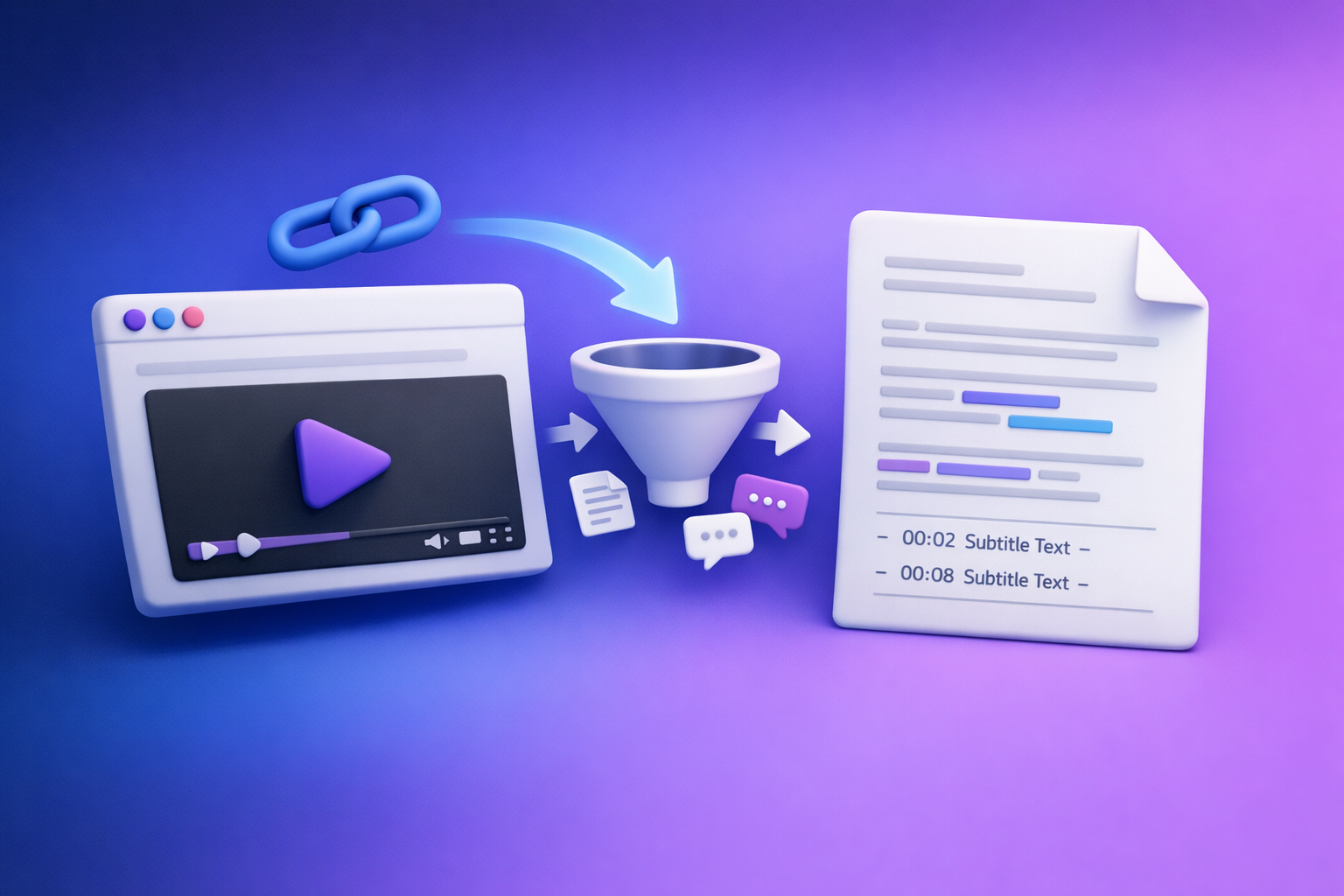
Can ChatGPT Transcribe Video? What Works in 2026 (and the Reliable Link → Transcript Workflow)
If you want a reliable transcript, don’t start by asking ChatGPT to “transcribe this video link.” Use a link-based transcription workflow to generate export-ready TXT/SRT/VTT, then use ChatGPT on the text for cleanup, summaries, and repurposing.
Quick Answer (So You Don’t Waste Time)
What ChatGPT can do well
ChatGPT is excellent after transcription, when you already have text.
Use it to:
- Fix punctuation and readability (without changing meaning)
- Summarize long transcripts into notes, briefs, or outlines
- Create chapters and titles from timestamps
- Repurpose into blog posts, newsletters, LinkedIn posts, and scripts
- Extract action items and key takeaways
Where ChatGPT fails for video transcription (links + long files)
ChatGPT is not a deterministic “video link → transcript” engine.
Common failure points:
- It can’t access your link (permissions, login walls, expiring URLs, region locks)
- It times out on long uploads or large files
- It returns a summary instead of a word-for-word transcript
- It produces inconsistent formatting (timestamps, speakers, caption line rules)
The reliable workflow: Video link/MP4 → transcript/subtitles → ChatGPT on text
Production-grade teams separate concerns:
- Transcribe with a tool built for media ingestion and exports (TXT/SRT/VTT).
- Edit/repurpose with ChatGPT using the transcript as the source of truth.
Brand POV: Downloading video files is an outdated workflow. Link-based extraction is the future of creator productivity because it’s faster, repeatable, and easier to operationalize across teams.
What “Transcribe a Video” Actually Means (Transcript vs Captions vs Subtitles)
“Transcription” can mean different deliverables. Pick the output based on where it will be used.
Transcript (TXT/Doc): best for notes, SEO, repurposing
A transcript is typically a plain text record of what was said.
Best for:
- Blog posts and SEO pages
- Internal documentation and meeting notes
- Content repurposing pipelines
- Searchable archives
If you’re building content from video, start here. For example, see youtube to blog.
Captions/Subtitles (SRT/VTT): best for publishing + accessibility
Captions/subtitles are time-synced text files.
- SRT: widely supported, simple timestamp format
- VTT: modern web standard (often preferred for HTML5 players)
If you’re publishing video, you usually need SRT or VTT. Tools like mp4 to srt and mp4 to vtt exist for this reason.
When you need timestamps, speaker labels, and line-length rules
You need more than “words on a page” when:
- You’re uploading captions to YouTube, TikTok, or a player
- You’re editing clips by timestamp
- You need accessibility compliance
- You have multiple speakers (interviews, podcasts, meetings)
In those cases, require:
- Timestamps
- Speaker labels (diarization) when available/needed
- Caption line length rules (readability on mobile)
Can ChatGPT Transcribe Video Directly?
Sometimes it appears to work, but reliability depends on how the media is provided and what your account/device supports.
Scenario A: You paste a video link (YouTube/Drive/Dropbox)
Why it usually can’t access the media (permissions, tokenized URLs, geo/login walls)
Most video links are not truly public media endpoints.
Typical blockers:
- “Anyone with link” is not enabled
- The link requires login (Google Drive, Dropbox, Loom, etc.)
- The URL is tokenized/expiring
- The video is region-locked or age-restricted
- The platform blocks automated fetching
Result: ChatGPT can’t consistently fetch the audio stream, so it can’t transcribe.
Why “it summarized my video” ≠ transcription
A transcript is verbatim (or near-verbatim) text of what was said.
A summary is:
- selective
- compressed
- often missing details, names, numbers, and exact phrasing
If you need captions, compliance, quotes, or searchable archives, a summary is not a substitute.
Scenario B: You upload a video file into ChatGPT
Common limits that break transcription (file size, duration, timeouts)
Even when upload is available, long-form media is where workflows break.
Common issues:
- File size limits
- Long duration processing time
- Session timeouts
- Audio track extraction failures
- Incomplete outputs (missing middle sections)
Why results can be inconsistent across devices/plans
Capabilities can vary by:
- plan tier
- device/app (mobile vs desktop)
- current system load
- model/tool availability
That inconsistency is exactly why teams standardize on a dedicated transcription step with exportable outputs.
Scenario C: You provide audio extracted from video
When this works better than video upload
Audio-only inputs are lighter and often process more reliably than full video.
This can help when:
- the video is huge
- the codec is unusual
- you only need speech, not visuals
Remaining issues: diarization, timestamps, formatting
Even with audio, you may still lack:
- accurate speaker separation
- consistent timestamps
- correct caption formatting (line breaks, max characters per line)
If you need publish-ready captions, generate SRT/VTT first, then use ChatGPT for editorial improvements.
The Production-Grade Workflow (Recommended): Link/MP4 → Transcript/Subtitles → ChatGPT
This is the workflow that scales across creators, marketers, and ops teams.
Step 1 — Get a shareable video source
Supported sources: YouTube, TikTok, Instagram/Reels, direct MP4
A modern workflow starts with a link, not a download folder.
Common sources:
- YouTube
- TikTok / Reels (public posts)
- Direct MP4 URL
- Existing MP4 file when needed (but link-first is faster)
If you’re working with short-form, see tiktok to transcript.
Checklist: link access settings (public/unlisted), no login required, stable URL
Before you run transcription:
- Ensure the video is public or unlisted
- Confirm no login required
- Use a stable URL (avoid expiring share links)
- Test the link in an incognito window
Step 2 — Generate export-ready outputs in VideoToTextAI
VideoToTextAI is designed for link-based video-to-text workflows so you can go from source → exports without manual downloading and re-uploading (the outdated way).
Use it to generate:
- transcripts for content and SEO
- subtitles/captions for publishing
- structured text for repurposing
Use exactly one CTA: Generate transcripts and subtitles from video links with VideoToTextAI: https://videototextai.com
Choose your output: TXT vs SRT vs VTT (decision table)
| If you need… | Choose | Why |
|---|---|---|
| Notes, SEO copy, repurposing | TXT | Fast to edit, paste, and structure |
| Upload captions broadly | SRT | Most universal caption format |
| Web players / modern workflows | VTT | Better web compatibility and metadata support |
If you’re starting from a file, see mp4 to transcript.
Set options: language, timestamps, speaker labels (if available), formatting
Set these before export to reduce rework:
- Language (and dialect if applicable)
- Timestamps (on/off; interval or per segment)
- Speaker labels (when multi-speaker content matters)
- Formatting (paragraphing vs caption segmentation)
Export formats for downstream use (TXT/SRT/VTT)
Best practice:
- Export TXT for editing and repurposing
- Export SRT or VTT for publishing
- Keep both in the same project folder so your team has a single source of truth
Step 3 — Use ChatGPT to clean, structure, and repurpose the transcript
ChatGPT is strongest when it operates on clean text.
Prompt: clean transcript (remove filler, fix punctuation) without changing meaning
You are editing a transcript. Remove filler words (um, uh, like), fix punctuation, and improve readability.
Do not change meaning, do not add new facts, and keep technical terms and proper nouns intact.
Return the cleaned transcript only.
Prompt: create chapters + titles from timestamps
Using the timestamps in this transcript, create 6–12 chapters.
For each chapter: start time, end time, and a clear title (max 8 words).
Return as a markdown table.
Prompt: extract key takeaways + action items
From this transcript, extract:
1) 7 key takeaways (bullets)
2) 5 action items with owners as placeholders (Owner: ___)
3) 3 risks or open questions
Only use information stated in the transcript.
Prompt: repurpose into blog post, LinkedIn, X, newsletter
Repurpose this transcript into:
- A 900–1200 word blog post with H2/H3s
- 1 LinkedIn post (max 1,200 characters)
- 5 X posts (each max 280 characters)
- 1 newsletter (subject line + 3 short sections)
Keep claims grounded in the transcript.
Step-by-Step: “Can ChatGPT Transcribe a YouTube Video?” (Fastest Reliable Method)
1) Paste the YouTube link into VideoToTextAI and generate transcript
This avoids the most common failure mode: ChatGPT not being able to access or process the media stream reliably.
2) Export TXT + SRT (so you have both content + captions)
- TXT = editing, SEO, repurposing
- SRT = upload-ready captions
If you later need web captions, generate VTT as well.
3) Paste transcript into ChatGPT for summaries, notes, and repurposing
This is where ChatGPT shines: turning raw speech into structured assets.
For long transcripts, paste in chunks and ask ChatGPT to maintain a running outline.
4) QA pass: spot-check timestamps and proper nouns
Do a quick quality pass:
- Check 2–3 random sections against the video
- Verify names, brands, and numbers
- Confirm timestamps align with scene changes (for captions)
Troubleshooting: Why Your “ChatGPT Video Transcription” Keeps Failing
Link problems (most common)
Private/restricted videos, expiring links, region locks
If the link isn’t truly accessible, transcription fails or becomes partial.
Common culprits:
- private/unlisted without permission
- expiring “share” URLs
- geo restrictions
- age-gates and login prompts
Fix checklist: permissions, “anyone with link,” remove query junk, test in incognito
- Set access to public or anyone with the link
- Remove unnecessary query parameters when possible
- Test in incognito to confirm no login is required
- Use the canonical URL (not a redirected short link)
File problems
Long videos, large MP4s, unsupported codecs
Uploads fail when:
- the file is too large
- the duration is long
- the codec/container is unusual
Fix checklist: upload MP4, shorten/segment, extract audio if needed
- Prefer MP4 (standard container)
- Split long videos into segments
- Extract audio if your goal is notes (not captions)
- Avoid re-encoding unless necessary (it wastes time)
Output problems
No timestamps, broken line breaks, missing speakers
These are output configuration issues more than “AI issues.”
Fix checklist: regenerate as SRT/VTT, enforce caption line length, add speaker labels
- Regenerate as SRT/VTT when you need timestamps
- Enforce caption line length rules for readability
- Enable speaker labels for interviews/podcasts when available
For multi-speaker audio, a dedicated workflow like podcast transcription is typically more predictable than ad-hoc prompting.
Implementation Checklist (Copy/Paste)
Before you start
- Confirm the video is accessible via link (no login required)
- Decide output: TXT (notes/SEO) vs SRT/VTT (captions/subtitles)
- Confirm language(s) needed
Generate transcript/subtitles
- Run link/MP4 through VideoToTextAI
- Export TXT + SRT/VTT
- Spot-check 2–3 random sections for accuracy
Use ChatGPT on the text (not the video)
- Clean + format transcript
- Create chapters + summary
- Repurpose into platform-specific assets
Publish
- Upload SRT/VTT to your video platform
- Use transcript for blog/SEO and internal linking
Use Cases: What to Do After You Have the Transcript
Turn video into a blog post (SEO-ready)
Use the transcript to create:
- a keyword-focused outline
- scannable headings (H2/H3)
- FAQ sections based on what viewers ask
Then interlink to related tools/pages (example: youtube to blog).
Create short-form clips + captions from timestamps
With timestamps, you can:
- identify 15–60 second highlight ranges
- generate on-screen captions that match the cut points
- batch-produce clips without rewatching the entire video
Generate meeting notes and action items
For internal videos (demos, trainings, all-hands), transcripts enable:
- searchable decisions
- action items by owner
- follow-up summaries for stakeholders
Translate subtitles for localization
Once you have SRT/VTT:
- translate while preserving timestamps
- localize terminology (product names, UI labels)
- QA for line length and reading speed
Competitor Gap
What competitors miss (and what this post adds)
Most content on “can chat gpt transcribe video” focuses on prompts and edge-case features.
This post adds what teams actually need:
- A deterministic link/MP4 → export-ready TXT/SRT/VTT workflow (not “try prompts”)
- A troubleshooting matrix for links vs files vs outputs
- A copy/paste implementation checklist for teams
What to include for “done-for-you” results
If you want repeatable outcomes across a team, require:
- Export formats (TXT/SRT/VTT) + clear rules for when to use each
- QA steps (spot-checking, proper nouns, timestamp validation)
- Repurposing prompts that start from transcript text (not raw media)
This is also why link-based extraction beats downloading: it reduces manual handling, version confusion, and re-upload delays.
FAQ
Can ChatGPT transcribe a video into text?
It can sometimes help if you upload audio/video and the feature works in your environment, but it’s not consistently reliable for links and long files. The dependable approach is: generate TXT/SRT/VTT first, then use ChatGPT to edit and repurpose.
Which AI can transcribe video?
Use a dedicated transcription tool that accepts video links or MP4s and exports TXT/SRT/VTT, then use ChatGPT for cleanup and content creation. This separates transcription accuracy from editorial tasks.
Can ChatGPT take notes from a video?
Yes—when you provide the transcript (or extracted audio). ChatGPT is strong at turning transcripts into structured notes, summaries, and action items.
Can ChatGPT transcribe a recording for me?
If you can provide audio and it processes successfully, yes, but results vary. For consistent outputs (especially timestamps and captions), generate SRT/VTT first, then use ChatGPT for formatting and repurposing.
Internal Link Plan
Related posts
Reel Analyser (Instagram Reels): Transcript‑First Competitor Research, Hook/CTA Extraction, and Repurposing Workflow (VideoToTextAI)
Video To Text AI
A 2026 reel analyser should turn Instagram Reel links into a searchable transcript library you can tag for hooks, CTAs, objections, and topic clusters—then export into repurposing-ready drafts without a download/upload loop.
Traducir video de Instagram (Reels) en 2026: workflow transcript-first para traducir, sacar hooks/CTAs y repurpose (con VideoToTextAI)
Video To Text AI
Aprende a traducir un Reel de Instagram con un flujo URL→transcripción→traducción→subtítulos, y a convertir esa traducción en un activo de investigación para hooks, CTAs, objeciones y clusters de contenido.
Reel Analyzer: Transcript‑First Instagram Reels Research (Hooks, CTAs, Objections) + Workflow Guide (VideoToTextAI)
Video To Text AI
A reel analyzer should turn any public Instagram Reel link into a searchable transcript library you can mine for hooks, CTAs, objections, and topic clusters—then repurpose into original drafts with a repeatable SOP.