
Can ChatGPT Transcribe Videos? What Actually Works in 2026 (Plus the Reliable Link → Transcript Workflow)
 Video To Text AI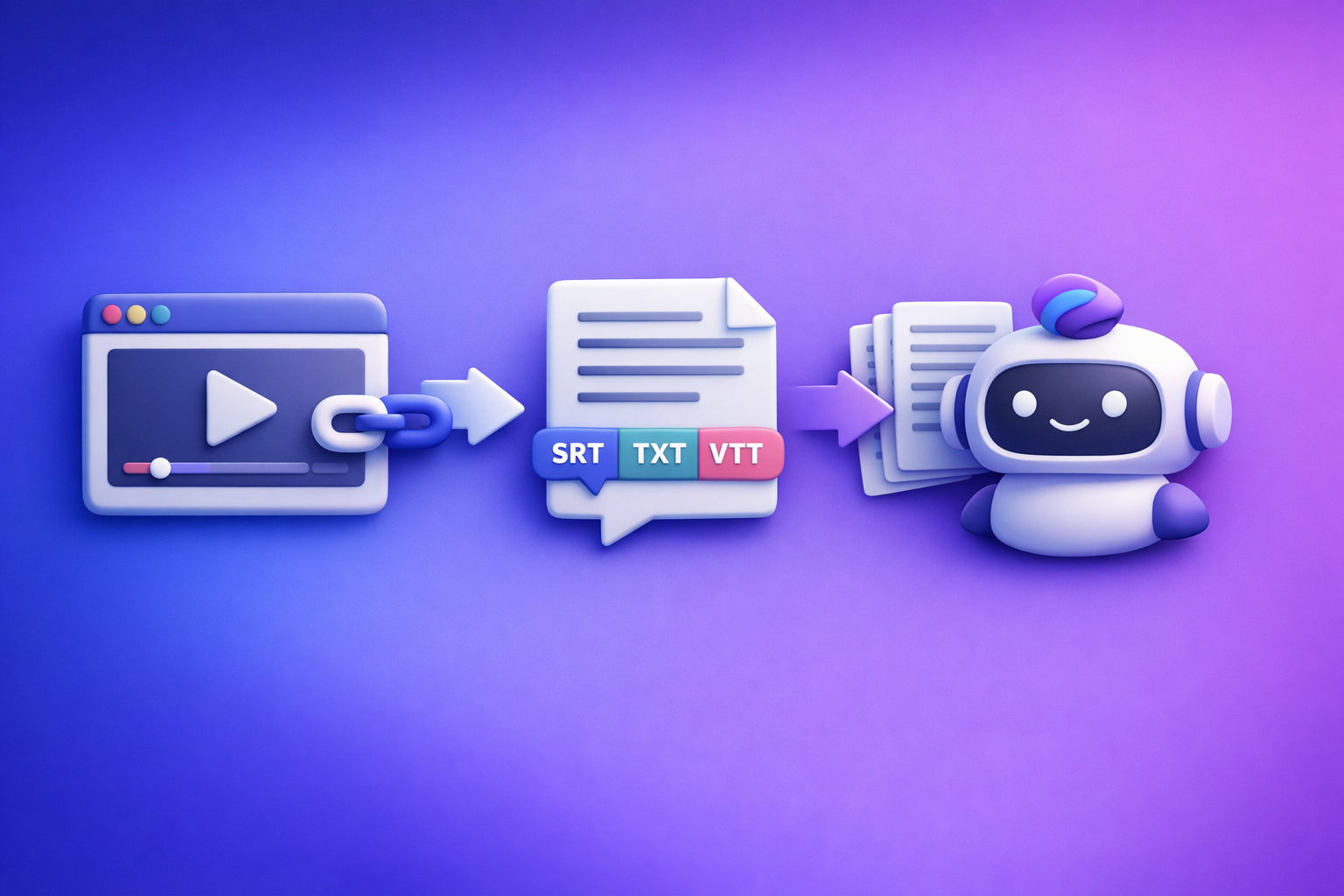
ChatGPT is not the most reliable way to transcribe videos from links in 2026. The workflow that consistently works is video link/MP4 → export-ready transcript/subtitles (TXT/SRT/VTT) → ChatGPT for cleanup and repurposing.
Quick Answer (What You Can and Can’t Do)
Can ChatGPT transcribe a video from a link?
Usually no, not end-to-end.
A “video link” (YouTube/IG/TikTok) is not the same as providing the underlying audio stream in a way ChatGPT can always access. Even when a platform is publicly viewable, automated access can be blocked or inconsistent.
What works reliably instead: generate the transcript from the link first, then use ChatGPT on the text.
Can ChatGPT transcribe a video you upload (MP4)?
Sometimes yes, depending on your plan, client/app, file size, and feature availability.
Even when upload transcription works, it’s often not optimized for publishing deliverables like:
- SRT (captions)
- VTT (web captions)
- Timestamped TXT (editing + SEO)
If your goal is publishing, accessibility, and reuse, you want export-ready formats from the start.
When ChatGPT is useful in a transcription workflow (cleanup, structure, repurposing)
ChatGPT shines after transcription, when you already have text.
Use it for:
- Cleanup: remove filler words, fix punctuation, normalize casing
- Structure: headings, chapters, bullet takeaways, speaker formatting
- Repurposing: blog drafts, LinkedIn posts, email newsletters, clip scripts
Why “ChatGPT Video Transcription” Often Fails (So You Don’t Waste Time)
Link access ≠ video access (YouTube/IG/TikTok permissions + playback limitations)
A link can be:
- region-locked
- age-restricted
- behind login
- blocked by robots/anti-bot systems
- served differently to different devices
Result: you paste a link and get partial output, refusal, or hallucinated “transcripts.”
Long videos hit practical limits (time, context, incomplete processing)
Even if a tool starts transcribing, long-form content introduces practical issues:
- incomplete processing (missing middle sections)
- truncated output
- inconsistent formatting across chunks
- loss of context for names/terms
For podcasts, webinars, and interviews, you need a workflow built for full-duration coverage.
Output problems: missing timestamps, speaker labels, and export formats (SRT/VTT)
Publishing requires specific deliverables.
Common gaps when trying to “just use ChatGPT”:
- no reliable timestamps
- no consistent speaker labels
- no SRT/VTT export
- no guardrails for line length and caption readability
Accuracy risks: accents, crosstalk, music, low audio, and jargon
Transcription quality drops fast when audio is hard:
- overlapping dialogue (crosstalk)
- background music
- low mic gain / clipping
- heavy accents
- domain jargon (SaaS, medical, legal)
You need a transcript-first system where you can spot-check, re-run, and export cleanly.
The Reliable 2026 Workflow: Video Link/MP4 → Transcript/Subtitles → ChatGPT
This is the repeatable workflow we recommend at VideoToTextAI: stop downloading files as your default. Downloading is an outdated workflow that adds friction, breaks automation, and slows creator teams; link-based extraction is the future of creator productivity.
Step 1: Start with a video link (or MP4) and generate an export-ready transcript
Inputs that work best:
- YouTube links (public)
- Instagram Reels links (public)
- podcast/video hosting links
- direct MP4 links (when needed)
Outputs you should require (minimum):
- TXT (for docs, editing, SEO)
- SRT (for captions)
- VTT (for web players)
If a tool can’t export SRT/VTT cleanly, you’ll pay for it later in manual fixes.
Step 2: Run quality checks before you touch ChatGPT
Use a fast spot-check method:
- check the first 60 seconds
- check a mid-section (random 60 seconds)
- check the last 60 seconds
Red flags to catch early:
- missing sections (sudden jumps)
- repeated lines (looping)
- timing drift (captions lag/lead)
- speaker swaps (A labeled as B)
If you see red flags, fix the transcript/subtitles first—don’t “prompt your way out” later.
Step 3: Use ChatGPT to improve the transcript (not to “watch the video”)
Treat ChatGPT as an editor and content strategist.
Cleanup prompt (example):
- remove filler words (um, uh, like) where it doesn’t change meaning
- fix punctuation and sentence boundaries
- keep technical terms and product names unchanged
- do not summarize; output a cleaned transcript only
Structure prompt (example):
- create H2/H3 headings
- add a short “Key takeaways” list
- produce chapter titles with timestamps (if timestamps exist)
Repurpose prompt (example):
- blog outline with SEO headings
- LinkedIn post: hook → 3–7 points → CTA
- 5 short clip scripts with suggested titles
Step 4: Export and publish (captions + transcript + derivative content)
Where each format goes:
- SRT: upload to YouTube, LinkedIn, many editors
- VTT: web players, some LMS platforms, HTML5 video
- TXT: blog drafts, documentation, SEO pages, internal knowledge base
Step-by-Step: Do It with VideoToTextAI (Link-Based, Exportable)
If you want the “paste link → export TXT/SRT/VTT” workflow, use VideoToTextAI once, then use ChatGPT for polish.
Step 1: Paste the video link into VideoToTextAI
- Choose transcript, subtitles, or both
- Select the language
- Enable translation if you’re publishing multilingual versions
This is the modern workflow: links in, exports out—no file wrangling as the default.
CTA: Generate an export-ready transcript from a link: VideoToTextAI
Step 2: Generate transcript + subtitles (TXT/SRT/VTT)
When to enable timestamps:
- you need chapters
- you need clip selection
- you’re publishing captions
When to enable speaker labels:
- interviews
- podcasts
- panels/webinars
- sales calls (with consent)
Your goal is a transcript that can be used immediately for publishing and repurposing.
Step 3: Fix common edge cases inside the workflow
Multi-speaker interviews:
- enable speaker separation
- verify speaker swaps in the mid-section spot-check
- correct names once, then keep consistent
Background music / lyrics-heavy segments:
- expect lower accuracy during intros/outros
- consider trimming music-only sections before final export (if your workflow supports it)
- avoid forcing “lyrics” accuracy unless that’s the goal
Fast speech and overlapping dialogue:
- prioritize speaker labeling
- re-run with higher accuracy settings if available
- accept that crosstalk may need manual correction in key moments
Step 4: Send the transcript to ChatGPT for final polish + repurposing
Copy/paste prompts (ready to use):
1) “Transcript cleanup” prompt (copy/paste ready)
You are editing a transcript for publication.
Rules:
- Remove filler words and false starts when it doesn’t change meaning.
- Fix punctuation, capitalization, and paragraph breaks.
- Keep all technical terms, product names, and numbers exactly as-is.
- Do not summarize or shorten content.
Output: cleaned transcript only.
Transcript:
[PASTE TRANSCRIPT HERE]
2) “Chapters + titles” prompt (YouTube-ready)
Create YouTube chapters from this transcript.
Rules:
- Use timestamps if present; if not, infer logical sections without timestamps.
- Provide 6–12 chapters with short, specific titles.
- Add a 1–2 sentence video description and 5 title options.
Transcript:
[PASTE TRANSCRIPT HERE]
3) “Repurpose into blog” prompt (SEO-ready)
Turn this transcript into an SEO blog draft.
Requirements:
- Use an H1, then H2/H3 sections.
- Add a short TL;DR, key takeaways, and a conclusion.
- Keep claims factual; don’t invent stats.
- Preserve product names and technical terms.
Transcript:
[PASTE TRANSCRIPT HERE]
Implementation Checklist (Copy/Paste SOP)
Inputs
- Public video link works in an incognito browser (or MP4 is playable)
- Audio is clear enough (no clipping; speech audible over music)
- Target language(s) confirmed
Transcript Quality
- Transcript includes full duration (start/middle/end spot-check)
- Names/terms verified (brand, product, technical terms)
- Speaker labels correct (if applicable)
Subtitle Deliverables
- SRT exports without timing drift
- VTT exports for web player compatibility
- Line length readable (no walls of text)
ChatGPT Post-Processing
- Cleanup performed without removing meaning
- Chapters created with timestamps (if needed)
- Repurposed assets generated (blog, social, email)
Publish/Reuse
- Transcript embedded or downloadable (SEO + accessibility)
- Captions uploaded to platform (YouTube/IG/etc.)
- Repurposed drafts scheduled
Troubleshooting: Common Mistakes + Fixes
“ChatGPT won’t transcribe my YouTube link”
Fix: generate transcript from the link first; then paste text into ChatGPT.
If you need a deeper walkthrough, see:
“The transcript is missing sections”
Fix:
- re-run with timestamps
- verify link accessibility (private/age-restricted/region-locked)
- split long videos into parts if needed
Related:
“Subtitles are out of sync”
Fix:
- regenerate SRT from the source (don’t hand-edit timing first)
- confirm any frame rate assumptions in downstream tools
- avoid copy/paste edits that remove line breaks before export
Tooling context:
“Accuracy is bad (accents, jargon, crosstalk)”
Fix:
- prioritize clean audio (reduce music, improve mic gain)
- add a glossary list of names/terms for consistency (then correct globally)
- use speaker separation where possible, then spot-check speaker swaps
Competitor Gap
What competitors miss (and what this post includes)
Most pages ranking for can chat gpt transcribe videos focus on prompts or one-off hacks. What they often skip is the operational reality of publishing.
This post includes:
- a transcript-first workflow that produces export-ready TXT/SRT/VTT (not just “prompts”)
- a QA spot-check method to catch missing sections and timing drift fast
- a copy/paste SOP checklist for repeatable results across platforms
- practical troubleshooting for links, permissions, long videos, and subtitle sync
What to do instead of “just upload it to ChatGPT”
- Use a link-based workflow to generate transcript/subtitles reliably (downloading files is the outdated path).
- Use ChatGPT after you have clean text to structure and repurpose.
If you’re comparing options, see:
Use Cases: What to Create After You Transcribe
Turn a YouTube video into a blog post (SEO draft + headings)
Workflow:
- export TXT transcript
- clean it in ChatGPT (punctuation + paragraphs)
- generate an SEO outline (H2/H3)
- publish with the transcript embedded for accessibility and long-tail search coverage
Related internal guide:
Turn a Reel into a LinkedIn post (hook → points → CTA)
Workflow:
- generate transcript from the Reel link
- ask ChatGPT for:
- 5 hook options
- 5–7 bullet points
- a clear CTA aligned to the video’s intent
Related:
Turn a podcast episode into show notes + clips list
Workflow:
- export timestamped transcript
- ask ChatGPT for:
- show notes with sections
- a “clip list” with timestamps and titles
- quote pull-outs for social graphics
This is where timestamps pay for themselves.
Translate subtitles for multilingual publishing
Workflow:
- export SRT/VTT
- translate while preserving timing
- publish localized captions per channel
Tip: always spot-check timing after translation, especially for languages with longer word length.
FAQ
Can you transcribe a video in ChatGPT?
You can sometimes transcribe via uploads depending on availability, but it’s not the most reliable link-based solution. For consistent results, generate a transcript/subtitle export first, then use ChatGPT to edit and repurpose.
Is there an AI that can transcript a video?
Yes—many tools can. In 2026, the most practical standard is link-based transcription with TXT/SRT/VTT exports, because it supports publishing, accessibility, and repurposing without file-download friction.
Can you put a video into ChatGPT?
Sometimes you can upload a file, but it’s not a dependable “paste any link” workflow. If your source is YouTube/IG/TikTok, treat ChatGPT as a post-processing step, not the transcription engine.
Can ChatGPT take notes from a video?
ChatGPT can take excellent notes from the transcript of a video. Generate a timestamped transcript first, then ask for chapters, summaries, action items, and clip candidates.
Related posts
Reel Analyser (Instagram Reels): Transcript‑First Competitor Research, Hook/CTA Extraction, and Repurposing Workflow (VideoToTextAI)
Video To Text AI
A 2026 reel analyser should turn Instagram Reel links into a searchable transcript library you can tag for hooks, CTAs, objections, and topic clusters—then export into repurposing-ready drafts without a download/upload loop.
Traducir video de Instagram (Reels) en 2026: workflow transcript-first para traducir, sacar hooks/CTAs y repurpose (con VideoToTextAI)
Video To Text AI
Aprende a traducir un Reel de Instagram con un flujo URL→transcripción→traducción→subtítulos, y a convertir esa traducción en un activo de investigación para hooks, CTAs, objeciones y clusters de contenido.
Reel Analyzer: Transcript‑First Instagram Reels Research (Hooks, CTAs, Objections) + Workflow Guide (VideoToTextAI)
Video To Text AI
A reel analyzer should turn any public Instagram Reel link into a searchable transcript library you can mine for hooks, CTAs, objections, and topic clusters—then repurpose into original drafts with a repeatable SOP.