
Can ChatGPT Transcribe Videos? What Actually Works in 2026 (Link → Transcript Workflow)
 Video To Text AI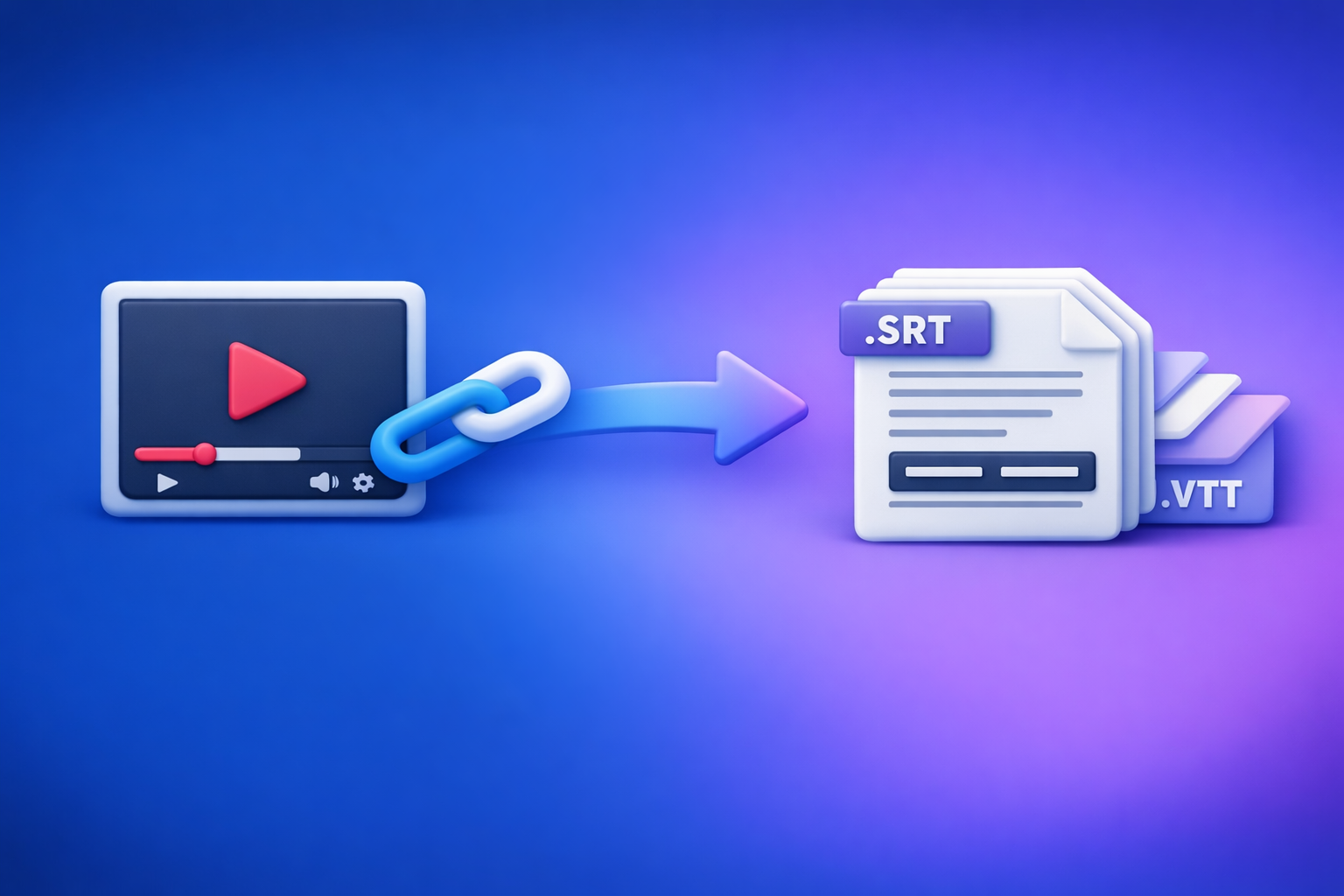
Can ChatGPT Transcribe Videos? What Actually Works in 2026 (Link → Transcript Workflow)
ChatGPT can’t reliably take a video link and return an export-ready transcript with accurate timestamps. The dependable 2026 workflow is video link → transcript/subtitles (TXT/SRT/VTT) → ChatGPT for cleanup + repurposing.
Quick Answer (What People Mean by “ChatGPT Transcribe Videos”)
Most people mean one of these:
- “Can I paste a YouTube/IG/TikTok link into ChatGPT and get the full transcript?”
- “Can I upload an MP4 and have ChatGPT transcribe it?”
- “Can ChatGPT clean up a transcript and turn it into captions, chapters, and content?”
What ChatGPT can do well (once you have text)
ChatGPT is strong at language tasks after transcription exists:
- Fix punctuation, paragraphing, and readability
- Normalize speaker labels (Speaker 1 / Speaker 2)
- Create chapters, titles, and summaries
- Repurpose into blog posts, threads, LinkedIn posts, SOPs
- Generate caption variants (short vs. medium)
If your goal is “make this transcript usable,” ChatGPT is excellent.
What ChatGPT cannot reliably do (video link → full transcript)
ChatGPT is not a consistent “link in, transcript out” engine:
- It may not be able to access or “watch” the link you paste
- It may return a summary instead of a transcript
- It may miss timestamps, speaker turns, or entire sections
- Results vary by interface, plan, and file/link type
The dependable approach: transcript-first, then ChatGPT for cleanup + repurposing
For creator productivity in 2026, downloading video files is an outdated workflow. The future is link-based extraction:
- Start from the public video link
- Generate export-ready TXT + SRT/VTT
- Use ChatGPT on the transcript to polish and repurpose
If you want the “do it once, ship everywhere” pipeline, this is the path.
Can ChatGPT Transcribe a Video Link (YouTube/IG/TikTok)?
Why pasting a link usually doesn’t equal “watching” the video
A pasted link is not the same as providing audio/video input.
Common realities:
- ChatGPT may not have permission to fetch or play the media
- Even when it can, it may not process the full duration
- Platforms change delivery formats and restrictions frequently
So “here’s the link” often becomes “here’s a best-effort guess.”
When it might work (limited interfaces, short clips, inconsistent results)
In some product surfaces, ChatGPT can sometimes interpret media inputs.
Even then, it’s inconsistent for production use:
- Short clips may work; long videos often fail
- Timestamps are frequently missing or inaccurate
- Output may be a narrative summary, not a transcript
If you’re building a repeatable workflow for a team, “might work” is not a workflow.
What “success” looks like: export-ready TXT/SRT/VTT vs. a rough summary
Define success by deliverables, not vibes:
- TXT: complete transcript you can edit, search, and publish
- SRT/VTT: captions/subtitles with correct timecodes and line breaks
- Optional: speaker labels, paragraphs, and consistent formatting
A rough summary is not a transcript, and it won’t plug into publishing pipelines.
Can ChatGPT Transcribe an Uploaded Video File (MP4)?
Upload support varies by plan/app—and why that breaks workflows
Even in 2026, “upload an MP4 to ChatGPT” is not a stable assumption:
- Availability differs across web, mobile, enterprise, and regional rollouts
- File size/duration limits change
- Processing can be slower and more failure-prone than purpose-built transcription
For teams, variability = rework.
Common failure modes: length limits, timeouts, partial listening, missing timestamps
Typical issues when trying to transcribe MP4s directly:
- Timeouts on longer files
- Partial transcripts (it stops early without warning)
- Missing or drifting timestamps
- Inconsistent speaker attribution
- Audio-heavy sections misheard (names, acronyms, numbers)
If you must use ChatGPT: how to reduce risk (short clips, clear audio, chunking)
If you’re forced into an MP4 workflow:
- Keep clips short (e.g., 3–10 minutes)
- Use the cleanest audio source available (not screen recordings)
- Chunk by topic or natural breaks
- Ask for verbatim transcript and request timestamps explicitly (still not guaranteed)
But for scale, link-based transcription is the modern baseline.
The Reliable 2026 Workflow: Video Link → Transcript/Subtitles → ChatGPT
Step 1: Start with the input that scales (public video link)
A link-based workflow is faster, cleaner, and easier to automate than downloading and re-uploading files.
Supported sources to prioritize (YouTube, Instagram Reels, etc.)
Prioritize platforms where you already publish:
- YouTube (long-form, podcasts, webinars)
- Instagram Reels
- TikTok
- Other public hosted video URLs
If you’re specifically turning YouTube into written content, see: youtube to blog.
When to switch to MP4 (private videos, local files, compliance needs)
Use MP4 only when necessary:
- Private/internal recordings not accessible by link
- Local files from production teams
- Compliance requirements that mandate local handling
If that’s your case, these tools are relevant: mp4 to transcript and mp4 to srt.
Step 2: Generate export-ready outputs (TXT + SRT/VTT)
Your transcription step should output formats that plug into real workflows.
Choose the right format
- TXT for editing, SEO, and summaries
Use this for blogs, docs, knowledge bases, and search indexing. - SRT/VTT for captions/subtitles and publishing pipelines
Use this for YouTube captions, social uploads, and accessibility compliance.
If you’re converting social video into written assets, also see: instagram to text.
Minimum quality bar before you proceed
Before you hand anything to ChatGPT, ensure:
- Speaker labels (if needed for interviews/podcasts)
- Punctuation + paragraphing (enough to read quickly)
- Timestamp integrity (SRT/VTT timecodes align with audio)
If the transcript is messy, ChatGPT will “polish” mistakes into confident-looking errors.
Step 3: QA the transcript fast (2-pass review)
Keep QA lightweight but intentional.
Pass A: Accuracy scan (names, numbers, jargon)
Scan for high-risk errors:
- Names (people, brands, locations)
- Numbers (prices, dates, metrics)
- Acronyms and product terms
Create a quick glossary list for corrections.
Pass B: Structure scan (sections, headings, repeated filler)
Scan for usability:
- Add section breaks where topics change
- Remove repeated filler (“you know,” “like,” false starts) if non-verbatim is acceptable
- Ensure paragraphs aren’t walls of text
Step 4: Use ChatGPT on the transcript (prompts that work)
ChatGPT performs best when you give it the transcript and a clear output spec.
Prompt: Clean and format transcript (keep meaning, fix punctuation)
You are an editor. Clean and format the transcript below.
Rules: keep meaning, do not add new facts, fix punctuation, add paragraphs, remove repeated filler, keep speaker labels if present.
Output: clean transcript in plain text.
Transcript:
[PASTE TXT]
Prompt: Create chapters + timestamps (use existing timecodes)
Create YouTube-style chapters from this transcript.
Rules: use the existing timestamps (do not invent timecodes), 6–12 chapters, concise titles, cover the full video.
Output format:
00:00 Title
02:15 Title
Transcript (with timestamps):
[PASTE TIMECODED TEXT OR SRT]
Prompt: Generate captions variants (short, medium, platform-specific)
Create caption text variants from this transcript.
Provide:
- Short captions (max 70 characters) x 10
- Medium captions (1–2 sentences) x 10
- Platform-specific: TikTok, Reels, YouTube Shorts (5 each)
Rules: no new claims, keep tone consistent, avoid hashtags unless requested.
Transcript:
[PASTE TXT]
Prompt: Repurpose into assets (blog, LinkedIn post, thread, SOP)
Repurpose this transcript into:
- Blog outline (H2/H3) + draft (1200–1800 words)
- LinkedIn post (150–250 words)
- X thread (8–12 tweets)
- SOP checklist (steps + acceptance criteria)
Rules: do not add facts not in transcript; flag unclear claims as [VERIFY].
Transcript:
[PASTE TXT]
If you want a deeper “what’s possible” breakdown, reference: Can ChatGPT Take Video as Input? What’s Actually Possible in 2026 + The Fast Transcript-First Workflow (VideoToTextAI).
Step 5: Export + publish (repeatable deliverables)
Treat outputs like a production pipeline.
Deliverables checklist by use case
- Captions
- SRT/VTT exported
- Style rules applied (line length, casing, profanity policy)
- SEO content
- Outline + draft + meta title/description
- Internal links added
- Ops
- SOP + checklist + action items
- Owner + due dates assigned
Step-by-Step: Do It in VideoToTextAI (Link-Based Workflow)
This is the modern workflow: don’t download, don’t re-upload, don’t babysit MP4s. Use a link and generate exports that downstream tools (including ChatGPT) can reliably use.
1) Paste the video link into VideoToTextAI
Use the original source link whenever possible (not a screen-recorded reupload).
2) Select outputs: Transcript (TXT) + Subtitles (SRT/VTT)
Pick both formats so you can publish captions and repurpose content without reprocessing.
3) Run transcription and download exports
Your goal is export-ready files, not a “pretty preview.”
4) Run the “ChatGPT pass” using the transcript (cleanup + repurpose)
Paste the TXT (and SRT/VTT when needed) into ChatGPT and run the prompts above.
5) Publish: upload SRT/VTT to your platform + ship content drafts
Store deliverables with consistent naming (video-title_date_language).
Use the product here (single CTA): VideoToTextAI.
Troubleshooting (What to Do When Results Look Wrong)
Problem: Missing words / garbled sections
- Fix: re-run with higher-quality audio source
- Fix: avoid screen-recorded reuploads; prefer the original link
- Fix: if multiple sources exist, choose the one with the cleanest audio mix
Problem: Wrong speaker attribution
- Fix: remove speaker labels if they’re unreliable
- Fix: re-label after transcription using consistent naming (Speaker 1/2)
- Fix: avoid mixing multiple microphones without clear separation
Problem: Bad timestamps (SRT/VTT drift)
- Fix: regenerate subtitles rather than manually editing timing-heavy files
- Fix: avoid manual edits that change line lengths drastically without re-timing
- Fix: keep caption lines short to reduce drift perception
Problem: Names/brands/technical terms are incorrect
- Fix: provide a glossary list (names, acronyms, product terms)
- Fix: run a targeted find/replace pass
- Fix: QA numbers and proper nouns before publishing
Implementation Checklist (Copy/Paste)
Inputs
- Video link (preferred) or MP4 (fallback)
- Target language + spelling (US/UK)
- Glossary (names, acronyms, product terms)
Outputs
- TXT transcript exported
- SRT exported (or VTT if required)
- QA completed (accuracy + structure)
ChatGPT Pass
- Cleanup prompt run
- Chapters/timestamps generated
- Repurposed assets generated (choose 1–3)
Publish
- Captions uploaded and previewed
- Content draft reviewed for claims + links
- Final assets stored with consistent naming
Competitor Gap
What competitors miss (and what this post includes)
- Execution-first workflow that doesn’t depend on ChatGPT “watching” a link
You get reliable outputs even when ChatGPT can’t access media. - Export-ready deliverables (TXT/SRT/VTT) as the success metric (not “a summary”)
This is what publishing pipelines actually require. - QA + troubleshooting playbook for accuracy, speakers, and timestamp drift
Most guides skip the failure modes that cause rework. - Reusable prompt set + implementation checklist to ship outputs in one pass
You can operationalize this for a team, not just a one-off test.
FAQ
Can ChatGPT transcribe text from video?
ChatGPT can help with transcription in some setups, but it’s not consistently reliable for end-to-end video transcription. The dependable approach is to generate a transcript (TXT) and captions (SRT/VTT) first, then use ChatGPT to clean and repurpose.
Is there an AI that can transcript a video?
Yes. The most reliable tools are purpose-built transcription systems that output TXT + SRT/VTT and support link-based inputs. Link-based extraction is the scalable workflow; downloading files is the legacy approach.
Can you put a video into ChatGPT?
Sometimes, depending on your plan and interface, you may be able to upload a video file. For production workflows, variability in limits and timestamp handling makes transcript-first workflows more dependable.
Can ChatGPT take notes from a video?
Yes—if you provide the transcript (or accurate text). ChatGPT is excellent at turning transcripts into notes, action items, summaries, and SOPs.
Can ChatGPT transcribe a YouTube video?
Pasting a YouTube link into ChatGPT usually won’t produce an export-ready transcript with timestamps. Use a link → transcript/subtitles export workflow, then use ChatGPT for formatting, chapters, and repurposing.
Internal Link Plan
- Can ChatGPT Transcribe Videos? What Actually Works in 2026 (Plus the Reliable Link → Transcript Workflow)
- Can ChatGPT Upload Video in 2026? What’s Actually Possible (and the Reliable Link → Transcript Workflow)
- Can ChatGPT Take Video as Input? What’s Actually Possible in 2026 + The Fast Transcript-First Workflow (VideoToTextAI)
- Video2Text AI: Convert Any Video Link into Transcripts, SRT/VTT Subtitles, and Repurposed Content (VideoToTextAI)
- mp4 to transcript
- instagram to text
- youtube to blog
Related posts
Reel Analyser (Instagram Reels): Transcript‑First Competitor Research, Hook/CTA Extraction, and Repurposing Workflow (VideoToTextAI)
Video To Text AI
A 2026 reel analyser should turn Instagram Reel links into a searchable transcript library you can tag for hooks, CTAs, objections, and topic clusters—then export into repurposing-ready drafts without a download/upload loop.
Traducir video de Instagram (Reels) en 2026: workflow transcript-first para traducir, sacar hooks/CTAs y repurpose (con VideoToTextAI)
Video To Text AI
Aprende a traducir un Reel de Instagram con un flujo URL→transcripción→traducción→subtítulos, y a convertir esa traducción en un activo de investigación para hooks, CTAs, objeciones y clusters de contenido.
Reel Analyzer: Transcript‑First Instagram Reels Research (Hooks, CTAs, Objections) + Workflow Guide (VideoToTextAI)
Video To Text AI
A reel analyzer should turn any public Instagram Reel link into a searchable transcript library you can mine for hooks, CTAs, objections, and topic clusters—then repurpose into original drafts with a repeatable SOP.