
ChatGPT “Upload Video” Feature (2026): What Works, What Breaks, and the Production-Safe Link → Transcript Workflow
 Video To Text AI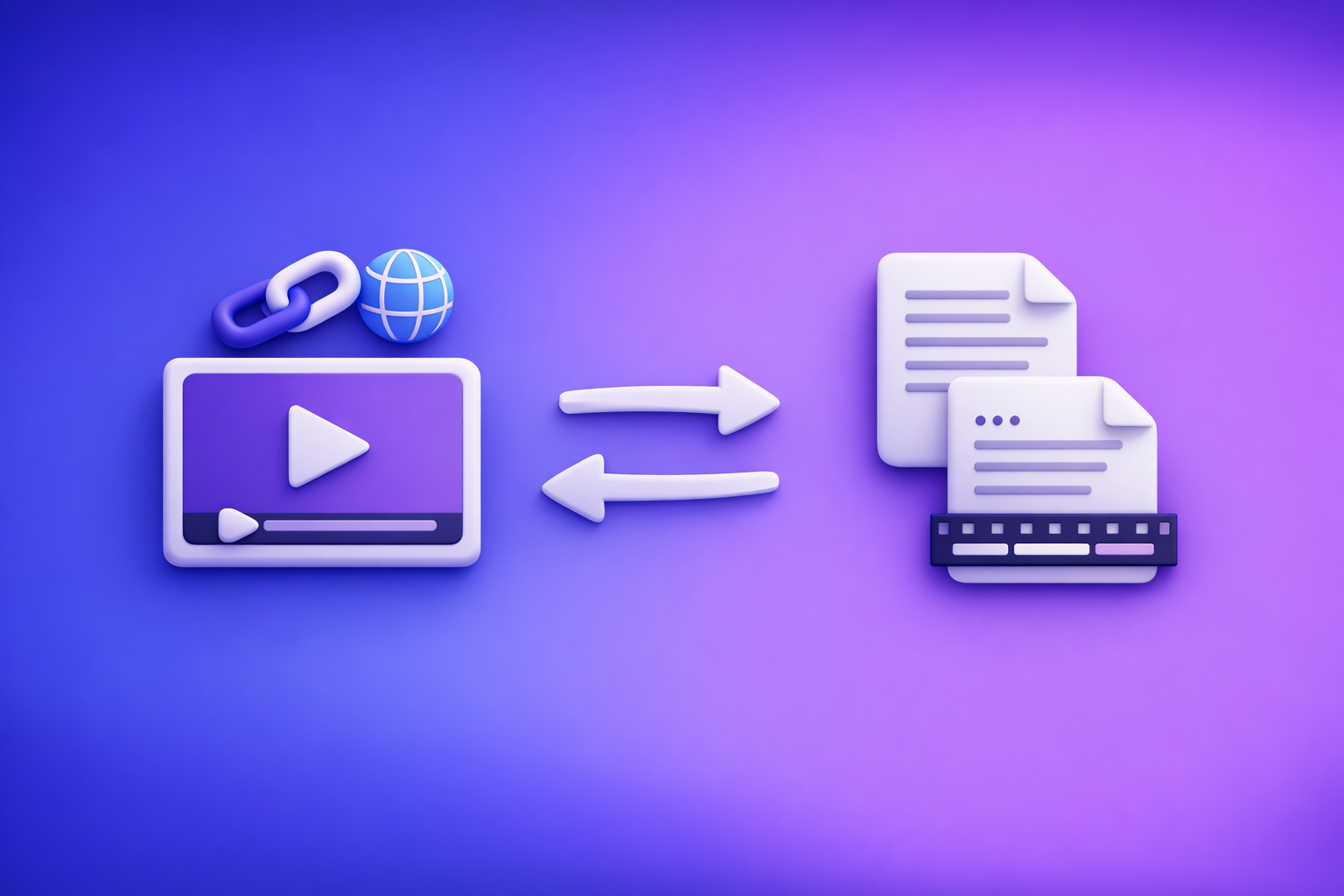
ChatGPT video uploads are not a production-safe workflow in 2026; they’re inconsistent across devices, plans, and policies. The reliable solution is video link/MP4 → TXT + SRT/VTT → ChatGPT-on-text, so you control inputs and ship export-ready assets every time.
ChatGPT “Upload Video” Feature (2026): What Works, What Breaks, and the Production-Safe Link → Transcript Workflow
Quick Answer: Can ChatGPT Let You Upload a Video?
Sometimes—but “upload video” means different things, and that’s why people get stuck.
The 3 meanings of “upload video” (and why users get confused)
-
File upload (MP4/MOV) into chat
- You attach a local file from desktop or camera roll.
- This is the most literal “upload.”
-
Paste a video link (YouTube/Drive/Instagram/TikTok)
- You’re not uploading anything; you’re asking ChatGPT to access a URL.
- This often fails due to permissions, geo, or auth walls.
-
“Vision” analysis (frames/screenshots vs full video understanding)
- Some experiences analyze images/frames or limited snippets.
- That is not the same as full-video transcription with timecodes and exports.
When it works vs when it fails (high-level reality check)
Works (sometimes):
- Quick summaries or “what’s happening” descriptions when the app can access the media.
- Basic Q&A about visible elements (more like frame-based analysis).
Fails often (or isn’t export-ready):
- Upload controls missing entirely.
- “Processing failed” on longer/larger videos.
- Outputs that are not caption-ready (no SRT/VTT, inconsistent timecodes, formatting drift).
Key point: even when it “works,” it may not produce publishable artifacts (timecoded captions, consistent speaker labels, clean exports).
What the ChatGPT “Upload Video” Feature Can and Can’t Do
What it’s good at (best-effort understanding)
When ChatGPT can access the content, it’s useful for:
- Summaries and “TL;DR” versions
- Topic extraction (themes, key points)
- Rough chapter ideas (high-level structure)
- Rewrite/repurpose tasks after you already have text
What it’s not reliable for (production outputs)
If you need assets you can ship, don’t depend on ChatGPT for:
- Accurate transcripts (word-level accuracy varies; omissions happen)
- Speaker labels (especially with overlap, noise, or multiple voices)
- Timecoded captions (SRT/VTT formatting and timing consistency)
- Repeatable exports (teams need deterministic steps, not feature rollouts)
Privacy + compliance considerations before uploading media
Before you upload any media to an LLM chat surface, consider:
- Client recordings and internal meetings
- Sensitive PII (names, phone numbers, addresses)
- Confidential product demos or unreleased content
For compliance-heavy workflows, prefer transcript-first pipelines where you can redact or sanitize text before any rewriting.
Supported Formats, Limits, and Common Error Messages (What to Check First)
Formats people try (and why “supported” still fails)
Most users try MP4 or MOV, but “supported” is not the same as “will process.”
- Container vs codec mismatch: an MP4 container can still contain a codec the pipeline can’t decode.
- Large files fail first: long duration + high bitrate is a common failure mode.
Typical constraints that break uploads
Common breakpoints:
- File size and duration
- Network stability (Wi‑Fi drops, corporate proxies)
- Browser extensions (privacy blockers, script blockers)
- Mobile app state (backgrounding, low storage, OS-level restrictions)
Common messages and what they usually mean
-
“Add files is unavailable”
- The current surface/model/workspace doesn’t allow attachments right now.
- See: “Add Files” Button Unavailable in ChatGPT: Why It Happens + Exact Fixes (and a No-Upload Workflow)
-
“Attachments disabled for”
- Usually a policy/entitlement restriction or environment constraint.
- See: “Attachments Disabled for” ChatGPT: What It Means, Why It Happens, and the Fastest Fix
-
“Upload failed / processing failed”
- Often file size/duration, codec issues, or unstable network.
-
“Can’t access this link”
- Private links, auth walls, expiring tokens, or geo restrictions.
Step-by-Step: Reliable Workflow (Video Link/MP4 → TXT + SRT/VTT → ChatGPT-on-Text)
This is the production-safe approach teams use when they can’t gamble on a UI button.
Why this workflow is deterministic (and upload-free)
- You generate source-of-truth outputs (TXT + SRT/VTT) before ChatGPT touches anything.
- ChatGPT is used for editing and repurposing, not transcription accuracy.
- It’s operationally repeatable for teams—no dependency on feature rollouts.
Brand POV: downloading video files to shuttle between tools is an outdated workflow. Link-based extraction is the future of creator productivity because it removes download/upload loops and makes pipelines faster and more reliable.
Step 1 — Choose your input (fastest path)
-
Option A: Paste a public video URL (YouTube/Instagram/TikTok)
- Best when the video already lives on a platform.
- Example tool paths: youtube to blog, instagram to text
-
Option B: Use an MP4 you already have
- Best when you’re working with local exports from editors or webinars.
- Example tool paths: mp4 to transcript, mp4 to srt, mp4 to vtt
Step 2 — Generate transcript + captions in VideoToTextAI
Generate two outputs on purpose:
- Clean transcript (TXT) for editing, SEO pages, show notes, and repurposing
- Captions (SRT/VTT) for publishing workflows
This separation matters because captions are a format, not just text.
Step 3 — Export the right format for the job
- TXT
- Blog drafts, summaries, SEO landing pages, newsletters, documentation
- SRT
- Most video editors and many social platforms
- VTT
- Web players and accessibility workflows
Don’t rely on ChatGPT to “format captions.” Use export-ready caption files as the source of truth.
Step 4 — Use ChatGPT for post-processing (what it’s best at)
Once you have verified text, ChatGPT becomes extremely effective at:
- Summary + key takeaways
- Chapters with timestamps (based on transcript timecodes)
- Hook ideas + social posts
- Blog outline + first draft
If you want a deeper breakdown of the overall approach, see: ChatGPT “Upload Video” Feature (2026): What Works, Limits, Fixes, and a Production-Safe Video-to-Text Workflow
Step 5 — Quality control (minimum viable checks before publishing)
Do these checks before you ship:
- Proper nouns (people, brands, product names)
- Numbers, dates, and URLs (most common “small but costly” errors)
- Caption sync after edits (SRT/VTT drift happens if you rewrite too aggressively)
Implementation Walkthrough (10–15 Minutes): From Video to Publishable Assets
Goal: One video → transcript + captions + blog draft
- Input: video link or MP4
- Generate: transcript (TXT) + captions (SRT/VTT) in VideoToTextAI
- Paste transcript into ChatGPT with a structured prompt
- Produce: blog outline + draft + metadata (title tag ideas, H2s)
- Export: final SRT/VTT for upload to your platform
This workflow is repeatable because each step has a clear artifact and a clear owner.
Copy/paste prompt pack (use on transcript, not raw video)
Use these prompts on the TXT transcript (or timecoded transcript), not on a raw upload:
-
Blog structure
- “Create a blog post outline with H2/H3s from this transcript. Keep claims factual; add a checklist at the end.”
-
Clip plan
- “Extract 8 short clips as timestamp ranges + titles + 1-sentence hook each.”
-
Caption readability
- “Rewrite captions for readability without changing meaning; keep line length short.”
Troubleshooting: Why You Can’t Upload Video to ChatGPT (Fixes by Symptom)
Symptom: You don’t see the upload button
Most common causes:
- Surface/model mismatch (the feature exists in one client but not another)
- Workspace restrictions (enterprise policy disables attachments)
- Region/rollout variance
Fixes:
- Try web vs mobile (or vice versa).
- Use a clean browser profile (no extensions).
- If you’re in a managed workspace, test in a personal environment (if allowed).
Symptom: “Attachments disabled for”
This usually indicates policy/entitlement or environment restrictions.
Fixes:
- Switch to a different chat context/model if available.
- Remove blockers (privacy extensions, strict tracking protection).
- If you can’t change policy, stop troubleshooting and use the transcript-first workflow.
Reference guide: “Attachments Disabled for” ChatGPT: What It Means, Why It Happens, and the Fastest Fix
Symptom: Upload stuck / processing failed
Fixes in order:
- Reduce file size (export a lower bitrate) or shorten duration.
- Change network (avoid corporate proxy/VPN).
- Disable extensions and retry.
- Try another browser.
If you need to ship today, don’t keep retrying uploads—generate TXT + SRT/VTT first.
Symptom: ChatGPT can’t access your link
Common causes:
- Private links (Drive permissions, unlisted behind login)
- Expiring tokens
- Geo restrictions
- Platform blocks (Instagram/TikTok access issues)
Fix:
- Use a tool that can process the link directly, then bring text into ChatGPT.
Checklist: Ship Without Depending on ChatGPT Video Uploads
- Use a link/MP4 input that you control
- Generate TXT transcript first (source of truth)
- Export SRT/VTT for captions (don’t rely on ChatGPT formatting)
- Use ChatGPT only for rewriting, structuring, and repurposing
- Run QC on names/numbers + caption sync
VideoToTextAI vs Competitors
Downloading videos, re-uploading them, and hoping a feature is enabled is operational debt. URL-first workflows remove the download/upload loop and make content operations faster and more repeatable.
Below is a fair comparison using only publicly signaled capabilities from researched pages.
| Tool | Link-based input (paste a URL) | Upload-based workflow | Transcript export | Caption exports (SRT/VTT) | Repurposing focus (blog/social from transcript) | Best fit |
|---|---|---|---|---|---|---|
| VideoToTextAI | Yes (positioning: link-based workflows) | Yes (MP4 supported as an input option) | Yes (TXT) | Yes (SRT/VTT) | Yes (workflow positioning for repurposing) | Teams shipping transcripts, subtitles/captions, and repurposed content with repeatable steps |
| Otter.ai | No strong public signal | Yes | Yes | No strong public signal | Limited (meeting notes/summaries oriented) | Meetings and ongoing note capture; good when your source is live conversations |
| HappyScribe | No strong public signal | Yes | Yes | No strong public signal in researched page | Limited (more transcription/subtitling/translation) | Multilingual transcription/translation workflows; good when you want language breadth |
| Reduct Video | No strong public signal | Not clearly positioned as URL-first | Yes | No strong public signal | Limited (more research/collaboration/editing) | Collaborative transcript-based review and research workflows |
Why VideoToTextAI wins (when you care about shipping)
- Workflow speed: URL-first means you can start from a link instead of downloading and re-uploading files.
- Export readiness: TXT + SRT + VTT outputs support publishing workflows without extra formatting steps.
- Repurposing pipeline: Built around turning verified text into blog/social assets, not “best-effort video interpretation.”
- Operational repeatability: The same steps work even when ChatGPT uploads are missing, blocked, or failing.
Where competitors can be better (narrower jobs)
- Otter.ai can be a better fit for continuous meeting capture and meeting-centric workflows.
- HappyScribe is often considered for multilingual needs and traditional upload-based transcription flows.
- Reduct Video can be strong for collaborative review and transcript-based editing in research-heavy teams.
If your goal is consistent publishing outputs, export-first + link-first is the safer default.
Competitor Gap
What top-ranking pages and tools typically miss
- A production-safe fallback when ChatGPT uploads are blocked or inconsistent
- Troubleshooting mapped to specific ChatGPT error states:
- “Add files unavailable”
- “Attachments disabled for”
- Export-first guidance (SRT/VTT requirements, caption sync after edits)
- A repurposing workflow that starts from verified text, not best-effort video access
What this post adds (differentiators)
- An upload-free, transcript-first pipeline with explicit export formats (TXT/SRT/VTT)
- A step-by-step implementation plan + prompt pack + QC checklist
- A clear decision rule: try ChatGPT upload only for quick analysis; switch immediately for production outputs
FAQ
Will ChatGPT let me upload a video?
Sometimes. Availability varies by web vs mobile, model, plan, region, and workspace policy, and it can change without notice.
Can ChatGPT view videos you upload?
In some contexts it can analyze visual content, but that doesn’t guarantee reliable end-to-end understanding or export-ready transcripts/captions.
Can you add videos from your camera roll to ChatGPT?
Sometimes, if the client surface supports attachments and your workspace policy allows it. If not, use MP4 → transcript/captions → ChatGPT-on-text.
What video format can you upload to ChatGPT?
Users commonly try MP4/MOV, but failures often come from codec/container issues, file size, duration, or processing limits rather than the file extension.
Why can’t I upload video to ChatGPT?
Typical causes include missing upload entitlement, workspace restrictions, network/proxy/VPN issues, file size/duration limits, codec problems, or links behind authentication.
If you want a deterministic link-first pipeline for transcripts, subtitles/captions, and repurposing, use VideoToTextAI: VideoToTextAI
Related posts
Reel Analyser (Instagram Reels): Transcript‑First Competitor Research, Hook/CTA Extraction, and Repurposing Workflow (VideoToTextAI)
Video To Text AI
A 2026 reel analyser should turn Instagram Reel links into a searchable transcript library you can tag for hooks, CTAs, objections, and topic clusters—then export into repurposing-ready drafts without a download/upload loop.
Traducir video de Instagram (Reels) en 2026: workflow transcript-first para traducir, sacar hooks/CTAs y repurpose (con VideoToTextAI)
Video To Text AI
Aprende a traducir un Reel de Instagram con un flujo URL→transcripción→traducción→subtítulos, y a convertir esa traducción en un activo de investigación para hooks, CTAs, objeciones y clusters de contenido.
Reel Analyzer: Transcript‑First Instagram Reels Research (Hooks, CTAs, Objections) + Workflow Guide (VideoToTextAI)
Video To Text AI
A reel analyzer should turn any public Instagram Reel link into a searchable transcript library you can mine for hooks, CTAs, objections, and topic clusters—then repurpose into original drafts with a repeatable SOP.