
ChatGPT “Upload Video” Feature (2026): How It Works, Limits, Fixes, and a Production-Safe Video-to-Text Workflow
 Video To Text AI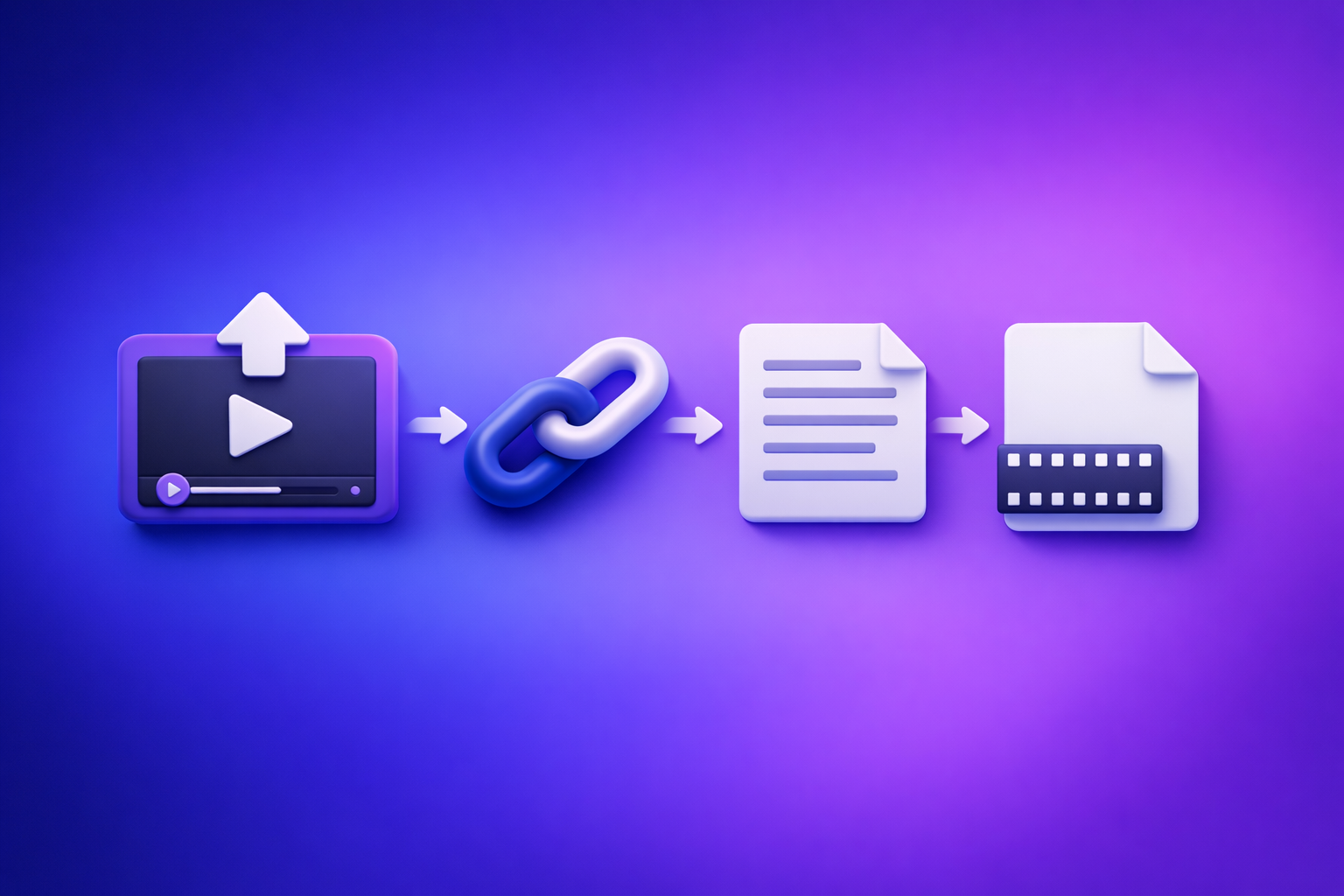
ChatGPT “Upload Video” Feature (2026): How It Works, Limits, Fixes, and a Production-Safe Video-to-Text Workflow
If you’re trying to use the “chatgpt” “upload video” feature to get a transcript or captions, the fastest path is: generate export-ready artifacts first (TXT + SRT/VTT), then use ChatGPT on the text. Uploading video into ChatGPT is best-effort and can break due to surface, entitlement, policy, file, or link access issues.
This is why we recommend an artifact-first workflow: Link/MP4 → transcript + captions → ChatGPT-on-text. Downloading video files as your default is an outdated workflow; link-based extraction is the future of creator productivity because it’s faster, repeatable, and easier to QA and hand off.
Who this guide is for (and what you’ll ship)
You’re in the right place if you need deliverables you can export and publish, not just “understanding.”
If you need “analysis” vs “deliverables” (transcript/captions/timecodes)
Use ChatGPT video upload (best-effort) when you want:
- Quick understanding of a clip
- Rough notes
- Q&A about what’s happening
Use an artifact-first workflow when you need:
- A complete transcript you can edit and reuse
- SRT/VTT captions with timecodes
- Repeatable outputs for teams, clients, or batch production
What “production-safe” means: deterministic artifacts you can QA and export
“Production-safe” means you can:
- Verify completeness (beginning/middle/end)
- Spot-check timecodes and sync
- Export standard formats (TXT, SRT, VTT)
- Re-run the workflow and get consistent deliverables
What people mean by “ChatGPT upload video” (3 different capabilities)
Most confusion comes from mixing these up.
1) Uploading a video file into ChatGPT (MP4/MOV)
This is attaching a local file and asking ChatGPT to analyze it. Availability varies by surface/model/plan/policy.
2) Pasting a video link (YouTube/Drive/Instagram/TikTok) for analysis
This is asking ChatGPT to fetch a URL. It often fails due to:
- Permissions/login walls
- Geo/age restrictions
- Expiring URLs
- Platform blocks
3) “Watching” video vs extracting speech vs generating timecodes (not the same)
Even if ChatGPT can “understand” a video, that doesn’t guarantee:
- Speech extraction (transcription)
- Timecoded captions (SRT/VTT)
- Deterministic exports you can QA
Can ChatGPT transcribe video to text reliably in 2026?
When it’s good enough (quick understanding, rough notes, Q&A)
ChatGPT can be useful for:
- Summarizing a short clip you successfully attach
- Answering questions about content
- Drafting rough outlines from what it “sees/hears”
When it fails (export-ready transcripts, SRT/VTT captions, repeatable workflows)
It’s not dependable for:
- Long-form videos where truncation happens
- Multi-speaker content with overlap
- Export-ready captions with consistent timecodes
- Team workflows that require repeatability
The core constraint: availability + access to media is inconsistent across surfaces
The biggest issue isn’t “prompting.” It’s inconsistent access:
- Upload controls differ across web/iOS/Android
- Workspace policies can disable attachments
- Links can’t be fetched reliably due to permissions and platform restrictions
Requirements & limits that cause most “upload video” failures (check before troubleshooting)
Account/surface availability (web vs iOS vs Android, rollout, plan, region)
Check:
- Are you on a surface that supports attachments?
- Are you using a model that supports media inputs?
- Is the feature enabled for your plan/region?
Workspace/admin policy restrictions (managed orgs)
In managed workspaces, admins may disable:
- File uploads
- External link fetching
- Attachments for specific models
File constraints (size, duration, codec/container, bitrate, audio track presence)
Common failure triggers:
- Very large files or long durations
- Uncommon codecs/containers
- High bitrate or variable frame rate edge cases
- No usable audio track (muted, music-only, or missing)
Link constraints (permissions, login walls, expiring URLs, geo restrictions)
If ChatGPT can’t fetch the link, it can’t analyze it. Ensure:
- Public access or correct sharing permissions
- No login wall
- Stable URL (not expiring)
- No geo/age restrictions
Network/device constraints (VPN/proxy, content filters, mobile backgrounding/timeouts)
Uploads and processing fail more often with:
- VPN/proxy interference
- Corporate content filters
- Mobile backgrounding (app suspended mid-process)
- Weak or unstable connections
Step-by-step: Use ChatGPT video upload (best-effort) without wasting time
Step 1 — Confirm you’re on an upload-capable surface/model
Before you do anything else:
- Switch to the web app if mobile is flaky
- Confirm the model supports attachments
- Test with a small file first (10–30 seconds)
If you’re stuck, see: “Add Files” Button Unavailable in ChatGPT: Causes, Fixes, and a Production-Safe Upload Alternative
Step 2 — Choose the right input type (file vs link) based on where the video lives
- If the video is already online: try link, but expect access issues.
- If the link is blocked: use a file, but expect size/timeouts.
Step 3 — Upload/paste and request the right output (analysis prompts that work)
Use prompts that match what ChatGPT can reliably do:
- For understanding
- “Summarize the key points in bullet form.”
- “List the main topics in order.”
- For rough notes
- “Create a structured outline with headings and subpoints.”
- For Q&A
- “Answer these questions based on the clip: …”
Avoid asking for “perfect SRT/VTT exports” from the video input. That’s where best-effort turns into rework.
Step 4 — Validate completeness (spot-check timestamps, missing sections, speaker changes)
If ChatGPT outputs a transcript-like response:
- Spot-check start, middle, end
- Look for missing sections or abrupt cutoffs
- Check speaker changes if it’s an interview/podcast
Step 5 — Decide: keep in ChatGPT (analysis) or switch to artifact-first (deliverables)
Decision rule:
- If you need exports + QA → switch to artifact-first.
- If you only need understanding → stay in ChatGPT.
For the production-safe path, also see: A Production-Safe Link-Based Video-to-Text Workflow (Transcripts, SRT/VTT Captions, and Repurposing)
Troubleshooting: “Can’t upload video to ChatGPT” (fixes by symptom)
Symptom: No upload button / “Add files” missing
Fix sequence (fast isolation):
- Surface/model: switch web ↔ mobile; change model
- Plan/entitlement: confirm your account has attachments enabled
- Workspace policy: try a personal account or ask admin
- Browser profile: try incognito/new profile
- Extensions: disable ad blockers/privacy tools temporarily
- Network: try a different network; disable VPN/proxy
Symptom: “Attachments disabled for …”
This usually indicates policy or entitlement mismatch (often workspace-managed).
Fastest isolation:
- Try the same action on a personal account
- Try web vs mobile
- Ask your admin if attachments are disabled for your workspace/model
Symptom: Upload stuck / processing failed / timeouts
Mitigations:
- Trim to a shorter clip (e.g., 1–3 minutes)
- Re-encode to a simpler format (common MP4/H.264 + AAC)
- Lower bitrate
- Avoid mobile backgrounding; keep the app in the foreground
- Try a wired/stronger connection
Symptom: ChatGPT can’t access my link (403/failed to fetch)
Permission checklist:
- Link is public or shared correctly
- No login wall
- URL doesn’t expire
- Not geo/age restricted
- Platform isn’t blocking automated fetching
Symptom: Output is incomplete or inaccurate
Root causes:
- Overlapping speakers
- Music/noise
- Long duration (truncation)
- Missing/weak audio track
Mitigation:
- Improve audio (cleaner source, less noise)
- Split long videos into parts
- Use an artifact generator that outputs timecoded captions you can QA
Production-safe workflow (recommended): Link/MP4 → transcript + captions → ChatGPT-on-text
Why artifact-first beats upload-first (repeatability, QA, exports, team handoff)
Artifact-first wins because it produces:
- Deterministic outputs (TXT + SRT/VTT)
- A QA-able source of truth before rewriting
- Standard exports for YouTube, TikTok, Instagram, LMS, and editors
- A workflow you can run repeatedly without “did the upload button disappear?”
Most importantly: stop downloading videos as your default. Link-based extraction removes the slowest, most failure-prone step in creator operations: download → upload → retry.
Implementation walkthrough (10–15 minutes): one video → ship-ready assets
Step 1 — Input: paste a link (YouTube/Instagram/TikTok) or upload MP4 once
Choose the fastest input:
- Best: paste a URL (no download/upload loop)
- Fallback: upload MP4 when the source isn’t link-accessible
If you’re starting from a file, these tool pages help:
Step 2 — Generate artifacts in VideoToTextAI: TXT transcript + SRT/VTT captions
Generate:
- TXT transcript for editing and repurposing
- SRT/VTT captions for platform-ready subtitles
If your goal is content repurposing, route the verified transcript into:
If you want to run this workflow immediately, use VideoToTextAI here (single CTA): https://videototextai.com
Step 3 — QA in 5 minutes (before rewriting anything)
Do a quick QA pass:
- Check beginning/middle/end for truncation
- Fix proper nouns and brand terms
- Spot-check 2–3 caption segments for sync and readability
This is the gate that makes the workflow production-safe.
Step 4 — Use ChatGPT on verified text (repurpose safely)
Now ChatGPT does what it’s best at:
- Summaries, outlines, and rewrites
- Hooks, titles, and social drafts
- Blog structure and SEO formatting
Key rule: the transcript is the source of truth, not the model’s best-effort interpretation of a video.
Step 5 — Ship: transcript, subtitles/captions, blog/social drafts
Deliverables you can hand off:
- TXT transcript (cleaned)
- SRT/VTT captions (timecoded)
- Repurposed drafts (blog, LinkedIn, X threads, shorts scripts)
Checklists (copy/paste)
Practical checklist section
Input readiness checklist (link/file)
- Link is accessible without login (or shared with correct permissions)
- Video has a clear audio track (speech present, not muted)
- Duration and file size are within practical processing limits
- No geo/age restrictions blocking access
- Stable network (avoid mobile backgrounding for long jobs)
Transcript readiness checklist (TXT)
- Beginning/middle/end present (no truncation)
- Proper nouns and brand terms corrected
- Speaker turns marked (if needed)
- Paragraphing cleaned for downstream repurposing
- Sensitive info removed before sharing
Caption readiness checklist (SRT/VTT)
- Timecodes start at 00:00:00 and progress monotonically
- Line length is readable (no walls of text)
- No overlaps; captions stay in sync after any edits
- Export format matches platform (SRT vs VTT)
- Quick spot-check: 3 random segments across the timeline
ChatGPT-on-text checklist (safe + repeatable)
- Provide the cleaned transcript as the source of truth
- Specify output format (outline, blog, hooks, LinkedIn post, etc.)
- Require citations to timestamps/sections when summarizing
- Lock terminology (names, product terms) in the prompt
- Keep a “final QA pass” step before publishing
VideoToTextAI vs Competitors
Comparison criteria (what we will evaluate)
We’ll compare on what matters for shipping:
- URL-to-artifacts speed (link-based vs upload-heavy)
- Export readiness (clean TXT + SRT/VTT with timecodes)
- Repeatability (batchable workflow, consistent outputs, QA steps)
- Repurposing workflow (transcript-first → blog/social drafts)
VideoToTextAI vs Reduct Video
Reduct is positioned as a collaborative transcript-based video platform with searching, highlighting, and team workflows. If your primary need is collaboration around transcripts inside an editor/archive, it can be a strong fit.
VideoToTextAI is optimized for link-first extraction + export-ready artifacts so you can ship captions/transcripts and then repurpose.
VideoToTextAI vs Otter.ai
Otter is well-known for meeting-style transcription and summaries. If your workflow is primarily meetings and notes, Otter can be better aligned.
For creator workflows that need caption exports (SRT/VTT) and link-based pipelines, VideoToTextAI is built around deterministic deliverables and repurposing from verified text.
VideoToTextAI vs PCMag-recommended stacks (tool lists)
Tool lists are useful for evaluation criteria, but they often assume upload-heavy workflows and don’t give you a deterministic, ordered process with QA gates.
Copy from lists:
- Accuracy evaluation
- Export formats
- Privacy considerations
Avoid:
- “Just upload it” assumptions for production pipelines
Comparison table
| Tool | Best for | Link-based input signal | Export-ready captions (SRT/VTT) signal | Repurposing workflow signal | Operational repeatability takeaway |
|---|---|---|---|---|---|
| VideoToTextAI | Creator video → transcript + captions + repurposing | Yes (link-first workflow) | Yes (SRT/VTT + timecodes) | Yes (transcript-first → drafts) | High: deterministic artifacts + QA gates; avoids download/upload loops |
| Reduct Video | Transcript-centric collaboration + searchable archive | No strong public signal | Weak public signal | Limited public signal | Medium: strong collaboration, less clearly optimized for link → export pipeline |
| Otter.ai | Meetings, notes, summaries | No strong public signal | Weak public signal | Limited public signal | Medium: great for meeting capture; less focused on caption exports |
| PCMag tool stacks (lists) | Broad buyer guidance across tools | Not a workflow | Not a workflow | Not a workflow | Variable: lists don’t provide a repeatable, artifact-first process |
Why VideoToTextAI wins (when your goal is shipping):
- Workflow speed: link-first input avoids download/upload loops.
- Exports: explicit focus on TXT + SRT/VTT deliverables you can QA.
- Repurposing: transcript-first makes ChatGPT rewriting safe and repeatable.
- Repeatability: ordered steps + QA gates reduce “it worked yesterday” failures.
Competitor Gap
What top-ranking pages miss
- They conflate video understanding with export-ready transcription/captions.
- They don’t provide an ordered failure diagnosis: surface → entitlement → policy → browser → network.
- They skip QA gates for TXT/SRT/VTT before repurposing.
- They don’t show a link-based workflow that avoids download/upload loops.
What this post adds (net-new value)
- A decision tree: ChatGPT upload (best-effort) vs artifact-first (production-safe)
- A 10–15 minute implementation walkthrough with deliverables
- Copy/paste checklists for input, transcript, captions, and ChatGPT-on-text
For related troubleshooting and workflow deep dives:
- ChatGPT “Upload Video” Feature (2026): How It Works, Common Failures, and a Production-Safe Transcript Workflow
- ChatGPT “Upload Video” Feature (2026): How It Works, Common Failures, and a Production-Safe Transcript Workflow
- “Attachments Disabled for” ChatGPT: What It Means + Fixes (and a Production-Safe Video-to-Text Workflow)
FAQ
Will ChatGPT let me upload a video?
Sometimes. It depends on surface (web/iOS/Android), model, plan/entitlement, region, and workspace policy. If you don’t see upload controls or uploads fail, switch to an artifact-first workflow.
Can ChatGPT watch videos that I upload?
In some contexts it can analyze video content, but “watching” is not the same as producing complete, export-ready transcripts and timecoded captions. Treat it as best-effort analysis.
Can I upload a video to ChatGPT to analyze?
Yes when attachments are enabled and the file/link is accessible. For production deliverables, generate TXT + SRT/VTT first, then use ChatGPT on the verified text.
Why can’t I upload a video to ChatGPT from my phone?
Common causes:
- Mobile surface doesn’t support the feature for your account/model
- App backgrounding/timeouts during upload/processing
- Workspace policy disables attachments
- Network/VPN/content filters interfere
What is the best software to convert video to text?
If you need publishable artifacts (clean transcript + captions with timecodes) and a repeatable workflow, choose a tool designed for link-based extraction and exports, then use ChatGPT for rewriting and repurposing.
Related posts
Reel Analyser (Instagram Reels): Transcript‑First Competitor Research, Hook/CTA Extraction, and Repurposing Workflow (VideoToTextAI)
Video To Text AI
A 2026 reel analyser should turn Instagram Reel links into a searchable transcript library you can tag for hooks, CTAs, objections, and topic clusters—then export into repurposing-ready drafts without a download/upload loop.
Traducir video de Instagram (Reels) en 2026: workflow transcript-first para traducir, sacar hooks/CTAs y repurpose (con VideoToTextAI)
Video To Text AI
Aprende a traducir un Reel de Instagram con un flujo URL→transcripción→traducción→subtítulos, y a convertir esa traducción en un activo de investigación para hooks, CTAs, objeciones y clusters de contenido.
Reel Analyzer: Transcript‑First Instagram Reels Research (Hooks, CTAs, Objections) + Workflow Guide (VideoToTextAI)
Video To Text AI
A reel analyzer should turn any public Instagram Reel link into a searchable transcript library you can mine for hooks, CTAs, objections, and topic clusters—then repurpose into original drafts with a repeatable SOP.