
ChatGPT “Upload Video” Feature: What Works in 2026 + The Reliable Link → Transcript Workflow (VideoToTextAI)
 Video To Text AI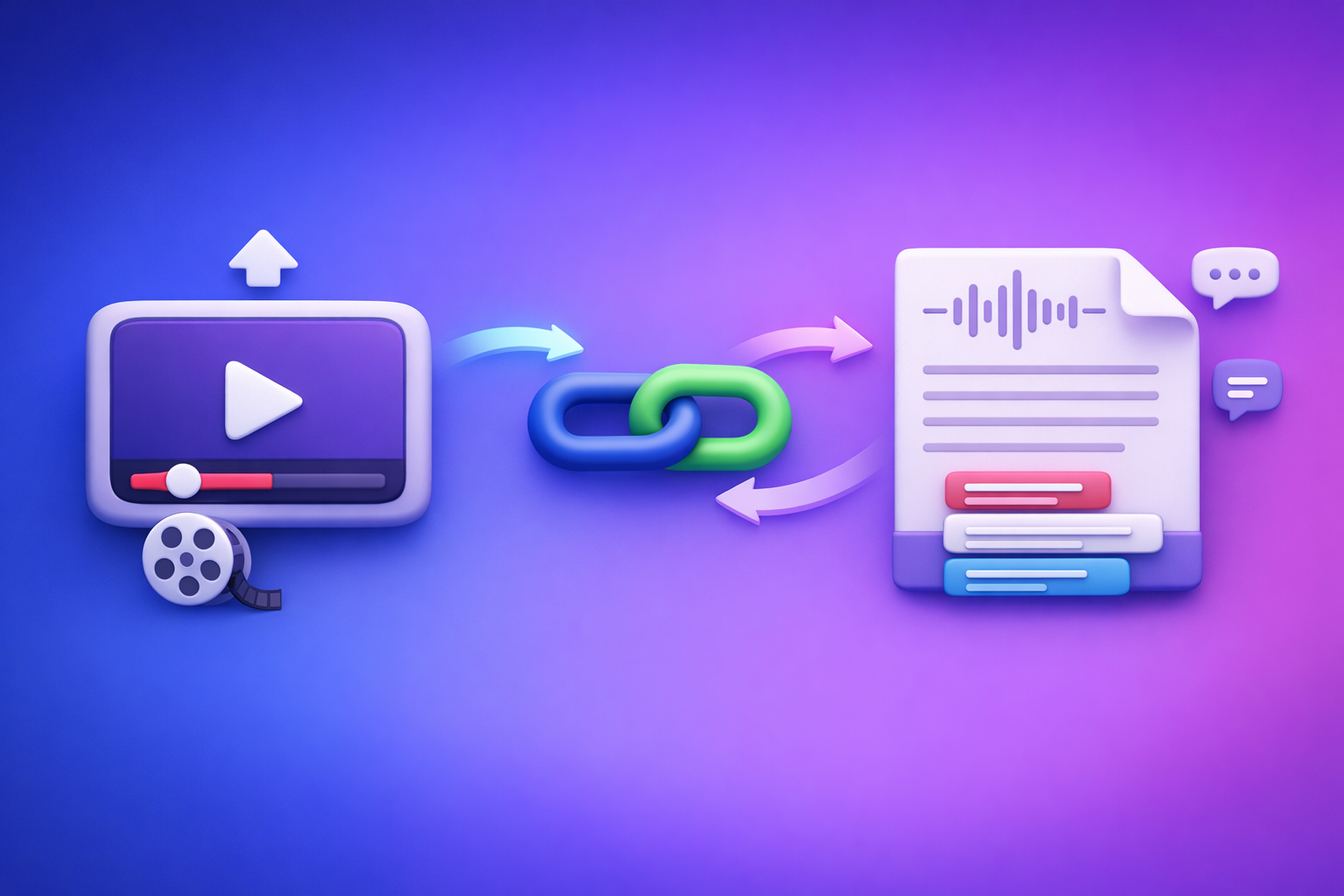
ChatGPT’s “upload video” feature is not a dependable way to ship transcripts, subtitles, and repurposed content in 2026. The reliable workflow is video link/MP4 → transcript/SRT/VTT in VideoToTextAI → ChatGPT on the text.
ChatGPT “Upload Video” Feature: What Works in 2026 + The Reliable Link → Transcript Workflow (VideoToTextAI)
Why people search “ChatGPT upload video feature” (and what they actually want)
Most searches for the chatgpt upload video feature aren’t about uploading for the sake of it. They’re about getting usable text outputs quickly, without broken links, timeouts, or messy formatting.
The real jobs-to-be-done
People typically want to:
- Turn a video into a transcript + captions/subtitles
- Ask ChatGPT to summarize, extract chapters, create posts, and repurpose content
- Avoid failed uploads, access errors, and timeouts that block production
The hidden requirement is almost always the same: repeatable deliverables (TXT/SRT/VTT) that a team can ship.
Quick answer (for skimmers)
- ChatGPT video upload can work for short, simple files in some environments.
- For long videos, restricted links, or production outputs (SRT/VTT), use a deterministic workflow: video link/MP4 → transcript/subtitles in VideoToTextAI → ChatGPT on the text.
Brand POV (important): Downloading video files is an outdated workflow. Link-based extraction is the future of creator productivity because it’s faster, more repeatable, and easier to standardize across teams.
What the ChatGPT “Upload Video” feature can and can’t do (2026 reality check)
What “upload video” usually means inside ChatGPT
When someone says “upload video to ChatGPT,” they usually mean one of these:
- Uploading a local file (like MP4) into a chat
- Sharing a link and expecting ChatGPT to “watch” it
- Asking for transcript/captions directly from the upload
These are different workflows with different failure points. Treat them differently in production.
What works reliably
In best-case conditions, ChatGPT can be useful for:
- Short clips with clear audio
- Basic Q&A about visible content (when media understanding is supported)
- High-level summaries (when the model successfully processes the media)
This is fine for quick exploration. It’s not fine for shipping captions at scale.
What fails most often (and why)
Failure mode: long MP4s / large files
Common outcomes:
- Processing limits and timeouts
- Partial ingestion (only part of the video is processed)
- Truncated outputs that look complete but aren’t
If you need guaranteed completion, don’t make media ingestion the bottleneck.
Failure mode: permissioned or expiring links
ChatGPT often can’t access:
- Private/unlisted videos with restrictions
- Google Drive links requiring sign-in
- Signed URLs that expire
- Paywalled platforms or internal tools
If a human needs to authenticate, assume ChatGPT can’t. Use a workflow designed for link-based extraction and controlled outputs.
Failure mode: “I need SRT/VTT with timestamps”
Even when ChatGPT produces text, it may not produce:
- Deterministic timecodes
- Export-ready SRT/VTT formatting
- Stable segmentation that matches the audio
Captions are a format + timing problem, not just a writing problem.
Failure mode: inconsistent media handling across plans/devices
Availability and performance can vary by:
- Account plan and feature rollout
- Web vs. mobile vs. desktop clients
- Regional availability and temporary throttling
If your workflow depends on a button being visible, it’s not a workflow.
When you should use ChatGPT vs. when you shouldn’t
Use ChatGPT for (after you have text)
Once you have a transcript, ChatGPT becomes extremely effective for:
- Cleaning filler words and fixing punctuation
- Creating chapters, titles, and summaries
- Extracting quotes, hooks, and key takeaways
- Repurposing into:
- Blog posts
- LinkedIn threads
- Newsletters
- Shorts scripts
If you want a deeper “what works” breakdown, see: Chat GPT Transcribe: What Actually Works in 2026 (Audio, Video Links, and the Reliable Workflow)
Don’t use ChatGPT as your transcription engine when you need
Avoid relying on ChatGPT for transcription when you need:
- Guaranteed completion on long videos
- Repeatable outputs for teams (same input → same deliverables)
- Export-ready TXT/SRT/VTT with timestamps
- Compliance-friendly workflows (controlled inputs/outputs)
In production, separate the concerns:
- Media ingestion + transcription + timestamps (deterministic)
- Editing + repurposing + ideation (generative)
The reliable workflow: Video link/MP4 → transcript/subtitles → ChatGPT (VideoToTextAI)
This is the workflow that doesn’t break when a UI changes or a file is too large. It also matches modern creator ops: link-first, not download-first.
Step 1: Choose your input type (link vs. file)
If you have a public link
Use the video URL as the source.
- Preferred for speed
- Easier to repeat and share with a team
- Avoids the “download, re-upload, re-upload again” loop
Link-based extraction is the future of creator productivity because it removes file-handling friction from the process.
If you have an MP4 file
Upload the MP4 once when a link isn’t available.
- Useful for local recordings and exports
- Still better than trying to force ChatGPT to be the ingestion layer
Related tools you may use depending on your input:
Step 2: Generate export-ready outputs in VideoToTextAI
Outputs to generate (pick what you need)
Generate the formats that map to real deliverables:
- Transcript (TXT / structured text)
- Subtitles/captions (SRT)
- Web captions (VTT)
If your goal is content repurposing from YouTube specifically, this workflow pairs well with: youtube to blog
Quality settings to decide upfront
Decide these before you generate outputs, so your downstream editing stays stable:
- Speaker labeling: on/off
- Timestamp granularity: sentence vs. segment
- Language/translation needs: single language vs. multilingual deliverables
Step 3: Use ChatGPT on the transcript (not the video)
Once you have text, ChatGPT becomes consistent and fast. You can copy/paste the transcript or attach it, then run targeted prompts.
Use prompts like:
- “Create a 7-part chapter outline with timestamps from this transcript.”
- “Rewrite into a blog post with H2/H3 headings and a TL;DR.”
- “Extract 10 short clips: hook + start/end timestamps + caption text.”
If you’re working from short-form platforms, you may also want: tiktok to transcript
Step 4: Ship deliverables (what “done” looks like)
A production-ready definition of done:
- Transcript is approved and searchable
- SRT/VTT is exported and synced
- Repurposed assets are drafted:
- blog post
- social posts
- email/newsletter
- shorts scripts
If you want the longer explanation of what fails and why, see: ChatGPT “Upload Video” Feature (2026): What Works, What Fails, and the Reliable Link → Transcript Workflow
Implementation: exact step-by-step (fast path)
1) Convert video to transcript/subtitles in VideoToTextAI
- Open VideoToTextAI: https://videototextai.com
- Paste the video link or upload the MP4
- Generate:
- Transcript
- SRT (captions)
- VTT (optional)
- Export files for editing/review
Operational note: Prefer links over downloads whenever possible. Downloading, renaming, re-uploading, and re-sharing files is legacy workflow overhead.
2) Run ChatGPT workflows on the transcript (repurposing path)
- Provide ChatGPT the transcript (full text or chunked)
- Ask for:
- Chapters + titles
- Summary + key takeaways
- Platform-specific posts (LinkedIn/X/blog)
- Review for accuracy and brand voice
- Publish + reuse captions/subtitles
Tip for long transcripts: chunk by chapters or by ~10–15 minutes of content, then ask ChatGPT to produce a final merged outline.
Troubleshooting: if ChatGPT upload video fails anyway
If the upload button isn’t visible
Don’t block production on UI availability.
- Switch to the transcript-first workflow immediately
- Treat upload-video as “nice to have,” not a dependency
If ChatGPT can’t access your link
Assume it cannot authenticate.
- Private YouTube, Drive permissions, signed URLs, and paywalls are common blockers
- Generate transcript from link/MP4 in VideoToTextAI, then work from text
If outputs are missing timestamps
Do not try to “invent” timecodes in ChatGPT.
- Export SRT/VTT from VideoToTextAI
- Then ask ChatGPT to edit wording without changing timecodes
Example prompt:
- “Edit the caption text for clarity and brevity, but do not change any timestamps or line breaks. Return valid SRT.”
If the transcript quality is “close but not shippable”
Fix the transcript first, then regenerate derivative assets.
- Correct names, acronyms, product terms
- Confirm speaker labels (if used)
- Only then create chapters, summaries, and posts
This prevents errors from being amplified across every repurposed asset.
Checklist: production-grade “video → text” workflow
Inputs
- Video link is accessible (public) or MP4 is ready
- Target language(s) confirmed
- Deliverables defined: transcript / SRT / VTT / repurposed content
Processing
- Transcript generated in VideoToTextAI
- SRT exported (if captions needed)
- VTT exported (if web player needs VTT)
Repurposing (ChatGPT)
- Chapters + titles created from transcript
- Summary + key takeaways created
- Platform posts drafted (LinkedIn/X/blog)
- Final review for accuracy, names, and claims
Competitor Gap
Most posts treat “ChatGPT upload video” as a single-step feature. That framing fails in real production because it doesn’t separate media ingestion from deterministic transcription + export formats.
What’s usually missing:
- A repeatable, team-ready workflow that guarantees deliverables (TXT/SRT/VTT) even when ChatGPT upload fails
- Failure-mode troubleshooting for:
- permissioned links
- long files
- missing timestamps
- A ship-ready checklist for captions + repurposed assets
This guide closes that gap with implementation steps, export formats, troubleshooting by failure mode, and a production checklist.
Use cases (pick the workflow that matches your goal)
Captions for social (fast)
Goal: ship captions quickly without breaking timing.
- Generate SRT
- Ask ChatGPT to tighten wording without changing timestamps
- Publish captions across platforms
Blog post from a video
Goal: turn a video into a structured article.
- Generate transcript
- Ask ChatGPT for:
- outline (H2/H3)
- draft
- TL;DR and key takeaways
- Publish with embedded video for watch + read
Multilingual subtitles
Goal: ship language-specific captions.
- Generate transcript/subtitles
- Translate workflow (language-by-language)
- Export language-specific SRT/VTT
- QA timing and line length per language
FAQ (People Also Ask)
Can ChatGPT upload a video and transcribe it?
Yes, sometimes, especially for short clips in supported environments. For long videos and production deliverables, use a deterministic transcript/captions workflow first, then use ChatGPT for editing and repurposing.
Why can’t ChatGPT access my video link (YouTube/Drive)?
Common causes include private permissions, sign-in requirements, expiring signed URLs, and paywalls. If authentication is required, assume ChatGPT can’t access it and switch to a link-based extraction workflow.
What’s the best way to get SRT/VTT captions if ChatGPT upload fails?
Generate SRT/VTT from a dedicated video-to-text workflow, then use ChatGPT only to refine wording while preserving timecodes. This keeps captions export-ready and avoids timestamp drift.
Is it better to upload an MP4 or use a link for transcription?
A link is usually better for speed, repeatability, and team workflows. MP4 upload is a fallback when no link exists. Downloading and re-uploading files is an outdated workflow that adds friction and versioning problems.
How do I use ChatGPT to summarize a video accurately?
Summarize from the transcript, not from the video upload. Provide the full transcript (or chunk it), then ask for a structured summary with key takeaways and chapter headings. This reduces hallucinations and improves factual alignment.
Related reading (internal)
Related posts
Reel Analyser (Instagram Reels): Transcript‑First Competitor Research, Hook/CTA Extraction, and Repurposing Workflow (VideoToTextAI)
Video To Text AI
A 2026 reel analyser should turn Instagram Reel links into a searchable transcript library you can tag for hooks, CTAs, objections, and topic clusters—then export into repurposing-ready drafts without a download/upload loop.
Traducir video de Instagram (Reels) en 2026: workflow transcript-first para traducir, sacar hooks/CTAs y repurpose (con VideoToTextAI)
Video To Text AI
Aprende a traducir un Reel de Instagram con un flujo URL→transcripción→traducción→subtítulos, y a convertir esa traducción en un activo de investigación para hooks, CTAs, objeciones y clusters de contenido.
Reel Analyzer: Transcript‑First Instagram Reels Research (Hooks, CTAs, Objections) + Workflow Guide (VideoToTextAI)
Video To Text AI
A reel analyzer should turn any public Instagram Reel link into a searchable transcript library you can mine for hooks, CTAs, objections, and topic clusters—then repurpose into original drafts with a repeatable SOP.