
Can ChatGPT Transcribe Video? What Works in 2026 + The Reliable Link → Transcript Workflow (VideoToTextAI)
 Video To Text AI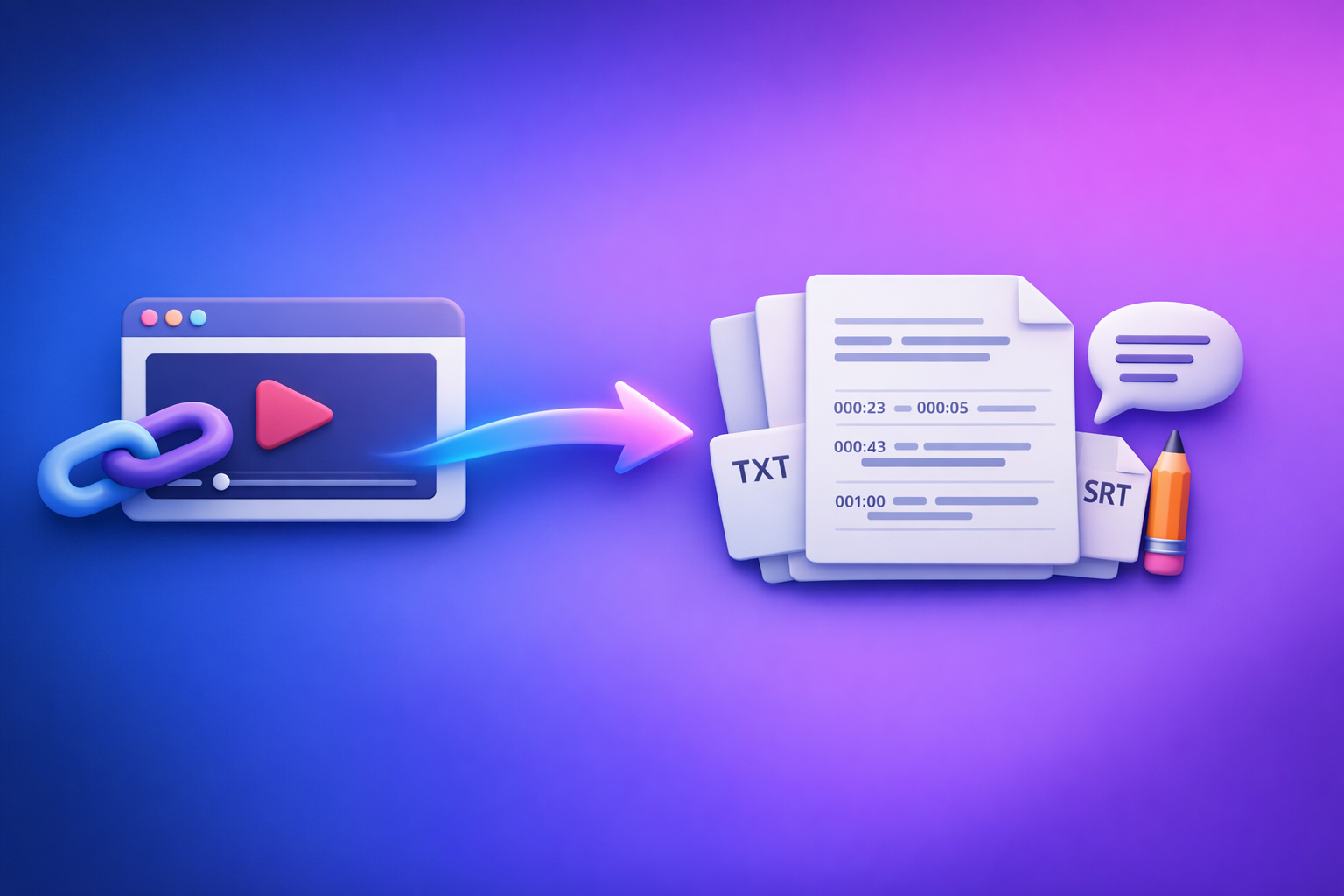
Can ChatGPT Transcribe Video? What Works in 2026 + The Reliable Link → Transcript Workflow (VideoToTextAI)
If you want a dependable result in 2026, don’t start with “ChatGPT transcribe this video.” Start with a link → transcript/subtitles export, then use ChatGPT for cleanup, structure, and repurposing.
This is the workflow teams use when they need TXT/SRT/VTT that won’t break and a repeatable process across YouTube, Instagram, TikTok, and MP4.
Quick Answer (What You Can Expect From ChatGPT)
Can ChatGPT transcribe a video file directly?
Sometimes, but not reliably as a production workflow. Depending on the ChatGPT app/plan and current feature availability, you may be able to upload a video (or audio) and get text back.
In real operations, teams hit common blockers:
- Upload limits (file size, duration, or rate limits)
- Timeouts on long videos
- Inconsistent formatting (no stable SRT/VTT exports)
- Hard-to-debug failures when the model can’t process the media end-to-end
If you need transcripts for publishing, accessibility, or localization, you want a deterministic transcription step before ChatGPT touches anything.
Can ChatGPT transcribe from a YouTube/Instagram/TikTok link?
Not consistently. ChatGPT may summarize a page you paste, but direct access to the underlying video/audio from a link is often blocked or inconsistent due to:
- permissions and authentication
- region locks
- private/unlisted content
- paywalls or platform restrictions
- frequent changes in platform delivery
If your workflow depends on “paste link and hope,” you’ll lose time.
What ChatGPT is actually good for after you have a transcript (cleanup, structure, repurposing)
ChatGPT is strongest after transcription, when the input is plain text (or SRT/VTT). Typical high-value uses:
- punctuation, casing, and readability cleanup
- speaker labeling (when you already have accurate text)
- chapter titles and summaries
- repurposing into blogs, emails, threads, and short-form scripts
Think of ChatGPT as the editor and strategist, not the transcription engine.
Why “ChatGPT Video Transcription” Fails in Real Workflows
Link access is inconsistent (permissions, paywalls, region locks, private videos)
Creators and teams rarely work with perfectly public content. Real inputs include:
- client review links
- unlisted drafts
- region-limited releases
- platform-hosted videos behind login
When ChatGPT can’t access the media stream, you get partial outputs or refusals. A link-to-transcript tool built for extraction is the correct first step.
File upload limits + long-video timeouts
Even when uploads are supported, long videos create friction:
- upload time + re-uploads
- processing timeouts
- chunking requirements
- repeated manual steps
From a productivity standpoint, downloading video files is an outdated workflow. Link-based extraction is the future because it removes the “download → upload → retry” loop.
No deterministic exports (SRT/VTT formatting, timestamps, speaker labels)
Publishing captions requires strict formatting:
- SRT/VTT timecodes must be valid
- captions must be readable (line length, reading speed)
- timestamps cannot overlap
ChatGPT can help edit text, but it’s not designed to guarantee export-safe subtitle files every time.
Accuracy issues: accents, crosstalk, music, low audio, jargon
Transcription quality drops when audio is messy:
- multiple speakers talking over each other
- background music
- low mic gain or room echo
- domain jargon (product names, acronyms)
You need a workflow that supports glossaries/keywords, quick QA, and reruns—then use ChatGPT to polish.
The Reliable Workflow: Video Link → Export-Ready Transcript/Subtitles → ChatGPT
What you need before you start
Have these ready so the workflow stays fast and deterministic:
- Video URL (YouTube/Instagram/TikTok/etc.) or MP4 fallback
- Desired output: TXT (reading), SRT (subtitles), VTT (web captions)
- Optional: speaker names, glossary/keywords, target language
If you’re doing platform-specific work, you may also want these guides:
- TikTok Transcript: How to Extract, Generate, and Export Accurate Text (TXT/SRT/VTT)
- Insta Transcript: How to Get an Instagram Reel Transcript From a Link (TXT/SRT/VTT) + Repurposing Workflow
Step 1 — Generate the transcript from a link (deterministic)
Using VideoToTextAI (link-based)
This is the modern workflow: paste a link, export what you need, move on.
- Paste the video link
- Choose output format(s): TXT / SRT / VTT
- Generate and download
Use VideoToTextAI here: VideoToTextAI
Why this matters: link-based extraction avoids the legacy “download files first” habit, which slows teams down and creates versioning chaos.
If the link fails: MP4 fallback path
Sometimes a platform link is restricted. Don’t fight it—switch paths.
- Download/export MP4 from the source you’re authorized to access
- Run MP4 → transcript/subtitles
- Re-try with a clean file if the source link is restricted
Useful tools:
Step 2 — Validate the transcript before you touch ChatGPT (2-minute QA)
Do a fast QA pass before cleanup. This prevents ChatGPT from “fixing” errors into something that looks polished but is still wrong.
Fast accuracy scan (what to check)
- First 60 seconds: names, brand terms, acronyms
- Any sections with music/crosstalk
- Missing lines or repeated segments (common in noisy audio)
If you find systematic errors (wrong product name repeated), rerun with a glossary/keywords rather than manually fixing 50 instances.
Timestamp sanity check (for SRT/VTT)
- No overlapping timecodes
- Reasonable line length (caption readability)
- Consistent punctuation (helps segmentation)
If you’re repurposing into long-form content, also check that paragraph breaks roughly match topic shifts.
Step 3 — Use ChatGPT for cleanup (not transcription)
Once you have a solid transcript, ChatGPT becomes extremely effective.
Prompt: fix punctuation + casing + remove filler (keep meaning)
Use this when you want a readable transcript for blogs, docs, or internal notes.
Prompt: speaker labeling (when you have 2–4 speakers)
Speaker labeling works best when:
- the transcript is already accurate
- speakers have distinct voices
- you provide speaker names and a short “who is who” hint
Avoid asking ChatGPT to guess speakers from scratch without context.
Prompt: create chapters + titles from timestamps
This is ideal for YouTube chapters, course modules, or podcast navigation. Provide timestamps (or SRT blocks) and ask for:
- chapter start times
- short titles (3–6 words)
- 1–2 sentence summaries per chapter
Prompt: generate a “clean transcript” and a “verbatim transcript” version
A practical deliverable set:
- Verbatim: keeps filler, false starts, and “um/uh” (for legal/accuracy needs)
- Clean: removes filler and improves readability (for publishing)
Step 4 — Export-ready subtitles/captions (SRT/VTT) with formatting rules
Caption rules to enforce
If you publish captions, enforce rules that prevent unreadable subtitles:
- Max characters per line (commonly 32–42)
- Max lines per caption (commonly 2)
- Reading speed consistency (avoid dense blocks)
Also keep punctuation consistent so captions “feel” professional.
Prompt: reflow captions without breaking timestamps (safe approach)
The key rule: avoid asking ChatGPT to rewrite timecodes.
When to avoid asking ChatGPT to rewrite timecodes:
- when you already have valid SRT/VTT exports
- when you’re close to publishing
- when you can’t afford broken formatting
How to ask ChatGPT to only edit text lines, not timestamps:
- instruct it to keep every timestamp line unchanged
- instruct it to only modify the caption text lines
- instruct it to preserve block counts and ordering
If you need deeper subtitle edits (timing changes), do that in a subtitle editor—not in a general-purpose chat.
Step 5 — Repurpose the transcript into content assets
Once you have clean text, you can produce multiple assets quickly.
Blog post outline + draft from transcript
If you want a structured article, generate:
- H2/H3 outline
- key points + examples
- a draft with a clear CTA (not spammy)
If your goal is SEO content from video, see:
Short-form clips: hooks, captions, and post copy
From the transcript, extract:
- 10–15 hook options (first 1–2 seconds)
- on-screen caption text (short, punchy)
- post copy variants per platform
Email + LinkedIn post + X thread from the same transcript
Ask for:
- 1 email (subject lines + body)
- 1 LinkedIn post (strong POV + bullets)
- 1 X thread (7–10 tweets, each self-contained)
For a broader view of what works and what fails, reference:
- Can ChatGPT Transcribe Video in 2026? What Works, What Fails, and the Reliable Link → Transcript Workflow
- Can ChatGPT Upload Video? What Works in 2026 (and the Reliable Link → Transcript Workflow)
Implementation: Exact “Copy/Paste” Prompts (Reusable Templates)
Use these templates after you’ve generated TXT/SRT/VTT from a link-based workflow.
Template A — Transcript cleanup (TXT)
Prompt:
You are an editor. Clean the transcript below for readability while preserving meaning.
Rules:
- Fix punctuation, casing, and paragraph breaks.
- Remove filler words (um, uh, like) only when it doesn’t change meaning.
- Keep technical terms exactly as written: [PASTE GLOSSARY].
Output:
- Clean transcript
- Verbatim transcript (minimal changes)
Transcript:
[PASTE TXT]
Template B — Chapterization + summary + key takeaways
Prompt:
Create chapters from this transcript.
Rules:
- Use existing timestamps if present; otherwise infer approximate chapter breaks by topic.
- Output a table with: Start time, Chapter title (max 6 words), 1–2 sentence summary.
- Then provide: 5 key takeaways, 5 quotable lines, and a 1-paragraph executive summary.
Transcript:
[PASTE TXT OR SRT]
Template C — Caption polish (SRT/VTT) without timestamp corruption
Prompt:
Edit the caption TEXT ONLY in the SRT below.
Hard rules:
- Do NOT change any numbers, sequence IDs, or timestamps.
- Do NOT add or remove caption blocks.
- Only edit the text lines for clarity, punctuation, and casing.
- Keep each caption to max 2 lines; shorten phrasing if needed.
SRT:
[PASTE SRT]
Template D — SEO blog draft from transcript (with headings + meta)
Prompt:
Write an SEO blog post based on the transcript below.
Requirements:
- Provide: Title, meta description (155 chars), H2/H3 outline, then the full draft.
- Use short paragraphs and bullets.
- Include a “How to” section and a troubleshooting section.
- Keep claims factual; don’t invent stats.
Transcript:
[PASTE CLEAN TXT]
Troubleshooting: Common Problems + Fixes
“ChatGPT can’t open the link” → use link-to-transcript first
Fix:
- Generate transcript/subtitles from the video link first
- Then paste the transcript into ChatGPT for editing and repurposing
This avoids the most common failure mode: link access restrictions.
“Transcript is inaccurate” → improve audio + rerun + glossary pass
Fix:
- Use the cleanest audio source available (original upload, not re-encoded)
- Rerun transcription with a glossary (names, acronyms, product terms)
- QA the first minute again to confirm the error pattern is gone
“SRT/VTT looks broken” → validate timecodes + reflow text only
Fix:
- Validate: no overlaps, correct ordering, correct timestamp format
- If you use ChatGPT, edit text lines only and preserve timestamps
“Long video” → split by chapters/segments before repurposing
Fix:
- Split by chapters (or 10–20 minute segments)
- Repurpose each segment into one asset (section, email, clip script)
- Combine at the end if needed
“Multiple speakers” → label speakers after transcription, not during
Fix:
- Transcribe first
- Then label speakers using ChatGPT with a short “speaker map”
- Don’t try to do speaker ID while also fighting transcription errors
Checklist: Ship an Export-Ready Transcript in 10 Minutes
- Confirm video access (public/private/region)
- Generate transcript from link (TXT + SRT/VTT as needed)
- Run 2-minute QA scan (names, jargon, missing sections)
- Clean transcript in ChatGPT (punctuation, filler, structure)
- Validate captions (no overlaps, readable line lengths)
- Export final TXT + SRT/VTT
- Repurpose into 1 blog + 3 social posts + 1 email
Competitor Gap
What competitors miss (and what this post includes)
Most “can chat gpt transcribe video” answers focus on prompts and ignore production reality. The gaps that break real workflows:
- Deterministic link → export-ready TXT/SRT/VTT workflow (not “try prompts and hope”)
- Timestamp-safe caption editing method (avoid broken SRT/VTT)
- MP4 fallback path when links fail (private, restricted, blocked)
- 10-minute execution checklist + reusable prompt templates
- Practical QA steps to catch errors before publishing captions
The strategic point: downloading video files is legacy process. Link-based extraction is the future of creator productivity because it reduces steps, reduces failure points, and standardizes outputs.
FAQ
What is the best tool to transcribe a video?
The best tool is the one that reliably produces export-ready outputs (TXT/SRT/VTT) from your real inputs (links, not just files). Prioritize deterministic formatting, timestamps, and a workflow that doesn’t require downloading videos as the default.
Can you put a video into ChatGPT?
In some cases, yes—depending on your environment and limits. For consistent results, treat ChatGPT as the post-transcript editor and use a dedicated link-to-transcript step first.
Can ChatGPT read text from video?
ChatGPT can help interpret content when you provide text (transcript/captions). Extracting text directly from video is not consistently reliable across platforms and permissions, which is why link-based transcript generation is the safer first step.
Can ChatGPT take notes from a video?
Yes—once you provide a transcript. The reliable workflow is: generate transcript from the video link → quick QA → ask ChatGPT for notes, chapters, and takeaways.
Related posts
Reel Analyser (Instagram Reels): Transcript‑First Competitor Research, Hook/CTA Extraction, and Repurposing Workflow (VideoToTextAI)
Video To Text AI
A 2026 reel analyser should turn Instagram Reel links into a searchable transcript library you can tag for hooks, CTAs, objections, and topic clusters—then export into repurposing-ready drafts without a download/upload loop.
Traducir video de Instagram (Reels) en 2026: workflow transcript-first para traducir, sacar hooks/CTAs y repurpose (con VideoToTextAI)
Video To Text AI
Aprende a traducir un Reel de Instagram con un flujo URL→transcripción→traducción→subtítulos, y a convertir esa traducción en un activo de investigación para hooks, CTAs, objeciones y clusters de contenido.
Reel Analyzer: Transcript‑First Instagram Reels Research (Hooks, CTAs, Objections) + Workflow Guide (VideoToTextAI)
Video To Text AI
A reel analyzer should turn any public Instagram Reel link into a searchable transcript library you can mine for hooks, CTAs, objections, and topic clusters—then repurpose into original drafts with a repeatable SOP.