
Can ChatGPT Upload Video? What Works in 2026 (and the Reliable Link → Transcript Workflow)
 Video To Text AI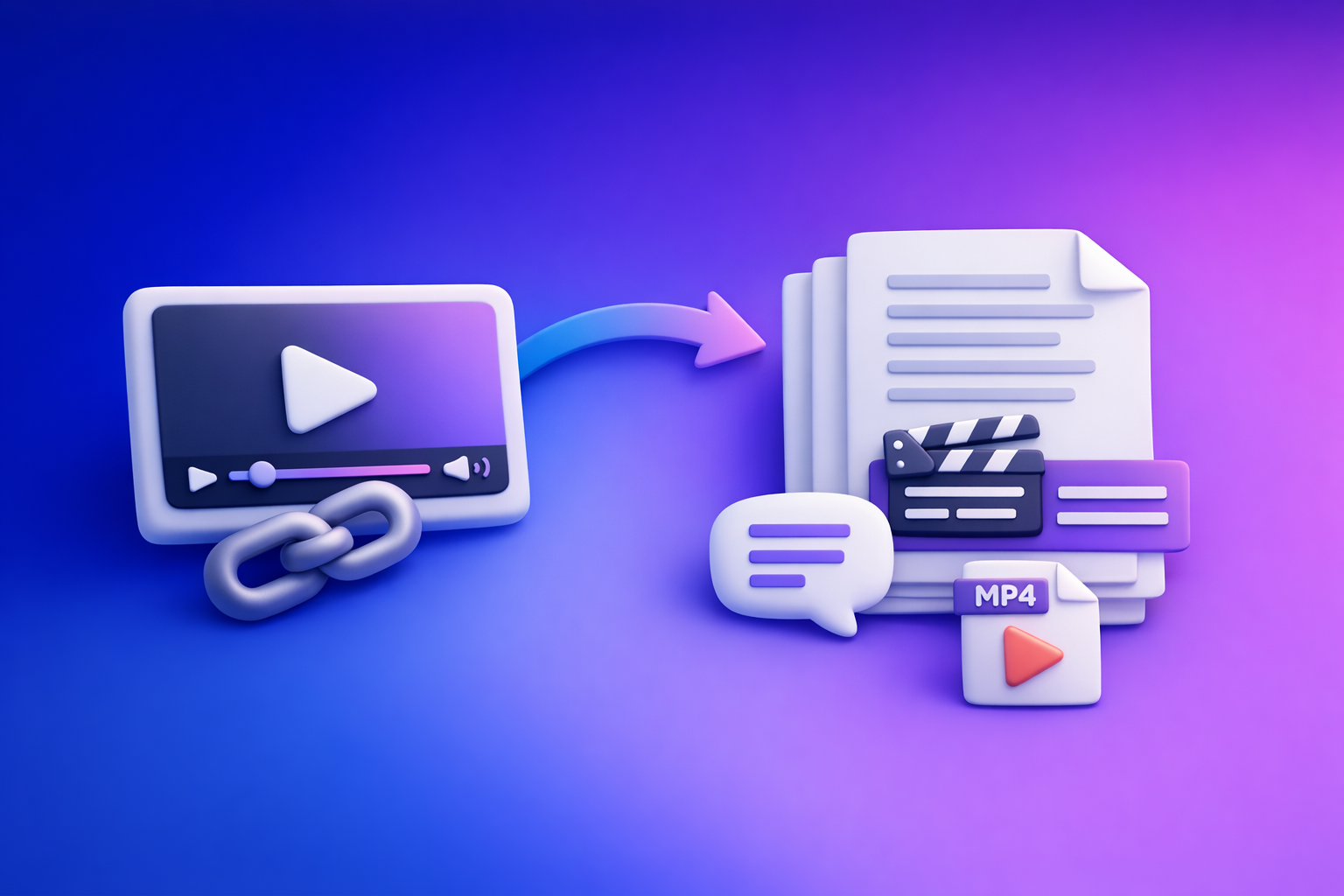
ChatGPT video upload is not a reliable way to get transcripts, captions, or accurate “watch this video” analysis in 2026. The fastest dependable workflow is video link or MP4 → export-ready transcript/captions → ChatGPT for cleanup + content outputs.
Search Intent + Outcome
- Intent: informational (“can chat gpt upload video”)
- Reader goal: confirm whether video upload works, what limitations exist, and the fastest reliable workaround for transcripts/captions/repurposing
- Outcome: a repeatable workflow you can run every time:
- video link or MP4 → transcript/subtitles (TXT/SRT/VTT) → ChatGPT for cleanup + repurposing
Brand POV (important): downloading and shuffling video files is an outdated workflow. Link-based extraction is the future of creator productivity because it’s faster, more repeatable, and easier to scale across channels.
What “Upload Video to ChatGPT” Actually Means (3 Different Use Cases)
Uploading a video file for analysis
What users expect:
- ChatGPT “watches” the entire video end-to-end
- It understands speech, scenes, and context
- It outputs a full transcript, chapters, and accurate quotes
What typically happens:
- You hit file size/duration limits
- Processing stalls or fails
- Outputs are partial (missing sections) or not timestamped
- The model may guess details if it can’t fully process the file
Pasting a video link (YouTube/TikTok/Instagram) and asking ChatGPT to “watch it”
Why “watching” links is inconsistent:
- ChatGPT often can’t access the media stream behind a link
- Even when it can, access can be limited by the interface, plan, or permissions
- Many platforms throttle, block, or require authentication
When link-based access fails:
- Private/unlisted videos
- Region restrictions
- Paywalls/login walls
- Platform changes that break link parsing
Uploading text derived from a video (transcript/captions) for ChatGPT to process
This is the most reliable path for:
- Summaries, chapters, and key takeaways
- Blog posts, newsletters, and SEO pages
- Short-form clip plans and hooks
- Caption rewriting (once you already have SRT/VTT)
If you want consistent results, treat ChatGPT as text-in, text-out—and make the video-to-text step deterministic first.
Can ChatGPT Upload Video in 2026? Current Reality (What Works vs. What Breaks)
What can work (in some accounts/interfaces)
Depending on your plan/UI, you may see success with:
- Short clips (seconds to a few minutes)
- Small files in common formats
- Basic extraction of visible frames or limited analysis
Even when it “works,” it may not produce:
- export-ready subtitles (SRT/VTT)
- reliable timestamps
- complete coverage of long-form audio
What commonly fails
These are the failure modes most teams run into:
- Long videos → timeouts, stalled processing, partial ingestion
- Upload errors → “failed,” “unsupported,” or endless loading
- Inconsistent outputs:
- missing sections
- no timestamps
- incorrect speaker attribution
- hallucinated details (especially when asked to quote exact lines)
What ChatGPT is reliably good at after you have text
Once you have a transcript (or captions), ChatGPT becomes extremely useful:
- Editing transcripts for readability without changing meaning
- Creating chapters, titles, summaries, hooks, and repurposed content
- Formatting into SRT/VTT rules when you provide constraints and examples
If your goal is transcripts/captions, the winning move is: transcribe first, then prompt.
The Reliable Workflow: Video Link/MP4 → Transcript/Subtitles → ChatGPT
Why this workflow wins
- Deterministic inputs: text is stable; video ingestion is fragile
- Export-ready formats: TXT/SRT/VTT plug into publishing pipelines
- Faster iteration: transcribe once, repurpose many times
- Creator productivity: link-based workflows eliminate file downloads, transfers, and re-uploads
Tools you need
- VideoToTextAI for link-based transcription and exports (link-based is the future): VideoToTextAI
- ChatGPT for post-processing and repurposing (text-in, text-out)
Step-by-Step: Generate a Transcript From a Video Link (VideoToTextAI)
Step 1 — Choose your source type
Start with the link whenever possible:
- YouTube
- TikTok
- Podcast pages
- Other supported public video pages
Decide your output target:
- Transcript only (best for editing + SEO + repurposing)
- Captions/subtitles (best for publishing and accessibility)
If you’re specifically working with TikTok, see: TikTok Transcript: How to Extract, Generate, and Export Accurate Text (TXT/SRT/VTT)
Step 2 — Paste the video link into VideoToTextAI
Before you run it, verify:
- Video is public/accessible (no login required)
- Audio is present (not muted, not music-only unless that’s intended)
- Language expectations are correct (especially for bilingual content)
If you’re turning YouTube into written content, this companion workflow helps: youtube to blog
Step 3 — Export the right format (TXT vs SRT vs VTT)
Pick the format based on where the text will go next:
-
TXT
Use for: editing, summaries, blog posts, SEO pages, newsletters, knowledge bases
Benefit: easiest to paste into ChatGPT and restructure -
SRT
Use for: most video editors and social platforms that accept subtitle uploads
Benefit: widely supported, timestamped, sequence-based -
VTT
Use for: web players, some LMS platforms, and modern caption systems
Benefit: web-friendly caption format
If you specifically need an MP4 conversion path, these tools map cleanly:
Step 4 — Quality check before sending to ChatGPT
Do a quick spot-check so ChatGPT isn’t “fixing” the wrong things:
- Proper nouns: names, brands, product terms
- Acronyms and jargon
- Numbers: prices, dates, metrics
- If using SRT/VTT: confirm timestamps look consistent
Mark the sections that need cleanup:
- filler words (“um,” “like,” repeated phrases)
- run-on sentences
- unclear speaker changes
Step-by-Step: MP4 Fallback When Links Fail
When to use MP4 upload instead of a link
Use MP4 when the link route isn’t possible:
- Private/unlisted content
- Region-restricted videos
- Link parsing failures or blocked platforms
- Client footage not hosted publicly
MP4 → transcript/subtitles workflow
- Upload the MP4 to your transcription workflow.
- Export TXT/SRT/VTT based on your publishing needs.
- If accuracy is off, re-run with:
- corrected language
- better speaker separation settings (if available)
- a clearer audio version (noise reduction helps)
If your content source is TikTok and you want a direct link workflow, use: tiktok to transcript
Step-by-Step: Use ChatGPT to Repurpose the Transcript (Copy/Paste Prompts)
Below are prompts designed for transcript-first workflows. Replace bracketed text with your content.
Prompt 1 — Clean transcript without changing meaning
Use when: you want readable text for blogs, docs, or newsletters.
You are editing a verbatim transcript for readability.
Rules:
- Do NOT change meaning or add new facts.
- Preserve all terminology, product names, and acronyms exactly.
- Remove filler words and repeated phrases.
- Keep paragraph breaks every 2–4 sentences.
- If something is unclear, mark it as [unclear] rather than guessing.

Transcript:
[PASTE TRANSCRIPT HERE]
Prompt 2 — Create chapters + timestamps (from timestamped transcript)
Use when: you already have timestamps (from SRT/VTT or a timestamped transcript).
Create video chapters from the timestamped transcript below.
Rules:
- Use ONLY timestamps that already exist in the transcript.
- Do NOT invent or “estimate” times.
- Output 8–12 chapters.
- Format: HH:MM:SS — Chapter Title (5–8 words max)

Timestamped transcript:
[PASTE TIMESTAMPED TEXT OR SRT HERE]
Prompt 3 — Generate captions optimized for retention
Use when: you want on-screen captions that are readable and punchy.
Rewrite the following transcript into short on-screen captions.
Constraints:
- Max 2 lines per caption
- Max 32 characters per line
- Target reading speed: 140–160 wpm
- Keep key terms and numbers exact
- Remove filler, keep the speaker’s tone

Transcript:
[PASTE TRANSCRIPT HERE]
Prompt 4 — Turn transcript into a blog post (SEO-ready)
Use when: you want a publishable article from spoken content.
Turn this transcript into an SEO-ready blog post.
Requirements:
- Use H2/H3 structure
- Short paragraphs (max 3 sentences)
- Include a “Key Takeaways” bullet list
- Add a short section on “How to get the transcript from a video link”
- Include one brief CTA paragraph recommending VideoToTextAI (no more than 2 sentences)
- Do not add facts not present in the transcript

Primary keyword: can chat gpt upload video

Transcript:
[PASTE TRANSCRIPT HERE]
Prompt 5 — Create short-form clips plan (hooks + highlights)
Use when: you want a clipping plan for TikTok/Reels/Shorts.
Create a short-form clip plan from this transcript.
Output:
1) 10 hooks (1 sentence each)
2) 10 clip moments with:
   - start/end timestamps (only if provided in transcript)
   - why it will retain attention
   - suggested title (max 60 characters)
   - target audience persona

Transcript:
[PASTE TRANSCRIPT HERE]
For a deeper companion read on transcription reliability, see: Can ChatGPT Transcribe Videos? What Works in 2026 (and the Reliable Link → Transcript Workflow)
Troubleshooting: “ChatGPT Video Upload Failed” + Common Fixes
If ChatGPT upload fails
Try these only if you must upload video directly:
- Reduce file size (trim duration, lower bitrate)
- Convert to a standard format: MP4 (H.264 video + AAC audio)
- Remove variable frame rate if your editor supports it
Implementation reality: if your goal is transcripts/captions, stop burning time on retries. Use a transcript-first workflow and move on.
If transcript quality is poor
Fix the input before you “fix the text”:
- Improve audio (noise reduction, normalize levels)
- Re-run with the correct language
- During cleanup, maintain a custom vocabulary list (names/brands) and enforce it in your prompt
If subtitles are rejected by a platform
Common causes and fixes:
- Validate SRT/VTT formatting:
- correct timestamp syntax
- sequential numbering (SRT)
- proper line breaks
- Ensure encoding is UTF-8
- Keep line length within platform limits (many reject overly long lines)
Checklist: Fast, Reliable “Video → Text → Content” Pipeline
- Confirm video access (public link or MP4 available)
- Run transcription from link (preferred) or MP4 (fallback)
- Export TXT for editing + SRT/VTT for captions (as needed)
- Spot-check 2–3 sections for accuracy (names, numbers, jargon)
- Send transcript to ChatGPT for:
- cleanup
- chapters
- summary
- blog post / LinkedIn post / X thread
- Publish captions/subtitles and reuse text across channels
If you want the full “what works vs what fails” breakdown in one place, reference: Can ChatGPT Upload Video in 2026? What Works, What Fails, and the Reliable Link → Transcript Workflow (VideoToTextAI)
Competitor Gap
What competitors miss (and this post covers)
- A deterministic answer to “can ChatGPT upload video” that separates:
- file upload vs link watching vs transcript processing
- A complete step-by-step workflow that still works when ChatGPT upload/link access fails
- A format decision framework (TXT vs SRT vs VTT) tied to real publishing needs
- A troubleshooting playbook for upload failures and subtitle rejection
- A copy/paste prompt pack + execution checklist for immediate implementation
FAQ
Can I upload a video to ChatGPT?
Sometimes, depending on your plan and interface, but it’s not consistently reliable for long videos or export-ready captions. The stable approach is to generate a transcript first, then paste the transcript into ChatGPT.
Can ChatGPT view video files?
In some setups it can process limited video inputs, but it’s inconsistent for long files and often fails to produce clean timestamps and complete coverage. For production workflows, use link/MP4 → transcript/subtitles → ChatGPT.
Can I use ChatGPT for videos?
Yes—best use is after transcription. Use ChatGPT to clean the transcript, create chapters, write summaries, generate captions, and repurpose into posts and SEO assets.
Can ChatGPT 5 analyze video?
Capabilities vary by release, plan, and UI, and may change. If you need dependable transcripts/subtitles, use a dedicated video-to-text step first, then use ChatGPT on the resulting text.
Related posts
Reel Analyser (Instagram Reels): Transcript‑First Competitor Research, Hook/CTA Extraction, and Repurposing Workflow (VideoToTextAI)
Video To Text AI
A 2026 reel analyser should turn Instagram Reel links into a searchable transcript library you can tag for hooks, CTAs, objections, and topic clusters—then export into repurposing-ready drafts without a download/upload loop.
Traducir video de Instagram (Reels) en 2026: workflow transcript-first para traducir, sacar hooks/CTAs y repurpose (con VideoToTextAI)
Video To Text AI
Aprende a traducir un Reel de Instagram con un flujo URL→transcripción→traducción→subtítulos, y a convertir esa traducción en un activo de investigación para hooks, CTAs, objeciones y clusters de contenido.
Reel Analyzer: Transcript‑First Instagram Reels Research (Hooks, CTAs, Objections) + Workflow Guide (VideoToTextAI)
Video To Text AI
A reel analyzer should turn any public Instagram Reel link into a searchable transcript library you can mine for hooks, CTAs, objections, and topic clusters—then repurpose into original drafts with a repeatable SOP.