
Can ChatGPT Transcribe Video? What Actually Works in 2026 (and the Reliable Link → Transcript Workflow)
 Video To Text AI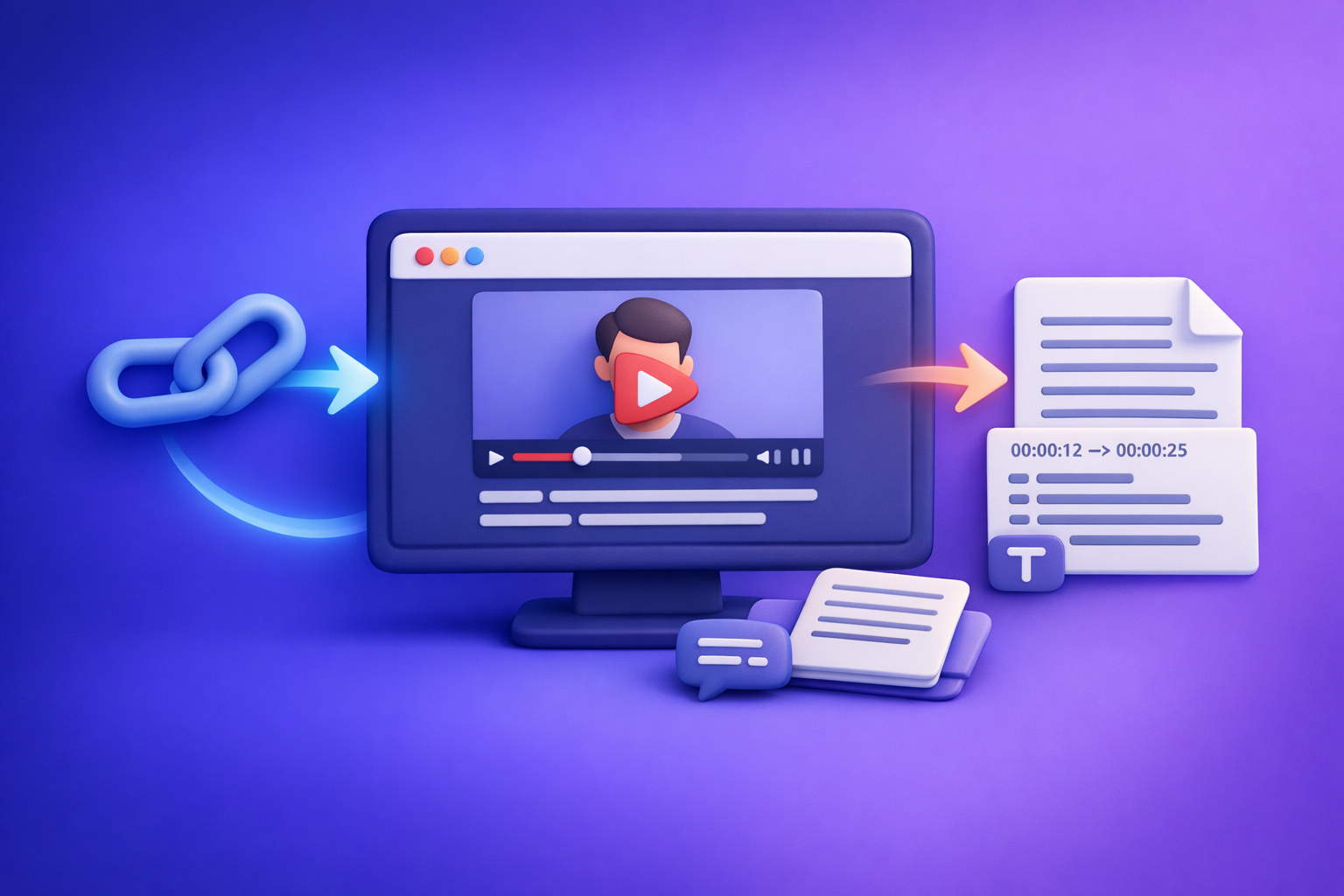
Can ChatGPT Transcribe Video? What Actually Works in 2026 (and the Reliable Link → Transcript Workflow)
If you want a reliable transcript or subtitles in 2026, don’t start by asking ChatGPT to “transcribe this video link.” Start by generating export-ready TXT/SRT/VTT from the video link, then use ChatGPT to clean and repurpose the text.
Quick Answer (What You Can and Can’t Do)
Can ChatGPT transcribe a video link directly?
Usually, no—at least not reliably. Pasting a YouTube/IG/TikTok/podcast URL into ChatGPT does not guarantee it can access, play, and transcribe the audio.
Common outcomes:
- It summarizes the page text (not the audio).
- It says it can’t access the link content.
- It hallucinates details when it can’t actually “hear” the video.
If your goal is accurate transcription + timestamps + subtitle files, treat ChatGPT as a text processor, not a link-based transcription engine.
Can ChatGPT transcribe an uploaded video file (MP4)?
Sometimes, depending on your plan, device, and current feature set. Even when upload works, it’s not a consistent production workflow for:
- Long videos
- Batch processing
- Export-ready subtitle formats (SRT/VTT)
- Repeatable QA and formatting constraints
Brand POV (important): Downloading MP4s just to get text is an outdated workflow. Creator productivity is moving to link-based extraction—paste a URL, export deliverables, publish.
If you truly must use a file, keep it as a fallback via tools like mp4 to transcript, mp4 to srt, or mp4 to vtt.
What ChatGPT is best at after you have text (cleanup, summaries, repurposing)
Once you have a transcript, ChatGPT becomes extremely useful for:
- Cleaning filler words, broken punctuation, and run-on lines
- Structuring into headings, chapters, bullets, and takeaways
- Repurposing into blogs, threads, newsletters, SOPs, and clip lists
- Generating variants of captions (short/medium/long)
The key is sequencing: transcribe first → then prompt ChatGPT on the transcript.
Why “ChatGPT Transcribe Video” Often Fails (Real-World Constraints)
Link access ≠ video playback (permissions, paywalls, private links)
A URL is not the same as audio access. Even if ChatGPT can browse, it may not be able to:
- Authenticate into platforms
- Play embedded players
- Access region-locked content
- Read private/unlisted links without permission
Result: you get partial output or a confident-sounding guess.
Long-form video limits (length, timecodes, context windows)
Transcription is not just “understanding.” It’s processing full audio and returning complete coverage.
Long videos introduce issues like:
- Chunking errors
- Missing sections
- Lost context between segments
- Inconsistent speaker naming
Output requirements ChatGPT doesn’t guarantee (SRT/VTT formatting, speaker labels, timestamps)
If you need deliverables that upload cleanly, you need:
- SRT/VTT with valid timestamps
- Monotonic timecodes (no backwards jumps)
- No overlaps
- Line length constraints for mobile readability
- Optional speaker labels for podcasts/meetings
ChatGPT can format text, but it does not consistently produce timestamp-accurate subtitle files from raw video.
Accuracy risks: accents, crosstalk, music, low bitrate audio
Any transcription system can struggle with:
- Heavy accents or code-switching
- Crosstalk and interruptions
- Background music over speech
- Low-quality audio (compression artifacts)
The fix is not “better prompting.” The fix is a transcription workflow built for audio extraction + QA.
The Reliable Workflow in 2026: Video Link → Export-Ready Transcript/Subtitles → ChatGPT
This is the workflow that consistently works for creators and teams shipping content weekly.
Step 1: Start with the video URL (YouTube/IG/TikTok/podcast page) or MP4 when needed
Prefer link-first whenever possible:
- Faster than downloading files
- Less storage and version confusion
- Easier to standardize across a team
If the video is private/behind login, use an MP4 workflow only when you can export/download legally.
Related: if your end goal is written content, see youtube to blog.
Step 2: Generate transcript + subtitles (TXT/SRT/VTT) with VideoToTextAI
Use VideoToTextAI to turn a link into export-ready files, then move downstream into editing and publishing. (This is the modern workflow: link → assets → publish, not “download everything first.”)
Choose output format by use case
TXT for editing + SEO drafts
Use TXT when you want:
- A clean base for blog drafts
- Quote extraction
- Internal documentation
- Fast editing in Google Docs/Notion
SRT for captions (timecoded)
Use SRT when you need:
- YouTube caption uploads
- Social repurposing workflows
- Timecoded review with editors
VTT for web players
Use VTT when you need:
- HTML5 players
- Web accessibility workflows
- Styling/metadata support in some players
Set the transcription options (language, speaker detection, punctuation)
Set options intentionally:
- Language (don’t guess—select it)
- Speaker labels for interviews/podcasts
- Punctuation for readability and downstream summarization
- Caption constraints like line length if you’re exporting subtitles
If you’re working from Instagram, this pairs well with IG Transcript: How to Get an Instagram Reel Transcript From a Link (Fast + Exportable).
Step 3: Run a fast QA pass before you publish
Don’t “fully proofread” everything. Do a targeted QA pass that catches the errors that matter.
Fix names/brands, numbers, and jargon
Prioritize corrections that break trust:
- Names (people, companies, products)
- Numbers (prices, dates, metrics)
- Acronyms and industry terms
Spot-check 3 segments: start, middle, end
This catches most systemic issues fast:
- If the start is wrong, settings may be wrong (language/speaker)
- If the middle drifts, audio quality may vary
- If the end is missing, the job may have truncated
Validate timestamps if exporting SRT/VTT
Check:
- Captions appear in the right moments
- No timestamp jumps backwards
- No overlapping cues
Step 4: Use ChatGPT on the transcript (not the video) for deliverables
This is where ChatGPT shines: turning raw text into publishable assets.
Clean + structure (headings, bullets, chapters)
Ask for:
- A cleaned transcript with consistent speaker labels
- A structured outline with headings
- Chapters with short summaries
Create captions variants (short/medium/long)
Generate:
- Short punchy captions for Reels/TikTok
- Medium captions for LinkedIn
- Long captions for YouTube descriptions
Repurpose into blog, LinkedIn, X threads, SOPs, email
Common deliverables:
- Blog post draft + meta title/description
- LinkedIn carousel copy
- X thread with hooks + CTA
- SOP/checklist from a tutorial video
- Newsletter issue with key takeaways
For a deeper product overview, reference Video2Text AI: Convert Any Video Link into Transcripts, SRT/VTT Subtitles, and Repurposed Content (VideoToTextAI).
Step-by-Step: Transcribe a Video Link with VideoToTextAI (Copy/Paste SOP)
1) Paste the link into VideoToTextAI
- Use the public URL (YouTube, TikTok, IG, podcast page, etc.)
- Confirm it plays without login (or use an MP4 fallback)
To run the workflow end-to-end, use VideoToTextAI: VideoToTextAI
2) Select outputs: Transcript (TXT) + Subtitles (SRT/VTT)
Recommended default:
- TXT for editing/SEO/repurposing
- SRT for captions
- VTT if your player requires it
3) Configure: language, speaker labels, punctuation, line length (for captions)
Use these defaults unless you have a reason not to:
- Language: match the audio
- Speaker labels: on for interviews/podcasts
- Punctuation: on
- Caption line length: keep it readable on mobile
4) Generate and export
Export:
- TXT for editing
- SRT/VTT for uploads
Then store outputs in a consistent folder structure (by channel/date).
5) Optional: send transcript to ChatGPT with a structured prompt
Prompt: clean transcript + speaker labels
You are an editor. Clean this transcript for readability without changing meaning.
Rules:
- Keep speaker labels as "Speaker 1:", "Speaker 2:" (or names if provided).
- Fix punctuation, casing, and obvious mishears.
- Remove filler words only when they add no meaning.
Return: cleaned transcript only.

TRANSCRIPT:
[paste transcript]
Prompt: create chapters with timestamps
Create chapters from this transcript.
Rules:
- 6–12 chapters depending on length.
- Each chapter: timestamp (mm:ss), title, 1–2 sentence summary.
- Use the transcript’s existing timestamps if present; if not, infer approximate sections without inventing exact times.
Return as a markdown list.

TRANSCRIPT:
[paste transcript]
Prompt: create a publish-ready blog post outline + draft
Turn this transcript into a publish-ready blog post.
Rules:
- Use H2/H3 headings.
- Add a short intro (2–3 sentences).
- Include a TL;DR section.
- Keep claims factual; don’t add data not in the transcript.
Return: outline first, then the full draft.

TRANSCRIPT:
[paste transcript]
Implementation Checklist (Use This Every Time)
Input checklist (before transcription)
- Video is public/accessible (no login required)
- Audio is clear enough (no heavy music over speech)
- Correct language selected
- Target outputs chosen (TXT/SRT/VTT)
Transcript QA checklist (after transcription)
- Names/brands corrected
- Numbers and units verified
- Speaker turns make sense
- No missing sections (compare duration vs transcript coverage)
Subtitle checklist (SRT/VTT)
- Timestamps monotonic and aligned
- Max characters per line respected
- Line breaks readable on mobile
- No overlapping captions
Common Mistakes + Fixes (Troubleshooting)
“ChatGPT won’t transcribe my YouTube link”
Fix: generate transcript from the link first (TXT/SRT/VTT), then use ChatGPT on the text.
If your goal is a blog, start here: youtube to blog.
“My transcript is inaccurate”
Fix: improve source audio when possible; otherwise enable punctuation/speaker detection, then do targeted QA on key segments.
Also confirm you selected the correct language—wrong language selection is a top cause of “garbage output.”
“I need subtitles that upload cleanly”
Fix: export SRT/VTT from VideoToTextAI; avoid manual timestamping in ChatGPT.
ChatGPT is great for rewriting caption text, but not for generating reliable timecodes from scratch.
“The video is private or behind a login”
Fix: use an MP4 workflow (download/export legally) and run MP4 → transcript/subtitles.
Use: mp4 to transcript, mp4 to srt, or mp4 to vtt.
Use Cases (What to Produce After Transcription)
SEO blog post from video (transcript-first)
Transcript-first beats “summary-first” because you can:
- Capture long-tail keywords naturally
- Pull exact quotes and definitions
- Build sections that match search intent
If you want the full workflow, see: Can ChatGPT Transcribe Video? What Actually Works in 2026 (Plus the Reliable Link → Transcript Workflow).
Captions + subtitles for social + YouTube
Produce:
- SRT for YouTube
- Short caption variants for social posts
- A “hook bank” (10–30 opening lines) for editors
Meeting/podcast notes + action items
From the transcript, generate:
- Decisions
- Action items (owner + due date fields)
- Open questions
- Follow-ups
Content repurposing pack (hooks, clips list, quotes, newsletter)
A practical repurposing pack includes:
- 10 hooks
- 10 quotable lines
- 5 clip ideas with timestamps
- 1 newsletter draft
- 1 LinkedIn post draft
Competitor Gap
Most pages ranking for “can chat gpt transcribe video” stop at opinions (“yes/no”) or one-off hacks. What they miss is execution.
This workflow closes the gap with:
- A transcript-first workflow that works even when ChatGPT can’t access/play the video
- Export-ready deliverables (TXT/SRT/VTT) instead of “summary only”
- QA + subtitle formatting checks to prevent upload failures
- Copy/paste prompts + a repeatable checklist for consistent results
If you also need clarity on what “uploading video to ChatGPT” really means right now, see: Can ChatGPT Upload Video in 2026? What’s Actually Possible (and the Reliable Link → Transcript Workflow).
FAQ
Can AI make a transcript of a video?
Yes. The most reliable method is link → transcript/subtitles (TXT/SRT/VTT) using a transcription tool, then optional ChatGPT cleanup and repurposing.
Can you put a video into ChatGPT?
Sometimes you can upload a video file, but it’s not dependable for link-based transcription, long videos, or export-ready subtitle files. For production, use a link-based transcript workflow first.
What is the best tool to transcribe a video?
The best tool is the one that reliably:
- Accepts a video link (not just file uploads)
- Exports TXT/SRT/VTT
- Supports language, punctuation, speaker labels
- Produces outputs that pass a quick QA checklist
Can ChatGPT take notes from a video?
ChatGPT can take excellent notes from a transcript. Generate the transcript first, then ask ChatGPT for summaries, action items, chapters, and repurposed drafts.
Related posts
Reel Analyser (Instagram Reels): Transcript‑First Competitor Research, Hook/CTA Extraction, and Repurposing Workflow (VideoToTextAI)
Video To Text AI
A 2026 reel analyser should turn Instagram Reel links into a searchable transcript library you can tag for hooks, CTAs, objections, and topic clusters—then export into repurposing-ready drafts without a download/upload loop.
Traducir video de Instagram (Reels) en 2026: workflow transcript-first para traducir, sacar hooks/CTAs y repurpose (con VideoToTextAI)
Video To Text AI
Aprende a traducir un Reel de Instagram con un flujo URL→transcripción→traducción→subtítulos, y a convertir esa traducción en un activo de investigación para hooks, CTAs, objeciones y clusters de contenido.
Reel Analyzer: Transcript‑First Instagram Reels Research (Hooks, CTAs, Objections) + Workflow Guide (VideoToTextAI)
Video To Text AI
A reel analyzer should turn any public Instagram Reel link into a searchable transcript library you can mine for hooks, CTAs, objections, and topic clusters—then repurpose into original drafts with a repeatable SOP.