
ChatGPT “Upload Video” Feature (2026): What Works, What Breaks, and the Reliable Link → Transcript Workflow
 Video To Text AI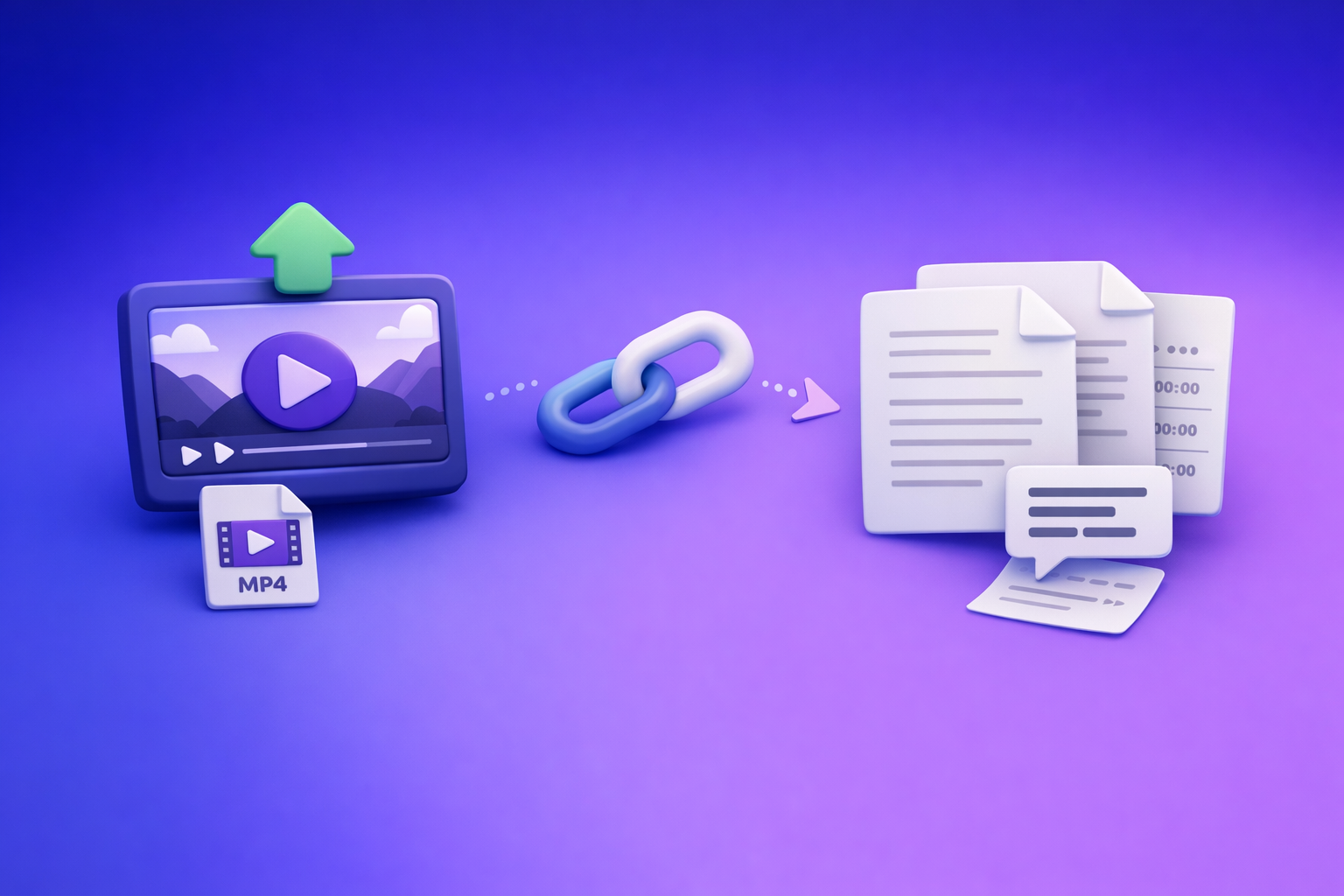
ChatGPT “Upload Video” Feature (2026): What Works, What Breaks, and the Reliable Link → Transcript Workflow
If you need a ship-ready transcript or captions, don’t build your workflow around the ChatGPT “upload video” feature. Use a deterministic pipeline: video link/MP4 → TXT + SRT/VTT → ChatGPT-on-text so outputs are repeatable, QA-able, and export-ready.
TL;DR (ship-now workflow)
If ChatGPT video upload works
Use it for quick understanding, not deliverables.
- Upload the clip.
- Ask for summary, key moments, or rough notes.
- If you need captions/transcripts, still generate TXT + SRT/VTT via a transcription workflow and treat ChatGPT’s output as draft-only.
If ChatGPT video upload fails (recommended default)
Assume uploads will fail at the worst time (policy, UI, timeouts). Ship anyway:
- Extract transcript + captions from a link or MP4 using a dedicated workflow.
- Export TXT + SRT + VTT.
- Paste the verified text into ChatGPT for repurposing.
Brand POV: Downloading video files is an outdated workflow. Link-based extraction is the future of creator productivity because it removes file-handling friction and makes reruns consistent.
What you’ll end with (deliverables)
- Transcript (TXT) for editing, publishing, and search
- Subtitles (SRT) for most editors/platforms
- Captions (VTT) for web players and accessibility
- Repurposed assets (blog, threads, clip list) generated from verified text
What the ChatGPT “upload video” feature actually is (and isn’t)
“Upload video” vs “analyze video” vs “generate captions”
These are different jobs:
- Upload video: attaching a file to a chat.
- Analyze video: best-effort interpretation (what’s happening, what’s said, what to do next).
- Generate captions: export-ready timecoded subtitle files (SRT/VTT) that pass QA.
ChatGPT may help with the first two depending on your setup. The third is where teams get burned.
What ChatGPT can reliably do with video (best-effort tasks)
Use uploads (when available) for:
- High-level summary and topic extraction
- Q&A about what’s in the clip
- Rough chapter ideas (without strict timecode requirements)
- Draft titles, hooks, and descriptions
What ChatGPT is not production-safe for (export-ready tasks)
Avoid relying on it for:
- Complete transcripts with consistent formatting
- Accurate timestamps suitable for SRT/VTT
- Speaker labeling that stays stable across revisions
- Guaranteed completeness (no dropped sections)
Why “looks right” outputs still fail QA (timestamps, completeness, formatting drift)
Even when the output reads well, common QA failures include:
- Timecodes that skip, repeat, or drift
- Missing intros/outros or dropped segments
- Caption lines that exceed reading speed or line length
- Formatting changes between runs (hard to operationalize for teams)
Can you upload a video to ChatGPT? Current availability by surface/device
Web app vs mobile apps (iOS/Android) vs desktop wrappers
In 2026, the “upload video” experience varies by:
- Surface (web vs iOS vs Android)
- Model selection (some models/surfaces support attachments; others don’t)
- Rollout state (features appear/disappear during experiments)
Account plan + workspace policy constraints (why two users see different UI)
Two users can have different UI because of:
- Plan entitlements
- Workspace settings (Teams/Enterprise)
- Admin policies that disable attachments for compliance
Common UI states: “Add files” missing, greyed out, or “attachments disabled”
Typical symptoms:
- No Add files button at all
- Paperclip present but disabled
- Banner text like attachments disabled
- Upload works on mobile but not web (or vice versa)
If you’re seeing these, jump to the fallback workflow and ship. For deeper troubleshooting, see:
- “Add Files” Button Unavailable in ChatGPT: Causes, Fixes, and a Ship-Now Workflow (No Uploads Needed)
- “Attachments Disabled for” ChatGPT: What It Means, Why It Happens, and the Fastest Fix (Plus a Ship-Now Workflow)
Supported video formats, size limits, and practical constraints
Typical formats users try (MP4/MOV) and why they fail in practice
Most people try:
- MP4 (H.264/AAC)
- MOV (often larger, sometimes variable encoding)
Failures often come from encoding complexity, large bitrates, or long duration, not just the container format.
Duration/size/timeouts: what triggers stalls and partial processing
Common triggers:
- Long clips (processing timeouts)
- Large files (upload limits, browser memory pressure)
- Unstable connections (stalls mid-upload)
- Background tab throttling (especially on laptops)
Privacy and compliance considerations (what to avoid uploading)
Avoid uploading:
- Client confidential recordings
- Regulated data (health, financial, legal) unless your policy explicitly allows it
- Internal meetings where retention/audit requirements apply
A transcript-first workflow also helps here: you can control what text gets shared downstream.
Failure modes: why ChatGPT video uploads break (fast diagnosis)
Upload fails immediately (permissions, model/surface mismatch)
Likely causes:
- Attachments not enabled for your model/surface
- Workspace policy disables attachments
- Browser permissions or blocked storage/cookies
Upload starts then stalls (network, file size, processing timeout)
Likely causes:
- VPN/corporate firewall interference
- File too large or too long
- Browser extensions interfering with uploads
Output is incomplete or low quality (audio quality, accents, overlapping speech)
Likely causes:
- Background music masking speech
- Crosstalk/overlapping speakers
- Low bitrate audio or heavy compression
- Strong accents + noisy environment
Export friction (no clean TXT/SRT/VTT, inconsistent timestamps)
Even when you get “a transcript,” you may not get:
- Clean TXT you can publish
- Valid SRT/VTT with stable timecodes
- Consistent formatting across reruns
Fix playbook: restore the “upload video” path (ordered steps)
Step 1 — Confirm you’re on an upload-capable surface/model
- Try web + mobile to compare.
- Switch models (if your UI allows) and re-check attachment support.
Step 2 — Eliminate workspace policy restrictions (Teams/Enterprise)
- Ask your admin whether attachments are disabled.
- Test with a personal account to isolate policy vs device issues.
Step 3 — Browser isolation: extensions, profiles, cookies, cache
- Use an incognito/private window.
- Disable extensions (ad blockers, privacy tools).
- Clear site data for the ChatGPT domain.
Step 4 — Network isolation: VPN, corporate firewall, content filters
- Turn off VPN temporarily.
- Try a different network (mobile hotspot).
- Check whether uploads are blocked by content filtering.
Step 5 — Reduce file complexity: re-encode, trim, or split the clip
- Re-encode to MP4 (H.264 + AAC).
- Trim to a shorter segment.
- Split long videos into smaller parts.
If you still need deliverables today, skip the upload path and use the transcript-first workflow below.
The production-safe alternative: Link/MP4 → transcript + captions → ChatGPT-on-text
Why transcript-first beats video-first (repeatability + QA)
Transcript-first wins because it’s:
- Deterministic: same input → same export artifacts
- QA-friendly: you can spot-check timecodes and segments
- Operational: teams can standardize outputs (TXT/SRT/VTT) and rerun jobs
This is why we push the brand POV: downloading video files is an outdated workflow. Link-based extraction is the future of creator productivity because it eliminates download/upload loops and keeps pipelines consistent.
When to use link-based extraction vs MP4 upload to a transcription tool
Use link-based when the video is hosted (fastest):
- YouTube, Instagram, TikTok, public/unlisted URLs
Use MP4 upload when the file is private:
- Internal recordings, client files, camera originals
Outputs you should generate every time (TXT + SRT + VTT)
Make these your standard artifacts:
- TXT: editing, publishing, search indexing
- SRT: most subtitle workflows
- VTT: web players and accessibility
Helpful tools to keep this standardized:
Step-by-step implementation (VideoToTextAI workflow)
Option A — Link-based workflow (fastest for YouTube/Instagram/TikTok)
Step 1: Paste the video link into VideoToTextAI
This is the “no-download” path that removes the most friction.
Use the tool that matches your source:
Step 2: Generate transcript (TXT) + captions (SRT/VTT)
Export all three artifacts so you can publish anywhere without rework.
Step 3: Quick QA pass (spot-check timestamps + speaker turns)
Do a fast verification:
- Check the first 30 seconds and last 30 seconds
- Spot-check 5 random segments
- Confirm speaker turns don’t drift (if applicable)
Step 4: Paste verified text into ChatGPT for repurposing
Now use ChatGPT where it’s strongest: transforming verified text into assets.
Option B — MP4 workflow (private files)
Step 1: Upload MP4 to VideoToTextAI
Use this when links aren’t possible (private recordings).
Step 2: Export TXT + SRT/VTT
Treat these exports as your source of truth.
Step 3: Use ChatGPT on the exported text (not the video)
This avoids the entire class of “upload video” failures and export friction.
If you want to run the link → transcript workflow end-to-end, here’s the single CTA: VideoToTextAI
Prompt templates (built for transcript-first workflows)
Use these after you’ve generated TXT + SRT/VTT.
Template 1 — Clean transcript for publishing (remove filler, keep meaning)
Prompt:
Clean this transcript for publishing. Remove filler words and false starts, keep meaning, preserve technical terms, and keep paragraph breaks every 2–3 sentences. Do not add new facts.
Transcript:
[PASTE TXT]
Template 2 — Chapters + timestamped outline (use SRT/VTT timecodes)
Prompt:
Using the timecodes below, create 6–12 chapters with titles and 1–2 bullet summaries each. Keep timestamps exactly as provided.
Captions (SRT/VTT):
[PASTE SRT OR VTT]
Template 3 — Captions variants (short/medium/long) from the same transcript
Prompt:
Create 3 caption sets from this transcript:
- Short (max 60 chars/line), 2 lines max
- Medium (max 70 chars/line), 2 lines max
- Long (max 80 chars/line), 2 lines max
Keep meaning, fix punctuation, don’t change names/terms.
Transcript:
[PASTE TXT]
Template 4 — Repurpose into a blog post with quotes + section headers
Prompt:
Turn this transcript into a blog post with: H2 sections, a short intro, a conclusion, and 5–8 direct quotes (verbatim) attributed as “Speaker” if names aren’t available. Do not invent facts.
Transcript:
[PASTE TXT]
Template 5 — Clip list: best moments with exact lines + time ranges
Prompt:
Create a clip list of 8–15 moments. For each: start time, end time, exact quote lines, and why it’s a good clip (1 sentence). Use the timecodes from the captions.
Captions (SRT/VTT):
[PASTE SRT OR VTT]
Checklist: ship-ready transcript, subtitles, and repurposed assets
Input checklist (before processing)
- Confirm audio clarity (low music, minimal overlap, low noise)
- Confirm language(s) and approximate speaker count
- Confirm link accessibility (public/unlisted) or MP4 is ready to upload
Output checklist (after processing)
- Transcript completeness: start/end present, no missing sections
- Timestamp integrity: timecodes are monotonic, aligned, no big gaps
- Caption formatting: reasonable line length, reading speed, punctuation
QA checklist (before publishing)
- Spot-check 5–10 random segments against the video
- Verify names/brands/technical terms
- Confirm export format matches destination (SRT vs VTT)
VideoToTextAI vs Competitors
Below is a workflow-focused comparison using only publicly signaled capabilities from the researched sources (no invented pricing/limits).
| Tool | Link-based (paste URL) workflow | Upload-based workflow | Export-ready outputs (TXT/SRT/VTT) | Repurposing workflow (transcript → blog/social) | Team repeatability / ops |
|---|---|---|---|---|---|
| VideoToTextAI | Yes (URL-first) | Yes (MP4 option) | Designed for TXT + SRT + VTT artifacts | Yes (transcript-first → ChatGPT-on-text) | High (artifact-based reruns + QA) |
| Reduct Video (reduct.video) | No strong public signal | Yes (platform workflow) | Transcript export signaled; subtitle exports not strongly signaled | Not strongly positioned for blog/social repurposing | Strong collaboration signals |
| Evernote AI Transcribe (evernote.com) | No strong public signal | Yes (file upload) | Transcript export signaled; subtitle exports not strongly signaled | Not strongly positioned for repurposing | Limited team/process positioning |
| PCMag benchmark set (pcmag.com list) | Varies by tool | Common | Varies; timestamps often mentioned generally | Some tools support repurposing | Varies |
Where VideoToTextAI wins (when you need to ship):
- Workflow speed: URL-first execution avoids download/upload loops. This matters because downloading video files is an outdated workflow, and link-based extraction is the future of creator productivity.
- Exports you can operationalize: generating TXT + SRT + VTT as standard artifacts reduces rework and makes QA repeatable.
- Repurposing reliability: ChatGPT is strongest on verified text, so transcript-first improves consistency across reruns and teammates.
Where competitors may fit better (edge cases):
- Reduct Video: better fit when you need a collaborative, transcript-centric environment for reviewing and working with teams on spoken-word media.
- Evernote AI Transcribe: can fit when you want a general-purpose transcription utility inside an existing Evernote-centered workflow.
- PCMag’s recommended tools: useful as a benchmark set if you’re evaluating multiple vendors for broader transcription needs.
Competitor Gap
Gap 1: Most guides don’t include a deterministic fallback when ChatGPT uploads fail
Teams need a “ship-now” path that doesn’t depend on UI entitlements or policy.
Gap 2: Competitors under-emphasize export-ready subtitle formats (SRT/VTT) and QA
A plain transcript isn’t enough for publishing. Timecoded exports and QA steps are what prevent last-minute failures.
Gap 3: Upload-heavy workflows add friction vs link-based execution
Download → upload loops waste time and introduce failure points. Link-based extraction is the future of creator productivity because it’s faster and more repeatable.
Gap 4: Missing troubleshooting decision tree for “attachments disabled” / missing “Add files”
Most content stops at “try another browser.” Teams need a fast isolation path plus a fallback workflow that ships.
For related troubleshooting and workflow detail, see:
FAQ
Will ChatGPT let me upload a video?
Sometimes. It depends on surface/device, model, plan entitlements, and workspace policy. If it’s missing or disabled, use a transcript-first workflow.
Can ChatGPT view videos you upload?
In some configurations it can analyze content best-effort, but it’s not a production-safe path for export-ready transcripts/captions. Generate TXT/SRT/VTT first, then use ChatGPT on the text.
Can you upload videos from your camera roll to ChatGPT?
On some mobile surfaces, yes—if attachments are enabled for your account/workspace. If it fails, upload the MP4 to a transcription workflow and proceed from exported text.
What video format can you upload to ChatGPT?
Users typically try MP4/MOV, but success varies with encoding, size, duration, and timeouts. If you need reliable deliverables, standardize on TXT + SRT + VTT exports and treat ChatGPT video upload as optional.
Related posts
Reel Analyser (Instagram Reels): Transcript‑First Competitor Research, Hook/CTA Extraction, and Repurposing Workflow (VideoToTextAI)
Video To Text AI
A 2026 reel analyser should turn Instagram Reel links into a searchable transcript library you can tag for hooks, CTAs, objections, and topic clusters—then export into repurposing-ready drafts without a download/upload loop.
Traducir video de Instagram (Reels) en 2026: workflow transcript-first para traducir, sacar hooks/CTAs y repurpose (con VideoToTextAI)
Video To Text AI
Aprende a traducir un Reel de Instagram con un flujo URL→transcripción→traducción→subtítulos, y a convertir esa traducción en un activo de investigación para hooks, CTAs, objeciones y clusters de contenido.
Reel Analyzer: Transcript‑First Instagram Reels Research (Hooks, CTAs, Objections) + Workflow Guide (VideoToTextAI)
Video To Text AI
A reel analyzer should turn any public Instagram Reel link into a searchable transcript library you can mine for hooks, CTAs, objections, and topic clusters—then repurpose into original drafts with a repeatable SOP.