
ChatGPT “Upload Video” Feature (2026): What Works, Why It Fails, and the Production-Safe Transcript Workflow
 Video To Text AI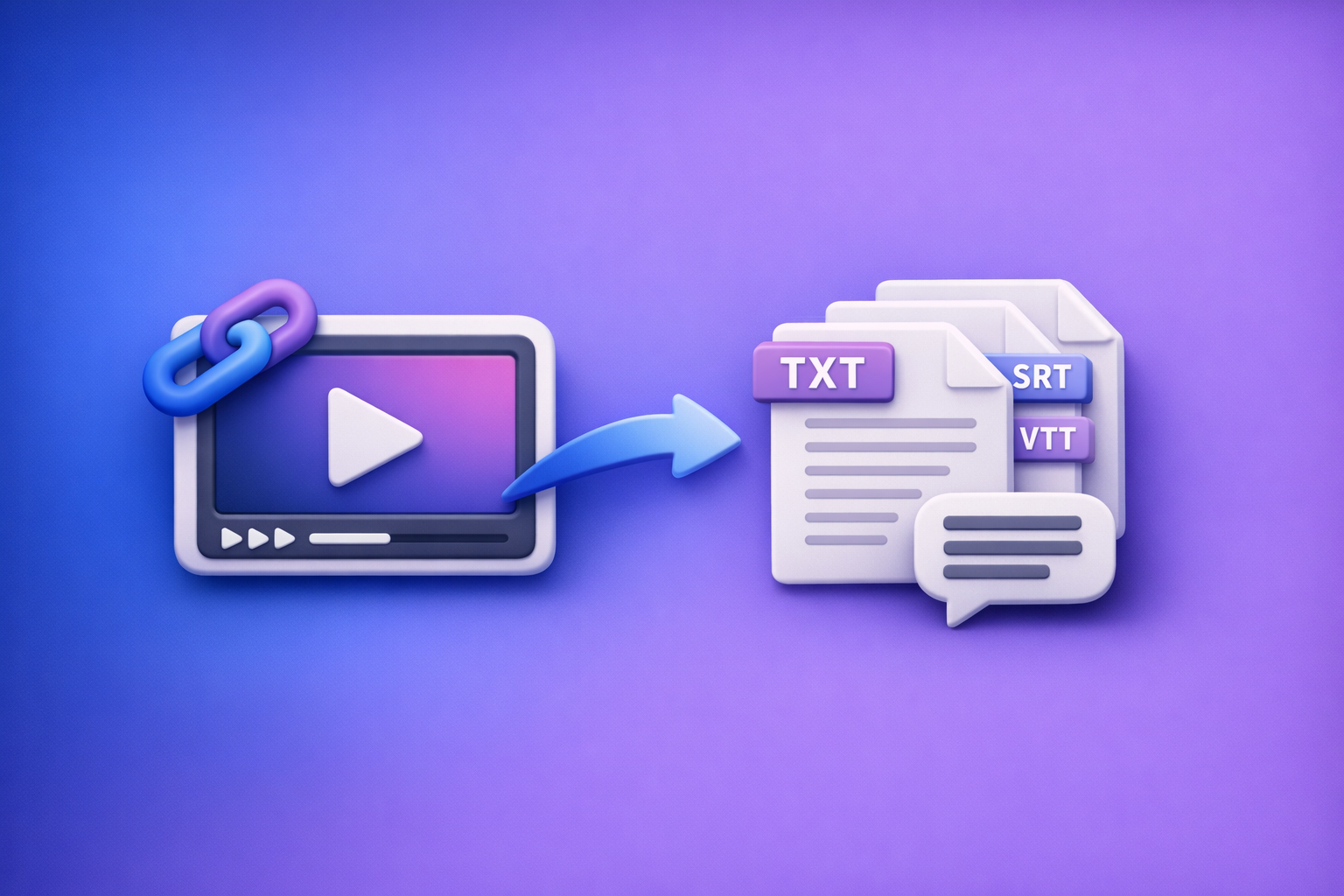
ChatGPT’s “upload video” feature is not reliable enough to build a publishing workflow around in 2026. The production-safe approach is video link or MP4 → transcript/subtitles (TXT/SRT/VTT) → ChatGPT on text, so you always ship usable assets.
This is also why downloading video files is an outdated workflow: link-based extraction is faster, more repeatable across teams, and avoids upload failures that derail production.
ChatGPT “Upload Video” Feature (2026): What Works, Why It Fails, and the Production-Safe Transcript Workflow
Quick Answer: Can ChatGPT Upload Video?
What “upload video” can mean (and why users talk past each other)
When someone says “chatgpt upload video feature”, they usually mean one of three different things:
- Uploading an MP4/MOV file as an attachment inside ChatGPT
- Pasting a video link (YouTube/Drive/Instagram) and expecting ChatGPT to “watch it”
- Uploading extracted frames or a transcript (not the video) and asking for analysis
These are different capabilities with different failure modes. If you don’t separate them, troubleshooting becomes guesswork.
The reality in 2026: availability is inconsistent
In real-world use, “video upload” behaves like a rolling experiment:
- Plan/model entitlement differences (what you can do depends on what you’re allowed to use)
- Workspace/admin policy restrictions (common in company-managed accounts)
- Client/platform variance (web vs iOS vs Android can differ)
- Regional rollouts and feature flags (features appear/disappear)
If you need repeatable output for publishing, don’t anchor your workflow to a button that may not exist tomorrow.
What Works vs. What Breaks (Real-World Scenarios)
Works reliably (production-safe)
These workflows are stable because they reduce variance and rely on deterministic outputs:
- Video link or MP4 → transcript/subtitles (TXT/SRT/VTT) → ChatGPT on text
- Short clips with clean audio when uploads are available (useful for quick one-offs)
The key is that ChatGPT is best at text transformation, not being your ingestion layer for video.
Breaks often (high variance)
Common failure points that show up across teams:
- Missing/disabled attachment controls
- Upload stalls, processing errors, or silent failures
- Link access failures (private videos, authentication walls, blocked domains)
If your job is to ship transcripts/captions weekly, these are unacceptable single points of failure.
When “it worked yesterday” stops working
If you’ve ever heard “it worked yesterday,” it’s usually one of these:
- Model switch removes attachments (you changed models; attachments disappeared)
- Workspace policy changes (admin toggles restrictions)
- Browser extensions/network controls start blocking uploads (privacy tools, corporate proxies)
A production workflow should survive all three without drama.
Supported Formats, Limits, and Failure Modes (What to Verify First)
File constraints that commonly trigger failure
Even if “MP4 is supported,” that doesn’t mean your MP4 will work.
Verify these first:
- Container/codec mismatch (MP4 container ≠ universally supported codec)
- Large file size / long duration (uploads time out or fail processing)
- Variable frame rate and audio track issues (desync, missing audio, weird channel layouts)
If you’re troubleshooting “ChatGPT video upload failed,” start by assuming it’s a file constraint or network constraint—not user error.
Link constraints that commonly trigger failure
Links fail when the system can’t fetch the media reliably:
- Private/unlisted permissions that aren’t truly shareable
- Geo-restrictions
- Requires login (Drive/Dropbox/enterprise SSO)
- Social platforms that block automated fetching (common with short-form platforms)
A fast test: open the link in an incognito window. If it doesn’t play there, it won’t be reliably accessible to automated systems.
Security and privacy checks before uploading any media
Before you upload any video into an LLM interface, decide what should never leave your controlled workflow:
- Client NDA content
- PHI/PII (health, identity, financial data)
- Unreleased product demos, roadmap reviews, internal meetings
Transcript-first reduces exposure surface area because you can redact sensitive lines before sharing anything downstream.
Step-by-Step: Production-Safe Workflow (Video → Export-Ready Text → ChatGPT)
This is the workflow that stays stable even when the ChatGPT upload UI changes.
Step 1 — Choose your input type (fastest path)
Decision rules:
- Use a link when the platform is public and stable (best for speed)
- Use MP4 upload when the source is local/private and you control the file
Brand POV (operational reality): download/upload loops are legacy behavior. Link-based extraction is the future because it’s faster, easier to standardize, and less fragile across devices.
Step 2 — Generate transcript/captions in VideoToTextAI
Use VideoToTextAI to convert video into export-ready text artifacts.
Goal outputs:
- TXT for editing and content repurposing
- SRT/VTT for captions/subtitles
When you need editing/QC:
- Include speaker labels
- Include timestamps for review and chaptering
Step 3 — Export the right artifact for the job
Match output to downstream use:
- TXT: summaries, blog drafts, SEO pages, documentation
- SRT: most video editors + social caption workflows
- VTT: web players + accessibility workflows
If you want quick tools for specific outputs, see:
Step 4 — Use ChatGPT on the text (what it’s best at)
Once you have clean text, ChatGPT becomes predictable and fast:
- Summarize into sections + key takeaways
- Generate chapters/timestamps from transcript markers
- Rewrite into blog, newsletter, LinkedIn, X threads
- Extract hooks, titles, and CTA variants
For a structured repurposing flow, start here:
Implementation Walkthrough (10–15 Minutes): From Video to Publishable Assets
A. Transcript creation (2–6 minutes)
Inputs:
- Video link (preferred when public/stable)
- MP4 (when local/private)
Outputs:
- TXT + SRT + VTT
Use a naming convention you can scale across a team:
project_topic_date_language_version
Example:acme_onboarding_2026-04-25_en_v1
This matters because “where is the latest transcript?” becomes a real operational cost at scale.
B. Quality control pass (3–5 minutes)
Do a fast QC pass before you ask ChatGPT to repurpose anything.
Checklist:
- Fix proper nouns (people, products, locations)
- Fix brand names and acronyms
- Spot-check timestamps around cuts/music
- Confirm speaker changes (multi-speaker content)
This is where transcript-first wins: you correct once, then reuse everywhere.
C. Repurposing pipeline (5–10 minutes)
Use the transcript to generate multiple assets quickly:
- Blog outline from transcript sections
- Pull 5–10 quotable lines for social
- Create a short summary + CTA for distribution
If you want a deeper troubleshooting companion for upload volatility, keep these handy:
- “Add Files” Button Unavailable in ChatGPT (2026): Causes, Fixes, and a Production-Safe Transcript Workflow
- “Attachments Disabled” in ChatGPT: Causes, Fixes, and the Production-Safe Transcript Workflow (2026)
Troubleshooting: “ChatGPT Video Upload Failed” (Fixes by Symptom)
Symptom: No upload button / attachments disabled
Fix sequence:
- Confirm you’re in an upload-capable model
- Check workspace policy/admin restrictions
- Try web vs mobile client swap
- Disable extensions that modify pages/scripts (privacy blockers, script injectors)
If you need a fast diagnostic flow, see:
- Upload Video in ChatGPT (2026): What Works, What Breaks, and the Production-Safe Transcript Workflow
Symptom: Upload stuck / processing never completes
Fix sequence:
- Reduce file size (trim, compress, shorter clip)
- Switch networks (corporate proxy/VPN often breaks uploads)
- Try a different browser profile (clean cache/cookies)
If you’re doing this more than once a month, it’s a sign you should stop relying on uploads.
Symptom: ChatGPT can’t access my video link
Fix sequence:
- Make the link public/shareable without login
- Test in an incognito window (permission check)
- Use VideoToTextAI to process the link and pass transcript text instead
This is the practical reason link-based extraction wins: you avoid “can the bot access this domain today?” as a blocker.
Symptom: Transcript quality is poor
Fix sequence:
- Improve audio (noise reduction, isolate dialogue)
- Re-run with correct language selection
- Add a glossary list (names/terms) and post-edit for consistent spelling
Also verify you’re not feeding in content with heavy music beds or overlapping speakers without expecting some cleanup.
Checklist: Stop Relying on the “Upload Video” Button
Pre-flight checks (before you attempt upload)
- Confirm upload-capable model/client
- Verify file codec + duration + size
- Verify link permissions (no login wall)
Production-safe defaults (what to standardize)
- Always generate TXT + SRT + VTT
- Always run a 3–5 minute QC pass
- Always use ChatGPT on transcript text, not raw video
Deliverables to ship every time
- Transcript (TXT)
- Captions (SRT/VTT)
- Repurposed draft (blog/social/email)
If you want the canonical reference version of this workflow, see:
VideoToTextAI vs Competitors
Below is a fair, workflow-focused comparison using only publicly signaled capabilities from the researched sources (not pricing or invented limits).
| Criteria | VideoToTextAI | Reduct Video (reduct.video) | Canva (canva.com) | Zapier (zapier.com) |
|---|---|---|---|---|
| Link-based execution (paste a link, avoid download/upload loops) | Yes (core workflow) | No strong public signal | No strong public signal | No strong public signal |
| Deterministic export artifacts | TXT + SRT + VTT | Transcript export (subtitle exports not strongly signaled) | Transcript/captions features (export specifics not strongly signaled) | Discusses transcription apps; not positioned as a direct exporter |
| Repeatability across teams/devices | High (standardized artifacts + transcript-first) | Strong team/collaboration positioning | Strong team positioning | Strong team/automation positioning (general) |
| Repurposing support (turn transcript into blog/social reliably) | Strong (transcript-first → ChatGPT-on-text) | Summaries mentioned; less emphasis on blog/social repurposing | More design/captioning oriented | Evaluator/listicle; highlights repurposing category but not a single tool workflow |
| Best fit | Creators/teams who need a stable pipeline even when ChatGPT uploads fail | Teams doing collaborative transcript-based review/editing | Teams already producing inside a design suite | Teams researching tools and automation patterns |
Why VideoToTextAI wins operationally (when the research supports it):
- Workflow speed: link → transcript/captions → publishable assets is the shortest path when you can avoid downloading and re-uploading files.
- Link-based input: competitors in the research set skew upload-heavy or don’t clearly position link ingestion. VideoToTextAI is built around link-based execution, which is the future of creator productivity.
- Export readiness: standardizing on TXT/SRT/VTT makes downstream work predictable (editors, web players, accessibility, SEO).
- Repeatability: transcript-first reduces volatility from ChatGPT UI changes, workspace policies, and client differences.
Where competitors can be better (narrower jobs):
- Reduct Video can be a strong fit for teams that prioritize collaborative transcript-based review/editing inside a shared archive.
- Canva can be convenient if your workflow lives inside a design/video editing suite and you want captions as part of that environment.
- Zapier is best treated as an evaluator/automation lens, not a single transcription pipeline.
If you want to standardize a link-first transcript pipeline now, use VideoToTextAI here: https://videototextai.com
Competitor Gap
What top-ranking pages miss
Most pages ranking for “chatgpt upload video feature” fail to separate three different workflows:
- File upload vs link access vs transcript-first
- A production checklist that yields export-ready artifacts (TXT/SRT/VTT) every time
- Troubleshooting mapped to symptoms (missing button vs stalled upload vs link access)
The result is advice that works once, then breaks the next time a model/client/policy changes.
What this post adds (differentiators)
- A deterministic workflow that bypasses feature volatility
- An implementation walkthrough with QC steps and deliverables
- Decision rules: when to try ChatGPT upload vs when to switch immediately
FAQ
Will ChatGPT let me upload a video?
Sometimes, but it’s inconsistent in 2026. Treat it as a convenience feature, not a production dependency.
Why can’t I upload video in ChatGPT?
Most commonly: you’re in a model/client without attachments, your workspace disables uploads, your network blocks it, or your file/link fails constraints (codec, size, permissions).
Can I upload a video to ChatGPT for analysis?
You can attempt it, but reliability varies. For consistent analysis, convert the video to TXT/SRT/VTT first and ask ChatGPT to analyze the transcript.
Can ChatGPT watch videos that I upload?
In practice, outcomes vary by capability rollout and access constraints. The production-safe alternative is transcript-first: ChatGPT “watches” the content through text, which is what it handles most reliably.
Related posts
Reel Analyser (Instagram Reels): Transcript‑First Competitor Research, Hook/CTA Extraction, and Repurposing Workflow (VideoToTextAI)
Video To Text AI
A 2026 reel analyser should turn Instagram Reel links into a searchable transcript library you can tag for hooks, CTAs, objections, and topic clusters—then export into repurposing-ready drafts without a download/upload loop.
Traducir video de Instagram (Reels) en 2026: workflow transcript-first para traducir, sacar hooks/CTAs y repurpose (con VideoToTextAI)
Video To Text AI
Aprende a traducir un Reel de Instagram con un flujo URL→transcripción→traducción→subtítulos, y a convertir esa traducción en un activo de investigación para hooks, CTAs, objeciones y clusters de contenido.
Reel Analyzer: Transcript‑First Instagram Reels Research (Hooks, CTAs, Objections) + Workflow Guide (VideoToTextAI)
Video To Text AI
A reel analyzer should turn any public Instagram Reel link into a searchable transcript library you can mine for hooks, CTAs, objections, and topic clusters—then repurpose into original drafts with a repeatable SOP.