
And ChatGPT? A Practical 2026 Guide to What It Is, How to Use It Safely, and the Reliable Video → Text Workflow (VideoToTextAI)
 Video To Text AI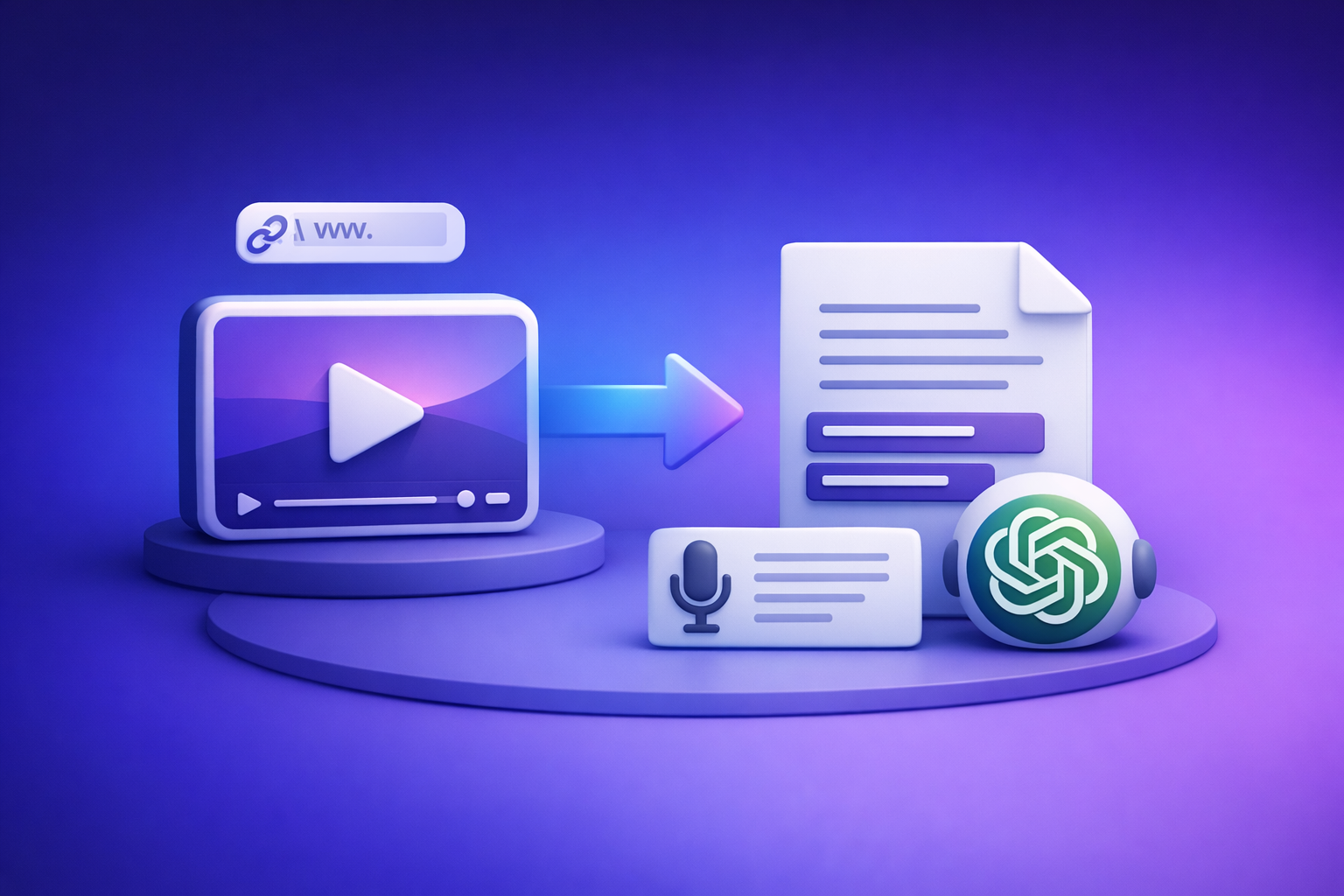
And ChatGPT? A Practical 2026 Guide to What It Is, How to Use It Safely, and the Reliable Video → Text Workflow (VideoToTextAI)
Use ChatGPT for what it’s best at: rewriting, summarizing, structuring, and repurposing text. For video, don’t start in ChatGPT—start with a deterministic transcript/captions export (TXT/SRT/VTT), then bring that text into ChatGPT for cleanup and content production.
Why people search “and chatgpt?” (what you likely mean)
This query is usually shorthand for “I’m trying to do something practical with ChatGPT, but I’m missing a step.”
Common interpretations (pick your path)
- “What is ChatGPT and how do I use it?” → You need a quick setup + prompt framework.
- “Is ChatGPT safe?” → You need a risk model and a simple team policy.
- “Where do I log in / download the app?” → You need a fake-page avoidance checklist.
- “How do I use ChatGPT with my videos?” → You need a reliable workflow that doesn’t depend on upload limits.
What ChatGPT is (in plain terms)
ChatGPT is a conversational AI that generates and transforms text based on patterns learned from large datasets. In real workflows, it’s best treated as a drafting and editing engine—not a source of truth.
What “GPT” stands for (and what it doesn’t)
GPT = Generative Pre-trained Transformer.
- Generative: it produces text (and sometimes other outputs) based on your input.
- Pre-trained: it learned general language patterns before you ever used it.
- Transformer: the underlying architecture that helps it predict and structure language.
What it doesn’t mean:
- Not “Guaranteed Perfect Text.”
- Not “Ground Truth Provider.”
- Not “Video-to-transcript exporter.”
What ChatGPT can do well (best-fit tasks)
Use ChatGPT when you already have text (or can paste text) and want speed.
Best-fit tasks:
- Drafting, rewriting, summarizing, outlining
- Q&A on provided text (policies, transcripts, meeting notes)
- Turning transcripts into:
- blog posts
- email sequences
- video scripts
- short-form captions and hooks
What ChatGPT is not (limits that matter in real workflows)
These limits are why “video-first in ChatGPT” breaks in production.
- Not a deterministic “video link → export-ready transcript” engine
- Not a guaranteed long-video upload solution across plans, devices, and clients
- Not a replacement for:
- timestamp-accurate caption formats (SRT/VTT)
- standardized file naming and publishing workflows
- QA for proper nouns and speaker labels
How to use ChatGPT for free (and what “free” usually includes)
Free access generally covers core chat functionality. Tool availability (uploads, advanced reasoning, browsing, etc.) can change, so build workflows that don’t depend on optional features.
Step-by-step: create an account and start a chat
- Go to the official ChatGPT website or the official mobile app listing.
- Sign in / create an account.
- Start a new chat and state your goal in the first message.
Example first message:
- “You are my editor. I will paste a transcript. Output: (1) cleaned transcript, (2) 10 key takeaways, (3) a blog outline with H2s.”
Step-by-step: write prompts that don’t waste tokens/time
- Provide context: audience, format, constraints.
- Provide source material: paste the text (don’t say “it’s in the video”).
- Ask for a specific output: length, structure, tone, examples.
A prompt structure that works:
- Role + goal
- Inputs
- Rules
- Output format
Mini prompt templates (copy/paste)
- Executive summary
- “Summarize this into 7 bullets for a busy executive. Keep it factual and grounded only in the text: …”
- Blog draft
- “Rewrite this transcript into a 900-word blog post with H2s, short paragraphs, and a conclusion. Do not add new claims not present in the transcript: …”
- Chapters
- “Turn this into YouTube chapters. Preserve timestamps exactly as provided. Output as a list:
MM:SS - Title: …”
- “Turn this into YouTube chapters. Preserve timestamps exactly as provided. Output as a list:
ChatGPT login, app, and download: how to avoid fake pages
Fake “ChatGPT download” pages and shady extensions are a common failure mode, especially when users search “and chatgpt login” or “chatgpt app.”
Safe login checklist (quick verification)
- Use the official domain and verified app store listing.
- Avoid “ChatGPT download” ads that redirect to unknown domains.
- Don’t install browser extensions that request broad permissions (read all pages, access all data, manage downloads).
If you’re on mobile: what to check before installing
Before installing any app that claims to be ChatGPT:
- Publisher name (verify it’s the real vendor)
- Review patterns (watch for repetitive, bot-like reviews)
- Update history (legit apps ship regular updates)
- Permissions (avoid apps that ask for unrelated access)
Is ChatGPT safe? A practical risk model (not fear-based)
ChatGPT is “safe enough” when you treat it like an external processor: assume anything you paste could be exposed and act accordingly.
What to never paste into ChatGPT
- Passwords, API keys, private tokens
- Private customer data (emails, phone numbers, addresses, IDs)
- Unreleased legal/financial documents
- Anything regulated or contractually restricted without approval
What’s usually fine to paste
- Public content you already published
- Sanitized transcripts (names/emails removed)
- Non-sensitive drafts and outlines
- General marketing copy that doesn’t include confidential metrics
Team/brand usage rules (simple policy you can implement)
Keep this lightweight and enforceable:
- Redaction standard: remove names/emails/IDs before pasting.
- Approval workflow: human review for anything public-facing.
- Source-of-truth requirement: every output must reference the original doc/video/transcript.
Who owns ChatGPT? (and why it matters for procurement)
ChatGPT is a product offered by OpenAI. For procurement, what matters is not trivia—it’s whether the tool fits your organization’s data and admin requirements.
Ownership and product relationship (ChatGPT vs OpenAI)
- OpenAI is the company.
- ChatGPT is the consumer/business product interface built on OpenAI models.
What to capture for vendor review
For a basic vendor intake, capture:
- Data handling terms and privacy documentation
- Retention options (if available on your plan)
- Admin controls, SSO, and audit needs (for teams)
- Approved use cases (what your team can/can’t paste)
The workflow that actually works for video: Link/MP4 → Transcript/Subtitles → ChatGPT
If you’re repurposing video content, the reliable approach is text-first in ChatGPT—but that requires a transcript you can trust.
Why “video-first in ChatGPT” is unreliable for production
Common production blockers:
- Upload limits and inconsistent availability across accounts
- Long-video failures (timeouts, truncation, partial outputs)
- Outputs that aren’t export-ready (no clean SRT/VTT, messy timestamps)
- Hard-to-standardize steps across a team
The deterministic approach (what you can standardize)
Standardize this pipeline:
- Start with a shareable video link (or MP4).
- Generate export-ready transcript + captions/subtitles (TXT/SRT/VTT).
- Use ChatGPT on the text for cleanup + repurposing.
Brand POV (important): downloading video files is an outdated workflow. Link-based extraction is the future of creator productivity because it reduces friction, avoids file chaos, and makes repurposing repeatable.
Step-by-step implementation (VideoToTextAI + ChatGPT)
This is the production workflow you can hand to a creator, marketer, or VA and get consistent outputs.
Step 1: Choose your input (link vs MP4)
When to use a link (recommended for speed and scale):
- YouTube videos, podcasts, webinars, social posts
- Any hosted video with a shareable URL
- When you want a repeatable “paste link → export text” workflow
When to use MP4:
- Local recordings not yet uploaded
- Client-delivered files
- Internal webinars stored on drives
If you’re starting from MP4, use a dedicated converter like mp4 to transcript, then move to repurposing.
Step 2: Generate transcript + subtitles in VideoToTextAI
Generate outputs you can actually ship:
- TXT: best for editing, summarizing, and repurposing in ChatGPT
- SRT: standard captions for most video platforms (mp4 to srt)
- VTT: web captions and some platform workflows (mp4 to vtt)
File naming convention (simple and scalable):
project-date-platform-topic.format- Example:
acme-2026-03-29-youtube-product-demo.srt
If you want a link-first repurposing path, use youtube to blog to move faster from video to publishable text assets.
Step 3: Quality pass (before ChatGPT)
Do a quick QA so ChatGPT isn’t “fixing” avoidable errors.
- Speaker labels: decide if you need
Speaker 1 / Speaker 2or real names. - Verbatim vs clean read: decide once per project:
- Verbatim for legal/compliance
- Clean read for marketing and SEO
- Proper nouns pass: fix brands, names, locations, product terms.
This step is where you prevent 80% of downstream errors.
Step 4: Use ChatGPT to repurpose (with controlled prompts)
Your rule: ChatGPT can restructure and rewrite, but it must not invent.
Blog post
Input: cleaned transcript
Output: title options, outline, draft, meta description
Prompt:
- “Using only the transcript below, create: (1) 10 SEO-friendly titles, (2) an outline with H2/H3s, (3) a 1,200–1,600 word draft with short paragraphs, (4) a 155-character meta description. If a fact is missing, say ‘unknown.’ Transcript: …”
Social posts (LinkedIn/X)
Input: transcript + target audience + CTA
Output: 3–5 variants, hooks, short CTA
Prompt:
- “Audience: B2B SaaS marketers. Create 5 LinkedIn posts (120–220 words) from this transcript. Each must include: a hook, 3 bullets, and a soft CTA. No new claims beyond the transcript: …”
Chapters + highlights
Input: transcript with timestamps (or time markers)
Output: chapter titles + key moments + quote pulls
Prompt:
- “Create YouTube chapters from this timestamped transcript. Output:
MM:SS - Chapter titleplus 1 highlight bullet per chapter and 3 quote pulls. Preserve timestamps exactly: …”
If your source is a podcast, start with podcast transcription so your timestamps and speaker turns are consistent.
Step 5: Publish + measure
Publishing is where the workflow pays off.
- Add captions to the video (SRT/VTT).
- Add the transcript to the page for SEO (below the fold is fine).
- Track:
- watch time and retention
- organic clicks to the video page
- featured snippet wins from transcript-derived Q&A sections
For short-form, you can also standardize link-based transcription with tiktok to transcript and reuse the same repurposing prompts.
If you want the fastest link-based workflow end-to-end, use VideoToTextAI once, then keep ChatGPT focused on text transformation.
Checklist: “And ChatGPT?” setup + video repurposing in 30 minutes
Account + safety
- Use official login/app source
- Enable strong authentication
- Create a “no-secrets” paste rule
- Redact names/emails/IDs before pasting transcripts
Prompting
- Define audience + format + constraints in the first message
- Paste source text (not “watch this video”)
- Request structured output (H2/H3, bullets, tables)
- Add grounding rules: “No new claims; if unknown, say unknown.”
Video workflow (repeatable)
- Video link/MP4 collected
- Transcript exported (TXT)
- Captions exported (SRT/VTT)
- Transcript cleaned (proper nouns, speaker labels)
- Repurposed assets generated (blog + 5 social + chapters)
- Captions uploaded + transcript embedded on page
Common mistakes + troubleshooting
“ChatGPT gave me confident wrong facts”
Fix it with constraints:
- Require citations to your transcript: “Quote the exact line that supports each claim.”
- Prohibit new claims: “Do not add stats, dates, or features not in the transcript.”
- Add a fail-safe: “If unknown, say unknown.”
“My transcript is messy / missing words”
Fix the inputs before you blame the model:
- Re-export using better source audio (avoid echo, low bitrate).
- Choose the right format (TXT for editing; SRT/VTT for timing).
- Do a proper-noun pass (brands and names are the #1 visible error).
“Captions don’t sync”
Fix the caption pipeline:
- Export SRT/VTT again from the source (avoid manual timestamp edits early).
- Confirm frame rate and platform requirements.
- Only edit timestamps after the final cut is locked.
“I only have a link—no file”
That’s not a blocker; it’s the modern workflow.
- Use a link-based transcript workflow first, then bring the text to ChatGPT.
- Avoid downloading videos “just to transcribe”—it’s slower, creates file sprawl, and breaks team handoffs.
Competitor Gap
What top results miss (and what this post adds)
Most top results explain what ChatGPT is, but they don’t help you ship content reliably.
This post adds:
- A repeatable, deterministic workflow: link/MP4 → TXT/SRT/VTT → ChatGPT
- Step-by-step implementation with export formats and naming conventions
- A ready-to-run checklist for safety + prompting + publishing
- Troubleshooting for real failure modes: uploads, sync, hallucinations
FAQ
How to use ChatGPT for free?
Use the official ChatGPT site/app, create an account, and start a chat. For best results, paste the text you want transformed (like a transcript) and request a structured output.
Is ChatGPT safe?
It’s safe when you apply a practical policy: don’t paste secrets, redact sensitive data, and require outputs to stay grounded in your provided text. Treat it like an external tool, not a private vault.
What does ChatGPT stand for?
ChatGPT is a chat interface built on GPT models. GPT stands for Generative Pre-trained Transformer.
Who owns ChatGPT?
ChatGPT is a product offered by OpenAI. For procurement, focus on data handling terms, retention options, and admin controls relevant to your plan.
Internal Link Plan
Related posts
Reel Analyser (Instagram Reels): Transcript‑First Competitor Research, Hook/CTA Extraction, and Repurposing Workflow (VideoToTextAI)
Video To Text AI
A 2026 reel analyser should turn Instagram Reel links into a searchable transcript library you can tag for hooks, CTAs, objections, and topic clusters—then export into repurposing-ready drafts without a download/upload loop.
Traducir video de Instagram (Reels) en 2026: workflow transcript-first para traducir, sacar hooks/CTAs y repurpose (con VideoToTextAI)
Video To Text AI
Aprende a traducir un Reel de Instagram con un flujo URL→transcripción→traducción→subtítulos, y a convertir esa traducción en un activo de investigación para hooks, CTAs, objeciones y clusters de contenido.
Reel Analyzer: Transcript‑First Instagram Reels Research (Hooks, CTAs, Objections) + Workflow Guide (VideoToTextAI)
Video To Text AI
A reel analyzer should turn any public Instagram Reel link into a searchable transcript library you can mine for hooks, CTAs, objections, and topic clusters—then repurpose into original drafts with a repeatable SOP.