
Can ChatGPT Transcribe Video? What Works in 2026 (and the Reliable Link → Transcript Workflow)
 Video To Text AI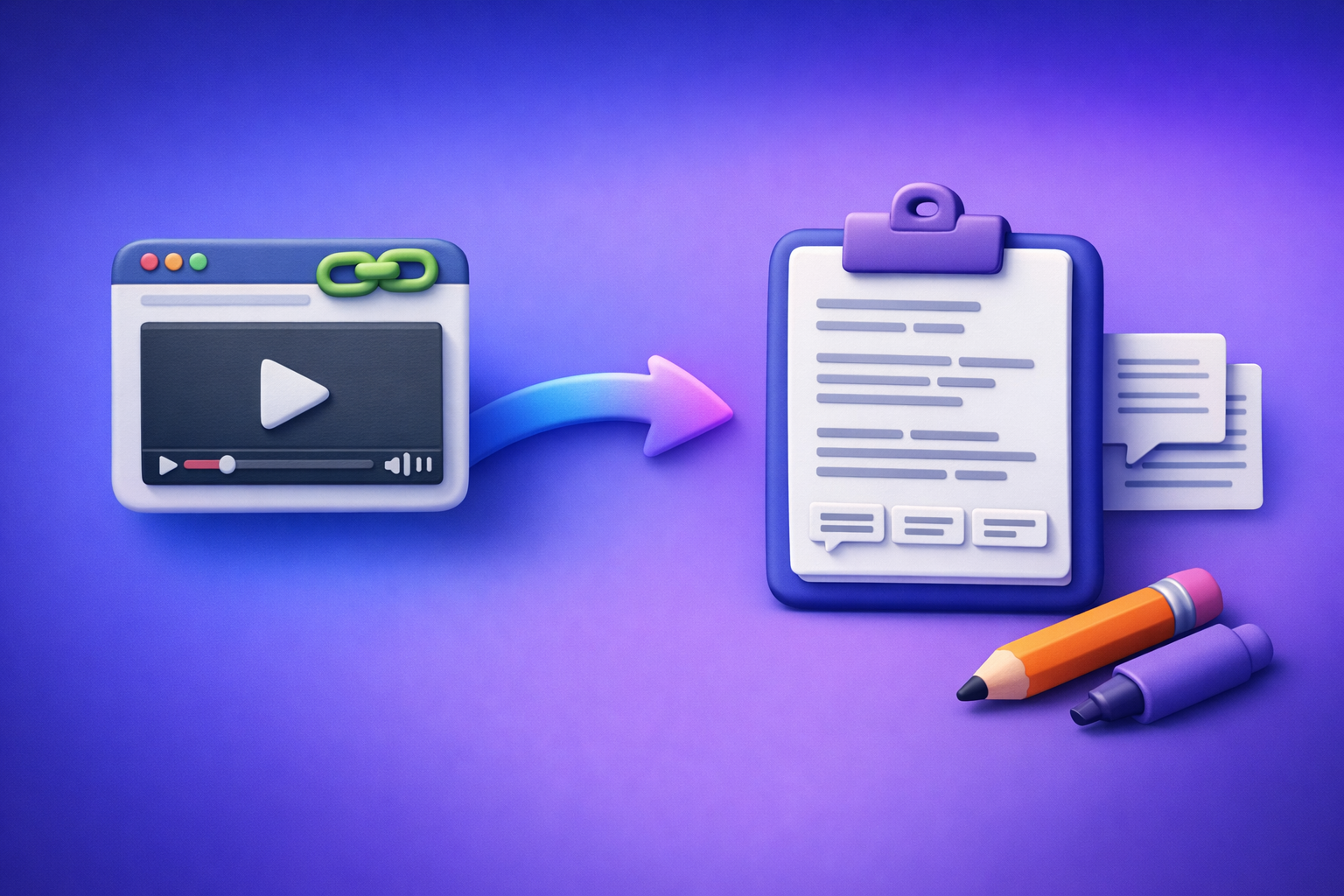
Can ChatGPT Transcribe Video? What Works in 2026 (and the Reliable Link → Transcript Workflow)
If your goal is video → transcript/captions you can ship, don’t rely on ChatGPT as the transcription engine. Use a deterministic link-based transcription tool first, then use ChatGPT on the resulting text for cleanup, structure, and repurposing.
Quick Answer (What You Can Expect From ChatGPT)
ChatGPT is not a deterministic “video link → transcript” tool
ChatGPT is primarily a text model. Even when certain clients support media inputs, it’s not a guaranteed, repeatable “paste URL → get transcript” workflow.
In production work (client deliverables, compliance, deadlines), you need a tool that is designed to extract audio from a link or file and return consistent outputs like TXT/SRT/VTT.
When ChatGPT can help: cleanup, formatting, summaries, repurposing
ChatGPT is excellent after transcription, when you already have text.
Use it for:
- Punctuation and readability (remove filler words, fix sentence boundaries)
- Speaker labeling and formatting
- Chapters and timestamped outlines
- Summaries (executive, bullet, meeting notes)
- Repurposing into blog posts, social posts, email briefs, clip hooks
When ChatGPT fails: link access, upload limits, timeouts, long videos, inconsistent client support
Common failure modes in 2026:
- No guaranteed access to the audio stream behind a URL
- Upload limits (file size/duration) that vary by plan and client
- Timeouts on long videos
- Inconsistent behavior across web, desktop, and mobile clients
- Policy restrictions on certain content types
If you need a predictable workflow, treat ChatGPT as the post-processing layer, not the transcription layer.
What “Transcribe Video” Actually Means (Pick Your Output)
Before you choose a tool, define the deliverable. “Transcription” can mean multiple outputs with different requirements.
Transcript (TXT/Doc) vs captions (SRT/VTT) vs subtitles (translated)
- Transcript (TXT/DOC): Plain text for reading, editing, search, and repurposing.
- Captions (SRT/VTT): Time-coded text for video players and editors.
- Subtitles (translated): Captions in another language (ideally translated from a clean transcript).
If you’re publishing video content, captions are often the real deliverable—not just a paragraph of text.
Why timestamps matter (editing, compliance, SEO, accessibility)
Timestamps are what make transcripts operational:
- Editing: jump to exact moments for cuts and b-roll
- Compliance: reference what was said and when
- Accessibility: accurate captions for viewers
- SEO: structured chapters and on-page text that maps to the video
If you need timestamps, you’re not looking for “a summary.” You need SRT/VTT.
Quality factors: audio clarity, speakers, jargon, accents, background music
Transcription quality depends more on the source than the model.
Expect more errors when you have:
- Crosstalk or multiple speakers
- Strong accents or fast speech
- Domain jargon (product names, acronyms)
- Background music, echo, or low bitrate audio
Plan for a quick QA pass even with strong AI.
Can ChatGPT Transcribe a Video Link (YouTube/TikTok/Instagram)?
Why pasting a URL usually doesn’t work (no guaranteed access to audio stream)
A pasted URL is not the same as providing the underlying audio. Many platforms restrict direct access to media streams, and ChatGPT does not consistently fetch and process audio from arbitrary links.
This is why “Can ChatGPT transcribe a YouTube video?” is often answered with “sometimes,” which is not acceptable for production.
What sometimes works (and why it’s inconsistent across plans/clients)
In some environments, ChatGPT may:
- Access limited web content
- Accept certain uploads
- Work with short clips in specific clients
But these behaviors can change, and they vary by:
- Plan tier
- Client (web vs mobile)
- Current feature rollouts
- Video length and platform restrictions
Reliable alternative: link → transcript in a dedicated tool, then ChatGPT on the text
The reliable approach is:
- Use a dedicated tool to convert link → transcript/captions deterministically.
- Paste the transcript into ChatGPT for cleanup + structure + repurposing.
This is also where creator productivity is going: downloading video files is an outdated workflow. Link-based extraction is faster, cleaner, and easier to standardize across teams.
For related context, see: Can ChatGPT Upload Video in 2026? What Actually Works (Plus a Reliable Link → Transcript Workflow)
Can ChatGPT Transcribe an MP4 You Upload?
Upload support varies by client and plan (and can change)
Some users can upload MP4s in certain ChatGPT clients, but it’s not a stable assumption for a business workflow.
If your process depends on “uploading to ChatGPT,” you’re building on shifting ground.
Common failure modes: file size, duration, processing time, policy restrictions
Typical issues:
- MP4 exceeds size limits
- Video duration is too long
- Processing stalls or times out
- Audio track is missing/unsupported
- Content triggers policy restrictions
Even when it works, you may not get export-ready SRT/VTT with reliable timestamps.
Best practice: transcribe externally, then use ChatGPT for editing and outputs
A production-grade workflow separates concerns:
- Transcription engine: deterministic, export-ready outputs
- LLM layer: formatting, rewriting, summarizing, repurposing
If you’re starting from MP4, use a dedicated converter like mp4 to transcript, then bring the text into ChatGPT.
The Production-Grade Workflow (Recommended): Video Link/MP4 → Transcript/Subtitles → ChatGPT
This is the workflow that holds up under deadlines, handoffs, and repeatable QA.
Step 1 — Collect your source (video URL or MP4) and define deliverables
Start by deciding what you need to ship:
- TXT (readable transcript)
- SRT (captions for editors/platforms)
- VTT (web captions)
- Chapters (timestamped sections)
- Summary (exec brief)
- Blog post (SEO content)
If you’re repurposing content, you usually want TXT + SRT/VTT.
Step 2 — Generate transcript/captions with VideoToTextAI (deterministic)
Use VideoToTextAI to convert a video link or MP4 into export-ready text outputs.
- Input: video link or MP4
- Output: TXT/SRT/VTT you can immediately use in editors, CMS, and workflows
This is the modern approach: link-based extraction beats downloading files, renaming them, re-uploading them, and hoping nothing breaks.
Use the product here: https://videototextai.com
Step 3 — Verify accuracy fast (2-pass review)
Don’t do a full word-by-word review unless you must. Use a fast QA pass.
Pass A: terminology scan
- Speaker names
- Company/product names
- Numbers (pricing, dates, metrics)
- Acronyms and industry terms
Pass B: timestamp spot-check
- Check timestamps at major topic changes
- Validate a few random segments across the timeline
- Confirm captions align in your player/editor
If you need caption formats, export directly as mp4 to srt or mp4 to vtt.
Step 4 — Use ChatGPT to clean + structure (copy/paste transcript)
Once you have a deterministic transcript, ChatGPT becomes extremely effective.
Prompt: cleanup + formatting
Copy/paste your transcript and use:
Clean this transcript, keep meaning, fix punctuation, remove filler words, preserve timestamps, and format with speaker labels.
If you don’t have speaker labels, ask ChatGPT to infer them cautiously:
- “Use Speaker 1 / Speaker 2 if names are unknown.”
- “Do not invent facts; only restructure what’s present.”
Prompt: chapters + titles
Create chapters with timestamps and 1-line summaries per chapter.
This is ideal for YouTube descriptions, course modules, and navigation.
Prompt: repurposing outputs
Turn this into: (1) SEO blog outline, (2) LinkedIn post, (3) 10 short clips hooks, (4) email summary.
If you’re converting YouTube content into written content, also see: youtube to blog
Step-by-Step: Link → Transcript in VideoToTextAI (Fast Path)
This is the fastest operational path for creators and teams.
1) Paste the video link (or upload MP4)
Use the source you already have:
- YouTube link
- TikTok link
- Instagram link
- Direct file upload (MP4)
For platform-specific workflows, these help:
2) Select output format(s): TXT + SRT/VTT
Choose based on downstream use:
- TXT for editing, SEO, repurposing
- SRT for most editors and platforms
- VTT for web players and accessibility tooling
If you’re unsure, export TXT + SRT as a default.
3) Export and store: naming convention for teams
Use a consistent naming convention so assets don’t get lost:
client_project_video-title_language_date.ext
Examples:
acme_launch_webinar_en_2026-03-27.txtacme_launch_webinar_en_2026-03-27.srt
4) Optional: create derivative assets (summary/blog/social) from the same transcript
Once you have a clean transcript, you can generate:
- Chaptered outlines
- Blog drafts
- Social posts
- Email briefs
- Clip hook lists
This is where link-based workflows win: one URL becomes a reusable content source without file juggling.
Troubleshooting (What to Do When Results Aren’t Good)
If the transcript has errors
Fix the input before blaming the output.
- Improve source audio: reduce noise, increase bitrate, use a separate mic track
- Re-run only the noisy section (clip it) instead of reprocessing the entire video
- Provide a glossary of product terms and names (then fix via search/replace)
If timestamps drift
Timestamp drift usually shows up when the player/editor interprets timing differently.
- Export VTT/SRT and validate in your video editor/player
- Check frame rate mismatches if your editor is strict
- If you must, regenerate captions and re-test alignment at 25%, 50%, 75% of the video
If multiple speakers are merged
Many transcripts come back as a single block of text.
- Keep transcription deterministic first
- Then use ChatGPT to reformat into speaker turns:
- “Split into speaker turns; do not add new content; label as Speaker 1/Speaker 2.”
If you need translations
Translate from the clean transcript, not from raw video.
- First: generate accurate transcript in the source language
- Second: translate the transcript
- Third: generate translated subtitles/captions
This reduces compounding errors (audio recognition + translation at the same time).
Checklist: “Can ChatGPT Transcribe Video?” Decision + Execution
Decision checklist (choose your path)
- Do you need timestamps (SRT/VTT)?
- Is the source a link (YouTube/TikTok/IG) or MP4?
- Is reliability required (client work, deadlines, compliance)?
- Do you need repurposing outputs (blog/social/email)?
If you answered “yes” to reliability or timestamps, don’t build your workflow around ChatGPT ingesting video.
Execution checklist (repeatable workflow)
- Generate transcript/captions in VideoToTextAI (TXT/SRT/VTT)
- Spot-check accuracy (terms, names, numbers)
- Run ChatGPT cleanup prompt (format + readability)
- Generate chapters + summary
- Repurpose into target formats (blog, LinkedIn, shorts hooks)
- Archive transcript + caption files with consistent naming
For a deeper walkthrough of the same topic, reference: Can ChatGPT Transcribe Video? What Works in 2026 + The Reliable Link → Transcript Workflow (VideoToTextAI)
Competitor Gap
Add what competitors skip: deterministic workflow + failure-proofing
Most articles blur the line between:
- Transcription (a deterministic extraction task)
- Repurposing (a generative writing task)
That’s how readers end up expecting “URL transcription” from ChatGPT and getting inconsistent results. The fix is explicit separation: transcribe with a dedicated tool, then use ChatGPT on the text.
Add what competitors miss: troubleshooting that maps to real failure modes
Production workflows fail in predictable ways:
- Upload limits and timeouts
- Link access restrictions
- Timestamp drift in editors/players
- Multi-speaker formatting issues
A useful guide includes these failure modes and the corrective actions (audio improvements, segmenting, format validation, speaker reformatting).
Add reusable assets: copy/paste prompt pack + operational checklist
Competitors often provide theory, not execution.
A better standard is:
- Copy/paste prompts for cleanup, chapters, summaries, repurposing
- A QA checklist for names/numbers/terms + timestamp spot-checking
- A naming convention for team storage and handoffs
FAQ
Which AI can transcribe video reliably?
A dedicated transcription tool that supports link-based extraction and exports TXT/SRT/VTT reliably is the best choice for production. Then use ChatGPT for editing, formatting, and repurposing.
Can you put a video into ChatGPT?
Sometimes you can upload a video file, depending on your plan/client and current feature availability. It’s not consistent, and long videos commonly fail due to size, duration, or processing constraints.
Can ChatGPT read text from video?
ChatGPT can help interpret text you provide, and some clients may support vision-based extraction for frames/screenshots. For full-video transcription with timestamps, use a dedicated transcription workflow first.
What’s the best way to transcribe a video?
Use a link → transcript workflow to avoid downloading and re-uploading files. Generate deterministic TXT/SRT/VTT first, spot-check accuracy, then use ChatGPT prompts to clean, structure, and repurpose the transcript into publish-ready assets.
Related posts
Reel Analyser (Instagram Reels): Transcript‑First Competitor Research, Hook/CTA Extraction, and Repurposing Workflow (VideoToTextAI)
Video To Text AI
A 2026 reel analyser should turn Instagram Reel links into a searchable transcript library you can tag for hooks, CTAs, objections, and topic clusters—then export into repurposing-ready drafts without a download/upload loop.
Traducir video de Instagram (Reels) en 2026: workflow transcript-first para traducir, sacar hooks/CTAs y repurpose (con VideoToTextAI)
Video To Text AI
Aprende a traducir un Reel de Instagram con un flujo URL→transcripción→traducción→subtítulos, y a convertir esa traducción en un activo de investigación para hooks, CTAs, objeciones y clusters de contenido.
Reel Analyzer: Transcript‑First Instagram Reels Research (Hooks, CTAs, Objections) + Workflow Guide (VideoToTextAI)
Video To Text AI
A reel analyzer should turn any public Instagram Reel link into a searchable transcript library you can mine for hooks, CTAs, objections, and topic clusters—then repurpose into original drafts with a repeatable SOP.