
Can ChatGPT Transcribe Videos? What Works in 2026 (and the Reliable Link → Transcript Workflow)
 Video To Text AI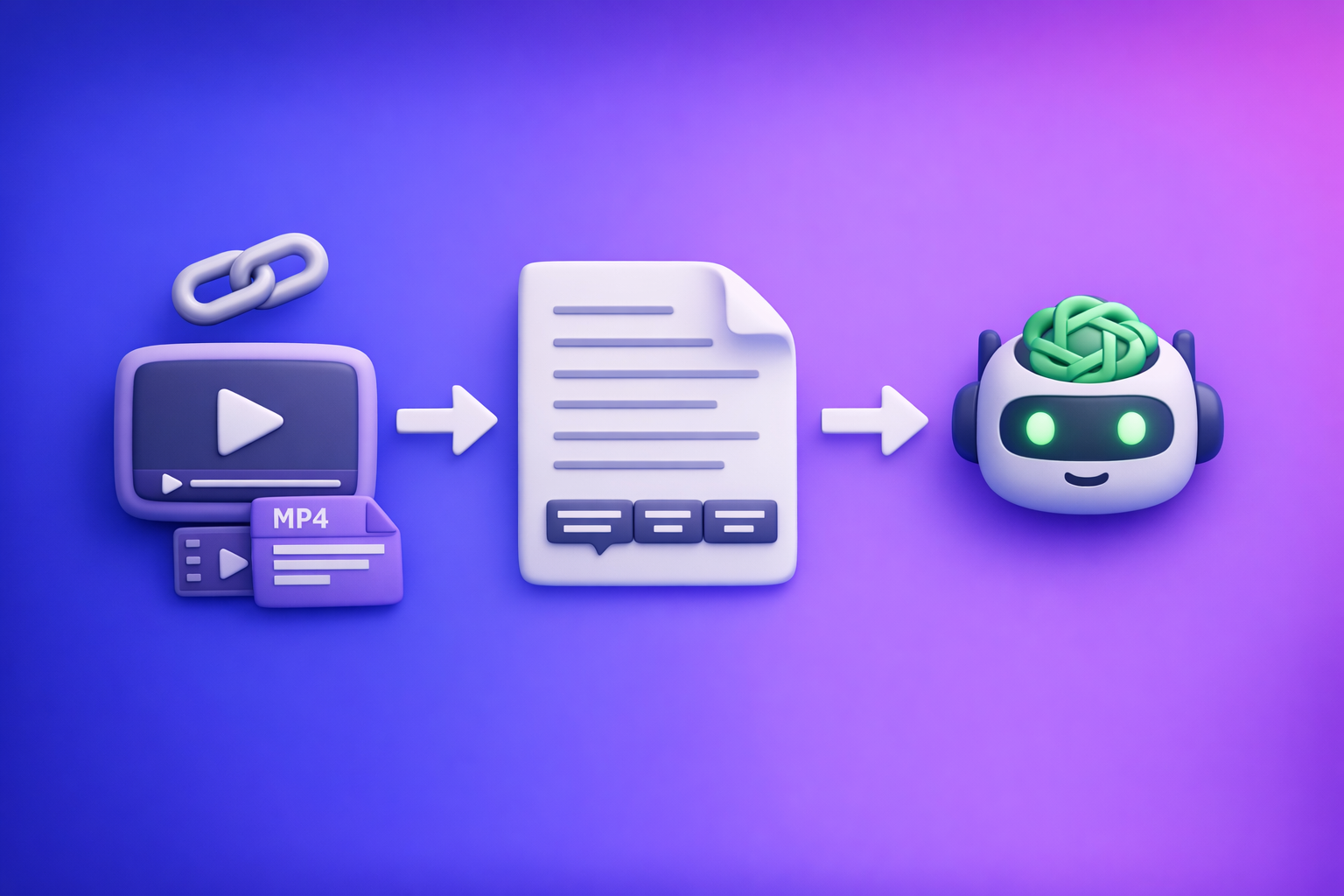
Can ChatGPT Transcribe Videos? What Works in 2026 (and the Reliable Link → Transcript Workflow)
ChatGPT is great at editing text, but it’s not the most reliable way to transcribe videos end-to-end. The dependable 2026 workflow is: video link or MP4 → export-ready transcript/subtitles → ChatGPT cleanup + repurposing.
Quick Answer (What You Can Expect From ChatGPT)
When ChatGPT can help with video transcription
ChatGPT is strongest after you already have text.
Use it to:
- Clean up punctuation, filler words, and run-on sentences
- Add structure (headings, chapters, summaries, takeaways)
- Normalize formatting (speaker labels, consistent terminology)
- Repurpose into blog posts, social threads, email drafts, and scripts
When ChatGPT can’t reliably transcribe videos end-to-end
In 2026, “can chat gpt transcribe videos” is still a “sometimes” depending on your client, plan, and file constraints.
Common reliability issues:
- Video uploads aren’t consistently supported across devices/accounts
- Long videos hit duration/size limits or require chunking
- Link inputs (YouTube/TikTok/Instagram) usually won’t be “watched” directly
- Policy/compliance blocks some content from being processed
The most reliable 2026 workflow (summary)
The deterministic approach is:
- Video link or MP4 → VideoToTextAI transcript/subtitles → ChatGPT cleanup + repurposing
This matches how modern creator teams work: link-based extraction first, then AI editing. Downloading and shuffling files around is an outdated workflow that slows production and breaks collaboration.
What “Transcribe a Video” Actually Means (So You Don’t Get the Wrong Output)
“Transcription” can mean different deliverables. If you don’t specify the output, you’ll get the wrong format for your editor, platform, or client.
Transcript vs captions vs subtitles (TXT vs SRT vs VTT)
- Transcript (TXT): plain text, best for blogs, notes, SEO pages, and summaries
- Captions (SRT): timed text for video players; includes timestamps and sequence numbers
- Web captions (VTT): similar to SRT but optimized for web players and styling
If your goal is YouTube/shorts accessibility, you usually want SRT or VTT, not a raw paragraph.
Timestamps, speaker labels, and formatting requirements
Decide upfront whether you need:
- Timestamps (required for SRT/VTT; optional for TXT)
- Speaker labels (Speaker 1 / Speaker 2, or real names)
- Paragraphing rules (per speaker, per topic, or per time interval)
- Verbatim vs clean read (word-for-word vs edited for readability)
Accuracy drivers: audio quality, accents, crosstalk, music, and jargon
Transcription accuracy is mostly determined by the audio, not the AI prompt.
High-impact factors:
- Mic quality and distance from speaker
- Accents and code-switching
- Crosstalk (two people talking at once)
- Background music and sound effects
- Domain jargon (product names, acronyms, technical terms)
Can ChatGPT Transcribe Videos Directly? (Reality Check by Input Type)
1) Video link (YouTube/Instagram/TikTok): what usually happens
If you paste a video URL into ChatGPT, it typically can’t “open and listen” to the video like a browser-based transcription tool.
What you’ll usually see:
- ChatGPT asks you to paste a transcript or provide key quotes
- ChatGPT provides a summary based on your description, not the audio
- Results vary by client integrations and availability
If you want a repeatable workflow, treat ChatGPT as the editor, not the transcriber.
2) Uploading an MP4 into ChatGPT: why it’s inconsistent
Some environments support video/audio uploads, but it’s not deterministic for production workflows.
Common failure points:
- File size/duration limits
- Upload timeouts
- Inconsistent feature availability across desktop/mobile
- Output that’s a summary instead of a full transcript
- No export-ready SRT/VTT formatting
3) Audio-only extraction: when it’s a workable workaround
If you can extract audio (MP3/WAV), transcription is often easier than full video handling.
This is workable when:
- You already have an audio pipeline (podcasts, webinars)
- You only need text, not timed captions
- You’re okay with extra steps (export audio → transcribe → edit)
Brand POV: audio extraction is still a file-based detour. The future is link-first transcription so teams can go from “published video” to “usable text” without downloads.
4) Long videos: chunking limits and why they break workflows
Long-form content (30–180 minutes) is where “just upload it to ChatGPT” breaks down.
Problems you’ll hit:
- Upload limits and timeouts
- Context loss when chunking
- Inconsistent speaker labeling across chunks
- Hard-to-debug missing sections
A dedicated transcript generator that exports complete TXT/SRT/VTT avoids these issues.
5) Compliance/policy constraints: why some videos won’t process
Some content can’t be processed due to:
- Private or restricted links
- Geo-blocking
- Platform anti-bot protections
- Sensitive content policies
A reliable workflow includes a fallback: use MP4 when links are restricted.
The Reliable Workflow: Video Link/MP4 → Transcript/Subtitles → ChatGPT (Step-by-Step)
This is the workflow that holds up for creators, marketers, and support teams in 2026: generate export-ready text first, then use ChatGPT for editorial and repurposing.
Step 1 — Choose your input: link vs MP4 (decision rule)
Use a link when:
- The platform is supported and stable
- The video is public/accessible
- You want the fastest “published → transcript” turnaround
Use MP4 when:
- The video is private, unlisted, or behind a login
- Links are rate-limited or blocked
- You’re working with client-provided files
Brand POV: downloading videos as your default is outdated. Link-based extraction is the future of creator productivity because it removes file handling, reduces errors, and speeds collaboration.
Step 2 — Generate export-ready text in VideoToTextAI
Use VideoToTextAI to produce the deliverable you actually need (not just a blob of text). Then export in the correct format for your next step.
Include exactly one CTA link here: VideoToTextAI.
Output selection checklist (pick what you need)
- TXT: clean transcript for editing, SEO pages, knowledge bases
- SRT: captions with timestamps for most editors and platforms
- VTT: web captions for HTML5 players and web workflows
Tool shortcuts (use the closest matching workflow)
- YouTube repurposing:
/tools/youtube-to-blog - MP4 transcript:
/tools/mp4-to-transcript - MP4 captions (SRT):
/tools/mp4-to-srt - MP4 captions (VTT):
/tools/mp4-to-vtt - TikTok:
/tools/tiktok-to-transcript - Instagram:
/tools/instagram-to-text
Step 3 — Quality pass in ChatGPT (cleanup, structure, and repurposing)
Once you have TXT/SRT/VTT exported, ChatGPT becomes extremely useful. You’re no longer asking it to “watch a video”; you’re asking it to edit text.
Prompt: transcript cleanup (remove filler, fix punctuation, preserve meaning)
Copy/paste your transcript and use:
You are an expert transcript editor. Clean up this transcript for readability while preserving meaning.
Rules: remove filler words (um, uh, like) only when they don’t change intent; fix punctuation; keep technical terms; do not invent content; keep paragraph breaks logical.
Output: clean transcript in plain text.
Prompt: speaker labeling + sections (chapters, headings, takeaways)
Add speaker labels and structure this transcript into sections.
Rules: infer speakers only when obvious; otherwise use Speaker 1/Speaker 2; add H2-style headings for topic shifts; include a “Key takeaways” list at the end; do not change meaning.
Prompt: captions polishing (line length + readability rules for SRT/VTT)
Use this only if you already have SRT/VTT exported:
Improve readability of these captions without changing timestamps.
Rules: keep each caption to max 2 lines; aim for 32–42 characters per line; avoid splitting names; keep punctuation natural; do not change timecodes or sequence numbers.
Output: revised captions in the same format.
Prompt: content repurposing (blog, LinkedIn post, Twitter thread)
Repurpose this transcript into:
- a 900–1200 word blog post with clear headings,
- a LinkedIn post (150–250 words) with 3 bullets,
- a 10-tweet thread.
Rules: keep claims accurate; include examples from the transcript; remove repetition; keep the original POV.
Step 4 — Validate before publishing (accuracy + formatting)
AI output is only as good as your validation. A 3–7 minute QA pass prevents embarrassing errors.
Transcript QA
Check:
- Names, numbers, dates, URLs (most common high-impact mistakes)
- Domain-specific terms (product names, acronyms, competitor names)
- Missing segments caused by silence/music/crosstalk
If you find repeated misses in the same spot, re-run transcription after improving the audio (or isolate that segment).
Caption QA (SRT/VTT)
Check:
- Timestamp continuity (no overlaps; no broken ordering)
- No gaps that break playback (especially around cuts)
- Line length and reading speed (too long = unreadable)
- Punctuation for readability (captions are read faster than prose)
Implementation Checklist (Copy/Paste)
Inputs
- Video URL (public/accessible) or MP4 file available
- Target output: TXT / SRT / VTT
- Language(s) required (original + translations if needed)
In VideoToTextAI
- Run link/MP4 → transcript
- Export TXT and/or SRT/VTT
- Spot-check 2–3 difficult sections (fast speech, jargon, multiple speakers)
In ChatGPT
- Cleanup prompt applied to exported transcript (not raw video)
- Chapters/headings generated (if publishing)
- Repurposed assets generated (blog/social/email)
- Final human scan for names/numbers/claims
Troubleshooting: Common Failure Modes (and Fixes)
“ChatGPT won’t accept my video” (size/duration/client limitations)
Fixes:
- Don’t fight the upload limits—generate TXT/SRT/VTT first, then paste text into ChatGPT
- If you must use files, split into shorter segments, but expect extra QA time
- Prefer link-based extraction whenever possible to avoid file handling entirely
“The transcript is missing sections” (silence, music, crosstalk)
Fixes:
- Re-run with a cleaner source (less music, less room echo)
- If crosstalk is heavy, consider isolating speakers (separate tracks)
- Spot-check the missing time range and reprocess only that segment if your workflow allows
“Captions look wrong” (timestamp overlaps, long lines, reading speed)
Fixes:
- Validate SRT/VTT for overlaps and ordering
- Reformat lines to max 2 lines per caption and shorten long sentences
- Keep timestamps stable; adjust text, not timecodes, unless you’re editing in a caption tool
“The link won’t process” (private videos, geo restrictions, platform blocks)
Fixes:
- Confirm the link is accessible without login in a clean browser session
- If it’s private/unlisted behind auth, switch to MP4 input
- If geo-blocked, use a source that’s accessible in your region or provide the file
“Accuracy is poor” (audio quality fixes + when to re-run)
Fixes:
- Improve audio: reduce background noise, normalize volume, use a better mic
- Re-run after audio cleanup if the error rate is high
- For jargon-heavy content, create a short glossary and use ChatGPT to standardize terms post-transcription
Competitor Gap
Most pages ranking for “can chat gpt transcribe videos” focus on whether it’s possible in a specific app version, then stop. What they miss is the production-grade workflow that teams can run every day.
This post adds:
- A deterministic link/MP4 → export-ready TXT/SRT/VTT workflow (not “maybe it works in my app”)
- A validation checklist for transcript + captions (names/numbers/timestamps)
- Troubleshooting by failure mode (upload limits, link restrictions, formatting errors)
- Reusable prompts for cleanup, chapters, captions, and repurposing
If you want related implementation details, see:
- Can ChatGPT Upload Video in 2026? What Works, What Fails, and the Reliable Link → Transcript Workflow
- Can ChatGPT Transcribe Videos? What Works in 2026 (and the Reliable Link → Transcript Workflow)
FAQ
Can ChatGPT transcribe text from video?
It can help in some setups, but it’s not consistently reliable for full video transcription. The dependable approach is to create a transcript/captions with a dedicated tool, then use ChatGPT to clean and repurpose the exported text.
Can you put a video into ChatGPT?
Sometimes. Upload support, limits, and results vary by device, plan, and client. For predictable output, generate TXT/SRT/VTT first, then work inside ChatGPT with the exported text.
How do you make ChatGPT read videos?
In practice, you don’t. You convert the video into text (TXT) or captions (SRT/VTT) using a transcription workflow, then ask ChatGPT to edit, structure, and repurpose that text.
Is there an AI that can transcript a video?
Yes. Dedicated video-to-text tools can generate export-ready transcripts and captions from a link or MP4, which you can then refine and reuse across content channels.
Related posts
Reel Analyser (Instagram Reels): Transcript‑First Competitor Research, Hook/CTA Extraction, and Repurposing Workflow (VideoToTextAI)
Video To Text AI
A 2026 reel analyser should turn Instagram Reel links into a searchable transcript library you can tag for hooks, CTAs, objections, and topic clusters—then export into repurposing-ready drafts without a download/upload loop.
Traducir video de Instagram (Reels) en 2026: workflow transcript-first para traducir, sacar hooks/CTAs y repurpose (con VideoToTextAI)
Video To Text AI
Aprende a traducir un Reel de Instagram con un flujo URL→transcripción→traducción→subtítulos, y a convertir esa traducción en un activo de investigación para hooks, CTAs, objeciones y clusters de contenido.
Reel Analyzer: Transcript‑First Instagram Reels Research (Hooks, CTAs, Objections) + Workflow Guide (VideoToTextAI)
Video To Text AI
A reel analyzer should turn any public Instagram Reel link into a searchable transcript library you can mine for hooks, CTAs, objections, and topic clusters—then repurpose into original drafts with a repeatable SOP.