
Can ChatGPT Transcribe Videos? What Works in 2026 (and the Reliable Link → Transcript Workflow)
 Video To Text AI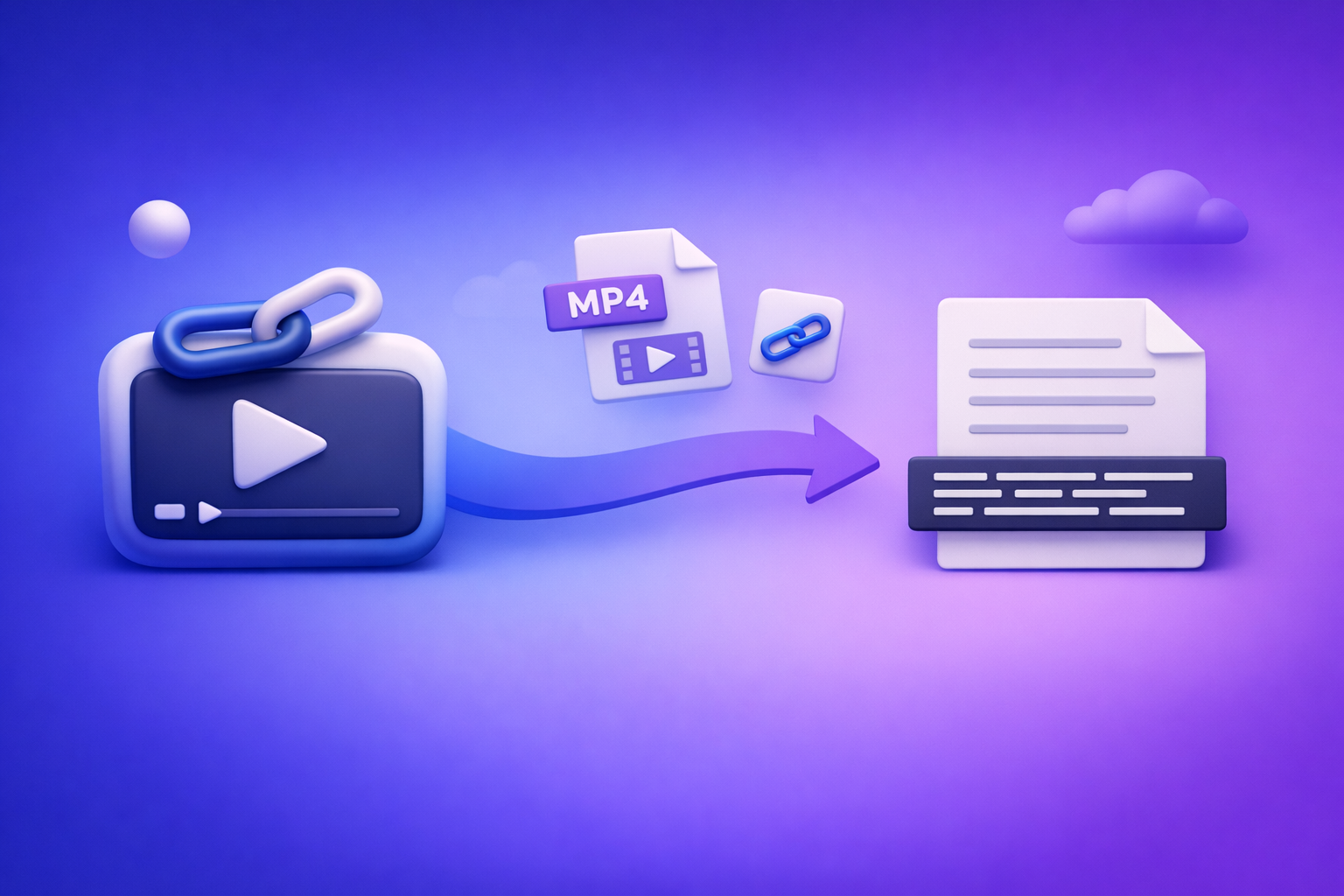
Can ChatGPT Transcribe Videos? What Works in 2026 (and the Reliable Link → Transcript Workflow)
If you need a reliable transcript or subtitles, don’t start by asking ChatGPT to “transcribe this video link.” Use a deterministic link/MP4 → TXT/SRT/VTT transcription step first, then use ChatGPT to clean, structure, and repurpose the text.
Quick Answer (So You Don’t Waste Time)
When ChatGPT can help
ChatGPT is strong after you already have text.
- Cleaning up an existing transcript (punctuation, readability, light de-filler)
- Summarizing, outlining, extracting quotes, creating chapters, and repurposing content
- Formatting captions you already generated (SRT/VTT edits, line length, casing rules)
When ChatGPT is not reliable
ChatGPT is not a consistent “video ingestion + accurate timestamps + export” pipeline.
- “Paste a video link and transcribe it”: inconsistent access, permissions, and retrieval behavior
- Long video uploads: timeouts, size limits, and plan/client differences
- Export-ready subtitle files: accurate SRT/VTT timestamps and drift-free syncing are not guaranteed
Bottom line: separate transcription (deterministic extraction) from editing/repurposing (LLM strengths).
What “Transcribe a Video” Actually Means (Pick Your Output)
Before choosing tools, decide what “done” looks like. A transcript for SEO is not the same as subtitles for a player.
Transcript formats (what to choose)
- TXT: fastest for editing, indexing, and SEO publishing
- DOCX/Google Docs: best for collaboration, comments, and approvals
- SRT: subtitles with timestamps (standard for most editors and platforms)
- VTT: web captions for HTML5 players (often preferred for web apps)
If you’re building a repeatable workflow, you typically want TXT + SRT (and/or VTT) every time.
Accuracy requirements that change the tool choice
These requirements determine whether “good enough” becomes “not usable.”
- Speaker labels (interviews, podcasts, panels)
- Timecodes (captions/subtitles, clip selection, chaptering)
- Domain vocabulary (product names, acronyms, industry terms)
- Noise/music/overlapping speech (events, street interviews, reels)
If you need timestamps and speaker consistency, treat transcription as a specialized step—not a side feature.
Can ChatGPT Transcribe Videos Directly? Reality Check by Input Type
Video link (YouTube/Instagram/TikTok)
What typically fails in real workflows:
- Permissions (private/unlisted, age-gated, login-required)
- Region locks and platform delivery differences
- Platform restrictions and inconsistent retrieval
- Non-repeatability: works once, fails later, or behaves differently across clients
What “works” sometimes:
- Short, fully public clips with straightforward audio
- But it’s not repeatable enough for production, teams, or client deliverables
If your process depends on “maybe ChatGPT can access it today,” you don’t have a process.
Uploaded MP4
Uploads can work in some environments, but common failure modes include:
- File size limits and duration limits
- Processing timeouts on longer videos
- Client differences (web vs mobile vs desktop apps)
- Export limitations (especially for timestamped SRT/VTT)
Why it’s not deterministic: you can’t guarantee consistent ingestion, consistent timing, and consistent export formats across sessions and accounts.
Best practice: separate transcription from editing/repurposing
Use a dedicated engine to produce export-ready transcript/subtitles first. Then use ChatGPT where it excels: cleanup, structure, and content outputs.
This is also where the industry is going: downloading video files is an outdated workflow, and link-based extraction is the future of creator productivity.
The Reliable Workflow (Video Link/MP4 → Export-Ready Transcript/Subtitles → ChatGPT)
This is the workflow you can standardize across creators, marketers, and ops teams.
Step 1 — Collect the source video (link or file)
Prefer link-first:
- Use a public URL when possible (YouTube, TikTok, Instagram Reel)
- Keep the URL in your content tracker (Airtable/Notion/Sheet)
Fallback to file only when needed:
- Use MP4 upload when link access is restricted or behind authentication
If you’re still downloading everything “just in case,” you’re adding friction and losing speed. Link-based workflows scale better.
Step 2 — Generate the transcript + captions with VideoToTextAI
Use a tool designed for link/MP4 → transcript/subtitles so the output is consistent.
- Input: video URL or MP4
- Output: TXT + SRT/VTT (export-ready)
- Goal: deterministic transcription + timestamps before any ChatGPT work
If you need an MP4-based path, start here: mp4 to transcript.
If you need subtitle exports, use: mp4 to srt and mp4 to vtt.
Step 3 — Quality pass (2-minute triage)
Do this before you invest time editing or repurposing.
- Scan the first 60 seconds for:
- wrong language detection
- missing audio
- heavy music
- speaker overlap
- Spot-check 10 proper nouns (names, brands, locations)
- Confirm timestamps align (quick caption drift check)
This triage prevents publishing errors and saves hours later.
Step 4 — Use ChatGPT for transcript cleanup (prompted editing)
Now paste the transcript into ChatGPT and use it like an editor and producer.
Cleanup prompt (paste transcript)
Use this prompt as-is:
You are editing a transcript for publication.
Tasks: fix punctuation, normalize casing, and improve readability. Remove filler words only when it does not change meaning. Preserve technical terms and proper nouns exactly. Keep speaker labels and do not invent content. Output as clean paragraph text with speaker labels intact.
If you need captions, you can also ask ChatGPT to enforce caption style rules, but keep the timestamps from the SRT/VTT generated earlier.
Chaptering prompt (add structure)
If your transcript includes timecodes, use them.
Create chapters for this transcript.
Output: a list of chapter titles with timestamps (use the transcript timecodes), plus a 1–2 sentence summary per chapter. Keep chapters scannable and avoid spoilers in titles.
This is ideal for YouTube chapters, course modules, and long-form interviews.
Repurposing prompt (multi-output)
Use one prompt to generate a full content pack:
Repurpose this transcript into:
- a blog outline (H2/H3),
- a LinkedIn post,
- an X thread (8–12 tweets),
- a YouTube description with keywords,
- 5 short clip hooks (1–2 sentences each),
- FAQ candidates (5 questions + short answers).
Keep claims faithful to the transcript and flag anything that needs verification.
Step 5 — Publish/export
Ship deliverables in the formats platforms actually want.
- Upload SRT/VTT to your video platform/player
- Publish the transcript for SEO (on-page or as a downloadable asset)
- Reuse repurposed assets across channels
For a fast YouTube-to-content path, see: youtube to blog.
Step-by-Step: Transcribe Common Platforms (Fast Paths)
YouTube → transcript/subtitles
- Convert URL → TXT/SRT/VTT
- Optional: generate a blog draft and on-page FAQ from the transcript
If you’re building a library of searchable video content, this is the highest ROI workflow.
TikTok/Instagram Reels → transcript + hooks
Short-form needs speed and iteration.
- Convert URL → transcript
- Extract:
- 10 hook variations
- on-screen caption variants
- A/B testable first-line captions
For a direct workflow: tiktok to transcript.
Podcasts (video or audio-first) → clean transcript + show notes
Podcasts benefit most from structure.
- Generate transcript + speaker labels
- Use ChatGPT to produce:
- show notes
- chapters
- quote blocks
- “key takeaways” section
If you need a dedicated path: podcast transcription.
Troubleshooting (What Breaks and How to Fix It)
If ChatGPT “can’t read” your video
Don’t fight the input method.
- Use link/MP4 → transcript first
- Paste the transcript into ChatGPT instead of the video
- Keep the SRT/VTT as the source of truth for timestamps
This avoids permissions issues and inconsistent ingestion.
If the transcript is inaccurate
Common causes:
- wrong language detection
- low volume / poor mic
- background music
- multiple speakers talking over each other
Fixes that work:
- Re-run with the correct language
- Use the MP4 source if link audio delivery is inconsistent
- Split long videos into parts (especially if the audio changes mid-way)
If captions are out of sync
Caption drift is usually a pipeline problem, not an editing problem.
- Ensure you exported SRT/VTT from the transcription step (not manually created)
- Validate drift at 25%, 50%, 75% of runtime
- If drift increases over time, re-export from the transcription engine and avoid re-timing by hand
Implementation Checklist (Copy/Paste)
Inputs
- Video URL works in an incognito browser (or MP4 is available)
- Confirm language + speaker count
- Identify must-spell terms (names, products, acronyms)
Transcription outputs
- Export TXT transcript
- Export SRT (and/or VTT) captions
- Spot-check 60 seconds + 10 proper nouns
ChatGPT post-processing
- Cleanup pass (punctuation, filler, formatting)
- Chapters + timestamps
- Repurposing outputs (blog, social, summary, hooks)
- Final human review for names and claims
Competitor Gap
What most pages miss (and what this post includes)
Most “can chat gpt transcribe videos” answers stop at “sometimes you can upload a file.” That’s not a workflow.
This post includes what production teams actually need:
- A deterministic link/MP4 → export-ready TXT/SRT/VTT workflow (not “maybe it works on mobile”)
- A troubleshooting section that covers permissions, timeouts, drift, and language mismatch
- Reusable prompts for cleanup, chapters, and repurposing (not vague advice)
- A single checklist that prevents the most common transcription failures
Also: the strategic shift most competitors ignore—downloading video files is an outdated workflow. Link-based extraction is faster, easier to standardize, and better aligned with creator productivity in 2026.
FAQ
Can ChatGPT transcribe text from video?
ChatGPT can help edit text from a video, but it’s not a reliable “video link → transcript” system. For consistent results, generate TXT/SRT/VTT first, then paste the transcript into ChatGPT.
Is there an AI that can transcript a video?
Yes. Dedicated transcription tools can convert a video link or MP4 into export-ready transcript and subtitle formats (TXT, SRT, VTT), which you can then refine and repurpose with ChatGPT.
Can you put a video into ChatGPT?
Sometimes, depending on your plan and client, but uploads can fail due to limits and timeouts. For production work, use a transcription step first and treat ChatGPT as the post-processing layer.
How to make ChatGPT read videos?
The practical method is: video → transcript/subtitles → ChatGPT. Convert the video into text (preferably from a link), then ask ChatGPT to clean, summarize, chapter, and repurpose the transcript.
If you want the link-first workflow that consistently produces TXT + SRT/VTT before you ever open ChatGPT, use VideoToTextAI.
Internal Link Plan
Related posts
Reel Analyser (Instagram Reels): Transcript‑First Competitor Research, Hook/CTA Extraction, and Repurposing Workflow (VideoToTextAI)
Video To Text AI
A 2026 reel analyser should turn Instagram Reel links into a searchable transcript library you can tag for hooks, CTAs, objections, and topic clusters—then export into repurposing-ready drafts without a download/upload loop.
Traducir video de Instagram (Reels) en 2026: workflow transcript-first para traducir, sacar hooks/CTAs y repurpose (con VideoToTextAI)
Video To Text AI
Aprende a traducir un Reel de Instagram con un flujo URL→transcripción→traducción→subtítulos, y a convertir esa traducción en un activo de investigación para hooks, CTAs, objeciones y clusters de contenido.
Reel Analyzer: Transcript‑First Instagram Reels Research (Hooks, CTAs, Objections) + Workflow Guide (VideoToTextAI)
Video To Text AI
A reel analyzer should turn any public Instagram Reel link into a searchable transcript library you can mine for hooks, CTAs, objections, and topic clusters—then repurpose into original drafts with a repeatable SOP.