
Can ChatGPT Transcribe Video? What Works in 2026 + The Reliable Link → Transcript Workflow (VideoToTextAI)
 Video To Text AI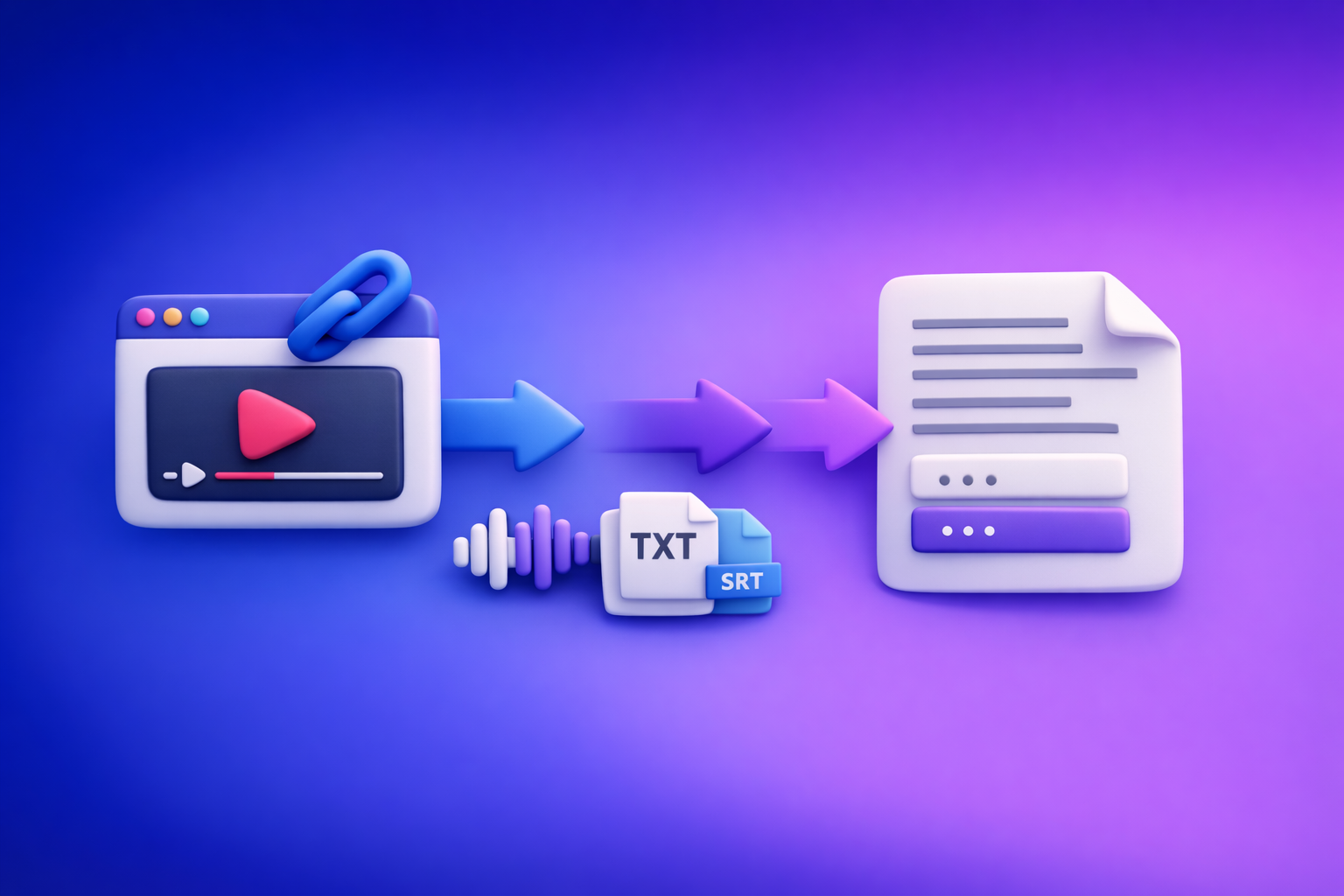
Can ChatGPT Transcribe Video? What Works in 2026 + The Reliable Link → Transcript Workflow (VideoToTextAI)
If you need a reliable, export-ready transcript from a video in 2026, don’t start by pasting a link into ChatGPT. Use a link-based transcription workflow to generate TXT/SRT/VTT, then use ChatGPT to polish and repurpose the text.
This matters because “video → transcript” is a production task, not a chat task. The fastest creator workflow is link-first (not download-first): extract from a URL, export clean files, then turn that text into content.
Quick Answer (What You Can and Can’t Do)
What ChatGPT can do well
ChatGPT is excellent after you already have text.
Use it to:
- Clean up an existing transcript: punctuation, casing, paragraphs, filler removal.
- Add speaker labels and consistent formatting.
- Summarize and create outlines from transcript text.
- Repurpose transcript text into:
- blog posts
- emails
- LinkedIn posts
- scripts and hooks
- Generate titles, hooks, and timestamps (when you provide the transcript and/or time markers).
What ChatGPT is not reliable for
ChatGPT is not a deterministic “paste a link, get a perfect transcript” tool.
Common reliability gaps:
- Video link → export-ready transcript is inconsistent, especially for long videos.
- Subtitle exports (SRT/VTT) from a pasted link are not consistent or standards-compliant.
- Long uploads can hit limits, timeouts, failures, or produce partial output.
- If audio is unclear or inaccessible, it may guess (hallucinate) words.
When ChatGPT Can Transcribe Video (Edge Cases) vs When It Fails
Scenarios that sometimes work
Depending on your plan, device, and feature availability, you may get acceptable results in narrow cases:
- Short clips with supported upload features.
- Clear audio, single speaker, minimal background noise.
- You only need a rough draft (not captions you’ll publish).
Even then, treat it as “best effort,” not a workflow you can operationalize.
Common failure modes (why users get inconsistent results)
If you’ve searched “can chat gpt transcribe video to text” and got mixed answers, these are the reasons.
- Link access restrictions
- private videos
- geo-blocked content
- login walls
- expiring URLs
- Long duration + timeouts + context limits
- long-form podcasts, webinars, lectures
- multi-hour recordings
- No export-ready caption formats
- missing SRT/VTT structure
- broken or invented timestamps
- line lengths that fail platform validators
- Hallucinated words
- unclear audio
- overlapping speakers
- missing segments
- heavy accents without language guidance
If you’re publishing, you need repeatability and export formats—not “maybe it works today.”
The Reliable 2026 Workflow: Video Link → Transcript/Subtitles → ChatGPT
Overview (the deterministic pipeline)
This is the workflow teams use when they need consistent outputs:
- Start with a public video link (or MP4 fallback).
- Generate transcript + captions in export-ready formats (TXT/SRT/VTT).
- Use ChatGPT for cleanup, structure, and repurposing.
Brand POV (and the productivity reality): downloading video files is an outdated workflow. Link-based extraction is the future because it’s faster, reduces file handling, and fits how creators actually work across YouTube, TikTok, Instagram, and course platforms.
If you do need file-based processing, keep it as a fallback—not the default.
Step 1 — Prepare your input (link-first, MP4 fallback)
Link checklist (before you paste it anywhere)
Before you run transcription, validate the link so you don’t waste cycles troubleshooting later:
- Confirm the video plays without login (incognito test helps).
- Confirm audio is present and not muted.
- Note language(s) and number of speakers.
- Capture the goal:
- transcript (TXT)
- subtitles/captions (SRT/VTT)
- blog/social/email repurposing
If your end goal is “turn a YouTube video into an article,” you’ll move faster with a purpose-built workflow like youtube to blog.
If the link fails: use MP4
Some links can’t be accessed due to permissions or platform constraints. When that happens:
- Download/export the MP4 where permitted.
- Keep the highest audio quality available (audio quality drives accuracy).
- Use a file workflow like mp4 to transcript.
MP4 is the backup plan. Link-first is the modern default.
Step 2 — Generate export-ready transcript/subtitles with VideoToTextAI
A production workflow needs files you can ship.
Output selection (choose based on use case)
Pick outputs based on where the text is going next:
- TXT: editing, summaries, blog drafts, SEO content, documentation.
- SRT: subtitles for YouTube and most editors. (See mp4 to srt for file workflows.)
- VTT: web players and accessibility workflows. (See mp4 to vtt.)
If you’re transcribing social content directly, use platform-specific flows like:
Quality controls (what to set/verify)
To reduce rework, set these before you export:
- Language selection
- Avoid auto-detect if the video is multilingual.
- Force the primary language when possible.
- Speaker labeling
- If available, enable it.
- If not, plan to add labels in ChatGPT (fast and clean).
- Timestamp needs
- No timestamps: best for blogs and summaries.
- Coarse timestamps: good for navigation and show notes.
- Subtitle-grade timestamps: required for SRT/VTT publishing.
Step 3 — Use ChatGPT to polish the transcript (copy/paste the text)
ChatGPT shines when you give it text and clear constraints.
Prompt: clean transcript for readability
Use this when you want a publishable transcript (not verbatim noise).
Copy/paste prompt:
You are an editor. Clean the transcript below for readability.
Requirements: keep meaning intact, fix punctuation, add paragraphs, remove filler words only when it improves clarity, keep technical terms, and add speaker labels as “Speaker 1/2” when the speaker changes.
Output: cleaned transcript in markdown with short paragraphs.
Transcript:
[PASTE TRANSCRIPT]
If you need verbatim compliance (legal, research), specify “verbatim, do not remove filler”.
Prompt: create subtitles/captions from transcript (without re-transcribing)
Important: don’t ask ChatGPT to “transcribe the video.” Ask it to format what you already extracted.
Copy/paste prompt:
Convert the cleaned transcript below into caption lines for social video.
Rules: max 42 characters per line, max 2 lines per caption, no emojis, keep sentence case, preserve names and numbers exactly, do not invent timestamps.
Output: caption text only (no timestamps).
Transcript:
[PASTE CLEANED TRANSCRIPT]
For true SRT/VTT timing, export from the transcription step and use ChatGPT only to refine line breaks.
Prompt: repurpose into content assets
Once you have clean text, repurposing becomes deterministic.
Copy/paste prompt:
Using the transcript below, create:
- a blog outline (H2/H3),
- a 900–1200 word blog draft,
- 5 LinkedIn post variants (different angles),
- 10 short hooks for clips,
- a 150–200 word email newsletter summary.
Constraints: professional tone, short paragraphs, bullets where useful, avoid hype, include a takeaway section.
Transcript:
[PASTE CLEANED TRANSCRIPT]
Step-by-Step: “Link → Transcript → Blog Post” Implementation (10–15 minutes)
1) Generate the transcript from the link
- Paste the video link into your transcription workflow.
- Export TXT for editing and repurposing.
- Export SRT/VTT if you also need captions.
If you’re starting from a file instead, use mp4 to transcript.
2) Paste transcript into ChatGPT with constraints
Be explicit so you don’t get generic output.
Include:
- Audience (e.g., “SaaS marketers,” “course creators,” “recruiters”)
- Tone (e.g., “direct, practical”)
- Reading level (e.g., “grade 8–10”)
- Target word count
- Required structure:
- headings
- bullets
- takeaway section
3) Produce deliverables
From one transcript, ship a full content pack:
- SEO blog draft
- 5 social posts
- 10 hooks
- 1 email summary
If your goal is specifically “turn YouTube into written content,” start with youtube to blog and then refine in ChatGPT.
4) Final QA before publishing
Do a fast accuracy pass before anything goes live:
- Spot-check names, numbers, dates, and claims against the video.
- Remove filler and tighten the intro.
- Add scannable subheads and bullets.
- If publishing captions, validate SRT/VTT formatting in your target platform/editor.
Troubleshooting (Fast Fixes for Common Issues)
“ChatGPT won’t accept my video/link”
Fix:
- Use the link → transcript tool first, then paste the text into ChatGPT.
- If the link is restricted (private/geo/login), switch to an MP4 workflow.
This is exactly why link-first workflows matter: when the link is accessible, you skip downloads entirely. When it isn’t, you still have a fallback.
“Transcript is inaccurate”
Fix accuracy at the source:
- Improve audio source (higher quality upload/export).
- Specify language; avoid mixed-language auto-detect.
- Re-run and compare against a 60–90 second sample to validate settings.
- Add a custom glossary (names/brands) if your tool supports it.
Then use ChatGPT for cleanup, not for “guessing what was said.”
“I need timestamps/subtitles”
Do not rely on ChatGPT to invent timing.
- Export SRT/VTT from the transcription step.
- Use ChatGPT only for:
- line-length refinement
- casing consistency
- removing filler words (carefully)
If you need file-based subtitle exports, see mp4 to srt and mp4 to vtt.
Checklist: Ship a Transcript + Captions + Repurposed Content (Copy/Paste)
Inputs
- Video link works without login
- Audio is clear and present
- Language(s) identified
- Desired outputs chosen (TXT/SRT/VTT + content assets)
Transcript/Subtitles (VideoToTextAI)
- Export TXT for editing/repurposing
- Export SRT for subtitles (platform upload)
- Export VTT for web players/accessibility
- Quick accuracy spot-check (names, numbers, key terms)
ChatGPT Repurposing
- Clean transcript (punctuation, paragraphs, speaker labels)
- Generate blog outline + draft
- Create captions/hooks from transcript (no re-transcription)
- Produce platform-specific variants (LinkedIn/X/IG)
Competitor Gap
What competitors typically miss
Most “ChatGPT transcript generator” posts focus on prompts and skip the operational reality:
- No troubleshooting for private/geo/login link failures (and no MP4 fallback plan).
- No emphasis on deterministic export formats (TXT/SRT/VTT) versus prompt-only output.
- No execution templates to ship deliverables fast (prompts + QA + checklist).
What this post adds (implementation-first)
This workflow is designed for repeatable publishing:
- A link-first pipeline that produces export-ready files.
- A clear division of labor:
- transcription tool for accuracy + timestamps + exports
- ChatGPT for editing + structure + repurposing
- A QA checklist to prevent publishing errors (names, numbers, timestamps).
If you want the link-based workflow that avoids outdated download-first busywork, use VideoToTextAI: VideoToTextAI
FAQ
Can AI make a transcript of a video?
Yes. Use a dedicated video-to-text tool to generate an export-ready transcript (TXT) and subtitles (SRT/VTT), then use ChatGPT to clean and repurpose the text.
Can you put a video into ChatGPT?
Sometimes, depending on the app/plan and file limits. It’s not a reliable long-video workflow, so the consistent approach is: video link/MP4 → transcript → ChatGPT.
What is the best free way to transcribe a video?
Free options exist, but they often lack reliable exports, timestamps, or consistency. For repeatable outputs (TXT/SRT/VTT) and faster publishing workflows, use a dedicated link-based transcription tool and then refine in ChatGPT.
Can ChatGPT read text from video?
ChatGPT can work with text you provide (like a transcript). For extracting speech from video reliably, generate the transcript first, then paste it into ChatGPT for analysis and rewriting.
Internal Link Plan
Related posts
Reel Analyser (Instagram Reels): Transcript‑First Competitor Research, Hook/CTA Extraction, and Repurposing Workflow (VideoToTextAI)
Video To Text AI
A 2026 reel analyser should turn Instagram Reel links into a searchable transcript library you can tag for hooks, CTAs, objections, and topic clusters—then export into repurposing-ready drafts without a download/upload loop.
Traducir video de Instagram (Reels) en 2026: workflow transcript-first para traducir, sacar hooks/CTAs y repurpose (con VideoToTextAI)
Video To Text AI
Aprende a traducir un Reel de Instagram con un flujo URL→transcripción→traducción→subtítulos, y a convertir esa traducción en un activo de investigación para hooks, CTAs, objeciones y clusters de contenido.
Reel Analyzer: Transcript‑First Instagram Reels Research (Hooks, CTAs, Objections) + Workflow Guide (VideoToTextAI)
Video To Text AI
A reel analyzer should turn any public Instagram Reel link into a searchable transcript library you can mine for hooks, CTAs, objections, and topic clusters—then repurpose into original drafts with a repeatable SOP.