
Can ChatGPT Transcribe Videos? What Works in 2026 (and the Reliable Link → Transcript Workflow)
 Video To Text AI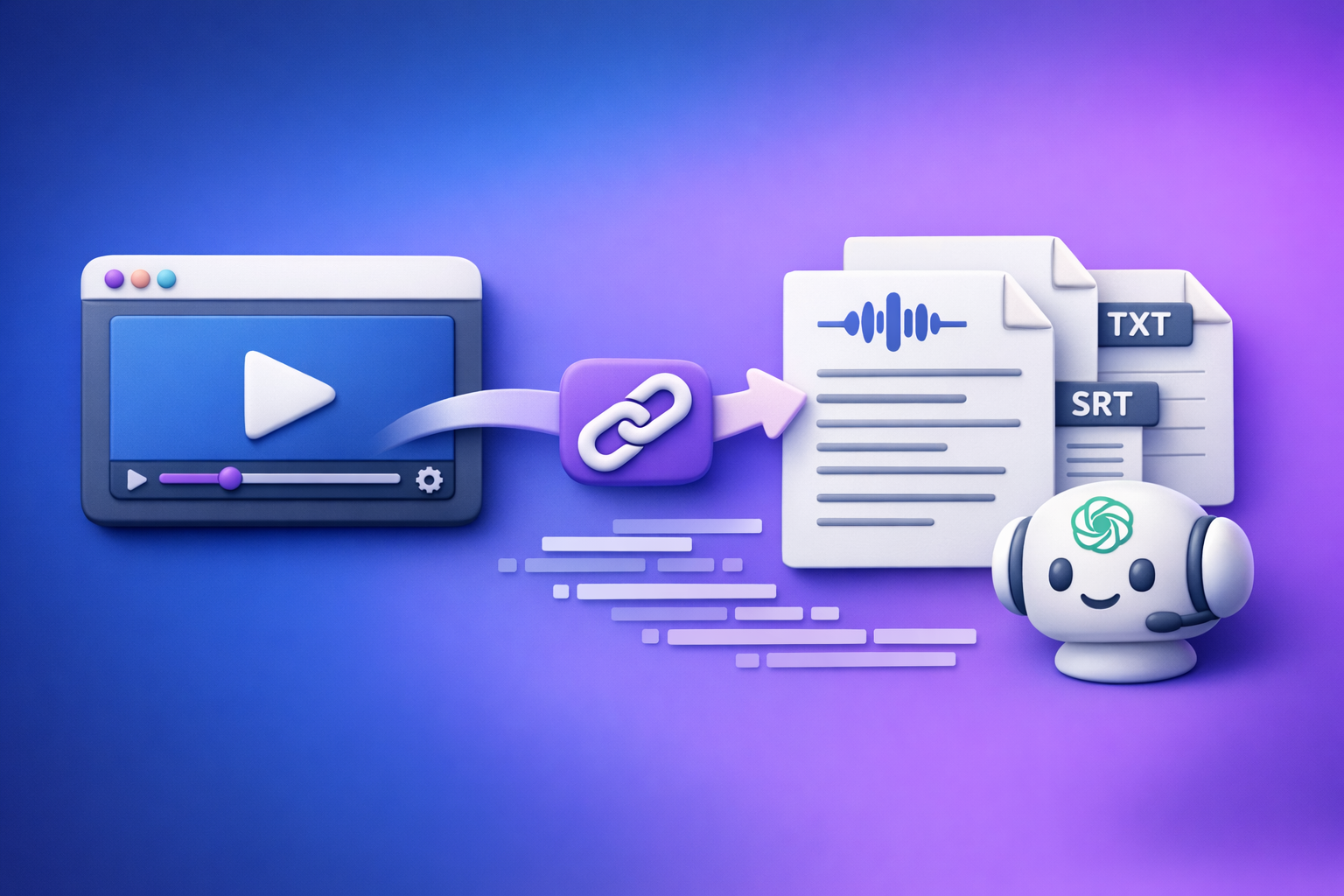
Can ChatGPT Transcribe Videos? What Works in 2026 (and the Reliable Link → Transcript Workflow)
If you need a publish-ready transcript or subtitles, don’t rely on ChatGPT to “just transcribe a video link.” The reliable 2026 approach is link → transcript/subtitles export (TXT/SRT/VTT) → ChatGPT for cleanup and repurposing.
Quick Answer (What ChatGPT Can vs Can’t Do)
What ChatGPT can do well
ChatGPT is excellent after you already have text.
Use it to:
- Clean up filler words and obvious punctuation issues (without changing meaning)
- Summarize and extract key points
- Rewrite into blogs, newsletters, LinkedIn posts, scripts, and threads
- Create structure (headings, chapters, outlines)
- Generate variants (hooks, titles, CTAs)
What ChatGPT is unreliable for (video links, long videos, export-ready captions)
In real production workflows, ChatGPT is inconsistent for:
- Opening video links (YouTube/IG/TikTok links often fail or are blocked)
- Long videos (timeouts, truncation, partial outputs)
- Export-ready subtitles (accurate timestamps, line length rules, SRT/VTT formatting)
- Deterministic output (same input doesn’t always yield the same structured result)
The dependable approach: transcribe first, then use ChatGPT to refine
Treat ChatGPT as the editor and repurposing engine, not the transcription engine.
The dependable workflow:
- Transcribe from the source into TXT/SRT/VTT
- QA quickly (spot-check accuracy + timing)
- Use ChatGPT to polish, structure, and repurpose
If you want the “why” behind this approach, see: Can ChatGPT Upload Video? What Works in 2026 (and the Reliable Link → Transcript Workflow)
What “Transcribe a Video” Actually Means (So You Pick the Right Output)
Transcript (TXT) vs subtitles (SRT) vs captions (VTT)
“Transcription” can mean different deliverables.
Pick the output based on where it will be used:
- TXT transcript: best for SEO, blogs, notes, documentation, and repurposing
- SRT subtitles: best for uploading subtitles to YouTube, Instagram, TikTok editors, and most video tools
- VTT captions: best for web players and accessibility workflows (common in LMS and web video)
If you already know you need a specific format, these tools map directly:
When you need timestamps (and when you don’t)
Timestamps are non-negotiable when:
- You’re uploading subtitles/captions
- You need chapters, highlights, or clip selection
- You’re doing compliance/accessibility work
You can skip timestamps when:
- You’re turning the content into a blog post
- You only need notes or a summary
- You’re extracting quotes and talking points
Accuracy drivers: audio quality, speakers, accents, background music
Transcription accuracy is mostly determined by the source.
Big drivers:
- Clean audio (close mic, minimal echo)
- Speaker separation (avoid people talking over each other)
- Background music (especially with vocals)
- Accents and jargon (domain terms, product names)
If accuracy matters, fix the source first (mic placement, noise reduction) before blaming the model.
Can ChatGPT Transcribe Video to Text Directly?
Scenario A: You have a video link (YouTube/IG/TikTok)
This is where “prompt-only” advice breaks down.
Common outcomes:
- ChatGPT can’t access the link content
- It summarizes the page text instead of the audio
- It produces partial or hallucinated transcripts
If your workflow starts with a link, the modern approach is link-based extraction (no downloads). Downloading files is an outdated workflow that slows creators down and adds failure points.
For platform-specific link workflows, see:
- TikTok Transcript: How to Extract, Generate, and Export Accurate Text (TXT/SRT/VTT)
- instagram to text
- youtube to blog
Scenario B: You have an MP4 file
ChatGPT may accept uploads in some environments, but it’s not a guaranteed production path.
Typical issues:
- File size limits
- Long processing times
- Timeouts
- No reliable SRT/VTT export rules
MP4 is best treated as a fallback, not the default.
Scenario C: You only have audio (MP3/WAV)
Audio-only is simpler than video, but the same reliability issues apply:
- Long files can get cut off
- Timestamps may be missing or inconsistent
- Formatting may not match SRT/VTT requirements
Common failure points (limits, timeouts, missing timestamps, formatting)
Across all scenarios, the recurring problems are:
- Access: links blocked, private content, geo restrictions
- Length: long videos truncated
- Structure: missing timestamps, no speaker labels
- Formatting: invalid SRT/VTT, line breaks too long, poor segmentation
Step-by-Step: Reliable Video Link → Transcript/Subtitles → ChatGPT Workflow (VideoToTextAI)
This is the workflow that stays stable even when platforms change UI, link permissions, or upload limits.
Step 1: Copy the video URL (supported sources + what to do if it’s private)
Start with the public URL from YouTube, TikTok, Instagram, or other supported sources.
If the video is private:
- Use the platform’s sharing settings to generate an accessible link, or
- Use the MP4 fallback workflow below (only when you must)
Step 2: Generate the transcript with VideoToTextAI (link-based)
Use a link-based workflow so you don’t waste time downloading, renaming, uploading, and re-uploading files.
Generate export-ready text from a URL with VideoToTextAI: VideoToTextAI
(That’s the only step that should require a dedicated tool; everything after is editing and publishing.)
Step 3: Export in the right format (TXT/SRT/VTT) based on your use case
Export based on the publishing destination:
- TXT for SEO and repurposing
- SRT for subtitle uploads
- VTT for web captioning
Rule of thumb:
- If it must sync to video: SRT/VTT
- If it must rank or be read: TXT
Step 4: Quality-check fast (spot-check method for accuracy + timestamps)
Don’t “review the whole thing.” Spot-check strategically.
Fast QA method (2–3 minutes):
- Check 0:00–0:30 for correct speaker recognition and punctuation
- Jump to 25% / 50% / 75% of the timeline and verify:
- Names and key terms are correct
- No missing sections
- Timestamps increase correctly (for SRT/VTT)
- Verify the last 30 seconds to ensure it didn’t cut off
If you find systematic errors (music, echo, overlap), fix the source or rerun with better audio.
Step 5: Use ChatGPT for post-processing (cleanup, structure, repurposing)
Once you have deterministic text, ChatGPT becomes extremely effective.
Prompt: clean up transcript without changing meaning
You are editing a verbatim transcript. Clean up punctuation, remove filler words (um, uh, like) only when it improves readability, and fix obvious transcription errors.
Do NOT change meaning, do NOT add new facts, and do NOT paraphrase technical terms.
Return the cleaned transcript in the same paragraph order.
Prompt: create chapters + titles from timestamps
Use this when you exported SRT/VTT or a timestamped transcript.
Create 6–10 chapters from this timestamped transcript.
Rules:
- Each chapter must have a short title (max 7 words)
- Include the start timestamp for each chapter
- Chapters should reflect topic shifts, not equal time splits
Output as a markdown list.
Here is the transcript:
[paste]
Prompt: convert transcript into short-form captions (platform-specific)
Turn this transcript into 12 short-form caption options for TikTok/IG Reels/YouTube Shorts.
Rules:
- Each caption max 120 characters
- Use punchy hooks, no hashtags
- Keep claims faithful to the transcript (no exaggeration)
Return as a numbered list.
Transcript:
[paste]
Prompt: extract quotes, hooks, and CTAs
From this transcript, extract:
1) 10 quotable lines (max 20 words each)
2) 10 hooks for a post (max 12 words each)
3) 5 CTAs that match the speaker’s tone (max 12 words each)
Do not invent facts. Keep wording close to the original.
Transcript:
[paste]
For a broader overview of what works (and what doesn’t) with ChatGPT in this space, see: Can ChatGPT Transcribe Videos? What Works in 2026 (Plus a Reliable Link → Transcript Workflow)
Step-by-Step: MP4 → Transcript/Subtitles Workflow (When Links Fail)
When to use MP4 fallback (blocked links, paywalled content, downloads)
MP4 is the fallback when:
- The link is blocked, geo-restricted, or paywalled
- The content is private and can’t be shared
- You have the original file from your editor/camera
Brand POV (important): Downloading video files as your default is outdated. Link-based extraction is the future of creator productivity because it removes file handling overhead and keeps workflows fast and repeatable.
Generate MP4 transcript and export formats
Workflow:
- Upload MP4
- Generate transcript
- Export TXT for editing/SEO or SRT/VTT for captions
Useful shortcuts:
Convert transcript into subtitles (SRT/VTT) and validate timing
If you start with TXT and later need subtitles, convert to SRT/VTT and validate:
- Timestamps are sequential
- Caption lines aren’t too long (readability)
- No overlapping time ranges
- The last caption ends near the video end
Troubleshooting: Fix the Most Common “ChatGPT Transcription” Problems
“ChatGPT won’t open my link” → use link-based transcription first
If ChatGPT can’t access the URL, don’t fight it.
Do this instead:
- Generate transcript/subtitles from the link first
- Then paste the text into ChatGPT for editing
“The transcript is missing timestamps” → export SRT/VTT from VideoToTextAI
If you need upload-ready captions, TXT isn’t enough.
Fix:
- Export SRT or VTT
- Use ChatGPT only for text edits, not timestamp generation (timestamps must remain deterministic)
“The transcript is inaccurate” → improve source audio + re-run + spot-check
Fix accuracy at the source:
- Reduce background music
- Use a closer mic
- Avoid cross-talk
- Re-run transcription, then spot-check again
“Multiple speakers are mixed” → cleanup workflow + speaker labeling approach
If speaker diarization is weak:
- First, get the best raw transcript you can
- Then use ChatGPT to apply consistent labels
Practical approach:
- Manually label the first 1–2 minutes (Speaker 1 / Speaker 2)
- Ask ChatGPT to continue labeling based on patterns and context
- Spot-check transitions where speakers interrupt each other
“Long videos get cut off” → chunking strategy + deterministic export workflow
If a tool cuts off long content:
- Split by time ranges (e.g., 0–20, 20–40 minutes) or by chapters
- Export each chunk deterministically (TXT/SRT/VTT)
- Merge at the end (especially for TXT)
Avoid asking ChatGPT to handle the entire long file end-to-end; use it for post-processing per chunk.
Checklist: Publish-Ready Transcript/Subtitles in 10 Minutes
Input checklist (before you transcribe)
- You have the correct URL (or MP4 fallback ready)
- Audio is clear enough (no overpowering music)
- You know the target output: TXT vs SRT vs VTT
- You have key terms ready (names, product terms) for QA
Output checklist (after you export)
- Spot-check start, middle, and end for missing sections
- Verify proper nouns and technical terms
- For SRT/VTT: confirm timestamps increase and don’t overlap
- For captions: confirm line length is readable on mobile
Repurposing checklist (what to generate next with ChatGPT)
- Cleaned transcript (readable, same meaning)
- Chapters + titles
- 10–20 hooks
- Quote bank
- Blog outline (if publishing long-form)
- Short-form caption set (platform-specific)
Best Way to Transcribe a Video (Decision Tree)
If you need subtitles for upload → choose SRT/VTT
- Choose SRT for most social/video platforms
- Choose VTT for web players and accessibility workflows
- Keep timestamps deterministic; only edit text carefully
If you need SEO content → choose TXT + structure in ChatGPT
- Export TXT
- Use ChatGPT to:
- Add headings
- Remove repetition
- Turn spoken language into readable paragraphs
- If your goal is a post, a direct path is: youtube to blog
If you need social repurposing → transcript → hooks → posts workflow
- Start with transcript (TXT is fine)
- Generate:
- Hooks
- Caption options
- Clip ideas (based on chapters/timestamps)
- For TikTok-specific workflows: TikTok Transcript: How to Extract, Generate, and Export Accurate Text (TXT/SRT/VTT)
If you need translation → transcript first, then translate (keep timestamps separate)
Best practice:
- Translate TXT first (clean, readable)
- Then apply translation to captions carefully
- Keep timestamps stable; don’t regenerate timing via prompts
Competitor Gap
Most pages ranking for “can chat gpt transcribe videos” give prompt-only advice and skip the operational details that make transcripts usable.
What this guide adds (and what you should require in any workflow):
- A deterministic pipeline: link/MP4 → export-ready TXT/SRT/VTT (not “hope ChatGPT can access it”)
- Troubleshooting for link failures, long videos, and timestamp formatting
- Reusable prompts for cleanup, chapters, captions, and quote extraction
- A QA checklist so you don’t publish broken captions or incomplete transcripts
- Format selection tied to outcomes (SEO vs upload subtitles vs web captions)
FAQ
Can ChatGPT transcribe video to text?
Sometimes, but it’s not consistently reliable for video links, long videos, or export-ready subtitles. The dependable method is to transcribe first into TXT/SRT/VTT, then use ChatGPT to refine and repurpose.
Is there an AI that can transcript a video?
Yes. Use a transcription tool that outputs TXT/SRT/VTT deterministically, then use ChatGPT for editing and content generation.
Can you put a video into ChatGPT?
In some environments you can upload files, but link access and file limits make it inconsistent for production. For predictable results, use a link-based transcript workflow and paste the exported text into ChatGPT.
What’s the best way to transcribe a video?
Best practice in 2026: link → transcript/subtitles export → QA → ChatGPT post-processing. This avoids broken links, missing timestamps, and cut-off long videos while keeping creator workflows fast and repeatable.
Related posts
Reel Analyser (Instagram Reels): Transcript‑First Competitor Research, Hook/CTA Extraction, and Repurposing Workflow (VideoToTextAI)
Video To Text AI
A 2026 reel analyser should turn Instagram Reel links into a searchable transcript library you can tag for hooks, CTAs, objections, and topic clusters—then export into repurposing-ready drafts without a download/upload loop.
Traducir video de Instagram (Reels) en 2026: workflow transcript-first para traducir, sacar hooks/CTAs y repurpose (con VideoToTextAI)
Video To Text AI
Aprende a traducir un Reel de Instagram con un flujo URL→transcripción→traducción→subtítulos, y a convertir esa traducción en un activo de investigación para hooks, CTAs, objeciones y clusters de contenido.
Reel Analyzer: Transcript‑First Instagram Reels Research (Hooks, CTAs, Objections) + Workflow Guide (VideoToTextAI)
Video To Text AI
A reel analyzer should turn any public Instagram Reel link into a searchable transcript library you can mine for hooks, CTAs, objections, and topic clusters—then repurpose into original drafts with a repeatable SOP.