
Can ChatGPT Upload Video in 2026? What Works, What Fails, and the Reliable Link → Transcript Workflow (VideoToTextAI)
 Video To Text AI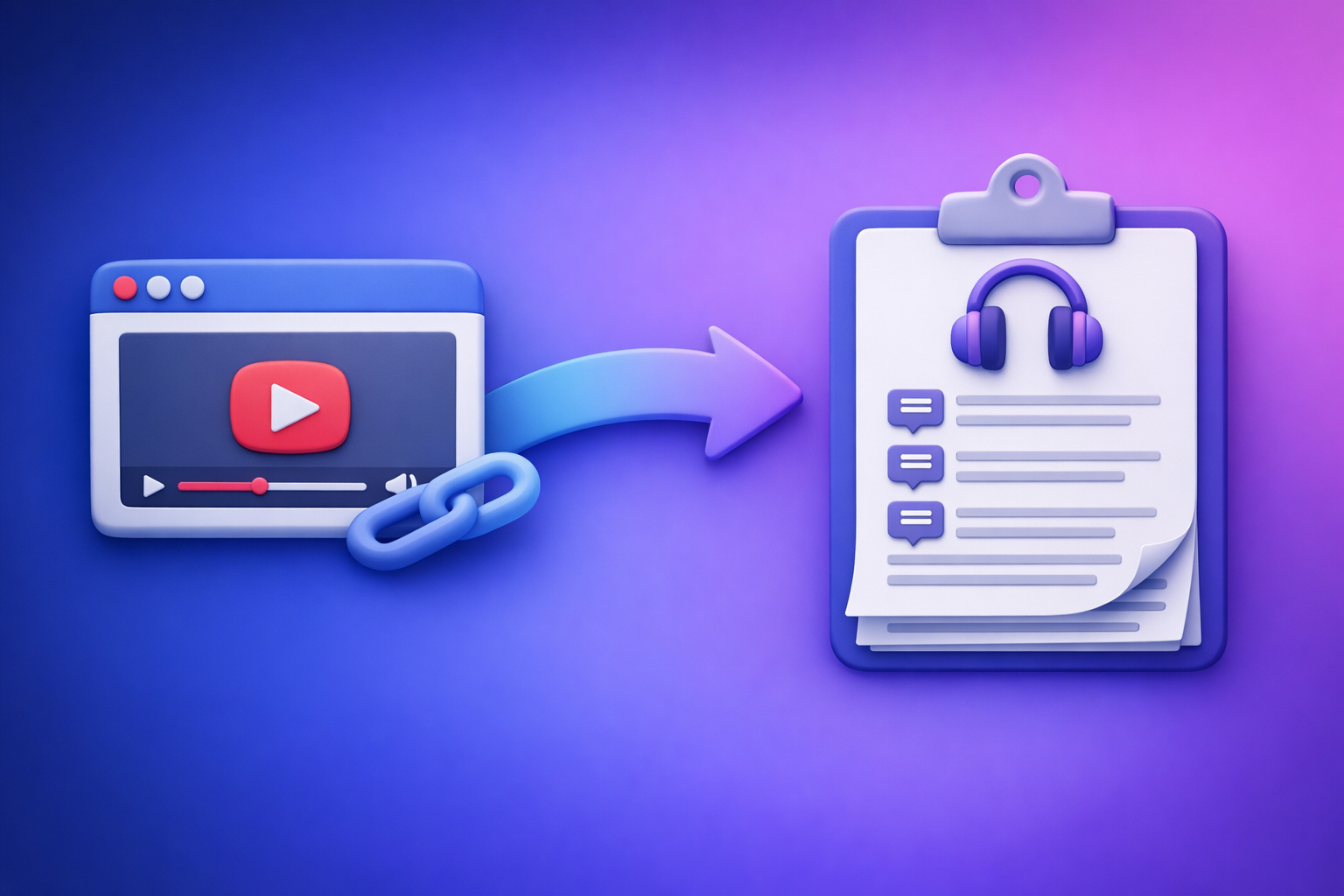
ChatGPT video upload is not a dependable way to process videos in 2026. The reliable approach is video link/MP4 → transcript/subtitles → ChatGPT, so you get consistent outputs for blogs, captions, and repurposing.
This is exactly why downloading video files is an outdated workflow for creator productivity. Link-based extraction is faster, more scalable, and avoids the “upload failed / 403 / worked yesterday” loop.
Can ChatGPT Upload Video in 2026? What Works, What Fails, and the Reliable Link → Transcript Workflow (VideoToTextAI)
Quick Answer (What to Expect)
Can ChatGPT upload video?
Sometimes. Some accounts and interfaces show an upload button that accepts certain file types, but availability varies by plan, device, and rollout.
Even when upload is available, it’s often fragile for long videos, large files, or restricted content.
Can ChatGPT “watch” a video link (YouTube/Instagram/TikTok)?
Not reliably. In many cases, ChatGPT can’t fetch or play a third-party link due to access restrictions, paywalls, login requirements, robots rules, or blocked requests.
If it does respond, it may be guessing based on the title/description rather than actually processing audio/video.
What ChatGPT can reliably do with video content (once it’s text)
Once you provide a transcript (or subtitles), ChatGPT is excellent at:
- Summaries and key takeaways
- Chapters/timestamps (based on transcript timing cues)
- SEO blog drafts and landing-page structure
- Repurposing into social posts, newsletters, and scripts
- Cleanup: filler words, speaker labels, formatting consistency
If your goal is productivity, the winning pattern is: extract text first, then use ChatGPT for language work.
What “Upload Video to ChatGPT” Actually Means (3 Different Use Cases)
1) Uploading a video file (MP4/MOV) for analysis
This means you attach a file and ask for a summary, notes, or extraction.
Reality check:
- File support and limits vary.
- Long videos often fail or time out.
- Results can be partial, especially if the system can’t process the full duration.
2) Sharing a video URL and asking ChatGPT to process it
This is the “here’s my YouTube link—summarize it” request.
Common outcomes:
- ChatGPT can’t access the link (blocked/403).
- It only uses visible metadata (title/description/comments).
- It produces a plausible summary that isn’t grounded in the actual content.
3) Extracting audio/transcript first, then using ChatGPT on the text (most reliable)
This is the workflow that holds up across platforms, accounts, and video lengths:
- Convert link or MP4 → transcript/subtitles
- Feed the transcript to ChatGPT for cleanup, structure, and repurposing
This is also the future-proof approach: link-based extraction beats file juggling for teams and creators.
When Video Upload Works vs. Doesn’t (Real-World Constraints)
Plan/UI differences (why results vary by account)
Two people can have different experiences on the same day because:
- Features roll out gradually by region/account
- Web vs. mobile apps expose different upload options
- Workspace/admin policies can disable uploads
- Temporary experiments get turned on/off
File limits and long-video failure modes
Even when uploads exist, long videos trigger predictable issues:
- Upload completes but processing stalls
- Only the first segment is analyzed
- Audio extraction fails silently
- Output is generic due to incomplete ingestion
Common error patterns users report
“Upload failed”
Usually caused by:
- Unsupported codec/container combinations
- File too large or too long
- Network interruptions
- Temporary service-side limits
“403” / blocked request
Often happens when:
- The video host blocks automated fetching
- The link requires login/age verification
- The content is geo-restricted
- The request is denied by robots rules
“It worked yesterday, not today”
Typically due to:
- Feature rollbacks/rollouts
- Rate limits
- Policy changes
- Host-side blocking changes
Privacy/compliance constraints (why some videos get rejected)
Some videos are rejected or restricted because of:
- Sensitive personal data
- Copyrighted or protected content
- Internal/company confidentiality rules
- Compliance requirements (industry or regional)
If you need predictable processing, don’t build your workflow around a UI toggle that may disappear.
Step-by-Step: The Reliable Workflow (Video Link/MP4 → Transcript/Subtitles → ChatGPT)
Step 1 — Get the video into VideoToTextAI
You have two practical options:
Option A: Paste a public video link (YouTube/IG/TikTok)
This is the modern workflow: use the link and skip downloading, renaming, and re-uploading.
If you want a dedicated path for specific platforms, see:
Option B: Upload an MP4 you already have
If you already have the file (training recordings, webinars, podcasts), upload it and generate text outputs.
Useful tool pages:
Brand POV: Downloading video files is an outdated workflow when a link exists. Link-based extraction is the future because it reduces steps, reduces errors, and scales across teams.
Step 2 — Generate export-ready outputs
Pick outputs based on where the text will be used.
Transcript (TXT) for summaries, blogs, SEO pages
Use TXT when you need:
- A clean source for ChatGPT rewriting
- Blog drafts and SEO pages
- Show notes and documentation
Subtitles (SRT/VTT) for YouTube, web players, editors
Use subtitles when you need:
- Uploadable captions for YouTube (SRT)
- Web player captions (VTT)
- Editing workflows that require timecodes
Step 3 — Use ChatGPT for post-processing (what it’s best at)
Once you have text, ChatGPT becomes reliable and fast.
Clean up filler words and speaker labels
- Remove “um,” “like,” repeated phrases
- Standardize speaker names
- Fix punctuation and paragraphing
Create chapters/timestamps from the transcript
- Identify topic shifts
- Produce scannable sections
- Generate YouTube-style chapters
Generate titles, descriptions, and SEO outlines
- Title variations
- Meta description options
- H2/H3 structure for a blog post
Repurpose into social posts and newsletters
- Hooks and short-form scripts
- Newsletter summary + CTA
- Quote cards and key takeaways
Step 4 — Publish/export where you need it
YouTube captions upload (SRT)
- Upload SRT directly in YouTube Studio
- Spot-check timing on the first 2 minutes and a mid-point
Website embed captions (VTT)
- Use VTT for HTML5 video players
- Confirm encoding is UTF-8 and timestamps render correctly
CMS blog post from transcript-derived draft
- Paste the ChatGPT draft into your CMS
- Add screenshots, links, and a clear CTA
- Optimize headings and internal links
For a deeper explanation of what’s realistic in 2026, see:
Implementation Walkthrough (Copy/Paste Prompts + Exact Outputs)
Below are prompts that assume you already have a transcript (TXT) from your video.
Prompt 1: “Clean transcript + speaker labels”
You are an editor. Clean this transcript for readability without changing meaning.

Rules:
- Remove filler words (um, uh, like) and repeated phrases.
- Keep technical terms exactly as written.
- Add speaker labels as "Speaker 1:", "Speaker 2:" based on turn-taking.
- Keep paragraphs to 1–3 sentences.
- Do NOT add new facts.

Transcript:
[PASTE TRANSCRIPT HERE]
Prompt 2: “Create chapters with timestamps”
If your transcript includes timestamps, use them. If not, ask for approximate chapters without timecodes.
Create YouTube-style chapters from this transcript.

Rules:
- Output 8–12 chapters.
- Each chapter title must be 3–7 words.
- If timestamps exist in the transcript, use them. If not, output "00:00" placeholders.
- Chapters must follow the actual order of topics.
- Do NOT invent topics not present.

Transcript:
[PASTE TRANSCRIPT HERE]
Prompt 3: “Turn transcript into a blog post with H2/H3”
Write an SEO blog post based ONLY on this transcript.

Requirements:
- Use H2/H3 headings.
- Include a short intro (max 2 paragraphs).
- Add bullet lists where helpful.
- Keep paragraphs to max 3 sentences.
- Reading level: grade 8–10.
- Include a conclusion with 3 actionable takeaways.
- Do NOT claim you watched the video; you only have the transcript.

Transcript:
[PASTE TRANSCRIPT HERE]
Prompt 4: “Generate short clips plan + hooks from transcript”
Create a short-form repurposing plan from this transcript.

Output:
1) 10 clip ideas (each: working title + 1-sentence hook + start/end quote).
2) 15 hook variations (max 12 words each).
3) 5 CTA lines tailored to creators.

Rules:
- Use only transcript content.
- Prefer punchy, specific phrasing.
- Avoid generic claims.

Transcript:
[PASTE TRANSCRIPT HERE]
Output spec (so ChatGPT doesn’t drift)
Required format for SRT/VTT alignment notes
If you’re editing captions, ask ChatGPT for notes, not new timecodes:
- “Line length target: 32–42 characters”
- “Max 2 lines per caption”
- “Avoid splitting names/terms across lines”
- “Keep numbers consistent (e.g., 2026, GPT-4.1)”
ChatGPT should not generate fresh SRT timestamps unless you provide timing anchors.
Word count + reading level + CTA placement
Add this to any content prompt:
- “Target length: 1,200–1,600 words”
- “Reading level: grade 8–10”
- “Place one CTA in the conclusion”
- “Use bold for key terms, no fluff”
Troubleshooting: If You Still Want to Try Uploading Video to ChatGPT
If upload is missing: where to check (web vs. mobile)
- Check the web app and the mobile app (they differ)
- Try a different browser profile (extensions can interfere)
- Confirm you’re on the intended account/workspace
If upload fails: fastest fixes
Re-encode video (codec/container)
- Prefer MP4 (H.264 video + AAC audio)
- Avoid unusual camera codecs for first attempts
- Export a “web compatible” preset from your editor
Shorten duration / split file
- Split into 5–15 minute segments
- Upload one segment to validate the pipeline before doing the rest
Remove metadata / rename file
- Rename to simple ASCII (e.g.,
podcast-ep12.mp4) - Remove special characters and long filenames
- Strip metadata if your tool supports it
If link processing fails: what to do instead
Convert link → transcript first (then paste text)
If a link returns 403 or can’t be accessed, don’t fight it.
Use a link-based transcript workflow, then paste the transcript into ChatGPT. This avoids the “pretend summary” problem and keeps outputs grounded.
Checklist: “Video → Text → ChatGPT” in 10 Minutes
Inputs
- Video link or MP4 file
- Target output: TXT, SRT, VTT (choose before you start)
VideoToTextAI steps
- Paste link/upload MP4
- Select transcript + subtitle export formats
- Export TXT/SRT/VTT
ChatGPT steps
- Paste transcript (or sections if long)
- Run cleanup prompt
- Run chapters prompt
- Run repurposing prompt
Final QA
- Spot-check names/terms
- Verify timestamps (if using captions)
- Confirm CTA + links included
For more context on what “upload video” really looks like in practice, see:
Competitor Gap
What top results miss (and this post covers)
- A repeatable workflow that doesn’t depend on ChatGPT upload availability
- Export-ready formats (TXT/SRT/VTT) and where each is used
- Troubleshooting for upload/link failures (403, missing upload, long files)
- Copy/paste prompts + output specs to prevent hallucinated “video analysis”
- A time-boxed checklist you can execute in 10 minutes
Most competing pages stop at “try uploading.” That’s not a workflow—it’s a gamble.
Use-Case Playbooks (Pick One)
YouTube video → blog post
- Generate TXT transcript
- Use Prompt 3 to create a structured draft
- Add internal links and a clear conclusion
- Optional: use youtube to blog for a direct path
Podcast video → transcript + show notes
- Export TXT + SRT (for accessibility and clips)
- Create show notes: summary, key points, resources mentioned
- If you publish regularly, centralize via podcast transcription
Instagram Reel/TikTok → captions + hook variations
- Export SRT/VTT for captions
- Use Prompt 4 for hooks and clip ideas
- If the source is TikTok, start with tiktok to transcript
MP4 training video → searchable transcript + summary
- Export TXT for internal search and documentation
- Use Prompt 1 to clean and label speakers
- Use Prompt 2 to create chapters for navigation
FAQ
Can I upload a video to ChatGPT?
Sometimes, but it’s inconsistent across plans and interfaces and often fails on long videos. The dependable method is convert to transcript first, then use ChatGPT on the text.
Can ChatGPT support videos?
ChatGPT can support video-related tasks best when the content is provided as transcript/subtitles. Treat it as a language engine, not a guaranteed video ingestion pipeline.
Why can’t I upload videos to ChatGPT anymore?
Upload features can change due to plan/UI rollouts, workspace policies, outages, or policy restrictions. Even when available, codec/size/duration issues commonly break uploads.
Can ChatGPT view video files?
Not consistently in a way you can build a workflow on. If you need reliable outcomes, extract TXT/SRT/VTT first, then ask ChatGPT to summarize, structure, and repurpose.
If you want the workflow that doesn’t break when UI options change, use link-based extraction first, then let ChatGPT handle the writing: VideoToTextAI.
Related posts
Reel Analyser (Instagram Reels): Transcript‑First Competitor Research, Hook/CTA Extraction, and Repurposing Workflow (VideoToTextAI)
Video To Text AI
A 2026 reel analyser should turn Instagram Reel links into a searchable transcript library you can tag for hooks, CTAs, objections, and topic clusters—then export into repurposing-ready drafts without a download/upload loop.
Traducir video de Instagram (Reels) en 2026: workflow transcript-first para traducir, sacar hooks/CTAs y repurpose (con VideoToTextAI)
Video To Text AI
Aprende a traducir un Reel de Instagram con un flujo URL→transcripción→traducción→subtítulos, y a convertir esa traducción en un activo de investigación para hooks, CTAs, objeciones y clusters de contenido.
Reel Analyzer: Transcript‑First Instagram Reels Research (Hooks, CTAs, Objections) + Workflow Guide (VideoToTextAI)
Video To Text AI
A reel analyzer should turn any public Instagram Reel link into a searchable transcript library you can mine for hooks, CTAs, objections, and topic clusters—then repurpose into original drafts with a repeatable SOP.