
Can ChatGPT Transcribe Videos? What Actually Works in 2026 (Link → Transcript Workflow)
 Video To Text AI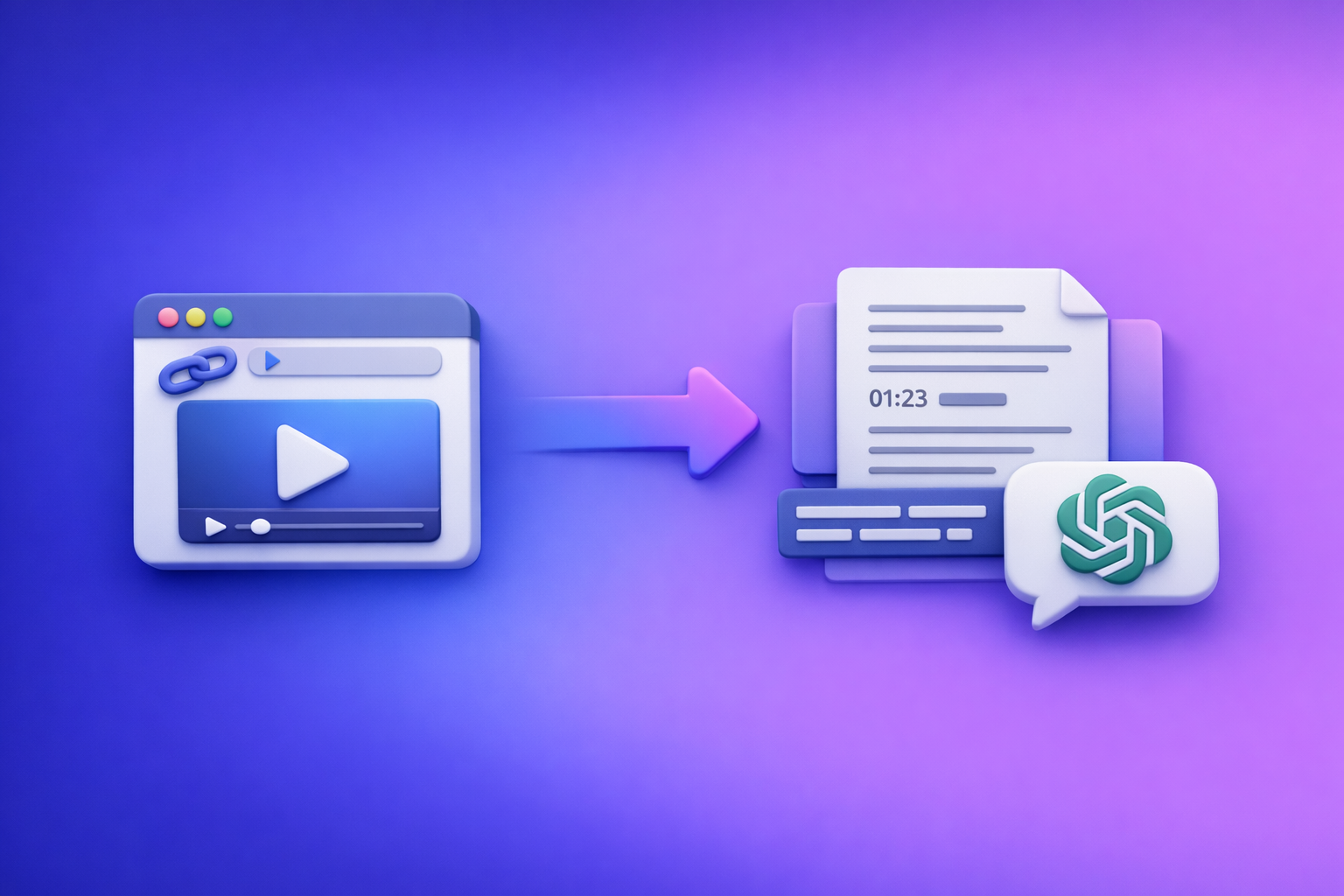
Can ChatGPT Transcribe Videos? What Actually Works in 2026 (Link → Transcript Workflow)
ChatGPT can’t reliably turn a YouTube/TikTok/Instagram link into an export-ready transcript with accurate timecodes on demand. The dependable 2026 workflow is video link (or MP4) → transcript/subtitles (TXT/SRT/VTT) → ChatGPT for cleanup, chapters, summaries, and repurposing.
Quick Answer (What ChatGPT Can vs. Can’t Do)
What ChatGPT can do well
ChatGPT shines after you already have text.
- Clean up an existing transcript (punctuation, paragraphing, readability)
- Add structure (speaker labels, headings, consistent terminology)
- Summarize and repurpose (chapters, key takeaways, quotes, blog/social drafts)
- Translate or rewrite transcript text (still needs human review for nuance and proper nouns)
What ChatGPT typically can’t do reliably
In real production workflows, these are the failure points.
- Turn a video link (YouTube/TikTok/IG) into a full transcript consistently
- Produce subtitle-grade timecodes (SRT/VTT) from a link with predictable accuracy
- Handle long videos consistently (limits, timeouts, plan/region variability, context loss)
If your goal is publishable captions or export-ready subtitles, treat ChatGPT as post-processing—not the transcription engine.
How Video Transcription Actually Works (So You Choose the Right Tool)
“Transcription” = speech-to-text + formatting + exports
Most people say “transcription” when they actually need a full pipeline:
- Speech recognition accuracy
- Background noise, music, crosstalk
- Accents and fast speech
- Multiple speakers and interruptions
- Timestamping + segmentation
- Caption line breaks
- Reading speed constraints
- Sentence boundaries that match spoken phrasing
- Export formats
- TXT for editing, SEO, notes, and repurposing
- SRT for captions in YouTube and most editors
- VTT for web players and some LMS/tools
A “wall of text” transcript is not the same thing as subtitle-ready output.
Why “paste a link into ChatGPT” fails in real workflows
This is where most “can chat gpt transcribe videos” advice breaks down.
- Link access is inconsistent
- Platform restrictions, blocked pages, login walls, geo limits
- No guaranteed audio extraction from YouTube/TikTok/IG links
- Upload limits and processing constraints
- Long files can time out or exceed size limits
- Multi-hour content often requires chunking and manual babysitting
- No guaranteed subtitle-grade timecoding
- Even if you get text, you often don’t get accurate, exportable SRT/VTT
Downloading video files is an outdated workflow. In 2026, creator productivity comes from link-based extraction that skips downloads, conversions, and manual audio ripping.
The Reliable 2026 Workflow: Video Link/MP4 → Transcript/Subtitles → ChatGPT
Step 1: Start with a link-based transcript generator (VideoToTextAI)
Use a dedicated engine to do the heavy lifting: speech-to-text + timecodes + exports.
- Input: YouTube/Instagram/TikTok link or upload MP4
- Output: export-ready transcript + subtitles (TXT/SRT/VTT)
This is the “transcription” part that needs deterministic outputs for publishing.
Exactly once CTA: Generate transcripts and subtitles from links with VideoToTextAI.
Step 2: Export the right format for your use case
Pick outputs based on where the text will live.
- TXT: editing, SEO content, notes, repurposing, knowledge base
- SRT: captions for YouTube/Instagram and most video editors
- VTT: web players, some LMS platforms, certain caption pipelines
Best practice: keep TXT as the master, and treat SRT/VTT as publish artifacts.
Step 3: Use ChatGPT for post-processing (where it’s strongest)
Once you have a transcript with timecodes, ChatGPT becomes a multiplier.
- Chapters + timestamps (derived from transcript timecodes)
- Summaries, key takeaways, action items
- Repurposing
- blog post draft
- newsletter version
- LinkedIn thread
- short-form scripts and hooks
If you want a related deep dive, see: Can ChatGPT Upload Video in 2026? What Actually Works (and the Reliable Link → Transcript Workflow).
Step-by-Step: Transcribe a Video (Link-Based) with VideoToTextAI
1) Choose your source type
Use the fastest input method—link first, file upload second.
- YouTube link (see: YouTube to Blog)
- TikTok link (see: TikTok to Transcript)
- Instagram Reel link (see: Instagram to Text)
- MP4 upload (see: MP4 to Transcript)
Brand POV: If you’re still downloading videos just to transcribe them, you’re adding friction you don’t need. Link-based extraction is the modern baseline for creators, marketers, and teams.
2) Generate transcript + subtitles
Select outputs based on downstream needs.
- Select output(s): TXT + SRT + VTT (as needed)
- Confirm language
- Choose speaker handling:
- Single speaker for creator monologues
- Multi-speaker for interviews, podcasts, meetings
If your primary deliverable is captions, prioritize SRT (see: MP4 to SRT) or VTT (see: MP4 to VTT).
3) QA the transcript (fast accuracy pass)
Do a quick pass before you repurpose anything.
Scan for:
- Names/brands (people, company names, product names)
- Numbers (prices, dates, metrics, version numbers)
- Acronyms (SaaS terms, technical abbreviations)
- Technical terms (APIs, features, commands)
Fix obvious mishears and punctuation so your repurposed content doesn’t inherit errors.
4) Export and store for reuse
Treat transcripts like reusable assets.
- Save TXT as the “master” transcript
- Keep SRT/VTT for publishing and editing
- Store in a shared location with a consistent naming convention:
YYYY-MM-DD_topic_platform_length_language
Step-by-Step: Turn the Transcript into Captions, Notes, and SEO Content with ChatGPT
Below are copy/paste prompt templates designed for transcript-first workflows.
Prompt template: clean transcript + speaker labels
Use when: you have a raw transcript and need readability + consistency.
You are an editor. Clean up the transcript below without changing meaning.
Requirements:
- Add punctuation and paragraph breaks
- Add speaker labels (Speaker 1, Speaker 2) where appropriate
- Fix obvious mishears using context
- Keep technical terms consistent
- Output in Markdown

Transcript:
[PASTE TRANSCRIPT HERE]
Glossary (must use exact spellings):
- [Name 1]
- [Product 1]
- [Acronym 1]
Prompt template: chapters + title ideas
Use when: you want YouTube chapters, course modules, or podcast segments.
Create chapters from this transcript.
Requirements:
- 6–12 chapters
- Each chapter: timestamp (MM:SS), short title, 1–2 sentence summary
- Also provide 10 title ideas for the video
- Use the timestamps already present in the transcript when available

Transcript (with timecodes if present):
[PASTE TRANSCRIPT HERE]
Goal: [YouTube chapters / course modules / podcast chapters]
Audience: [WHO IT'S FOR]
Prompt template: blog post from transcript (SEO-first)
Use when: you want a publishable draft aligned to a keyword.
Write an SEO-first blog post based on the transcript.
Requirements:
- Target keyword: "can chat gpt transcribe videos"
- Use clear H2/H3 structure
- Short paragraphs (max 3 sentences)
- Include a practical checklist
- Include a short meta title (<=60 chars) and meta description (<=155 chars)
- Suggest 3 internal links (anchor text + where to place them)
- End with a concise conclusion

Audience: [CREATORS / MARKETERS / EDUCATORS]
Transcript:
[PASTE TRANSCRIPT HERE]
For a related internal resource, see: Can ChatGPT Transcribe Videos? What Works in 2026 (and the Reliable Link → Transcript Workflow).
Prompt template: short-form clips + hooks
Use when: you want clip candidates and platform-ready copy.
From this transcript, propose short-form content.
Requirements:
- 10 hooks (1–2 lines each)
- 5 clip candidates with time ranges (start–end) based on transcript timecodes
- For each clip: on-screen caption text (<=120 chars) + CTA line
- Platform variants: TikTok, Instagram Reels, YouTube Shorts

Transcript (include timecodes if available):
[PASTE TRANSCRIPT HERE]
Common Mistakes + Troubleshooting
Mistake: expecting ChatGPT to “watch” the link
Symptom: you paste a YouTube/TikTok/IG link and get partial output, refusal, or hallucinated content.
Fix: generate the transcript from the link first, then paste the transcript into ChatGPT.
Mistake: using TXT when you need subtitles
Symptom: captions drift, no timecodes, manual syncing required.
Fix: export SRT/VTT for timecoded captions; keep TXT for editing/SEO.
Mistake: skipping a terminology pass
Symptom: brand names and product terms are wrong across blog posts, captions, and quotes.
Fix: create a glossary (names, products, acronyms) and apply it during cleanup prompts.
Mistake: long videos timing out or losing context
Symptom: ChatGPT forgets earlier sections, outputs inconsistent formatting, or truncates.
Fix:
- Transcribe first with a dedicated tool
- Chunk the transcript into sections (e.g., 10–15 minutes at a time)
- Ask for outputs per chunk, then request a final merge pass
Checklist: Video → Transcript → Captions → Repurposed Content (Copy/Paste)
Transcription checklist
- Confirm source (link or MP4)
- Generate TXT + SRT (and VTT if needed)
- Verify language + speaker handling
- QA: names, numbers, acronyms, key terms
- Save master transcript (TXT) + subtitle files (SRT/VTT)
Repurposing checklist (ChatGPT)
- Clean + format transcript (punctuation, paragraphs, speaker labels)
- Create chapters + summary
- Extract quotes + key takeaways
- Draft blog post + social variants
- Create captions + clip hooks
Competitor Gap
Add a decision framework competitors skip
Most pages answering “can chat gpt transcribe videos” blur two different jobs: transcription vs post-processing.
Use this decision rule:
- Use a transcription engine when you need:
- link/MP4 → accurate speech-to-text
- timecodes
- SRT/VTT exports
- Use ChatGPT when you need:
- cleanup, formatting, and consistency
- summaries, chapters, notes
- repurposed drafts (blog, newsletter, social)
Add troubleshooting that matches real constraints
Competitors often ignore the constraints that break workflows:
- link access failures (platform restrictions, login walls)
- upload limits and long-video timeouts
- subtitle export requirements (SRT/VTT) for publishing
Add reusable templates + checklists for execution
Execution wins in 2026.
- Prompt templates for cleanup, chapters, blog drafts, clip hooks
- End-to-end checklist for transcript + captions + repurposing outputs
FAQ
Can you transcribe a video in ChatGPT?
ChatGPT can help format and improve a transcript, but it’s not consistently reliable for generating a full transcript directly from a video link or long video file. A transcript-first workflow is more dependable.
Is there an AI that can transcript a video?
Yes—use a dedicated video-to-text tool that generates export-ready TXT/SRT/VTT from a link or MP4, then use ChatGPT to summarize and repurpose the transcript.
Can you put a video into ChatGPT?
Sometimes, depending on plan, region, and file limits—but it’s inconsistent for long videos and doesn’t reliably produce subtitle-grade exports. For production workflows, transcribe first, then use ChatGPT.
Can ChatGPT take notes from a video?
It can take notes from the transcript of a video. Generate the transcript first (preferably with timestamps), then ask ChatGPT for structured notes, action items, and summaries.
Related posts
Reel Analyser (Instagram Reels): Transcript‑First Competitor Research, Hook/CTA Extraction, and Repurposing Workflow (VideoToTextAI)
Video To Text AI
A 2026 reel analyser should turn Instagram Reel links into a searchable transcript library you can tag for hooks, CTAs, objections, and topic clusters—then export into repurposing-ready drafts without a download/upload loop.
Traducir video de Instagram (Reels) en 2026: workflow transcript-first para traducir, sacar hooks/CTAs y repurpose (con VideoToTextAI)
Video To Text AI
Aprende a traducir un Reel de Instagram con un flujo URL→transcripción→traducción→subtítulos, y a convertir esa traducción en un activo de investigación para hooks, CTAs, objeciones y clusters de contenido.
Reel Analyzer: Transcript‑First Instagram Reels Research (Hooks, CTAs, Objections) + Workflow Guide (VideoToTextAI)
Video To Text AI
A reel analyzer should turn any public Instagram Reel link into a searchable transcript library you can mine for hooks, CTAs, objections, and topic clusters—then repurpose into original drafts with a repeatable SOP.