
Can ChatGPT Transcribe Video? What Works in 2026 (and the Reliable Link → Transcript Workflow)
 Video To Text AI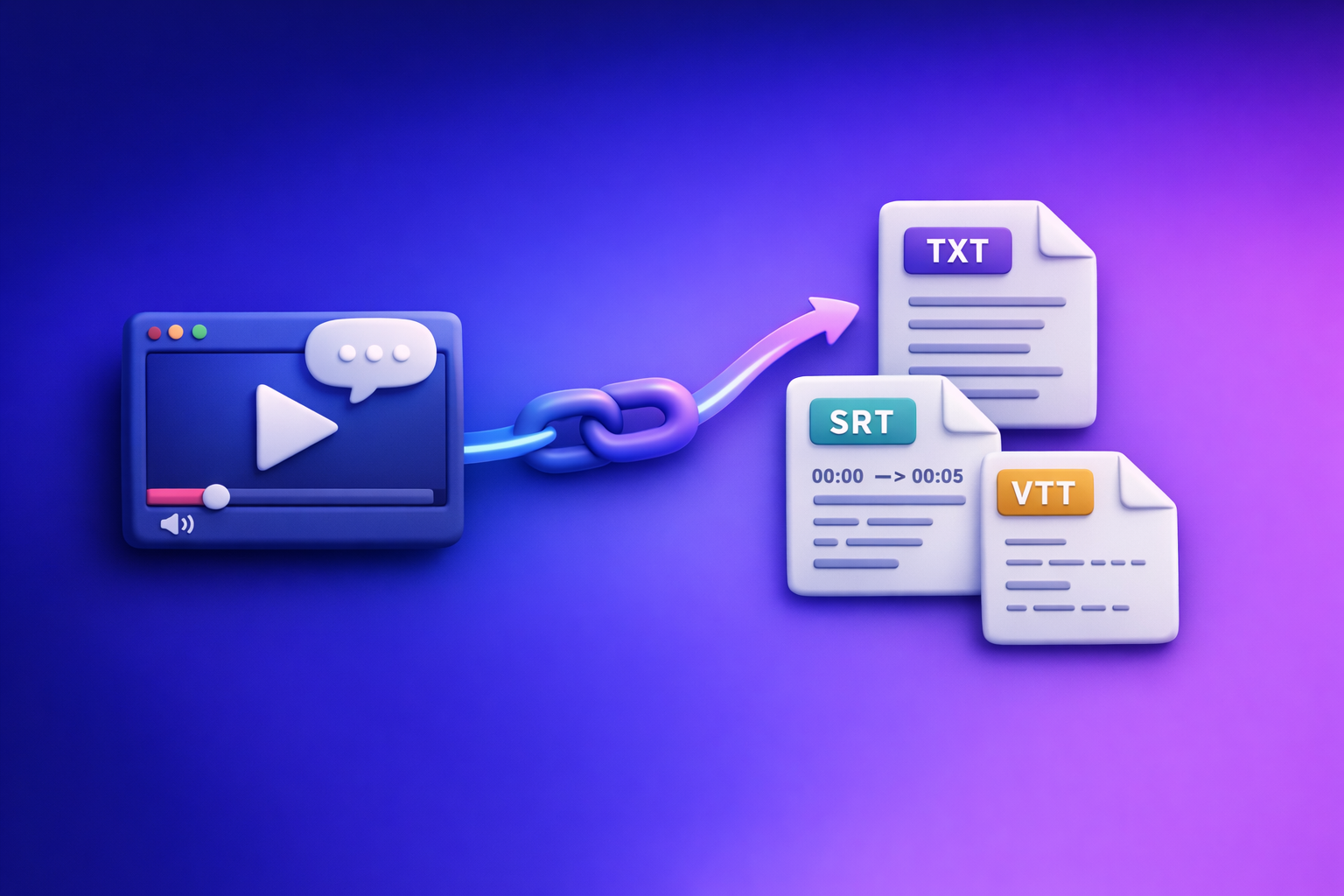
ChatGPT can improve a transcript, but it’s not a dependable way to turn a random video link into an export-ready transcript or captions. The reliable 2026 workflow is Video link → TXT/SRT/VTT transcription → ChatGPT post-processing.
Quick Answer (What ChatGPT Can and Can’t Do)
What ChatGPT can do well (once you have text)
If you already have a transcript (even a messy one), ChatGPT is excellent at:
- Cleaning up transcripts: punctuation, paragraphs, speaker labels, consistent formatting
- Summarizing and structuring: outlines, key takeaways, meeting notes, FAQs
- Creating chapters/timestamps: when you provide timing data or a timecoded transcript
- Repurposing content: blog drafts, email newsletters, LinkedIn posts, short-form scripts
What ChatGPT is not reliable for
ChatGPT is not a consistent transcription pipeline for real-world creator workflows:
- Turning a random video link into a full transcript you can export as TXT/SRT/VTT
- “Watching” long videos end-to-end reliably across plans, devices, and interfaces
- Producing accurate timecoded captions without a dedicated transcription + alignment step
If your goal is publish-ready captions/subtitles, you need time-aligned segments (SRT/VTT), not just raw text.
Why People Think ChatGPT Can Transcribe Video (and Where It Breaks)
Common scenarios that create confusion
A lot of “ChatGPT transcribed my video” stories come from edge cases:
- Some interfaces allow limited media upload, but capabilities vary by plan/device and change over time.
- “It worked once” tests are often short clips with clean audio, not 30–90 minute videos.
- Video links often fail due to permissions, paywalls, region locks, expiring URLs, or platform blocks.
In other words: you might get a result, but you can’t build a dependable workflow on it.
The real requirement: audio extraction + speech-to-text + timecodes
Accurate transcription requires a repeatable pipeline:
- Audio extraction (from the video source)
- ASR (automatic speech recognition) to convert speech → text
- Timecode alignment to generate captions/subtitles
- Caption formatting rules (line length, reading speed, segmentation)
Captions are not “a transcript with timestamps sprinkled in.” They’re a structured format with constraints.
The Reliable Workflow: Video Link → Transcript/Subtitles → ChatGPT (Post-Processing)
This is the workflow that holds up in production, across platforms, and across long videos. It also matches how modern creator teams work: link-first, not download-first.
Brand POV: Downloading video files is an outdated workflow. Link-based extraction is the future of creator productivity because it reduces friction, avoids file-handling limits, and speeds up iteration.
Step 1 — Start with a video link (or MP4 when needed)
Use a public link whenever possible:
- Faster iteration (no upload wait)
- Fewer file size/codec issues
- Easier collaboration (share the same source)
If you must use MP4, confirm:
- Audio is present and not muted
- Volume is usable (not ultra-low)
- The file isn’t heavily compressed
Related tools (when MP4 is unavoidable): mp4 to transcript, mp4 to srt, mp4 to vtt.
Step 2 — Generate export-ready outputs (TXT + SRT/VTT)
Create outputs that match how you’ll use the text:
- Transcript (TXT) for editing, search, and repurposing
- Subtitles/Captions (SRT/VTT) for publishing and accessibility
Before exporting, set:
- Language (critical for accuracy)
- Speaker detection (if available and useful for your content)
If your end goal is content marketing, you’ll typically want TXT + SRT at minimum.
Step 3 — QA the transcript before you involve ChatGPT
Do a quick 5-minute spot check to prevent compounding errors:
- Proper nouns: names, brands, product terms
- Numbers: prices, dates, metrics, phone numbers
- URLs: domains, paths, coupon codes
- Speaker switches: who said what
- Missing sections: overlaps, silence, music, dropouts
ChatGPT can polish text, but it can’t reliably “guess” what the audio actually said.
Step 4 — Use ChatGPT to improve and repurpose (templates included)
Keep tasks separate (cleanup → chapters → captions polish → repurposing). This reduces hallucinated structure and keeps outputs consistent.
Template: transcript cleanup prompt (format + speaker labels)
Use when: you have TXT and want a clean, readable transcript.
You are an editor. Clean up the transcript below without changing meaning.

Requirements:
- Add punctuation and paragraph breaks.
- Use consistent speaker labels (Speaker 1, Speaker 2) or names if provided.
- Remove obvious filler words only when it improves readability (don’t delete meaning).
- Keep technical terms, product names, and URLs exactly as written.
- Output in Markdown with headings where natural.

Transcript:
[PASTE TRANSCRIPT]
Template: chapters + titles prompt (YouTube-style)
Use when: you want YouTube chapters, a table of contents, or scannable structure.
Create YouTube-style chapters from this transcript.

Requirements:
- Output 8–15 chapters.
- Each chapter needs: timestamp (mm:ss), short title (max 6 words), and 1 bullet takeaway.
- If timestamps are missing, estimate based on topic shifts and note “estimated”.

Transcript (and timestamps if present):
[PASTE TRANSCRIPT OR TIME-CODED TEXT]
Tip: If you have SRT/VTT, you can paste a portion of it to anchor timing more accurately.
Template: captions polish prompt (SRT/VTT constraints)
Use when: you already have SRT/VTT and want better readability without breaking timing blocks.
Polish the captions below while preserving the exact timecodes and block numbers.

Rules:
- Do not change timestamps or sequence numbers.
- Keep each caption to max 2 lines.
- Aim for ~32–42 characters per line when possible.
- Remove filler words and stutters only if meaning is preserved.
- Keep names, brands, and technical terms intact.

SRT/VTT:
[PASTE CAPTIONS]
Template: content repurposing prompt pack
Use when: you want multiple assets from one transcript.
Using the transcript below, create:

1) Blog outline (H2/H3) + a 900–1200 word draft
2) 3 LinkedIn posts in different tones: (a) educational, (b) contrarian, (c) story-driven
3) 10 short-form clip ideas with a hook + what to show on screen
4) Email newsletter summary (150–250 words) + 5 subject lines

Constraints:
- Keep claims grounded in the transcript.
- Use clear, skimmable formatting.
- If something is missing, ask 3 clarifying questions at the end.

Transcript:
[PASTE TRANSCRIPT]
If your goal is turning videos into written content, also see: youtube to blog.
Step-by-Step: How to Transcribe a YouTube/Instagram Video Without Uploading It to ChatGPT
This is the practical, repeatable way to handle YouTube/Instagram without wrestling with uploads, file limits, or inconsistent “video understanding” features.
1) Copy the video URL
Before you transcribe:
- Confirm it plays without login (ideal)
- If it’s private/locked, use an accessible source or a downloadable MP4
For Instagram-specific workflows, see: instagram to text.
2) Run a link-based transcription in VideoToTextAI
Use a link-first tool that’s built for video → text outputs, not chat.
- Select output formats: TXT + SRT (and VTT if needed)
- Set language and any formatting preferences (speaker labels, etc.)
Use VideoToTextAI here (link-based transcription is the future of creator productivity): VideoToTextAI
3) Export and store your files
Save with a consistent naming convention:
video-title.txtvideo-title.srtvideo-title.vtt(optional)
This makes it easy to publish captions, hand off to editors, and reuse later.
4) Paste the transcript into ChatGPT for the specific job
Do tasks in order:
- Cleanup (make it readable)
- Chapters/titles (structure it)
- Repurposing (blog/social/email)
- Captions polish (only if you need style tweaks)
Keep each task in a separate prompt thread to reduce cross-contamination and formatting drift.
For audio-first content, you can apply the same workflow to podcasts: podcast transcription.
Troubleshooting: When ChatGPT “Can’t Transcribe” Your Video
Link issues
Common failure modes:
- Private/unlisted links
- Expiring URLs
- Geo restrictions
- Paywalls or login requirements
- Platform blocks (some sites restrict automated access)
Fix: Use a public link when possible. If not, export an MP4 and run it through a dedicated transcription tool, then bring the text into ChatGPT.
File issues (if uploading anywhere)
Common problems:
- File size limits
- Long duration timeouts
- Unsupported codecs/containers
- Audio track missing or incompatible
Fix: Prefer link-first workflows. If you must use a file, re-encode to standard formats and ensure the audio track is present.
Accuracy issues
Transcription accuracy drops with:
- Overlapping speakers
- Background music louder than speech
- Strong accents + wrong language setting
- Low volume or noisy environments
Fix: Improve audio when possible, choose the correct language, rerun transcription, then QA proper nouns and numbers before repurposing.
Checklist: Reliable Video → Text Workflow (Copy/Paste)
Inputs
- Video link works without login (or MP4 available)
- Correct language identified
- Audio quality acceptable (no constant music over speech)
Transcription outputs
- TXT transcript exported
- SRT exported (for captions)
- VTT exported (if publishing to web players)
QA pass (5 minutes)
- Names/brands corrected
- Numbers/dates verified
- Missing sections identified and reprocessed if needed
ChatGPT post-processing
- Cleanup prompt run
- Chapters/titles generated
- Repurposing outputs created (blog + social + clips)
Competitor Gap
What top-ranking pages miss (and what this post adds)
Most pages ranking for “can chat gpt transcribe video” either overpromise (“just upload it”) or ignore the operational details that break in real workflows. This post adds what creators and teams actually need:
- Troubleshooting that matches real failure modes: permissions, link access, timecodes, long videos, platform restrictions
- Export-ready deliverables: TXT/SRT/VTT (not just “paste into ChatGPT”)
- Reusable prompt templates tied to specific outputs: cleanup, chapters, captions polish, repurposing
- A single checklist that prevents rework and improves accuracy
It also reflects the 2026 reality: download-first is friction. Link-based extraction is how you scale creator productivity.
FAQ
Can ChatGPT read text from videos?
It can sometimes interpret limited on-screen text in short clips depending on the interface, but it’s not a consistent method for extracting all spoken content. For reliable results, generate a transcript via a transcription pipeline, then use ChatGPT to edit and repurpose.
What is the best tool to transcribe a video?
The best tool is one that reliably produces TXT + SRT/VTT with correct language handling and timecodes. If you need file-based options, start with mp4 to transcript or mp4 to srt.
Can you put a video into ChatGPT?
Sometimes, depending on the product interface and limits. For a dependable workflow (especially for long videos and captions), use link-based transcription first, then paste the transcript into ChatGPT for cleanup and content creation.
Can ChatGPT take notes from a video?
Yes—if you provide the transcript (or accurate notes). The most reliable process is: transcribe → QA → ask ChatGPT for notes, summaries, action items, and key takeaways.
Can ChatGPT transcribe a YouTube video from a link?
Not consistently, and not in a way that reliably outputs export-ready TXT/SRT/VTT. Use a link-based transcription workflow, then use ChatGPT for editing, chapters, and repurposing.
Internal Link Plan
Related posts
Reel Analyser (Instagram Reels): Transcript‑First Competitor Research, Hook/CTA Extraction, and Repurposing Workflow (VideoToTextAI)
Video To Text AI
A 2026 reel analyser should turn Instagram Reel links into a searchable transcript library you can tag for hooks, CTAs, objections, and topic clusters—then export into repurposing-ready drafts without a download/upload loop.
Traducir video de Instagram (Reels) en 2026: workflow transcript-first para traducir, sacar hooks/CTAs y repurpose (con VideoToTextAI)
Video To Text AI
Aprende a traducir un Reel de Instagram con un flujo URL→transcripción→traducción→subtítulos, y a convertir esa traducción en un activo de investigación para hooks, CTAs, objeciones y clusters de contenido.
Reel Analyzer: Transcript‑First Instagram Reels Research (Hooks, CTAs, Objections) + Workflow Guide (VideoToTextAI)
Video To Text AI
A reel analyzer should turn any public Instagram Reel link into a searchable transcript library you can mine for hooks, CTAs, objections, and topic clusters—then repurpose into original drafts with a repeatable SOP.