
Can ChatGPT Transcribe Video? What Works in 2026 (and the Reliable Link → Transcript Workflow)
 Video To Text AI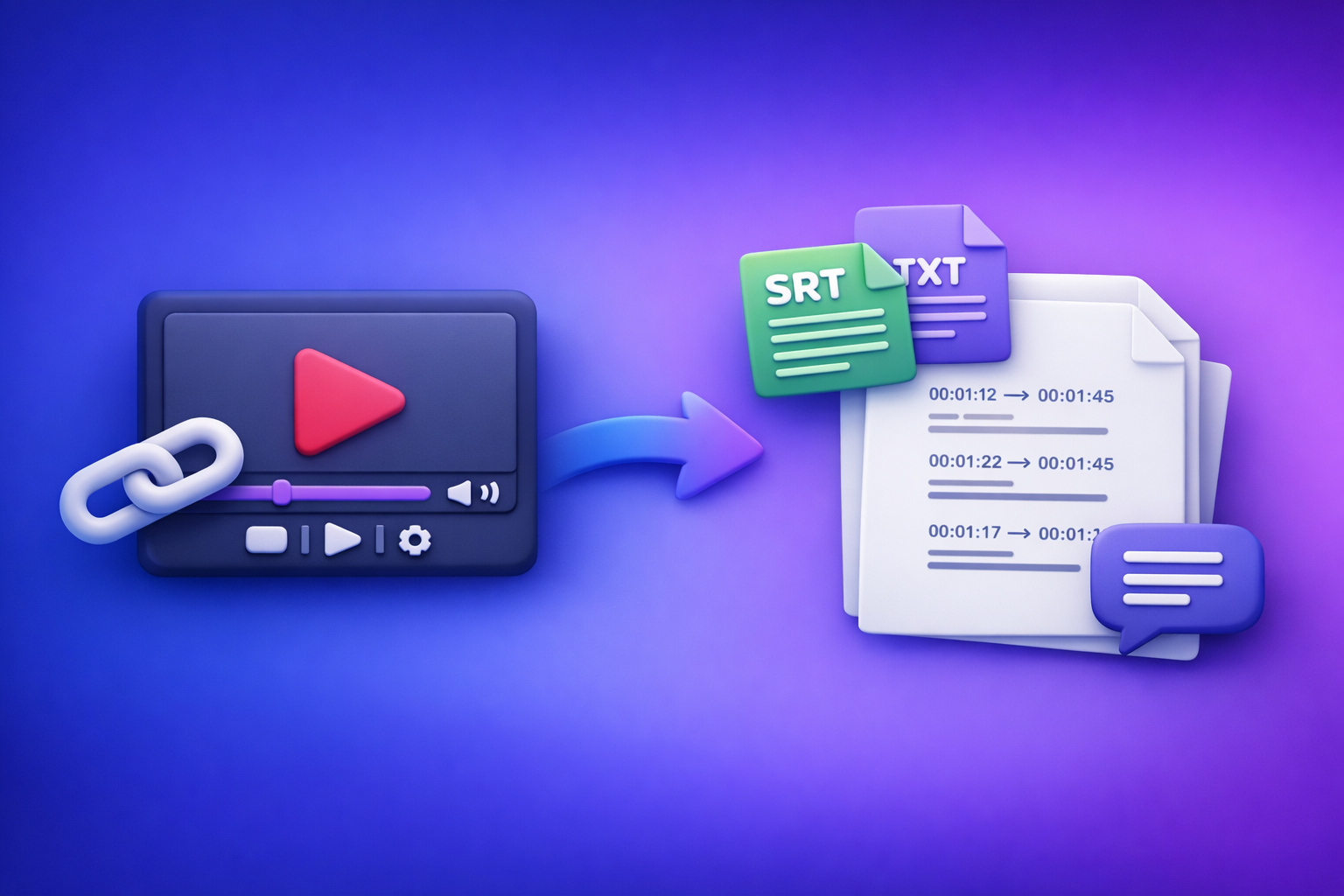
Can ChatGPT Transcribe Video? What Works in 2026 (and the Reliable Link → Transcript Workflow)
ChatGPT can’t consistently transcribe a video from a link end-to-end, especially for long videos, restricted URLs, or timestamped captions. The reliable 2026 solution is video link → export-ready transcript (TXT/SRT/VTT) → ChatGPT for clean-up and repurposing.
Quick Answer (What ChatGPT Can and Can’t Do)
What ChatGPT can do well (once you have text)
ChatGPT is excellent at transforming transcripts after the transcription step is done.
Use it to:
- Fix punctuation and readability
- Remove filler words and tighten phrasing
- Create summaries, outlines, and chapters
- Repurpose into blogs, posts, emails, and scripts
- Standardize speaker labels (when provided)
If your goal is “make this transcript useful,” ChatGPT is a strong second step.
What ChatGPT can’t reliably do end-to-end (video link → full transcript)
In 2026, “can chat gpt transcribe video” is still a workflow mismatch for many real-world cases.
Common blockers:
- It won’t “watch” most video links like a human would.
- Permissions and region locks prevent access.
- Long-form playback can time out or truncate.
- Captions with timestamps (SRT/VTT) are not consistently produced from raw video without a dedicated pipeline.
- Consistency varies by upload method, length, and account capabilities.
The dependable workaround: generate export-ready TXT/SRT/VTT first, then use ChatGPT
The modern workflow is link-based extraction first, then AI writing.
Why this matters:
- Downloading video files is an outdated workflow for creators and teams.
- Link-based transcription is faster, more repeatable, and easier to operationalize.
- You get export-ready formats (TXT/SRT/VTT) that editors and platforms actually accept.
Related reading: Can ChatGPT Transcribe Videos? What Actually Works in 2026 (Plus the Reliable Link → Transcript Workflow)
When “ChatGPT Transcribe Video” Works (and When It Fails)
Scenario A: You already have a transcript (YouTube auto-captions, platform captions, SRT/VTT)
This is the best-case scenario.
If you can obtain:
- YouTube transcript text
- Auto-captions
- An SRT/VTT file from your platform/editor
Then ChatGPT can:
- Clean it up
- Summarize it
- Turn it into publishable content
Tip: If you’re converting a YouTube video into an article, see youtube to blog.
Scenario B: You have an MP4 file (upload limits, timeouts, inconsistent results)
Uploading MP4s to AI tools can work, but it’s not always stable.
Typical failure modes:
- File size limits
- Length limits (long podcasts, webinars)
- Timeouts during processing
- Inconsistent diarization (speaker separation)
MP4 uploads are still useful for private videos, but they’re slower and harder to scale than link-based workflows. If you need this path, start here: mp4 to transcript.
Scenario C: You only have a video link (permissions, region locks, long-form playback issues)
This is where most “ChatGPT transcribe video to text” attempts break.
Common issues:
- The link requires login (private drive, unlisted portal).
- The content is geo-restricted.
- The video is too long to process in one go.
- The tool can’t fetch the media stream reliably.
For creators, this is why link-based extraction (built for URLs) is the future of productivity. It removes the “download → upload → wait → retry” loop.
Scenario D: You need subtitles/captions with timestamps (SRT/VTT requirements)
If you’re publishing video, you usually need:
- SRT for most editors and platforms
- VTT for web players and some hosting tools
ChatGPT can help edit caption text, but it’s not a dependable timestamp generator from a link. Use a transcription workflow that exports SRT/VTT correctly, then use ChatGPT to refine wording without breaking timing rules.
If you already know your target format:
Step-by-Step: Reliable Video Link → Transcript → ChatGPT Workflow (VideoToTextAI)
This is the repeatable workflow teams use when they care about speed, accuracy, and export formats.
Step 1: Choose input type (video link vs MP4) and define output format (TXT/SRT/VTT)
Decide two things upfront:
Input
- Video link (best for YouTube/public URLs and scalable creator workflows)
- MP4 upload (best for private/local files)
Output
- TXT for writing and SEO repurposing
- SRT for captions/subtitles in most editors
- VTT for web players and some platforms
If you skip this step, you’ll redo work later.
Step 2: Generate the transcript/subtitles in VideoToTextAI
VideoToTextAI is designed for AI link-based video-to-text workflows—because downloading files is the old way to do this.
Use it here (single CTA): VideoToTextAI
Option 1: Link-based transcription (fastest for YouTube/public links)
Best for:
- YouTube videos
- Public course lessons
- Public social clips
- Any URL you can open in an incognito browser
Why it’s the future:
- No file wrangling
- No “where did I save that MP4?”
- Easier to standardize across a team
Option 2: MP4 upload transcription (best for private/local files)
Best for:
- Client recordings
- Internal training videos
- Private webinars
- Local exports from editors
Use MP4 when you must, but treat it as the exception—not the default.
Step 3: Export in the right format for your use case
Export formats are not interchangeable in practice. Pick the one that matches your downstream tool.
TXT for summaries, blogs, SEO pages, notes
Use TXT when you want:
- Clean text for editing
- Fast copy/paste into ChatGPT
- Content repurposing (blogs, newsletters, docs)
SRT for captions/subtitles (most editors)
Use SRT when you need:
- Timestamps + line breaks
- Compatibility with most video editors
- Upload-ready captions for platforms
VTT for web players and some platforms
Use VTT when you need:
- Web player compatibility
- HTML5 video caption support
- Platform-specific requirements
Step 4: Paste transcript into ChatGPT for post-processing (what to ask for)
Once you have TXT (or caption text), ChatGPT becomes your editing and repurposing engine.
Clean-up pass (remove filler, fix punctuation, speaker labels)
Prompt block:
Clean up this transcript for readability.
- Remove filler words (um, uh, like) without changing meaning
- Fix punctuation and capitalization
- Add speaker labels if obvious (Speaker 1, Speaker 2)
- Keep technical terms as-is
Output: cleaned transcript.
Structure pass (chapters, headings, key takeaways)
Prompt block:
Create a structured outline from this transcript.
- H2 headings for major sections
- Bullet key points under each section
- 5–10 “key takeaways” at the end
If timestamps are present, propose chapter titles aligned to them.
Repurpose pass (blog post, LinkedIn, X/Twitter threads, email)
Prompt block:
Repurpose this transcript into:
- A 1,200–1,800 word SEO blog post with H2/H3s
- A LinkedIn post (150–250 words)
- A 6-post X thread
- A short email newsletter
Keep claims factual and preserve the original intent.
If your source is a podcast, this pairs well with: podcast transcription.
Caption pass (short-form hooks, highlights, clip list)
Prompt block:
Identify 8–12 highlight moments that would make good short clips.
For each:
- Hook line (max 12 words)
- Why it matters (1 sentence)
- Suggested clip title
If timestamps exist, include start/end times.
For short-form workflows, see: reel to post converter.
Step 5: QA and publish (accuracy checks that prevent rework)
Most rework comes from skipping QA. Do these checks before you publish.
Names/brands/terms glossary
Create a mini glossary and enforce it:
- Product names
- People names
- Company names
- Acronyms
- Locations
Then run a find/replace pass for consistency.
Timestamp drift and line length rules (caption readability)
If you’re using SRT/VTT:
- Keep lines short (readable on mobile)
- Avoid breaking phrases mid-thought
- Watch for timestamp drift after edits (don’t change timing unless you re-export)
Speaker attribution and crosstalk handling
If multiple speakers overlap:
- Mark crosstalk as
[overlapping]or similar - Prefer clarity over perfect verbatim text
- If speaker labels are critical, do a quick manual pass on the first 2–3 minutes to set the pattern
Implementation Checklist (Copy/Paste)
Inputs
- Video link works in an incognito browser (no login required) OR MP4 is available
- Target language(s) confirmed
- Desired output selected: TXT / SRT / VTT
- Speaker labeling needed: Yes/No
Transcript/Captions Output
- Transcript generated and exported (TXT)
- Captions exported (SRT/VTT) if publishing video
- Proper nouns verified (names, product terms, locations)
- Obvious mishears corrected (numbers, acronyms, URLs)
ChatGPT Post-Processing
- Summary + key points created
- Chapters/timestamps created (if needed)
- Repurposed assets created (blog/social/email)
- Final pass for tone + formatting consistency
Common Mistakes + Troubleshooting (Fast Fixes)
“ChatGPT won’t watch my video link”
Fixes:
- Confirm the link is public and accessible without login.
- If it’s private, use an MP4 export or a tool that supports your hosting method.
- Don’t assume “paste link” means “full media ingestion.” Many tools can’t fetch or play the stream reliably.
Also relevant: Can ChatGPT Upload Video in 2026? What Actually Works (and the Reliable Link → Transcript Workflow)
“The transcript is missing sections / stops early”
Fixes:
- Check if the video is long-form (1–3+ hours) and split into parts if needed.
- Verify the audio track isn’t switching (music-only segments, silence, multiple languages).
- Re-run with the correct language selection.
Operational tip: link-based workflows reduce failures caused by bad local exports and upload interruptions.
“Captions are out of sync”
Fixes:
- Don’t edit timestamps manually unless you know what you’re doing.
- If you changed caption text heavily, keep line lengths reasonable to avoid readability issues.
- Re-export SRT/VTT from the transcription tool if timing drift appears.
“Too many speakers / messy audio”
Fixes:
- Improve input quality first: reduce background noise, ensure consistent mic levels.
- If diarization is required, do a quick manual correction pass on speaker labels.
- For panels, prioritize accuracy of content over perfect speaker separation unless it’s legally/compliance required.
“I need multilingual subtitles”
When to translate after transcription vs transcribe in-language
Use this rule:
- Transcribe in the original spoken language first, then translate (best for accuracy and review).
- Only transcribe directly into another language if your tool explicitly supports it and you’ve validated quality.
For subtitles, translate after you have stable timestamps, then keep edits minimal to avoid timing issues.
Use Cases: What to Generate After Transcription
Turn a YouTube video into an SEO blog post
Workflow:
- Export TXT
- Ask ChatGPT for an SEO structure (H2/H3, FAQs, summary)
- Add internal links and a clear conclusion
Tool path: youtube to blog
Turn a podcast episode into show notes + clips
Workflow:
- Export TXT for show notes
- Export SRT if you publish audiograms or video versions
- Ask ChatGPT for: summary, timestamps, key quotes, clip ideas
Tool path: podcast transcription
Turn an Instagram Reel into a post + hook variations
Workflow:
- Export TXT (short transcript)
- Ask ChatGPT for 10 hook variations and a caption in your brand voice
- Generate a clip list if you have longer source footage
Tool path: reel to post converter
Create meeting-style notes and action items from a video
Workflow:
- Export TXT
- Ask ChatGPT for: decisions, action items, owners, deadlines, risks
Prompt add-on:
Output a table with columns: Action Item, Owner, Due Date, Context.
Competitor Gap
Most pages ranking for “can chat gpt transcribe video” either make a vague claim (“yes, upload it”) or skip the operational details that matter.
This article closes the gap by providing:
- A real workflow (not a vague claim): link/MP4 → export-ready TXT/SRT/VTT → ChatGPT
- Format-specific guidance: when to use TXT vs SRT vs VTT (and why)
- Troubleshooting that matches reality: link access, length limits, timestamp drift
- A reusable checklist: repeatable creator/team execution
- Prompt blocks mapped to outcomes: clean-up, chapters, repurposing, clip lists
The strategic point: downloading video files is the old workflow. Link-based extraction is the scalable path for creator productivity and team operations.
FAQ
Can you use ChatGPT to transcribe videos?
You can sometimes, but it’s not consistently reliable for video links, long-form content, or export-ready captions. The dependable approach is to generate TXT/SRT/VTT first, then use ChatGPT to edit, summarize, and repurpose.
What is the best tool to transcribe a video?
The best tool is the one that supports your input (link vs MP4) and exports the format you need (TXT/SRT/VTT). For publishing workflows, prioritize export-ready captions and link-based processing over file downloads.
Can ChatGPT take notes from a video?
Yes—if you provide the transcript (or a supported short upload). For consistent results, generate a transcript first, then ask ChatGPT for action items, summaries, and structured notes.
Is there a free AI to transcribe video to text?
There are free options, but they often come with limits (length, exports, accuracy, or watermarking). If you need repeatable workflows—especially link → transcript and SRT/VTT exports—use a dedicated transcription tool, then use ChatGPT for post-processing.
Related posts
Reel Analyser (Instagram Reels): Transcript‑First Competitor Research, Hook/CTA Extraction, and Repurposing Workflow (VideoToTextAI)
Video To Text AI
A 2026 reel analyser should turn Instagram Reel links into a searchable transcript library you can tag for hooks, CTAs, objections, and topic clusters—then export into repurposing-ready drafts without a download/upload loop.
Traducir video de Instagram (Reels) en 2026: workflow transcript-first para traducir, sacar hooks/CTAs y repurpose (con VideoToTextAI)
Video To Text AI
Aprende a traducir un Reel de Instagram con un flujo URL→transcripción→traducción→subtítulos, y a convertir esa traducción en un activo de investigación para hooks, CTAs, objeciones y clusters de contenido.
Reel Analyzer: Transcript‑First Instagram Reels Research (Hooks, CTAs, Objections) + Workflow Guide (VideoToTextAI)
Video To Text AI
A reel analyzer should turn any public Instagram Reel link into a searchable transcript library you can mine for hooks, CTAs, objections, and topic clusters—then repurpose into original drafts with a repeatable SOP.