
Can ChatGPT Transcribe Video? What’s Actually Possible in 2026 (+ The Reliable Link → Transcript Workflow)
 Video To Text AI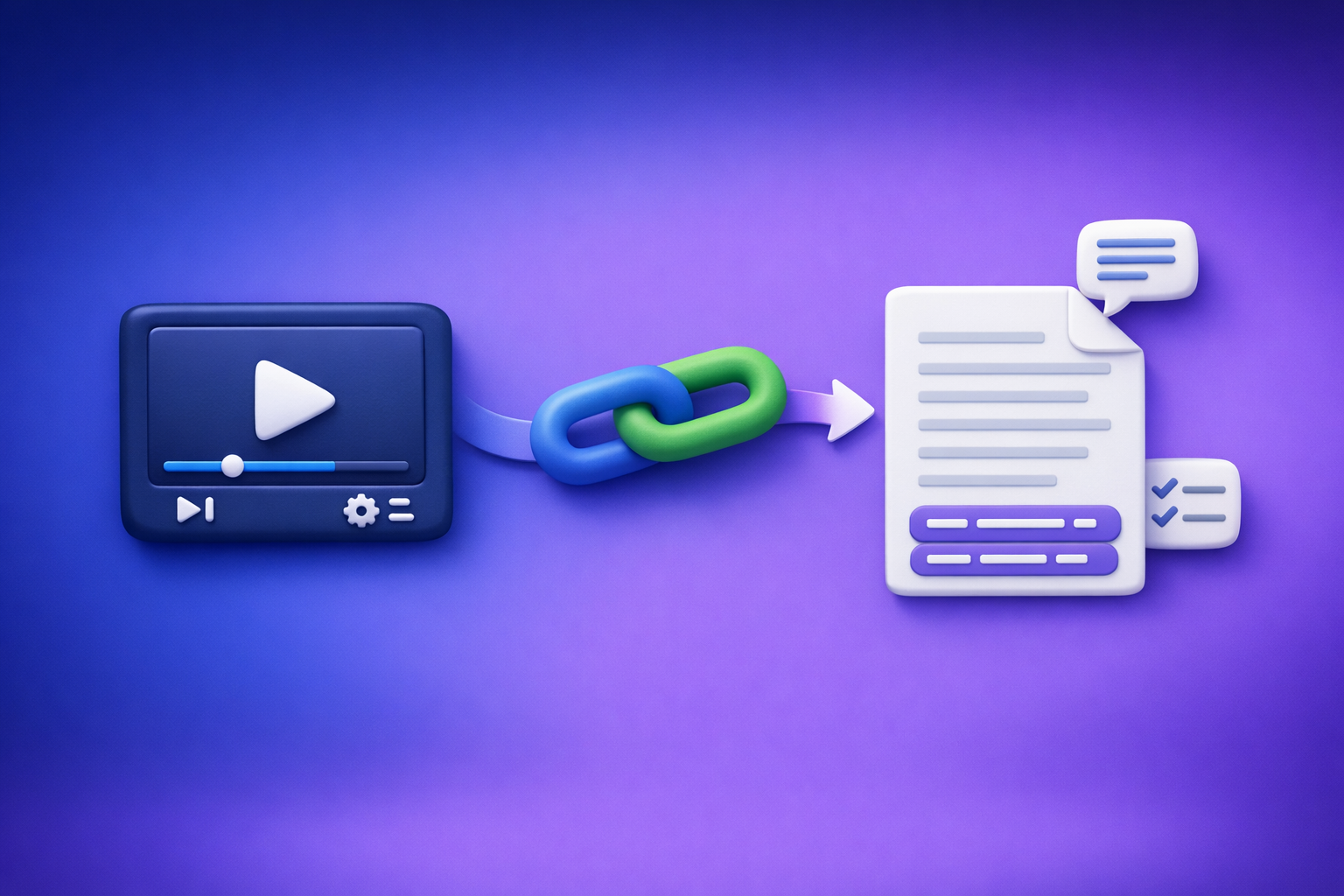
Can ChatGPT Transcribe Video? What’s Actually Possible in 2026 (+ The Reliable Link → Transcript Workflow)
ChatGPT is great after you already have text, but it’s not a dependable “paste a video link → get perfect transcript + captions” solution. The reliable 2026 approach is transcript-first from the video source (preferably a link), then ChatGPT for outputs.
Quick Answer (So You Don’t Waste Time)
Can ChatGPT transcribe a video from a link?
Not reliably. In real-world use, ChatGPT often can’t access or “watch” a video link end-to-end, especially when the link is private, paywalled, long, or requires a logged-in session.
If your goal is export-ready files like TXT + SRT/VTT, you’ll get more consistent results with a dedicated link-based transcription workflow first.
When ChatGPT can help (and when it can’t)
ChatGPT can help when you have:
- A transcript (even a rough one)
- A caption file (SRT/VTT)
- Notes or partial text you want to structure
ChatGPT struggles when you need:
- Guaranteed access to a video URL
- Accurate transcription across long duration
- Reliable timestamps for captions
- Consistent speaker separation and formatting
The reliable workaround: transcript-first, then ChatGPT for outputs
Use this workflow:
- Video link/MP4 → transcript + captions (export-ready TXT/SRT/VTT)
- Transcript → ChatGPT for cleanup, chapters, summaries, blog drafts, and social posts
This is also the productivity shift creators are making in 2026: downloading video files is an outdated workflow. Link-based extraction is the future because it removes file wrangling, version confusion, and upload friction.
What “Transcribe Video” Really Means (And Why It Matters)
Transcription vs captions vs subtitles (TXT vs SRT vs VTT)
These are different deliverables:
- Transcript (TXT): Plain text, best for notes, blogs, SEO, documentation.
- Captions (SRT/VTT): Time-coded text aligned to audio, best for video platforms and accessibility.
- Subtitles: Often used interchangeably with captions, but subtitles may assume the viewer can hear audio (captions include non-speech cues).
Common formats:
- TXT: easiest to edit and repurpose.
- SRT: widely supported for captions (YouTube, editors, players).
- VTT: web-friendly caption format (HTML5 players, some platforms).
Accuracy expectations: speakers, accents, noise, crosstalk
Transcription quality depends on:
- Audio clarity (mic quality, compression, distance)
- Accents and dialects
- Crosstalk (people talking over each other)
- Background music/noise
- Domain vocabulary (product names, acronyms, jargon)
Your workflow should assume you’ll do light QA, especially for names, numbers, and technical terms.
Output requirements by use case (SEO blog, captions, compliance, notes)
Match the output to the job:
- SEO blog / content repurposing: TXT + cleanup + structure.
- Captions for publishing: SRT/VTT with correct timestamps.
- Compliance / accessibility: accurate captions, speaker labels, and consistent timing.
- Meeting notes / learning: transcript + chapters + key takeaways.
If you don’t choose the right format upfront, you’ll redo work later.
Why ChatGPT Isn’t a Reliable End-to-End Video Transcription Tool
Link access problems (permissions, paywalls, private videos)
A “video link” isn’t always accessible:
- Private/unlisted videos
- Membership/paywalled content
- Corporate LMS portals
- Signed URLs that expire
- Region restrictions
- Login-required sessions
Even when a human can open it in a browser, ChatGPT may not be able to fetch or process it.
“Watch this video” limitations (length, timeouts, partial context)
Transcribing video means processing the full audio track. In practice, “watch this” requests can fail due to:
- Long duration
- Partial ingestion (only a segment is analyzed)
- Timeouts
- Missing audio context
That’s why link-to-transcript needs a workflow designed for transcription, not general chat.
File upload variability (plans, UI changes, size limits)
Even if file upload is available, it’s not a stable production workflow:
- Upload limits vary by plan and interface
- Large MP4s are slow to upload
- UI behavior changes over time
- You still need SRT/VTT formatting and timestamp integrity
This is another reason downloading and uploading files is outdated. Link-based extraction is faster and easier to standardize across a team.
What ChatGPT is excellent at once you have text (cleanup, structure, repurposing)
Once you have a transcript, ChatGPT is excellent at:
- Removing filler while preserving meaning
- Formatting into headings, bullets, and sections
- Creating chapters and summaries
- Turning transcripts into blogs, newsletters, and social posts
- Extracting action items, FAQs, and key quotes
So the winning approach is: transcribe with a transcription workflow, then use ChatGPT for content outputs.
The Reliable Workflow: Video Link/MP4 → Export-Ready Transcript/Subtitles → ChatGPT
Step 1: Collect the source video (link or MP4)
Prefer a link whenever possible. It’s faster, avoids file management, and reduces “wrong version” errors.
Supported sources to plan for (YouTube, Instagram/Reels, podcasts, MP4)
Typical sources include:
- YouTube videos
- Instagram Reels
- Podcast pages (where a playable link exists)
- Direct MP4 files (when links aren’t available)
If you’re working specifically with Instagram, see: IG Transcript: How to Get an Instagram Reel Transcript From a Link (Fast + Exportable)
What to capture upfront (title, language, speaker names, target output)
Before you transcribe, capture:
- Video title + URL
- Primary language (and any code-switching)
- Speaker names (if you need labels)
- Target outputs: TXT, SRT, VTT
- Intended use: blog, captions, compliance, notes
This prevents rework and makes QA faster.
Step 2: Generate an export-ready transcript (TXT) and captions (SRT/VTT) with VideoToTextAI
VideoToTextAI is built for AI link-based video-to-text workflows so you can go from source → exportable files → repurposed content without file chaos.
Use it to generate:
- Transcript (TXT) for editing and repurposing
- Captions (SRT/VTT) for publishing and accessibility
If you want the fastest path, start here (single CTA): https://videototextai.com
Link-based transcription (fastest path)
Link-based transcription is the modern workflow:
- No downloading
- No uploading large files
- Less version confusion
- Easier to standardize across a team
This is why we recommend link-first whenever a source URL exists.
MP4-based transcription (when links aren’t available)
Use MP4 upload when:
- The video is internal/offline
- The link is restricted and you can’t provide access
- You’re working from a local recording
If you specifically need MP4 conversions, these guides help:
Choose the right export format (TXT vs SRT vs VTT)
Use this decision rule:
- Need editing + repurposing → export TXT
- Need captions for most platforms/editors → export SRT
- Need web player captions → export VTT
Most teams export TXT + SRT by default.
Step 3: QA the transcript before you repurpose
QA is where most “AI transcription” workflows win or lose. Do a quick, repeatable check before you generate downstream assets.
Spot-check method: 5-minute sampling across the video
Sample three segments:
- First 5 minutes
- A middle 5-minute section
- Last 5 minutes
If those are clean, the rest is usually consistent.
Fix the top 5 error types (names, numbers, jargon, timestamps, speaker labels)
Prioritize fixes that break trust:
- Names (people, companies, products)
- Numbers (prices, dates, metrics, steps)
- Jargon/acronyms (industry terms)
- Timestamps (caption alignment)
- Speaker labels (who said what)
Step 4: Use ChatGPT to transform the transcript into deliverables
Once you have a clean TXT transcript, ChatGPT becomes a high-leverage repurposing engine.
Clean + format prompt (remove filler, keep meaning, preserve terminology)
Copy/paste:
You are an editor. Clean this transcript for readability while preserving meaning and technical accuracy.
Rules: remove filler words, keep terminology exactly as written (product names, acronyms), keep paragraph breaks short (max 3 sentences), and do not invent facts.
Output: a polished transcript with headings where appropriate.
Transcript:
[PASTE TXT]
Chaptering prompt (timestamps + headings)
If your transcript includes timestamps:
Create chapters from this transcript.
Rules: use the existing timestamps, group into 6–12 chapters, write a clear H2-style heading per chapter, and include 1–2 bullet takeaways under each.
Transcript:
[PASTE]
Summary + key takeaways prompt (executive + detailed)
Summarize this transcript in two layers:
- Executive summary (5 bullets)
- Detailed summary (10–15 bullets grouped by theme)
Also list: key terms, tools mentioned, and action items.
Transcript:
[PASTE]
Social + newsletter prompt (hooks, threads, LinkedIn post)
Turn this transcript into:
- 10 short hooks (1 sentence each)
- 1 LinkedIn post (150–220 words, professional tone)
- 1 X thread (8–10 tweets, each <= 240 characters)
- 1 newsletter draft (400–700 words)
Rules: do not add claims not supported by the transcript; keep it specific and actionable.
Transcript:
[PASTE]
Blog post prompt (outline → draft → SEO polish)
If your goal is search traffic, connect transcript → blog:
Create an SEO blog post from this transcript.
Steps:
- Propose an outline with H2/H3s and a FAQ section.
- Draft the post in short paragraphs (max 3 sentences), with bullets and bold emphasis.
- Add a meta title (<= 60 chars) and meta description (<= 155 chars).
Constraints: do not invent data; keep terminology consistent; include a practical checklist.
Transcript:
[PASTE]
For a dedicated workflow example, see: youtube to blog
Step-by-Step Implementation (Copy/Paste Workflow)
A) Transcribe from a video link with VideoToTextAI
- Paste the video URL into VideoToTextAI
- Select output: Transcript (TXT) + Captions (SRT/VTT)
- Run transcription
- Export files (TXT/SRT/VTT)
- QA using the checklist below
B) Transcribe from an MP4 with VideoToTextAI
- Upload MP4
- Select language + output format
- Generate transcript/captions
- Export and QA
C) Repurpose with ChatGPT (using the exported transcript)
- Paste transcript (or upload the TXT)
- Run cleanup prompt
- Generate chapters + summary
- Create content assets (blog, captions, clips plan)
If you’re also evaluating what ChatGPT can/can’t do with media, compare these:
- Can ChatGPT Upload Video in 2026? What’s Actually Possible (and the Reliable Transcript-First Workflow)
- Can ChatGPT Transcribe Videos? What Works in 2026 (and the Reliable Link → Transcript Workflow)
Troubleshooting: Common Failure Points (And Fixes)
“ChatGPT won’t open my link”
Cause: permissions, paywalls, login requirements, or restricted access.
Fix: use a transcript-first workflow from the actual source (preferably link-based extraction) and feed ChatGPT the exported TXT/SRT/VTT.
“The transcript is missing sections”
Cause: audio dropouts, long silences, or ingestion limits in the tool used.
Fix: re-run transcription, confirm the source is the final cut, and spot-check the missing time range. If needed, split the video into parts and reprocess.
“Timestamps drift / captions don’t match”
Cause: variable frame rates, edits, or mismatched audio/video timing.
Fix: export VTT/SRT again from the same source, verify the player timebase, and avoid editing the video after generating captions.
“Multiple speakers are merged”
Cause: similar voices, crosstalk, or no clear turn-taking.
Fix: add speaker labels during QA, and consider improving audio (separate mics, reduce overlap) for future recordings.
“Technical terms are wrong”
Cause: uncommon vocabulary, acronyms, product names.
Fix: correct terms in the transcript before repurposing, then instruct ChatGPT to preserve terminology exactly.
“My video has music/noise—accuracy drops”
Cause: low signal-to-noise ratio.
Fix: use cleaner audio sources when possible (original mic track), reduce background music, and QA the noisiest segments first.
Checklist: Transcript-First Workflow (Fast QA + Export)
- Confirm you have the correct source (final cut, not a draft)
- Choose output format(s): TXT + SRT/VTT based on use case
- Run transcription from link/MP4 in VideoToTextAI
- Spot-check 3 segments (start/middle/end) for accuracy
- Fix names, numbers, acronyms, product terms
- Validate timestamps (if exporting SRT/VTT)
- Add speaker labels (if needed)
- Export final TXT/SRT/VTT
- Use ChatGPT to: clean → chapter → summarize → repurpose
Competitor Gap
What top-ranking pages miss
- No dependable “link → export-ready transcript/subtitles” workflow users can execute
- Minimal or no QA/troubleshooting guidance (permissions, drift, speaker separation)
- Weak FAQ coverage aligned to People Also Ask intent
- No reusable prompts + checklist for immediate implementation
How this post is objectively better
- Implementation steps for both link and MP4 paths
- Export format decisioning (TXT vs SRT vs VTT) tied to real outcomes
- QA method + troubleshooting section to prevent rework
- Copy/paste prompts to turn transcripts into summaries, notes, and posts
FAQ
What is the best tool to transcribe a video?
The best tool is the one that consistently outputs export-ready TXT/SRT/VTT from your real source (ideally a link), with stable timestamps and minimal manual cleanup. For most teams, the most efficient workflow is link → transcript/captions → ChatGPT for repurposing, not “download files and hope uploads work.”
Can you put a video into ChatGPT?
Sometimes you can upload a video file depending on your plan and interface, but it’s not a consistent production workflow for long videos or caption-grade outputs. If you need reliable transcripts and subtitles, generate them first, then use ChatGPT on the text.
Can ChatGPT take notes from a video?
ChatGPT can take excellent notes from a transcript. The dependable approach is to transcribe the video first (TXT), then ask ChatGPT to produce meeting notes, action items, and key takeaways.
Can I use ChatGPT to summarize a video?
Yes—if you provide the transcript (or accurate text). Summaries are only as good as the input, so do a quick QA pass on names, numbers, and jargon before summarizing.
Can ChatGPT transcribe a YouTube video?
Not reliably end-to-end from a YouTube link. The reliable method is to generate a transcript/captions from the YouTube source first, then use ChatGPT to clean, structure, summarize, and repurpose.
Related posts
Reel Analyser (Instagram Reels): Transcript‑First Competitor Research, Hook/CTA Extraction, and Repurposing Workflow (VideoToTextAI)
Video To Text AI
A 2026 reel analyser should turn Instagram Reel links into a searchable transcript library you can tag for hooks, CTAs, objections, and topic clusters—then export into repurposing-ready drafts without a download/upload loop.
Traducir video de Instagram (Reels) en 2026: workflow transcript-first para traducir, sacar hooks/CTAs y repurpose (con VideoToTextAI)
Video To Text AI
Aprende a traducir un Reel de Instagram con un flujo URL→transcripción→traducción→subtítulos, y a convertir esa traducción en un activo de investigación para hooks, CTAs, objeciones y clusters de contenido.
Reel Analyzer: Transcript‑First Instagram Reels Research (Hooks, CTAs, Objections) + Workflow Guide (VideoToTextAI)
Video To Text AI
A reel analyzer should turn any public Instagram Reel link into a searchable transcript library you can mine for hooks, CTAs, objections, and topic clusters—then repurpose into original drafts with a repeatable SOP.