
Can ChatGPT Transcribe Videos? What Works in 2026 (and the Reliable Link → Transcript Workflow)
 Video To Text AI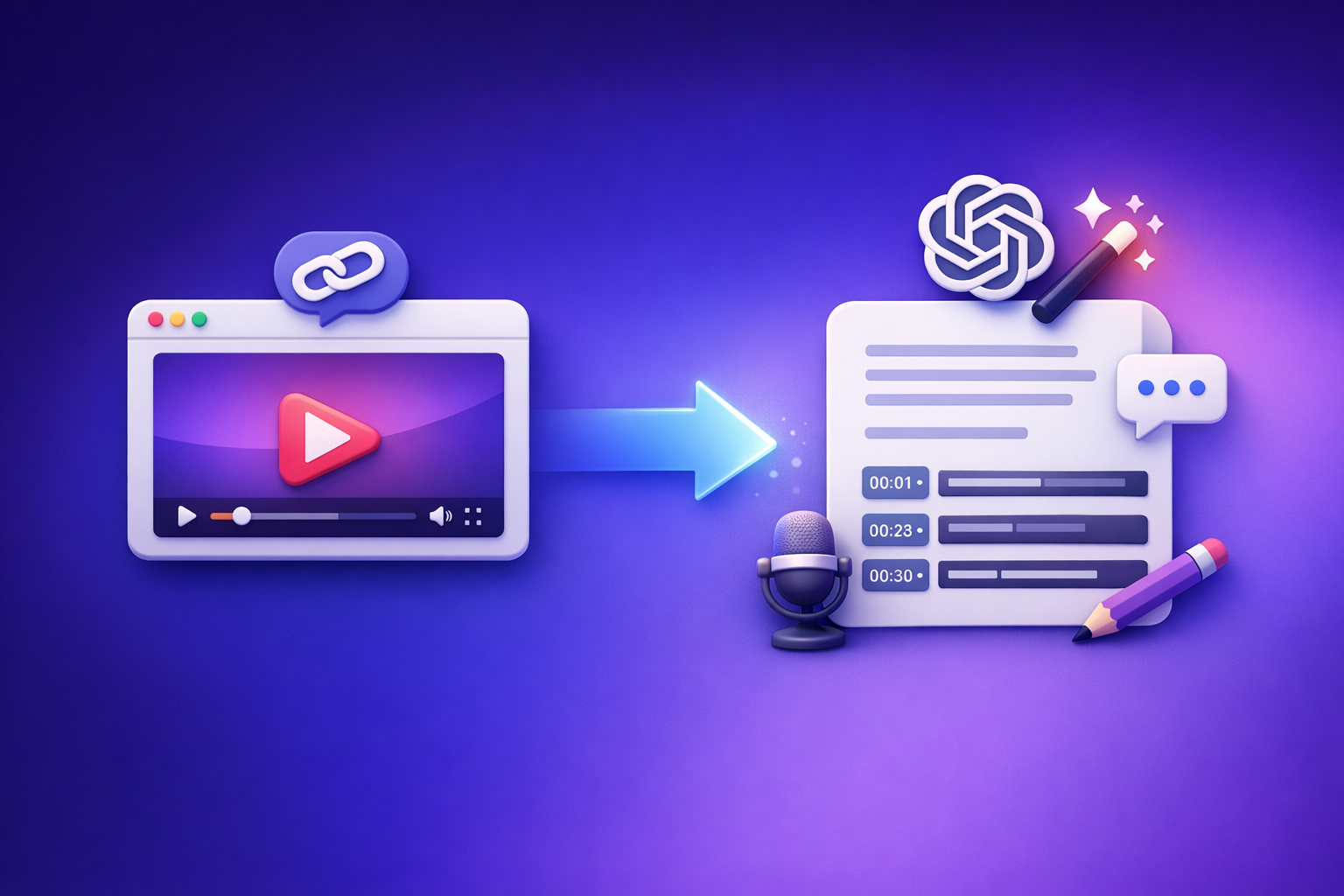
ChatGPT is best used after transcription: clean the text, add structure, and repurpose it into publishable assets. For reliable results in 2026, use a link → transcript/subtitles workflow first, then bring the exported text into ChatGPT.
Quick Answer (What You Can Expect From ChatGPT)
When ChatGPT can help
ChatGPT is strong at text transformation—once you already have the words.
Use it for:
- Cleaning up an existing transcript (punctuation, paragraphing, speaker labels, removing filler)
- Summarizing and extracting key points (from transcript text)
- Creating chapters/timestamps (based on topic shifts in the transcript)
- Repurposing into:
- Blog posts and landing page drafts
- LinkedIn posts and threads
- Email newsletters
- Video scripts and short-form clip plans
When ChatGPT is not reliable for video transcription
If your goal is “video in, transcript out,” ChatGPT is not deterministic.
Common failure points:
- “Paste a YouTube link and get a full transcript” is inconsistent because link access and extraction vary by environment.
- Uploading large MP4s varies across plans/clients and fails often (size limits, timeouts, processing constraints).
- Export-ready subtitle files (SRT/VTT) with correct timing are not deterministic when generated purely from a chat prompt.
If you need repeatable, exportable outputs, treat ChatGPT as the post-processor—not the transcription engine.
What “Transcribing a Video” Actually Means (So You Choose the Right Tool)
Transcript vs captions vs subtitles
These outputs are not interchangeable in production.
- Transcript: plain text (TXT/DOC) for reading, editing, search, and repurposing.
- Captions: timed text for accessibility, typically SRT or VTT.
- Subtitles: timed text plus translation, usually SRT/VTT in another language.
If you’re publishing video content, you usually need at least two outputs: a transcript for reuse and captions for distribution.
What “good output” looks like for production use
A usable deliverable should include:
- Accurate words + punctuation
- Speaker diarization (optional, but valuable for interviews/podcasts)
- Timecodes for editing and navigation
- Export formats you can ship: TXT, SRT, VTT
This is why “chat-only transcription” breaks down: you need deterministic exports as your source of truth.
The Reliable Workflow: Video Link/MP4 → Transcript/Subtitles → ChatGPT
The modern workflow is link-based first. Downloading and shuffling video files is an outdated process that slows teams down, creates versioning problems, and doesn’t scale for creators publishing daily.
Step 1: Start with a shareable video source (link or file)
Plan around sources you can reuse across your pipeline:
- YouTube
- TikTok
- Instagram Reels
- Podcasts / hosted video pages
- MP4 uploads (when a link isn’t available)
If you only have a file, you can still transcribe it—but link-based extraction is the future of creator productivity because it’s faster to trigger, easier to automate, and simpler to standardize.
Step 2: Generate an export-ready transcript/subtitles in VideoToTextAI
Use VideoToTextAI to convert a video link or MP4 into deterministic outputs you can reuse anywhere.
- Input: video link or MP4
- Output: transcript + optional SRT/VTT for captions/subtitles
- Goal: a clean, exportable “source of truth” you can paste into ChatGPT and your CMS
If you’re starting from an MP4, use an MP4-first tool page like mp4 to transcript, then export captions via mp4 to srt or mp4 to vtt.
Step 3: Paste the transcript into ChatGPT for editing + repurposing
Once you have text, ChatGPT becomes a high-leverage editor.
Use three prompt types:
- Clean-up: punctuation, filler removal, speaker labels, consistent formatting
- Structure: headings, chapters, bullets, action items
- Repurpose: blog post, LinkedIn, newsletter, short clips plan
Keep one rule: ChatGPT should not invent facts. It should only transform what’s already in the transcript.
Step 4: QA before publishing (accuracy + timing)
AI output is only useful if it’s trustworthy.
QA checklist:
- Spot-check names, numbers, acronyms, and domain terms
- Verify caption timing if exporting SRT/VTT
- Confirm summaries and takeaways match the transcript (no invented details)
If you need a deeper breakdown of what works vs. fails, see Can ChatGPT Transcribe Video in 2026? What Works, What Fails, and the Reliable Link → Transcript Workflow.
Step-by-Step: Transcribe a YouTube Video (Fastest Path)
This is the most repeatable workflow because the input is already a shareable link.
1) Copy the YouTube URL
Use the canonical video URL. Avoid playlist URLs unless you’re intentionally batching.
2) Run link → transcript in VideoToTextAI
Generate outputs you can ship:
- Export TXT for editing and repurposing
- Export SRT/VTT if you need captions/subtitles
If your end goal is content reuse, pair transcription with a repurposing workflow like youtube to blog.
3) Use ChatGPT to polish and repurpose
Practical uses:
- Create a clean transcript (readable, skimmable)
- Generate chapters + titles (for YouTube description, navigation, SEO)
- Draft a blog post outline from the transcript (then expand)
If you’re also publishing short-form, you can route link-based sources through tools like tiktok to transcript or instagram to text.
Step-by-Step: Transcribe an MP4 Video (When You Can’t Use a Link)
Sometimes you only have a local recording (webinar export, Zoom MP4, camera file). That’s fine—but treat it as the exception, not the default.
1) Upload MP4 to VideoToTextAI
Upload the file and generate the transcript first. This avoids the “upload to ChatGPT and hope it works” pattern.
2) Export transcript + SRT/VTT
Export what you actually need:
- TXT for editing and reuse
- SRT/VTT for captions/subtitles and platform uploads
3) Use ChatGPT for formatting + content reuse
Convert one transcript into multiple assets:
- Summary + key takeaways
- Blog post draft
- LinkedIn post
- Tweet thread
- Clip plan (hooks + timestamps to cut)
If you’re comparing upload-based approaches, also read: Can ChatGPT Upload Video in 2026? What Actually Works (Plus a Reliable Link → Transcript Workflow).
Troubleshooting: Why “ChatGPT Transcribe Video” Fails (and Fixes)
Problem: “ChatGPT can’t access the link”
Why it happens: link fetching and content access are inconsistent across environments.
Fix:
- Generate the transcript from the link first (deterministic output)
- Paste the transcript text into ChatGPT for editing and repurposing
Problem: Upload fails or file is too large
Why it happens: file size limits, timeouts, and plan/client differences.
Fix:
- Use a dedicated video-to-text workflow that supports link/MP4 → transcript export
- Keep ChatGPT for post-processing only
Problem: Output is a summary, not a transcript
Why it happens: ChatGPT defaults to summarization unless you provide verbatim text.
Fix:
- Request a verbatim transcript from a transcript tool
- Then ask ChatGPT to summarize from that transcript
Problem: Captions are out of sync
Why it happens: timing requires alignment logic; “manual timing” in chat is error-prone.
Fix:
- Export SRT/VTT from the transcription workflow
- Validate timing in your editor/platform before publishing
Implementation Checklist (Copy/Paste)
Inputs
- Video link (YouTube/TikTok/Instagram/etc.) or MP4 file
- Target output: TXT transcript, SRT captions, VTT subtitles, translation
Transcription (VideoToTextAI)
- Run link/MP4 → transcript
- Export TXT
- Export SRT/VTT (if needed)
ChatGPT Post-Processing
- Clean transcript (punctuation, speaker labels)
- Create chapters/timestamps (based on transcript sections)
- Repurpose into 1–3 assets (blog, LinkedIn, newsletter)
QA
- Verify names/numbers/terms
- Confirm summary matches transcript
- Validate SRT/VTT timing in your editor/platform
Competitor Gap
What competitors usually miss (and what this post adds)
Most “can chat gpt transcribe videos” answers blur responsibilities and skip production realities. The result is advice that works once, then fails when you try to scale it.
This post adds:
- Clear separation of responsibilities: transcription engine first, ChatGPT second
- Deterministic export formats (TXT/SRT/VTT) as the source of truth
- Troubleshooting for link access, upload failures, and caption timing
- Reusable prompts + a production checklist so teams can repeat the workflow
Copy-ready ChatGPT prompts (use after you have the transcript)
Prompt: Clean transcript + speaker labels
Clean up this transcript for readability. Add punctuation, paragraph breaks, and speaker labels if obvious. Do not add new information. Keep wording faithful.
Prompt: Chapters + titles
Create 6–10 chapter headings with timestamps placeholders (00:00) based on topic shifts. Use concise, descriptive titles.
Prompt: Blog post from transcript (SEO-first)
Turn this transcript into a blog post. Use H2/H3 headings, include a short intro, a step-by-step section, and an FAQ. Only use information present in the transcript.
FAQ
Can ChatGPT extract text from a video?
ChatGPT can sometimes interpret media, but it’s not a consistent transcription pipeline. For production, generate a transcript first (from a link or MP4), then use ChatGPT to clean and repurpose the text.
Is there an AI that can transcript a video?
Yes—dedicated transcription tools are built for this and can export TXT/SRT/VTT reliably. The most scalable approach in 2026 is link-based transcription, because it avoids file downloading and speeds up creator workflows.
Can you put a video into ChatGPT?
Sometimes, depending on your plan and client, but it’s not dependable for large files or export-ready captions. Treat ChatGPT as the editor after you have a transcript.
How long does it take to transcribe a 2 hour video?
Automated transcription typically takes minutes to tens of minutes, then you should budget time for QA. Longer videos also benefit from speaker labeling and terminology checks.
If you want a repeatable link → transcript → captions workflow you can reuse across content ops, use VideoToTextAI: VideoToTextAI
Related posts
Reel Analyser (Instagram Reels): Transcript‑First Competitor Research, Hook/CTA Extraction, and Repurposing Workflow (VideoToTextAI)
Video To Text AI
A 2026 reel analyser should turn Instagram Reel links into a searchable transcript library you can tag for hooks, CTAs, objections, and topic clusters—then export into repurposing-ready drafts without a download/upload loop.
Traducir video de Instagram (Reels) en 2026: workflow transcript-first para traducir, sacar hooks/CTAs y repurpose (con VideoToTextAI)
Video To Text AI
Aprende a traducir un Reel de Instagram con un flujo URL→transcripción→traducción→subtítulos, y a convertir esa traducción en un activo de investigación para hooks, CTAs, objeciones y clusters de contenido.
Reel Analyzer: Transcript‑First Instagram Reels Research (Hooks, CTAs, Objections) + Workflow Guide (VideoToTextAI)
Video To Text AI
A reel analyzer should turn any public Instagram Reel link into a searchable transcript library you can mine for hooks, CTAs, objections, and topic clusters—then repurpose into original drafts with a repeatable SOP.