
Can ChatGPT Transcribe Videos? What Works in 2026 (Plus a Reliable Link → Transcript Workflow)
 Video To Text AI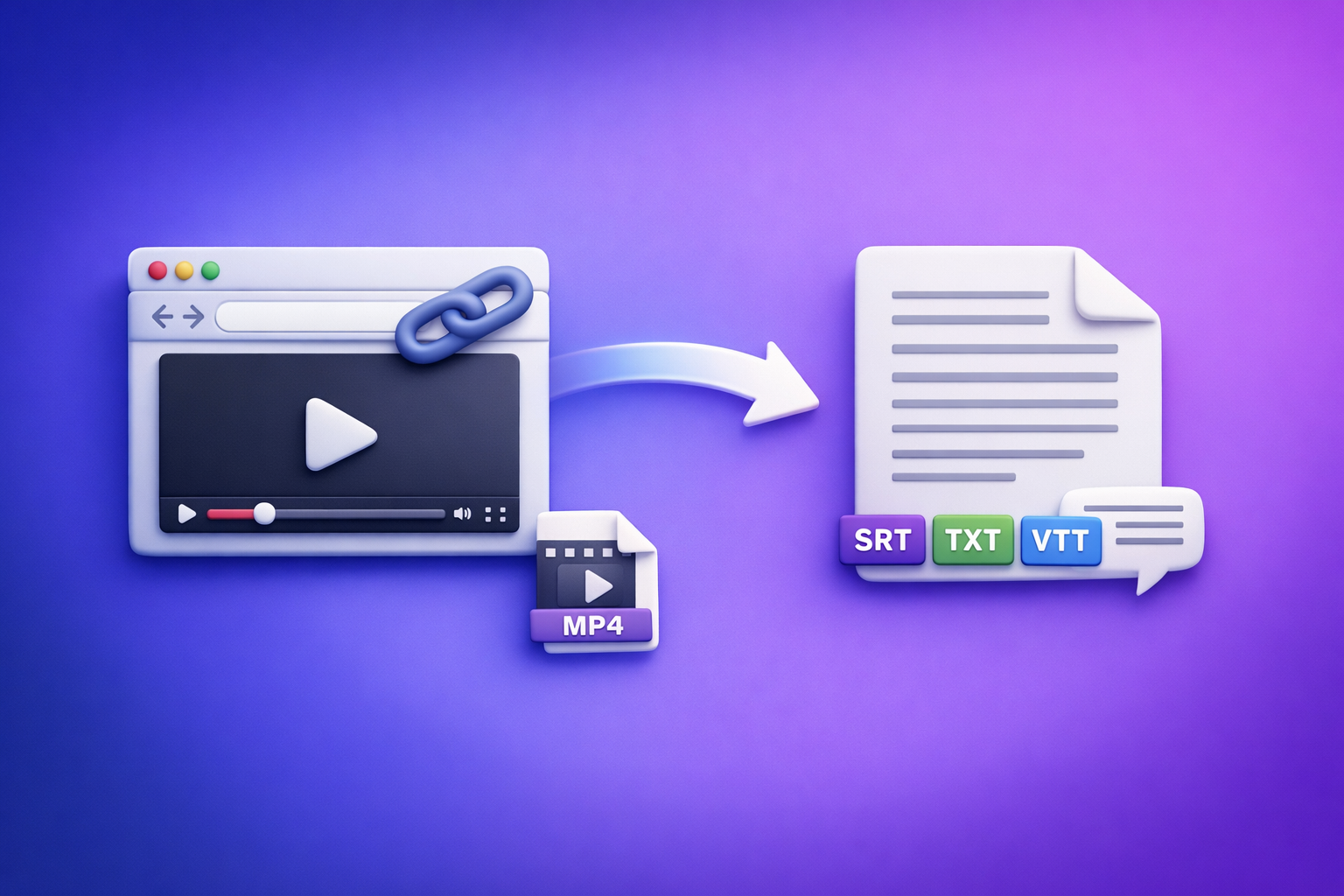
Can ChatGPT Transcribe Videos? What Works in 2026 (Plus a Reliable Link → Transcript Workflow)
If you need a real transcript with timestamps and export-ready captions, don’t start by pasting a video link into ChatGPT. Use a link → transcript/subtitles tool first, then use ChatGPT to clean, structure, and repurpose the text.
Quick Answer: Can ChatGPT Transcribe Videos?
ChatGPT can sometimes help transcribe short, accessible media—but it’s not a deterministic transcription pipeline for most real-world video workflows.
What “transcribe” means (TXT vs SRT vs VTT)
“Transcription” can mean three different deliverables. Knowing which one you need prevents wasted time.
- TXT (Transcript): Plain text for reading, editing, SEO, and repurposing.
- SRT (SubRip subtitles): Caption file with timestamps and numbered cues (common for YouTube and editors).
- VTT (WebVTT): Caption file for web players; similar to SRT but different formatting.
If your goal is publish-ready captions, you need SRT/VTT, not just a paragraph of text.
When ChatGPT can work (small files, short clips, limited formats)
ChatGPT can be useful when:
- You have a short clip and can upload it in your environment.
- The audio is clean, with minimal overlap and background noise.
- You only need a rough transcript (no strict formatting requirements).
Even then, treat it as “best effort,” not a production workflow.
When it fails (video links, long videos, export-ready captions)
ChatGPT commonly fails or becomes inefficient when:
- You only have a video URL (YouTube/Instagram/TikTok) and expect it to “watch” it.
- The video is long (webinars, podcasts, meetings).
- You need SRT/VTT, speaker labels, consistent timestamps, or line-length rules for captions.
Why “Paste a Video Link into ChatGPT” Usually Doesn’t Produce a Real Transcript
The core issue: a transcript requires reliable media access + deterministic outputs. Chat interfaces are not built to guarantee either.
Link access limitations (platform permissions, paywalls, private videos)
Most video links are not universally accessible:
- Private/unlisted videos require authentication.
- Paywalled content blocks automated access.
- Geo restrictions and platform policies can prevent retrieval.
So the model may not be able to fetch the audio stream at all.
File size/time limits and inconsistent upload support
Even when uploads are possible, you’ll hit practical constraints:
- Upload limits vary by plan/app and can change.
- Long videos are slow to process and hard to correct in-chat.
- One failure means you restart the workflow.
For creator productivity in 2026, downloading huge files just to transcribe is an outdated workflow. Link-based extraction is the future because it removes storage friction and keeps the pipeline fast.
Missing deliverables: timestamps, speaker labels, SRT/VTT formatting
A “transcript” that can’t be shipped is not a deliverable.
Common gaps when relying on ChatGPT alone:
- No valid SRT/VTT structure.
- Inconsistent or missing timestamps.
- No speaker diarization (Speaker 1 / Speaker 2).
- Caption lines that are too long for readability.
The Reliable Workflow (Recommended): Video Link (or MP4) → Transcript/Subtitles → ChatGPT for Cleanup + Repurposing
This division of labor is what works consistently:
- Transcription engine: deterministic audio extraction + timestamps + exports.
- ChatGPT: editing, restructuring, summarizing, and repurposing.
Step 1: Collect the source (YouTube/Instagram/TikTok link or MP4 fallback)
Prefer a link whenever possible:
- YouTube, Instagram, TikTok, Loom, webinars, hosted players.
- Use MP4 only when a link isn’t available or permissions block access.
If you’re starting from a file, see: mp4 to transcript.
Step 2: Generate export-ready outputs (TXT + SRT/VTT)
Generate both:
- TXT for editing and content reuse.
- SRT/VTT for captions and subtitles.
If you specifically need subtitle files, use: mp4 to srt or mp4 to vtt.
Step 3: Run transcript QA (names, jargon, timestamps, speaker turns)
Before you repurpose, fix the high-impact errors:
- Proper nouns (people, brands, product names)
- Acronyms and domain terms
- Speaker turns (especially interviews)
- Timestamp drift (for captions)
Step 4: Use ChatGPT to polish (structure, clarity, summaries, posts)
Now ChatGPT is in its sweet spot:
- Clean grammar without changing meaning
- Add headings and scannability
- Create summaries, posts, and drafts
Step 5: Publish (captions/subtitles + blog/social/email assets)
Ship the outputs:
- Upload SRT/VTT to your platform/editor.
- Publish the edited transcript (or a blog built from it).
- Schedule repurposed content across channels.
For a related deep dive, see: Can ChatGPT Upload Video? What Works in 2026 (and the Reliable Link → Transcript Workflow).
Step-by-Step: Transcribe a Video Link with VideoToTextAI (Fast, Deterministic Outputs)
If you want a workflow that’s predictable, use a link-based transcription pipeline designed for exports and reuse. Downloading video files is the old way; link-based extraction is how creators and teams move faster in 2026.
Step 1: Paste the video URL into VideoToTextAI
Copy the video link from your platform (YouTube/Instagram/TikTok) and paste it into the tool.
Use one reliable hub for link → transcript/subtitles: VideoToTextAI.
Step 2: Choose output format(s): TXT, SRT, VTT
Select what you need based on the destination:
- TXT for editing, SEO, and repurposing
- SRT for most caption upload workflows
- VTT for web players and some LMS tools
Step 3: Export and validate formatting (subtitle line length + timing)
Before publishing captions, validate:
- Line length: avoid walls of text (keep cues readable)
- Cue timing: no overlaps, no gaps that feel “late”
- Punctuation: improves readability and comprehension
Step 4: Optional: generate repurposed content from the transcript
Once you have clean text, repurposing becomes a repeatable system.
Turn a YouTube video into a blog draft
Use the transcript to generate a structured article, then optimize for search intent. Tooling reference: youtube to blog.
Turn a Reel into a LinkedIn post
Extract:
- Hook (first 1–2 lines)
- 3–5 key points
- A practical takeaway
If your source is Instagram, start here: instagram to text.
Convert an MP4 into a summary for review
For internal reviews, create:
- 5-bullet summary
- Decisions made
- Action items with owners
If your source is TikTok, see: tiktok to transcript.
Step-by-Step: If You Only Have a File (MP4) Instead of a Link
File-based workflows still matter, but they’re slower and harder to manage at scale. When possible, move upstream to link-based inputs to avoid downloads, versioning, and storage overhead.
Step 1: Upload MP4 and generate transcript
Upload the MP4 and generate a transcript.
If you’re starting here often, consider changing your capture workflow to produce shareable links (Loom, YouTube unlisted, hosted player) so transcription becomes paste-link-and-go.
Step 2: Export SRT/VTT for captions
Export the subtitle format your platform requires:
- SRT for broad compatibility
- VTT for web-first players
Step 3: Create a clean “editor’s transcript” for publishing (no timestamps)
For blogs and documentation, create a version that’s easy to read:
- Remove timestamps
- Fix punctuation
- Add paragraph breaks
- Normalize speaker names
ChatGPT Prompts That Actually Help (After You Have the Transcript)
Use ChatGPT where it’s strongest: editing and transformation. Paste the TXT transcript (or chunks) and use prompts like these.
Prompt: Clean up transcript without changing meaning
You are an editor. Clean up this transcript for readability without changing meaning.
Keep technical terms as-is. Fix punctuation, remove filler words only when safe, and keep speaker intent.
Output: clean transcript with paragraph breaks.
Transcript:[PASTE]
Prompt: Add headings, bullets, and a TL;DR
Turn this transcript into a structured document with H2/H3 headings, bullet points, and a TL;DR at the top.
Keep it factual and preserve all key details.
Transcript:[PASTE]
Prompt: Extract key quotes + timestamps for social clips
From this transcript, extract 10 strong quotes for social clips.
Include the exact timestamp range for each quote (start–end) and a suggested clip title.
Transcript:[PASTE WITH TIMESTAMPS]
Prompt: Create captions variants (short/medium/long) from the transcript
Create 3 caption options for this video: short (1 sentence), medium (3–4 sentences), long (6–8 sentences).
Keep the tone professional and outcome-focused.
Transcript:[PASTE]
Prompt: Turn transcript into a blog outline + draft (SEO-focused)
Create an SEO-focused blog outline and first draft from this transcript.
Target keyword: “can chat gpt transcribe videos”.
Search intent: informational.
Include: definitions (TXT/SRT/VTT), workflow steps, troubleshooting, and FAQ.
Transcript:[PASTE]
Troubleshooting: Common Failure Points (and Fixes)
“ChatGPT won’t open my link” → use link-to-transcript first
Fix:
- Convert the link to text using a transcription tool first.
- Then paste the transcript into ChatGPT for editing.
“Transcript has errors on names/terms” → add a glossary + rerun cleanup prompt
Fix:
- Provide a glossary before cleanup:
- Names, brands, acronyms, product terms
- Ask ChatGPT to enforce glossary spellings.
“Captions don’t sync” → export SRT/VTT and check frame rate + offset
Fix:
- Confirm the platform expects SRT vs VTT.
- Check if your editor uses a different frame rate.
- Apply a global offset (e.g., +0.5s) if everything is consistently late/early.
“Two speakers are merged” → enforce speaker diarization in cleanup step
Fix:
- Ask for explicit speaker formatting:
Host:/Guest:
- If the transcript lacks speaker turns, split by conversational cues and re-check.
“Long video is messy” → split by chapters/segments and merge after QA
Fix:
- Split by chapters (or every 10–20 minutes).
- Clean each segment.
- Merge into a final transcript and re-run consistency checks.
Checklist: Ship a Publish-Ready Transcript + Captions in 10–20 Minutes
Inputs checklist (link type, permissions, audio quality)
- Video is accessible (public/unlisted with access)
- Audio is clear (minimal music, low background noise)
- Speakers are close to mic; avoid crosstalk where possible
- Prefer link over file download (faster, fewer moving parts)
Output checklist (TXT readability, SRT/VTT validity, timestamps)
- TXT transcript generated
- SRT or VTT exported (as required)
- Timestamps present and consistent
- Subtitle cues are not overly long
QA checklist (speaker labels, terminology, punctuation, line breaks)
- Names and brands corrected
- Acronyms and jargon verified
- Speaker turns labeled (if multi-speaker)
- Punctuation and paragraph breaks added
- Remove obvious filler without changing meaning
Repurposing checklist (summary, blog draft, social posts, email)
- 5-bullet summary created
- Blog outline/draft created (if needed)
- 3 social post variants created
- Email recap created (internal or audience)
Competitor Gap
Most content ranking for “can chat gpt transcribe videos” either overpromises (“just paste the link”) or ignores what teams actually need to ship.
Here’s what’s typically missing—and what you should implement instead:
- Deterministic deliverables: export-ready TXT/SRT/VTT, not “it might work.”
- Troubleshooting matrix: link access, length limits, formatting and sync issues.
- Reusable prompts + checklists: so execution is repeatable, not experimental.
- Clear division of labor: transcription engine for extraction + timestamps; ChatGPT for editing/repurposing.
If you want the full workflow summary, bookmark: Can ChatGPT Transcribe Videos? What Works (and the Reliable Link → Transcript Workflow).
FAQ
Is there an AI that can transcript a video?
Yes. Dedicated AI transcription tools can transcribe from a video link or file and export TXT plus SRT/VTT. ChatGPT is best used after transcription for cleanup, formatting, and repurposing.
What is the best free way to transcribe a video?
If you only need a rough transcript, some platforms offer basic auto-captions. For publish-ready outputs, prioritize tools that export valid SRT/VTT and let you correct terminology quickly—free options often add friction through limits, missing exports, or manual cleanup.
Can you put a video into ChatGPT?
Sometimes you can upload short clips depending on your plan/app, but pasting a video link usually won’t generate a real transcript. The reliable approach is link → transcript/subtitles first, then use ChatGPT on the text.
How long does it take to transcribe a 2 hour video?
AI generation can be relatively fast, but total time depends on:
- Audio quality and number of speakers
- Whether you need SRT/VTT exports
- QA requirements (names, jargon, speaker turns)
Plan for a quick generation step plus focused QA to make it publish-ready.
Related posts
Reel Analyser (Instagram Reels): Transcript‑First Competitor Research, Hook/CTA Extraction, and Repurposing Workflow (VideoToTextAI)
Video To Text AI
A 2026 reel analyser should turn Instagram Reel links into a searchable transcript library you can tag for hooks, CTAs, objections, and topic clusters—then export into repurposing-ready drafts without a download/upload loop.
Traducir video de Instagram (Reels) en 2026: workflow transcript-first para traducir, sacar hooks/CTAs y repurpose (con VideoToTextAI)
Video To Text AI
Aprende a traducir un Reel de Instagram con un flujo URL→transcripción→traducción→subtítulos, y a convertir esa traducción en un activo de investigación para hooks, CTAs, objeciones y clusters de contenido.
Reel Analyzer: Transcript‑First Instagram Reels Research (Hooks, CTAs, Objections) + Workflow Guide (VideoToTextAI)
Video To Text AI
A reel analyzer should turn any public Instagram Reel link into a searchable transcript library you can mine for hooks, CTAs, objections, and topic clusters—then repurpose into original drafts with a repeatable SOP.