
Can ChatGPT Transcribe Videos? What Works in 2026 + The Reliable Link → Transcript Workflow (VideoToTextAI)
 Video To Text AI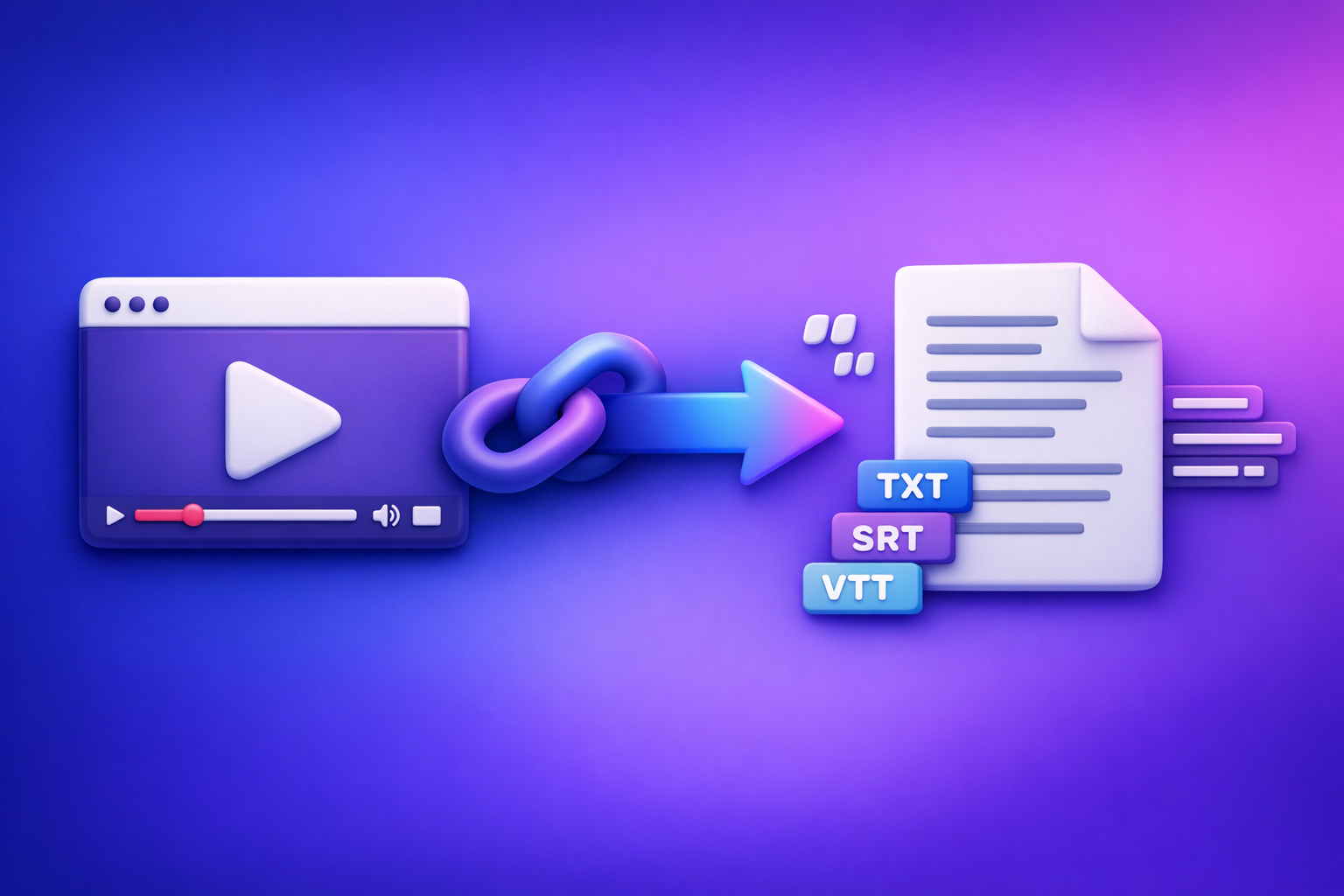
Can ChatGPT Transcribe Videos? What Works in 2026 + The Reliable Link → Transcript Workflow (VideoToTextAI)
ChatGPT can help with video transcription only when it can actually access the audio or an existing transcript. For reliable, publish-ready results in 2026, use a link-first transcription tool to generate TXT/SRT/VTT, then use ChatGPT for cleanup and repurposing.
Quick Answer: Can ChatGPT Transcribe Videos?
What ChatGPT can do well (when it has text/audio it can access)
ChatGPT is strong at language tasks after transcription, including:
- Cleaning messy transcripts (remove filler, fix grammar)
- Structuring content (headings, chapters, summaries)
- Repurposing into blogs, emails, social posts, scripts
- Standardizing terminology (when you provide a glossary)
If you paste in a transcript (or a clean chunk of audio that the UI supports), ChatGPT can produce excellent downstream outputs.
What ChatGPT cannot reliably do (video links, long files, export-ready captions)
In real production workflows, ChatGPT is not a deterministic “paste a link → get captions” engine.
Common limitations:
- Video links (YouTube/TikTok/IG) often cannot be fetched or processed
- Long files can hit size/time/context limits
- Captions require timestamps and strict formatting (SRT/VTT) that ChatGPT may break when “editing”
- Export-ready deliverables (accurate timecodes, segmentation) are not guaranteed
The most reliable 2026 approach (link/MP4 → transcript/subtitles → ChatGPT polish)
Use this division of labor:
- Transcribe with an export-first tool that supports links and outputs TXT/SRT/VTT
- QA quickly to catch high-impact errors
- Use ChatGPT only for post-processing (cleanup, structure, repurposing)
This is the workflow we recommend at VideoToTextAI: downloading video files is an outdated workflow, and link-based extraction is the future of creator productivity.
When ChatGPT “Transcription” Works vs Fails
Works: you already have a transcript (or clean audio) to paste in
ChatGPT works best when you provide:
- A platform-generated transcript (YouTube auto-captions, podcast transcript, etc.)
- A clean transcript from a transcription tool
- Short, clean audio segments (when supported)
In these cases, ChatGPT becomes your editor and producer, not your transcription engine.
Sometimes works: uploading a short file (plan/UI dependent)
Some ChatGPT experiences may allow uploading media, but results vary by:
- Account plan and feature availability
- File size and duration limits
- Processing reliability and output controls
Even when it works, it’s usually not optimized for SRT/VTT exports and timestamp integrity.
Fails often: “paste a YouTube/TikTok/IG link and transcribe”
This is the most common failure mode.
Reasons include:
- The model cannot fetch external URLs in many contexts
- Access restrictions, geo blocks, login walls, or private links
- Inconsistent extraction of audio streams from social platforms
If your workflow depends on “link in → transcript out,” you want a tool designed specifically for that.
Fails for production: needing accurate timestamps + SRT/VTT formatting
Production captioning needs:
- Accurate timestamps
- Stable segmentation (line breaks and cue timing)
- Correct file format (SRT/VTT)
- Minimal edits that do not shift timecodes
ChatGPT is great at rewriting text, but rewriting is exactly what can break caption timing if you’re not careful.
The Reliable Workflow (Recommended): Video Link → Export-Ready Transcript (TXT/SRT/VTT) → ChatGPT Cleanup
Step 1 — Start with the video source (link first, MP4 fallback)
Link-first is faster, more scalable, and avoids the “download → upload → re-download” loop.
Supported sources to plan for (YouTube, TikTok, Instagram Reels, podcasts, MP4)
A modern workflow should cover:
- YouTube videos and podcasts
- TikTok clips
- Instagram Reels
- Direct MP4 files (fallback)
If you’re building a repeatable content pipeline, prioritize tools that treat links as first-class inputs.
Decision rule: link-based when possible; MP4 when link access fails
Use this rule:
- If it’s public and accessible: use the link
- If it fails due to access/permissions: use MP4 as fallback
This keeps your workflow fast while still handling edge cases.
Step 2 — Generate the transcript with VideoToTextAI (export-first)
Generate outputs you can ship immediately: TXT for editing and SRT/VTT for captions. This is the difference between “a transcript” and a production-ready workflow.
Use VideoToTextAI for link-based video-to-text workflows, then move to ChatGPT for editorial work. (One CTA link is included later in this post.)
Choose your output format: TXT vs SRT vs VTT (what each is for)
- TXT: editing master, SEO source, repurposing input
- SRT: captions for many platforms (common default)
- VTT: web players and modern caption pipelines
If you need captions, always export SRT/VTT rather than trying to “format captions” manually.
Export settings that prevent rework (speaker labels, punctuation, timestamps)
Turn on settings that reduce downstream editing:
- Speaker labels (when multiple speakers matter)
- Punctuation (improves readability and summarization)
- Timestamps (required for captions; helpful for chapters)
Export-first prevents the classic mistake: cleaning text first, then realizing you need timecodes.
Step 3 — Validate accuracy fast (2-minute QA pass)
Don’t “read the whole transcript.” Do a targeted QA that catches publishing blockers.
Spot-check method: intro, mid-point, ending + names/brands/numbers
Check:
- First 30–60 seconds (setup, names, topic)
- A mid-point section (audio quality consistency)
- The ending (CTA, offer, URL, next steps)
- Proper nouns, product names, acronyms
- Numbers (pricing, dates, metrics)
Fix the “high-impact errors” first (proper nouns, CTAs, pricing, URLs)
High-impact errors are the ones that:
- Misrepresent your brand or product
- Break a CTA link or URL
- Change pricing, dates, or claims
- Confuse speaker attribution
Fix these before you ask ChatGPT to restructure or repurpose.
Step 4 — Use ChatGPT for post-processing (not raw transcription)
Treat ChatGPT as the post-production desk.
Cleanup prompt: remove filler, fix grammar, keep meaning
Use on TXT only (not SRT/VTT):
Prompt:
You are an editor. Clean up this transcript for readability.
- Remove filler words and false starts
- Fix grammar and punctuation
- Keep meaning and tone
- Do not add new facts
Transcript:
[PASTE TXT]
Structure prompt: headings, chapters, key takeaways, action items
Prompt:
Turn this transcript into a structured document with:
- H2 headings and short paragraphs
- A chapter list with timestamps (use the transcript’s timestamps if present)
- Key takeaways and action items
Text:
[PASTE CLEAN TXT]
If you need chapters tied to time, rely on the transcript’s timestamps rather than invented ones.
Repurposing prompt: social posts, email, blog outline, shorts captions
Prompt:
Repurpose this transcript into:
- 5 LinkedIn posts (hook + value + CTA)
- 1 email newsletter (subject lines + body)
- A blog outline (H2/H3)
- 10 short-form caption ideas (8–12 words each)
Constraints: keep claims accurate; use this glossary: [GLOSSARY]
Text:
[PASTE CLEAN TXT]
Step 5 — Publish or ship deliverables (captions + content)
Upload SRT/VTT to platforms (YouTube, web players, LMS)
Use the caption upload feature in your platform:
- YouTube caption upload
- Web player caption tracks
- LMS/video hosting caption imports
Avoid editing captions in a way that shifts timing unless you’re using a caption editor built for that.
Store TXT as the “source of truth” for SEO and repurposing
Your TXT becomes the master asset for:
- Blog posts and landing pages
- SEO snippets and FAQs
- Email sequences
- Knowledge base articles
This is where ChatGPT adds the most value—after transcription is done correctly.
Step-by-Step: Transcribe a Video Link with VideoToTextAI (Implementation)
1) Copy the video URL (YouTube/TikTok/Instagram/etc.)
Copy the clean URL.
If possible, remove extras like:
- Tracking parameters
- Playlist/session fragments
2) Paste into VideoToTextAI and run transcription
Run a link-based transcription job in VideoToTextAI: VideoToTextAI
This is the modern workflow: links in, exports out, without downloading files as your default.
3) Export TXT for editing + SRT/VTT for captions/subtitles
Export:
- TXT (editing master)
- SRT (platform captions)
- VTT (web captions)
If you’re unsure, export all three to avoid rework.
4) Run the ChatGPT cleanup + formatting prompts
Only paste TXT into ChatGPT for:
- Cleanup
- Structure
- Repurposing
Do not paste SRT/VTT and ask ChatGPT to “improve it” unless you explicitly tell it not to change timestamps (and you still verify output).
5) Final QA: timing, line length, speaker names, and CTA accuracy
Before publishing:
- Confirm captions display correctly
- Check line length and readability
- Verify speaker labels (if used)
- Re-check CTAs, URLs, pricing, and product names
Troubleshooting: Common Failure Modes (and Fixes)
Link won’t process
Fix: try MP4 upload workflow; confirm the link is public; remove tracking params
Do this in order:
- Confirm the video is public and accessible without login
- Remove tracking parameters from the URL
- Try the MP4 fallback workflow if link access fails
Link-first is the future, but MP4 fallback is still necessary for restricted sources.
Transcript is accurate but captions look wrong
Fix: use SRT/VTT export; enforce line length; adjust segmenting (don’t rewrite timestamps)
Common causes:
- You edited caption text and broke segmentation
- Line lengths are too long for the player
- You used TXT as captions instead of SRT/VTT
Fixes:
- Re-export SRT/VTT
- Adjust segmentation in a caption tool (not by rewriting timestamps)
- Keep caption edits minimal to preserve timing
Names/brands are wrong
Fix: provide a glossary to ChatGPT + do a targeted find/replace pass
Use a glossary like:
- Brand names
- Product names
- People names
- Acronyms
- Industry terms
Then:
- Run a targeted find/replace pass for recurring errors
- Re-check the intro and CTA sections where names appear most
Long videos hit limits in ChatGPT
Fix: keep transcription outside ChatGPT; chunk only for editing/repurposing
Best practice:
- Transcribe outside ChatGPT
- Split TXT into chunks for editing (by chapters or 10–15 minute blocks)
- Keep SRT/VTT untouched unless you’re using a caption editor
Checklist: “Done-Right” Video → Transcript/Captions in 10 Minutes
Inputs
- Video link (preferred) or MP4 (fallback)
- Target outputs: TXT + SRT/VTT
- Glossary: names, brands, acronyms, product terms
Transcript generation
- Export TXT (editing master)
- Export SRT/VTT (publish-ready captions)
- Confirm timestamps exist (for captions)
QA (minimum viable)
- Spot-check 3 sections (start/middle/end)
- Verify proper nouns + numbers + URLs
- Confirm speaker labels (if needed)
ChatGPT post-processing
- Cleanup prompt run on TXT only
- Structure prompt (chapters + headings)
- Repurposing prompt (platform-specific outputs)
Delivery
- Upload SRT/VTT to platform
- Save final TXT in your content repo
Competitor Gap
What competitors miss
- A clear framework: ChatGPT is not a deterministic link-to-transcript engine
- An export-first workflow (TXT/SRT/VTT) that avoids caption formatting rework
- Practical troubleshooting for link failures, long videos, and timestamp integrity
- Reusable checklists + prompts that ship deliverables fast
How this post is better (what you can implement immediately)
- A repeatable link/MP4 → export-ready transcript/captions workflow
- A QA method that catches the errors that actually break publishing
- ChatGPT prompts used only where it’s strongest: cleanup, structure, repurposing
FAQ
Can ChatGPT transcribe video to text?
It can sometimes transcribe when it can access the audio or you provide text, but it’s not reliable for “paste a link and transcribe,” and it’s not optimized for export-ready captions. For production, generate TXT/SRT/VTT first, then use ChatGPT to polish.
Can you put a video into ChatGPT?
Depending on your plan and interface, you may be able to upload short media files. For consistent results across sources (especially social links) and for captions, use a link-first transcription workflow.
What’s the best way to transcribe a video?
Best practice in 2026:
- Link-first transcription (MP4 fallback)
- Export TXT for editing and SRT/VTT for captions
- Use ChatGPT for cleanup, structure, and repurposing—without breaking timestamps
Is there an AI that can transcript a video?
Yes—many tools can transcribe. The differentiator is whether the tool supports link-based extraction and exports publish-ready formats (TXT/SRT/VTT) so you can ship captions and content without rework.
Internal Link Plan
Related posts
Reel Analyser (Instagram Reels): Transcript‑First Competitor Research, Hook/CTA Extraction, and Repurposing Workflow (VideoToTextAI)
Video To Text AI
A 2026 reel analyser should turn Instagram Reel links into a searchable transcript library you can tag for hooks, CTAs, objections, and topic clusters—then export into repurposing-ready drafts without a download/upload loop.
Traducir video de Instagram (Reels) en 2026: workflow transcript-first para traducir, sacar hooks/CTAs y repurpose (con VideoToTextAI)
Video To Text AI
Aprende a traducir un Reel de Instagram con un flujo URL→transcripción→traducción→subtítulos, y a convertir esa traducción en un activo de investigación para hooks, CTAs, objeciones y clusters de contenido.
Reel Analyzer: Transcript‑First Instagram Reels Research (Hooks, CTAs, Objections) + Workflow Guide (VideoToTextAI)
Video To Text AI
A reel analyzer should turn any public Instagram Reel link into a searchable transcript library you can mine for hooks, CTAs, objections, and topic clusters—then repurpose into original drafts with a repeatable SOP.