
Can ChatGPT Transcribe Video? What Works in 2026 (and the Reliable Link → Transcript Workflow)
 Video To Text AI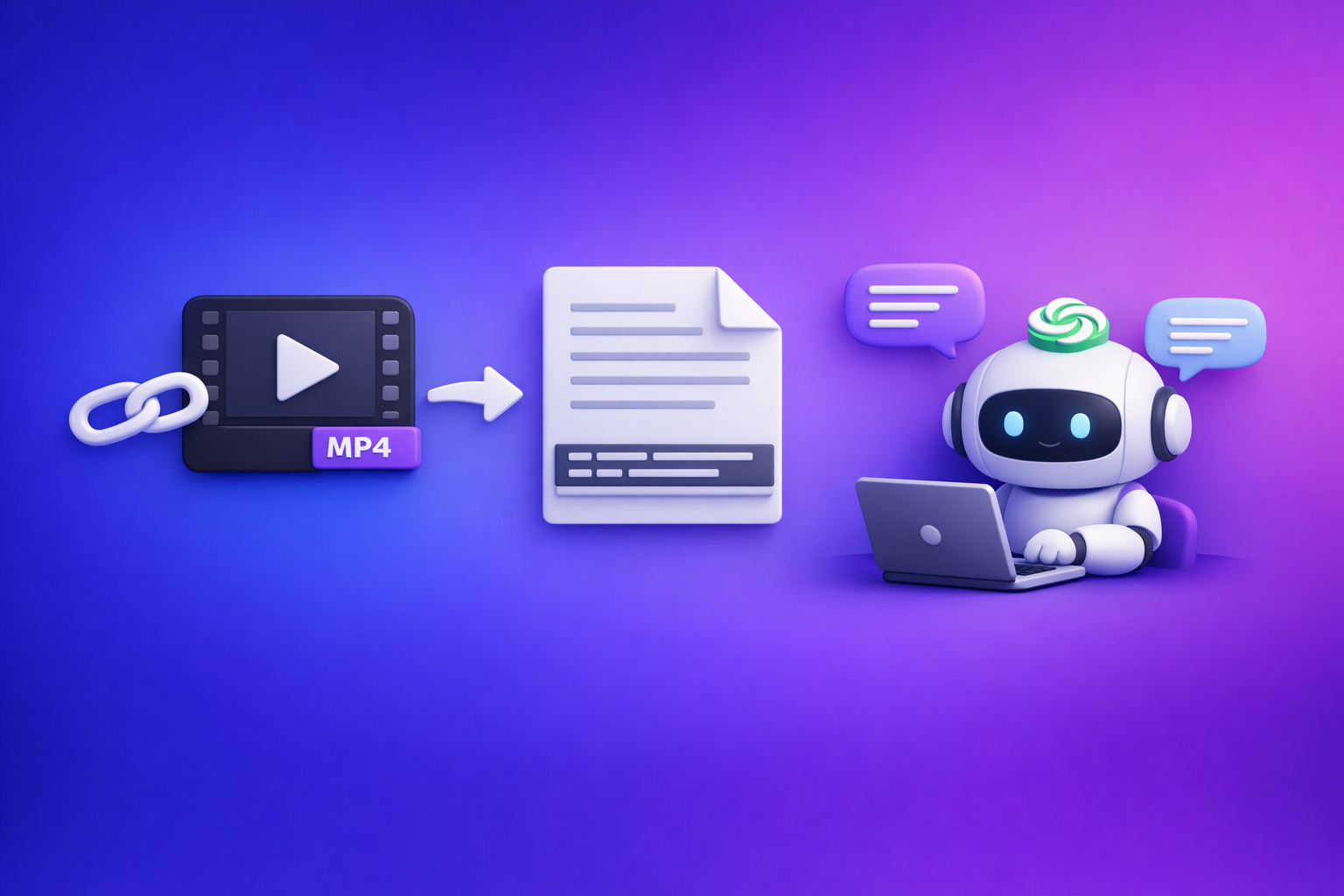
ChatGPT is not a reliable end-to-end video transcription tool in 2026. The dependable approach is video link/MP4 → export-ready transcript/subtitles → ChatGPT for cleanup and repurposing.
Quick Answer (What You Can Expect From ChatGPT)
When ChatGPT can help with video transcription
ChatGPT is strong after you already have text.
Use it to:
- Fix punctuation and readability (without changing meaning)
- Remove filler words and tighten phrasing
- Create chapters and summaries
- Repurpose into blogs, posts, emails, scripts, and FAQs
When ChatGPT can’t reliably transcribe video end-to-end
ChatGPT often fails as the “single tool” for transcription because:
- It may not be able to access or “watch” a link you paste.
- Upload support varies by plan/UI/region, and can change.
- Long videos can hit timeouts, file limits, or produce partial output.
- Outputs can be inconsistent (missing timestamps, drifting timing, uneven speaker labels).
The dependable workflow: video link/MP4 → transcript/subtitles → ChatGPT for cleanup + repurposing
For repeatable results, treat ChatGPT as the editor and content engine, not the transcriber.
Best practice workflow
- Generate transcript/captions from a video link (preferred) or MP4.
- Export TXT/SRT/VTT in a consistent format.
- Paste the transcript into ChatGPT to clean, structure, and repurpose.
Brand POV: Downloading video files is an outdated workflow. Link-based extraction is the future of creator productivity because it’s faster, easier to automate, and avoids “where is the file?” friction.
What “Transcribe Video” Means (So You Choose the Right Tool)
Transcript vs captions vs subtitles (TXT vs SRT vs VTT)
These are different deliverables, and “transcribe video” can mean any of them.
- Transcript (TXT): paragraph text for reading, searching, and repurposing.
- Captions (SRT/VTT): timed text for viewers (often includes non-speech cues).
- Subtitles (SRT/VTT): timed text, often translated, usually fewer sound cues.
Common formats:
- TXT: best for notes, blogs, SEO pages.
- SRT: most widely accepted for editors and platforms.
- VTT: common for web players and HTML5 video.
“Take notes from a video” vs “generate export-ready captions”
If you only need notes, you can accept:
- No timestamps
- Loose formatting
- Minor errors
If you need publish-ready captions, you must control:
- Timestamps
- Line length
- Reading speed
- Speaker labels (when relevant)
- Consistent segmentation (caption breaks)
Accuracy drivers: audio quality, speakers, jargon, timestamps, diarization
Transcription accuracy is driven by inputs and settings, not “AI magic.”
Key drivers:
- Audio quality (noise, echo, mic distance)
- Number of speakers and overlap
- Domain jargon (product names, acronyms)
- Need for timestamps (and whether they drift)
- Speaker diarization (who said what)
Can ChatGPT Transcribe a Video Link (YouTube/TikTok/Instagram)?
Why “watch this link and transcribe it” often fails
In real workflows, “Here’s a YouTube link—transcribe it” often fails because:
- The model may not have browsing/access to fetch the video.
- Platforms can block automated access.
- Even when it works, output can be partial or not timestamped.
What to do instead: generate text from the link first, then use ChatGPT
Use a link-based tool to extract the transcript/captions first, then use ChatGPT to refine.
This is also the modern productivity move:
- Link-based extraction avoids downloading, re-uploading, and file management.
- It’s easier to standardize across a team (same inputs, same exports).
If you want a deeper breakdown of the link-first approach, see:
Can ChatGPT Transcribe Video? What Actually Works in 2026 (Link → Transcript Workflow)
Best-fit use cases for link-based workflows (creators, marketers, support, education)
Link-based workflows are ideal when you:
- Repurpose content weekly (podcasts, webinars, YouTube)
- Need fast turnaround for captions and clips
- Build SEO content from videos
- Create internal knowledge from training/support recordings
Related tool path examples:
Can You Upload a Video Into ChatGPT to Transcribe It?
Upload availability varies by plan/UI/region (what breaks in real workflows)
Even if uploads are available today, they’re not a stable foundation for a production workflow.
Common breakpoints:
- A teammate can’t upload due to plan differences
- The UI changes and the workflow breaks
- A long file triggers timeouts or partial processing
For a dedicated breakdown, see:
Can ChatGPT Upload Video in 2026? What Works, What Fails, and the Reliable Link → Transcript Workflow (VideoToTextAI)
Practical limitations: file size, length, timeouts, inconsistent outputs
Typical issues when relying on uploads:
- File size caps (especially for long recordings)
- Long processing times and failures mid-way
- Inconsistent formatting (no SRT/VTT structure)
- Missing sections or merged speakers
Privacy/compliance considerations (what not to upload)
Avoid uploading:
- Customer calls with sensitive data
- Medical/legal/financial recordings with regulated info
- Internal meetings with confidential roadmaps
If you must process sensitive content, use tools and policies designed for that risk profile, and keep exports controlled.
The Reliable Workflow (VideoToTextAI): Link/MP4 → Transcript/Subtitles → ChatGPT
Step 1: Choose input type (video link vs MP4)
Prefer video links whenever possible:
- Faster start (no download/upload loop)
- Easier to repeat and automate
- Better for teams and creators managing many assets
Use MP4 when:
- The video is private/off-platform
- You’re working from a local recording
Step 2: Generate export-ready outputs in VideoToTextAI
You want outputs that are immediately usable in editing and publishing.
TXT transcript (for notes, blogs, SEO)
Use TXT when you need:
- Searchable text
- Blog drafts and landing pages
- Documentation and training notes
SRT captions (for most editors/platforms)
Use SRT when you need:
- Uploadable captions for YouTube and many editors
- Standard caption timing blocks
If you specifically need SRT from a file workflow:
mp4 to srt
VTT captions (for web players)
Use VTT when you need:
- Web player compatibility
- HTML5 video caption tracks
If you specifically need VTT from a file workflow:
mp4 to vtt
Step 3: Post-process in ChatGPT (where it’s strongest)
ChatGPT is best at language refinement and content transformation.
Clean up filler words + punctuation without changing meaning
Ask for:
- Minimal edits
- Preserved terminology
- No added facts
Create chapters/timestamps from the transcript
Use the transcript timestamps (or add them during export) to generate:
- YouTube-style chapters
- Section headers for blogs
- Training modules
Turn transcript into: summary, blog post, LinkedIn post, X thread, email
This is where you get leverage:
- One video → multiple distribution formats
- Consistent brand voice across channels
Step 4: Publish and reuse (captions + repurposed content)
Publish:
- SRT/VTT to the platform
- Blog/SEO content to your site
- Social posts and email to your channels
Then reuse:
- Clip scripts
- Quote cards
- FAQ snippets for product pages
CTA (try the link-first workflow): Use VideoToTextAI to generate export-ready TXT/SRT/VTT from a video link, then use ChatGPT to polish and repurpose: VideoToTextAI
Step-by-Step Implementation (Copy/Paste Prompts + Exact Outputs)
A) Generate a transcript + captions with VideoToTextAI
Inputs to collect before you start (link, language, speaker count, target format)
Collect:
- Video link (preferred) or MP4
- Language (and whether you need translation)
- Speaker count (1 vs multi-speaker)
- Target outputs: TXT, SRT, VTT
- Whether you need timestamps and speaker labels
Export settings to choose (TXT/SRT/VTT, timestamps, paragraphing)
Recommended baseline settings:
- TXT: paragraphing on, speaker labels on (if multi-speaker)
- SRT/VTT: timestamps on, consistent line breaks, readable segmentation
- If available: enable diarization for interviews/podcasts
B) Clean and structure the transcript in ChatGPT (prompt templates)
Prompt: “Clean transcript, preserve meaning, keep speaker labels”
Copy/paste:
You are editing a transcript. Clean punctuation, remove filler words (um/uh/like) only when it doesn’t change meaning, and fix obvious mis-hearings. Do not add new facts. Preserve speaker labels exactly (e.g., “Speaker 1:”). Keep technical terms as-is. Output as clean transcript text.
Prompt: “Create chapters with timestamps (YouTube-style)”
Copy/paste:
Using the transcript below, create YouTube-style chapters. Use the existing timestamps if present; if not, infer approximate sections but do not invent exact times—instead label as “Approx.” Keep 6–10 chapters, each with a short benefit-driven title.
Prompt: “Create a publish-ready blog outline + draft from transcript”
Copy/paste:
Turn this transcript into a publish-ready blog post. Requirements:
- Create an outline with H2/H3s first
- Then write the full draft in short paragraphs (max 3 sentences)
- Keep claims grounded in the transcript (no new facts)
- Add a concise summary and a practical checklist at the end
Prompt: “Create short captions + hooks for social clips”
Copy/paste:
From this transcript, generate 10 short clip hooks and on-screen captions. Constraints:
- Each hook: max 12 words
- Each caption: max 2 lines, max 42 characters per line
- Keep the language punchy but accurate
- Avoid jargon unless the transcript defines it
C) Quality check and finalize
Spot-check method (first 2 minutes + 2 random sections)
Do a fast validation:
- Check minute 0–2 for baseline accuracy
- Check two random 30–60s sections mid-video
- Verify names, product terms, and numbers
Fixing names/terms (custom glossary approach)
Create a mini glossary and re-run cleanup:
- Correct spellings for names, brands, acronyms
- Provide “wrong → right” mappings to ChatGPT
Example:
- “Video to Text AI” → “VideoToTextAI”
- “S R T” → “SRT”
- “V T T” → “VTT”
Handling multiple speakers (speaker diarization edits)
If diarization is imperfect:
- Fix speaker labels in the first 3–5 minutes
- Then ask ChatGPT to apply the same labeling pattern consistently
- Keep a rule: “Host = Speaker 1, Guest = Speaker 2” and enforce it
Troubleshooting: Common Failure Modes and Fixes
“ChatGPT won’t accept my video/link”
Fix:
- Don’t rely on ChatGPT to fetch or watch links.
- Generate the transcript/captions first, then paste text into ChatGPT.
- Prefer link-based extraction over download/upload loops.
“Transcript is missing sections / hallucinated lines”
Fix:
- Re-export with timestamps and consistent segmentation.
- Spot-check the missing time range and re-run transcription if needed.
- In ChatGPT, instruct: “Do not add content not present in the transcript.”
“Timestamps are wrong or drifting”
Fix:
- Use SRT/VTT exports rather than plain text timing guesses.
- If drift appears late in the video, re-export and compare:
- early segment timing
- late segment timing
- Avoid manual timestamp creation in ChatGPT for long videos.
“Captions exceed reading speed” (line length + CPS fixes)
Fix with caption constraints:
- Keep captions to 1–2 lines
- Target ~32–42 characters per line
- Reduce words per caption block (split long sentences)
- If your editor supports it, validate CPS (characters per second)
“Heavy accents / background noise” (pre-clean audio + re-run strategy)
Fix:
- Improve audio first (noise reduction, normalize levels).
- Re-run transcription after cleaning.
- If jargon is the issue, provide a glossary and re-run cleanup.
Checklist: Fast, Repeatable Video → Text Workflow
Pre-flight checklist (before transcription)
- Use a video link when possible (avoid downloading as a default)
- Confirm language and whether translation is needed
- Identify speaker count (single vs multi-speaker)
- List critical terms (names, product features, acronyms)
Transcription checklist (during export)
- Export TXT for repurposing
- Export SRT for platform/editor captions
- Export VTT for web players (if needed)
- Enable timestamps and consistent segmentation
- Enable speaker labels/diarization for interviews
Post-processing checklist (ChatGPT)
- Clean punctuation and remove filler words (no new facts)
- Validate names/terms using a glossary
- Generate chapters and a summary
- Create repurposed assets (blog, posts, email)
Publishing checklist (SRT/VTT validation + platform upload)
- Upload SRT/VTT and preview for timing drift
- Check reading speed and line breaks
- Spot-check 3 sections for accuracy
- Save the transcript + prompts for reuse next time
Competitor Gap
Competitors don’t provide an end-to-end, export-ready workflow (link/MP4 → TXT/SRT/VTT → reuse)
Most pages stop at “yes/no” answers or a single-tool pitch.
What’s usually missing:
- A repeatable pipeline from input → exports → repurposing
- Clear separation of transcription vs editing vs publishing
Competitors skip implementation details (settings, outputs, validation steps)
Common omissions:
- Which format to export (TXT vs SRT vs VTT)
- How to validate timestamps and reading speed
- How to handle multi-speaker labeling
Competitors omit troubleshooting for real constraints (uploads, limits, timestamps, drift)
Real workflows fail on:
- Upload limits and timeouts
- Missing sections
- Timestamp drift
- Caption readability constraints
Competitors lack reusable templates (prompts + checklists) for repeatable execution
Without prompts and checklists, teams can’t standardize output quality.
This is why the modern approach is:
- Link-based extraction first (fast, scalable, no download friction)
- ChatGPT second (cleanup + repurposing)
FAQ
What is the best tool to transcribe a video?
The best tool is one that reliably produces export-ready TXT/SRT/VTT with timestamps, then lets you use ChatGPT for cleanup and repurposing. If you publish captions, prioritize SRT/VTT quality and validation, not just “a transcript exists.”
Can you put a video into ChatGPT?
Sometimes, but it’s not dependable across teams and time because availability varies by plan/UI/region, and long files can fail. For consistent results, use a link/MP4 → transcript workflow, then paste text into ChatGPT.
Can ChatGPT take notes from a video?
ChatGPT can take notes from a transcript very well. Generate the transcript first, then ask ChatGPT for summaries, action items, key takeaways, and structured notes.
Is there a free AI to transcribe video to text?
Free tiers exist, but they often limit minutes, exports, or features like timestamps and speaker labels. If you need publish-ready captions, choose tools that export SRT/VTT and support validation to avoid rework.
Related posts
Reel Analyser (Instagram Reels): Transcript‑First Competitor Research, Hook/CTA Extraction, and Repurposing Workflow (VideoToTextAI)
Video To Text AI
A 2026 reel analyser should turn Instagram Reel links into a searchable transcript library you can tag for hooks, CTAs, objections, and topic clusters—then export into repurposing-ready drafts without a download/upload loop.
Traducir video de Instagram (Reels) en 2026: workflow transcript-first para traducir, sacar hooks/CTAs y repurpose (con VideoToTextAI)
Video To Text AI
Aprende a traducir un Reel de Instagram con un flujo URL→transcripción→traducción→subtítulos, y a convertir esa traducción en un activo de investigación para hooks, CTAs, objeciones y clusters de contenido.
Reel Analyzer: Transcript‑First Instagram Reels Research (Hooks, CTAs, Objections) + Workflow Guide (VideoToTextAI)
Video To Text AI
A reel analyzer should turn any public Instagram Reel link into a searchable transcript library you can mine for hooks, CTAs, objections, and topic clusters—then repurpose into original drafts with a repeatable SOP.