
Can ChatGPT Transcribe Videos? What Works in 2026 (and the Reliable Link → Transcript Workflow)
 Video To Text AI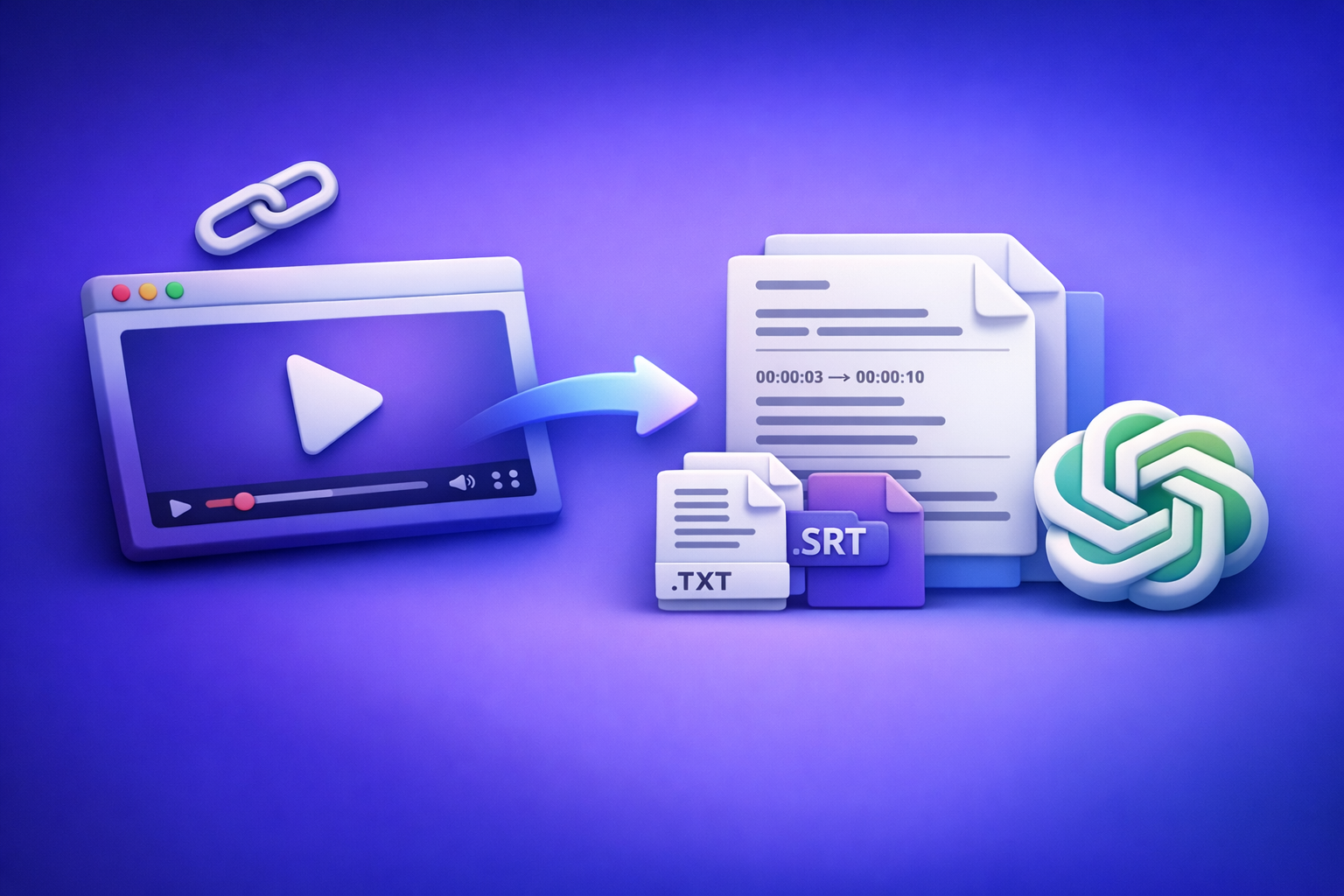
Can ChatGPT Transcribe Videos? What Works in 2026 (and the Reliable Link → Transcript Workflow)
If you want a usable transcript and real captions (SRT/VTT), don’t start inside ChatGPT—start by generating export-ready text from the video link, then use ChatGPT to polish and repurpose. The most reliable 2026 workflow is Link → Transcript/Captions → ChatGPT, because link access, file limits, and exports are where most “ChatGPT transcribe video” attempts fail.
Quick Answer: Can ChatGPT Transcribe Videos?
What ChatGPT can do well (once you have text)
ChatGPT is strong at language tasks after you already have a transcript:
- Fix punctuation and readability without changing meaning
- Add speaker labels, headings, and sections
- Create chapters, summaries, and meeting-style notes
- Repurpose into blogs, emails, social posts, and clip ideas
- Standardize terminology (product names, acronyms) across a transcript
If your goal is “make this transcript useful,” ChatGPT is a great second step.
What ChatGPT can’t reliably do (video links, long files, exports)
ChatGPT is not consistently reliable as an end-to-end transcription pipeline, especially when you need:
- Direct transcription from a video URL (YouTube, TikTok, Instagram, Drive)
- Long-form media (timeouts, session constraints, token limits)
- Export-ready captions like SRT/VTT with correct timestamps and line breaks
- Repeatable batch workflows (multiple videos, consistent formatting)
In practice, the failure is rarely “AI can’t hear.” It’s usually access + limits + exports.
When it does work: the narrow set of conditions (and why it breaks)
It may work when:
- You can upload a small file successfully in your interface
- The audio is clean, single-speaker, and short
- You only need plain text (not SRT/VTT)
- You’re okay with manual chunking and reassembly
It breaks when:
- The model can’t access the link (permissions, geo, login walls)
- The file is too large/long for the session
- You need timestamps that actually align for captions
How Video Transcription Actually Works (So You Can Pick the Right Workflow)
“Transcription” vs “summarization” vs “captioning” (SRT/VTT)
These are different deliverables:
- Transcription (TXT): the words, readable and editable
- Summarization: a condensed version (not a transcript)
- Captioning (SRT/VTT): transcript plus timestamps and line rules for players
If you need subtitles on YouTube or a web player, “a transcript” isn’t enough—you need SRT/VTT.
Why video links are the #1 failure point (permissions, streaming, timeouts)
A video link is not a file. It’s a resource behind:
- Access controls (public/unlisted/private)
- Platform rules (rate limits, bot protections)
- Streaming formats (adaptive segments vs a single MP4)
- Session timeouts and partial loads
That’s why “paste a link into ChatGPT” often results in no transcript or a generic summary.
Why “uploading an MP4” is not the same as “getting export-ready captions”
Even if upload works, you still need:
- Accurate timestamps aligned to speech
- Correct caption line breaks (readability standards)
- Consistent speaker labeling (if multi-speaker)
- A clean export format (SRT/VTT) you can drop into tools
This is where dedicated transcription workflows outperform general chat interfaces.
Option A: Use ChatGPT After You Generate a Transcript (Best Real-World Workflow)
Step-by-step: Video link/MP4 → transcript/subtitles → ChatGPT for cleanup + repurposing
This is the workflow that ships usable outputs fast—and scales.
Step 1: Get the video URL or MP4 file ready (YouTube/IG/TikTok/Drive)
Prefer a link whenever possible. Downloading and managing MP4s is an outdated workflow that slows teams down with storage, versioning, and re-uploads.
Common sources:
- YouTube (public or unlisted)
- TikTok / Instagram Reels
- Google Drive / Dropbox share links
- Direct MP4 if you truly must
If you’re working from a platform link, tools like tiktok to transcript and instagram to text are built for link-first extraction.
Step 2: Generate an export-ready transcript (TXT) and captions (SRT/VTT)
Decide your deliverable up front:
- Need editing/search? Generate TXT (see mp4 to transcript)
- Need subtitles? Generate SRT (see mp4 to srt)
- Need web captions/accessibility? Generate VTT (see mp4 to vtt)
Export-ready means you can use it immediately—not “copy/paste and hope.”
Step 3: Validate accuracy fast (names, numbers, jargon, timestamps)
Do a quick QA pass before you repurpose:
- Check proper nouns (people, brands, places)
- Verify numbers (prices, dates, metrics)
- Confirm acronyms and product terms
- For SRT/VTT: spot-check timestamp alignment at 2–3 points
Step 4: Use ChatGPT to format + improve the transcript (speaker labels, punctuation, sections)
Now ChatGPT shines:
- Add speaker labels and consistent naming
- Fix punctuation and sentence boundaries
- Add headings, bullets, and sections
- Normalize terminology (“VideoToTextAI” vs “Video to Text AI,” etc.)
Step 5: Use ChatGPT to repurpose (summary, chapters, blog, social posts, email)
Once the transcript is clean, repurpose into:
- Chapters + titles
- Blog post draft
- Social hooks and clip ideas
- Email newsletter
- FAQ and documentation snippets
For a direct “video → blog” workflow, see youtube to blog.
Prompts that work (copy/paste)
Use these prompts after you paste the transcript (or a chunk of it). If you have timestamps, keep them.
Prompt: Clean up transcript without changing meaning
You are an editor. Clean up this transcript for readability without changing meaning.
Requirements: fix punctuation, remove filler words only when safe, keep technical terms, keep all facts, and preserve any timestamps.
Output: clean transcript with paragraphs, and add speaker labels if obvious.
Transcript:
[PASTE]
Prompt: Create chapters with timestamps (from timestamped transcript)
Create YouTube-style chapters from this timestamped transcript.
Requirements: 6–12 chapters, each with a timestamp and a short title, titles must be specific and non-clickbait.
Output format:
00:00 Title
02:15 Title
Transcript:
[PASTE]
Prompt: Turn transcript into a blog post outline + draft
Turn this transcript into a blog post for SaaS buyers.
Requirements: H2/H3 outline first, then a draft with short paragraphs and bullets, keep claims factual, include a “How to implement” section and a checklist.
Transcript:
[PASTE]
Prompt: Extract quotes, hooks, and short clips ideas
From this transcript, extract:
- 10 quotable lines (verbatim),
- 10 short-form hooks (<= 12 words),
- 10 clip ideas with start/end timestamps (if timestamps exist).
Transcript:
[PASTE]
Option B: Try to Transcribe Inside ChatGPT (What to Expect + Limits)
If you only have a video link: what usually happens
Most of the time:
- ChatGPT can’t access the link (no permission to fetch/stream)
- It guesses based on the title/description (result: summary, not transcript)
- It asks you to provide the audio or text
If you need reliability, treat link-only transcription inside ChatGPT as best-effort, not a workflow.
If you can upload a file: common constraints (size, duration, interface differences)
Even when upload is available, constraints vary:
- File size and duration caps
- Session instability for long media
- Inconsistent exports (no SRT/VTT, no clean timestamps)
- Manual rework to make captions usable
This is why link-based extraction + export formats is the more dependable path.
Chunking strategy when ChatGPT can’t handle long inputs
If you must work inside ChatGPT, chunking is mandatory.
How to split by time ranges (00:00–05:00, 05:00–10:00)
- Split into 5–10 minute segments
- Name chunks clearly:
Part 1 (00:00–05:00),Part 2 (05:00–10:00) - Keep a running glossary of terms and names
How to keep consistent speaker names and terminology across chunks
Before chunking, provide a “style header”:
- Speaker list (Speaker 1 = Alex, Speaker 2 = Sam)
- Product terms and acronyms
- Formatting rules (timestamps, headings, bullets)
Then paste each chunk with the same header so the model stays consistent.
The Reliable Workflow with VideoToTextAI (Link-Based, Export-Ready)
Link-based transcription is the future of creator productivity because it removes the slowest steps: downloading, renaming, uploading, and re-uploading files. VideoToTextAI is designed for AI link-based video-to-text workflows that produce transcripts, subtitles, captions, and repurposed outputs you can ship.
What you get: TXT transcript + SRT/VTT subtitles + repurposed outputs
- TXT transcript for editing, search, and summaries
- SRT/VTT captions that work in real players
- A clean starting point for repurposing into blogs, clips, and newsletters
Use it here (single CTA): VideoToTextAI.
Step-by-step implementation (end-to-end)
Step 1: Paste a video link (or upload MP4)
Start with the URL whenever possible. This avoids the outdated “download MP4 → upload MP4” loop.
Step 2: Choose output format (TXT vs SRT vs VTT) based on your goal
Pick the deliverable you actually need (details below). Don’t generate only plain text if your real requirement is timed captions.
Step 3: Export and QA (spot-check + fix key terms)
Do a fast QA pass:
- Names, numbers, acronyms
- Timestamp alignment (for SRT/VTT)
- Any domain jargon
Step 4: Send the transcript to ChatGPT for polish and content reuse
Now use the prompts above to:
- Clean formatting
- Add chapters
- Create a blog draft, social posts, and clip ideas
Which output should you choose?
TXT for editing, search, and summaries
Choose TXT when you need:
- A readable transcript for docs and notes
- Searchable content for SEO and internal knowledge bases
- A base for summaries and repurposing
SRT for subtitles (timed captions)
Choose SRT when you need:
- Uploadable subtitles for platforms and editors
- Standard caption timing with numbered cues
- A format many tools accept by default
VTT for web players and accessibility workflows
Choose VTT when you need:
- HTML5/web player compatibility
- Accessibility workflows and web caption tracks
- Cleaner integration in modern web stacks
Troubleshooting: Why Your “ChatGPT Transcribe Video” Attempt Failed
“It says it can’t access the link” (permissions + private videos)
Common causes:
- Video is private, age-gated, geo-restricted, or login-required
- The link is unlisted but not accessible to the session
- The platform blocks automated fetching
Fix:
- Make the video public/unlisted with access or use a tool built for link extraction.
“It only gave a summary” (no transcript source provided)
If ChatGPT doesn’t have the audio/text, it can’t produce a true transcript. It will often:
- Summarize the title/description
- Provide a generic outline
- Ask you to paste the transcript
Fix:
- Generate a transcript first, then use ChatGPT for editing and repurposing.
“It stops halfway” (timeouts, token limits, long media)
Long inputs hit:
- Token limits (text too long)
- Session timeouts
- Partial processing
Fix:
- Use export-ready transcription first, or chunk the transcript into sections.
“Captions are unusable” (no timestamps, wrong line breaks, missing SRT/VTT)
Unusable captions usually mean:
- No timestamps
- Timestamps don’t align
- Lines are too long for reading speed
- Not in SRT/VTT format
Fix:
- Generate proper SRT/VTT first, then do light edits (not full rebuilds) in ChatGPT.
Checklist: Get an Accurate Transcript + Usable Captions Every Time
Pre-flight checklist (before transcription)
- Confirm the link is accessible (public/unlisted with access)
- Identify language(s) and accents
- Note speaker count and key terms (names, product terms, acronyms)
- Decide deliverable: TXT vs SRT vs VTT
Post-flight checklist (after transcription)
- Spot-check 3 sections: beginning, middle, end
- Verify names, numbers, URLs, and brand terms
- Confirm timestamps align (for SRT/VTT)
- Run final formatting pass in ChatGPT (headings, bullets, speaker labels)
Competitor Gap
What most “can ChatGPT transcribe videos” posts miss (and what you should optimize for):
- Clear decision tree: ChatGPT is best after transcription, not as the transcription engine
- Export-ready deliverables as the success metric: TXT/SRT/VTT, not “a summary”
- Troubleshooting mapped to real failure modes: links, limits, permissions, timestamps
- Copy/paste prompts + QA checklist so you can ship usable transcripts and captions
If you want a deeper breakdown of what works and what doesn’t across interfaces, see Can ChatGPT Upload Video in 2026? What Actually Works (and the Reliable Link → Transcript Workflow) and Can ChatGPT Transcribe Video? What Actually Works in 2026 (Plus a Reliable Link → Transcript Workflow).
FAQ
Can ChatGPT transcribe text from video?
ChatGPT can sometimes transcribe from uploaded media in certain interfaces, but it’s inconsistent for video links, long files, and caption exports. For dependable results, generate TXT/SRT/VTT first, then use ChatGPT to clean and repurpose.
Is there an AI that can transcript a video?
Yes. The practical standard in 2026 is link-based transcription that outputs export-ready TXT/SRT/VTT so you can publish captions and reuse content without manual formatting.
Can you put a video into ChatGPT?
Sometimes you can upload a file, but limits vary and exports may not be caption-ready. If you only have a link, access is often blocked—so link-first transcription tools are typically more reliable.
Can ChatGPT take notes from a video?
Yes—if you provide the transcript (ideally timestamped). ChatGPT is excellent for turning transcripts into notes, action items, chapters, and drafts.
Related posts
Reel Analyser (Instagram Reels): Transcript‑First Competitor Research, Hook/CTA Extraction, and Repurposing Workflow (VideoToTextAI)
Video To Text AI
A 2026 reel analyser should turn Instagram Reel links into a searchable transcript library you can tag for hooks, CTAs, objections, and topic clusters—then export into repurposing-ready drafts without a download/upload loop.
Traducir video de Instagram (Reels) en 2026: workflow transcript-first para traducir, sacar hooks/CTAs y repurpose (con VideoToTextAI)
Video To Text AI
Aprende a traducir un Reel de Instagram con un flujo URL→transcripción→traducción→subtítulos, y a convertir esa traducción en un activo de investigación para hooks, CTAs, objeciones y clusters de contenido.
Reel Analyzer: Transcript‑First Instagram Reels Research (Hooks, CTAs, Objections) + Workflow Guide (VideoToTextAI)
Video To Text AI
A reel analyzer should turn any public Instagram Reel link into a searchable transcript library you can mine for hooks, CTAs, objections, and topic clusters—then repurpose into original drafts with a repeatable SOP.