
MP3 to Lyrics: How to Convert Any MP3 into Accurate Lyrics (AI + Step-by-Step)
 Video To Text AI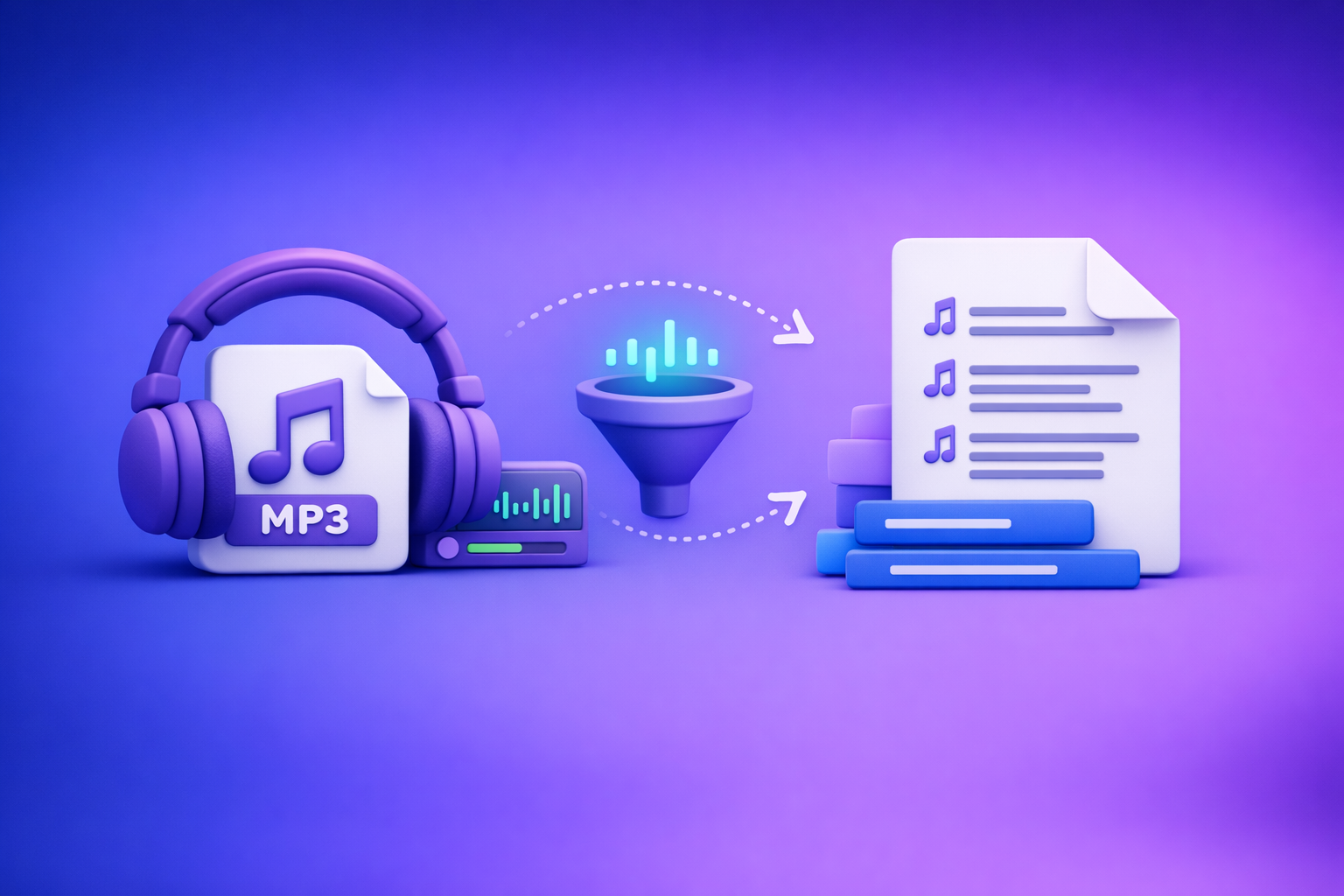
Convert your MP3 into usable lyrics by transcribing with lyric-friendly settings, then formatting the output into verses/choruses with fast spot-checking. If the audio exists online, skip the download: link-based extraction is faster, cleaner, and more scalable than file-based workflows.
What “MP3 to Lyrics” Actually Means (And What’s Possible)
“MP3 to lyrics” usually means: take a song audio file and produce text that matches the sung words in a readable lyric layout. In practice, you’re doing music transcription of vocals, not just speech-to-text.
Lyrics vs transcription: singing is harder than speech
Singing breaks many assumptions speech models rely on:
- Stretched vowels (“loooove”) and melisma (multiple notes per syllable)
- Rhythm-first phrasing (line breaks follow bars, not grammar)
- Backing vocals and call-and-response
- Effects (reverb, chorus, distortion, autotune) that blur consonants
Result: raw AI output is often “close,” but needs lyrics-specific cleanup.
When AI can extract lyrics reliably (clear vocals, minimal effects)
AI lyric extraction works best when:
- Vocals are loud and centered in the mix
- The singer’s diction is clear
- There’s minimal reverb/chorus and limited vocal stacking
- The track has predictable structure (verse/chorus repeats)
If your track matches those conditions, you can often reach high accuracy with spot-checking instead of full re-listens.
When you should use official lyric sources instead (copyright + accuracy)
Use official sources when:
- You need publish-ready lyrics (distribution, monetization, print)
- The song has complex layering (choirs, heavy harmonies)
- Proper nouns must be perfect (names, brands, locations)
- Licensing matters: lyrics are copyrighted text
AI is best for drafting, internal workflows, captioning your own content, and accelerating edits—not replacing licensed lyric publishing.
Before You Start: Get the Best Possible Audio
Your input quality determines your output quality. Fixing audio problems after transcription is slower than starting clean.
Use the highest-quality file you have (avoid low-bitrate MP3s)
Prefer:
- Original WAV/FLAC if available
- High-bitrate MP3 (e.g., 256–320 kbps) over 128 kbps
- A clean source (not screen-recorded, not re-encoded multiple times)
Low-bitrate MP3s smear consonants (“t/k/s”), which are critical for lyric accuracy.
Prefer vocal-forward mixes (reduce heavy reverb/chorus)
If you have options (radio edit, acoustic version, live version), choose the version with:
- Less crowd noise
- Less reverb
- Less stereo widening
- More vocal presence
Even small mix differences can change transcription accuracy dramatically.
If you can, start from a video link instead of a file (faster workflow)
Downloading audio files is an outdated workflow. Link-based extraction is the future of creator productivity because it’s faster, repeatable, and easier to repurpose into transcripts, captions, and derivative content.
If your song/audio is available as a public video, start from the link and run a link-based workflow in VideoToTextAI: VideoToTextAI
For broader context on link-first workflows, see:
- Video to Text: Convert Any Video Link into a Transcript, Subtitles (SRT/VTT), and Repurposed Content
- How to Turn Any Video Link into a Transcript, Subtitles (SRT/VTT), and Repurposed Content (Step-by-Step)
Step-by-Step: Convert an MP3 to Lyrics Using AI (Practical Workflow)
This workflow assumes you want accurate lyrics formatting, not just a paragraph transcript.
Step 1: Choose your input method (MP3 file vs public link)
Pick the input that reduces friction:
- Public link (recommended): fastest, no downloads, easy to rerun and share internally
- MP3 file: useful for private audio, demos, unreleased tracks, or offline sources
Brand POV (practical): if the audio is already online, downloading and re-uploading is wasted time. Link-based extraction keeps your workflow lightweight and repeatable.
Step 2: Transcribe with “lyrics settings” (what to enable/avoid)
You’re optimizing for short phrases, minimal clutter, and easy editing.
Language selection and dialect
Set the correct language and dialect up front:
- English (US) vs English (UK)
- Spanish (Spain) vs Spanish (LatAm)
- Portuguese (BR) vs Portuguese (PT)
Wrong dialect increases homophone errors and breaks slang recognition.
Chunking long tracks (intros/outros, instrumental breaks)
For tracks longer than ~3–4 minutes or with long instrumentals:
- Split into logical sections: intro, verse 1, chorus, verse 2, bridge, outro
- Isolate instrumental breaks so they don’t “hallucinate” words
- Re-run only the problem segment instead of the whole track
This is the fastest way to improve accuracy without starting over.
Speaker labels off, punctuation light, timestamps optional
For lyrics, you usually want:
- Speaker labels: OFF (unless it’s a duet and you truly need it)
- Punctuation: LIGHT (avoid heavy sentence punctuation that fights lyric line breaks)
- Timestamps: OPTIONAL
- Use timestamps if you’ll export SRT/VTT
- Skip timestamps if you only need a lyric sheet
Step 3: Clean the transcript into lyric format
Raw transcripts come out as prose. Lyrics need structure.
Add line breaks by phrasing (not by sentences)
Rules that work:
- Break lines where the singer breathes or where the bar resolves
- Keep lines short and scannable
- If a line is long, split it into two lines that match the rhythm
Avoid “grammar-perfect” formatting if it hurts singability.
Mark sections: [Intro], [Verse], [Chorus], [Bridge], [Outro]
Use consistent tags so the lyrics are reusable:
[Intro][Verse 1],[Verse 2][Pre-Chorus](if present)[Chorus][Bridge][Outro]
This also makes it easier to copy/paste repeated choruses.
Handle ad-libs and backing vocals consistently
Pick one convention and stick to it:
- Ad-libs:
(yeah),(uh),(come on) - Backing vocals:
(BGV: ...)or(backing: ...) - Call-and-response: label the second voice if needed, but keep it minimal
Consistency matters more than perfection.
Step 4: Verify accuracy fast (don’t re-listen to the whole song)
You don’t need to replay every second. You need a smart sampling plan.
Spot-check strategy: chorus + fastest verse + hook line
Spot-check these three areas:
- Chorus (most repeated, highest visibility)
- Fastest verse (highest error density)
- Hook line (most quoted line; often contains proper nouns)
If those are correct, the rest is usually close enough to finalize quickly.
Fix common mishears (homophones, slang, proper nouns)
Common lyric transcription failures:
- Homophones: “your/you’re,” “there/their,” “to/too”
- Slang: “’cause,” “gonna,” “wanna,” regional phrases
- Proper nouns: artist names, places, brand names
- Repeated phrases: AI may vary wording each time—standardize it
Pro tip: verify the chorus once, then copy/paste the verified chorus everywhere it repeats.
Step 5: Export and reuse
Your export format should match the next step in your workflow.
TXT for editing, DOCX for sharing, SRT/VTT for lyric videos
- TXT: fastest editing, best for version control
- DOCX: easy sharing with collaborators/clients
- SRT/VTT: required for lyric videos and caption overlays
If your end goal is social video, you’ll likely want subtitles too:
Create a “lyric sheet” + “caption-ready” version
Maintain two versions:
- Lyric sheet: clean sections, no timestamps, readable layout
- Caption-ready: shorter lines, optional timestamps, minimal parentheses
This prevents one format from compromising the other.
Troubleshooting: Why Your MP3-to-Lyrics Output Is Wrong (And Fixes)
Problem: words are missing during the chorus
Choruses often have stacked vocals and louder instrumentation.
Fix:
- Re-run transcription with shorter segments (chorus only)
- If your tool supports it, prioritize higher-confidence decoding
- Use the verified chorus once, then reuse it for repeats
Problem: AI confuses backing vocals with lead vocals
Layered vocals can merge into one messy line.
Fix:
- If possible, use a vocal-isolated version (studio stems, acoustic, or a cleaner mix)
- Otherwise, label consistently as (BGV) and keep backing lines short
- Don’t over-format: clarity beats completeness
Problem: mumbled/fast rap sections are nonsense
Fast delivery + slang + compression is a worst-case scenario.
Fix:
- Do a second pass on that segment only (10–30 seconds)
- If your workflow allows, run a slow-down pass (without pitch shift) before transcription
- Use a manual correction workflow: fix end rhymes and proper nouns first, then fill the middle
Problem: instrumentals get transcribed as words
Models sometimes “hear” syllables in guitars/synths.
Fix:
- Delete filler tokens and replace with
[Instrumental] - Split the track so instrumentals are isolated and don’t contaminate nearby vocals
Accuracy Checklist (Use This Every Time)
Input checklist
- MP3 is highest available quality (or use original source link)
- Correct language/dialect selected
- Track split into logical sections if >3–4 minutes or complex
Output checklist
- Sections labeled (
[Verse]/[Chorus]/ etc.) - Line breaks match phrasing, not sentences
- Repeated choruses are consistent (verify once, then copy/paste)
- Proper nouns checked (artist names, places, brands)
- Instrumental parts marked as
[Instrumental], not hallucinated
Export checklist
- Clean TXT “lyrics sheet” saved
- Optional SRT/VTT generated for lyric video/captions
- Version history kept: raw transcript vs edited lyrics
Use Cases: What to Do After You Have Lyrics
Turn lyrics into captions/subtitles for a video post
If you’re posting a performance clip, studio session, or promo:
- Use the lyric text as the base
- Convert to caption-friendly line lengths
- Export SRT/VTT and upload to your platform
Related: How to Generate Subtitles (SRT & VTT Files) for Your Instagram Reels
Create a lyric video (SRT/VTT workflow)
A practical approach:
- Keep each caption line short (1–2 lines max)
- Align captions to phrases (avoid mid-word breaks)
- Use VTT if your editor/platform prefers it; use SRT for broad compatibility
Repurpose into a blog post or story-style post (with attribution)
If you own the rights (or are working with licensed material), you can repurpose:
- “Behind the lyrics” breakdown (themes, writing process)
- Short-form story posts (one section at a time)
- SEO blog content tied to the release
Related: Instagram Content Repurposing: How to Turn Reels into SEO Blog Posts
Competitor Gap
Most “MP3 to text” pages treat songs like podcasts and skip the realities of lyrics.
This guide closes the gap by:
- Adding real troubleshooting (chorus dropouts, BGV confusion, instrumentals hallucinated)
- Providing a repeatable checklist plus lyrics-specific formatting rules
- Including export paths beyond “text,” especially SRT/VTT and repurposing workflows
- Clarifying limitations and when to use official lyrics (reduces user frustration and legal risk)
FAQ
Can AI convert an MP3 song to lyrics accurately?
Yes, but it depends on the mix. Clear vocals with minimal effects can be highly accurate; dense layering, heavy reverb, and fast rap usually require segment re-runs and manual cleanup.
What’s the best free MP3 to lyrics (or MP3 to text) converter?
Most free tools are designed for speech, not lyrics. If your audio exists online, a link-based workflow is often faster than downloading/uploading MP3s and is easier to reuse for captions and repurposing.
Why does my MP3-to-lyrics transcription miss words or make up lines?
Common causes:
- Low-bitrate MP3 artifacts
- Vocals buried under instrumentation
- Heavy vocal effects (reverb/chorus/autotune)
- Long instrumentals that trigger hallucinations
Fixes: use higher-quality input, split into sections, isolate instrumentals, and spot-check the chorus + fastest verse.
Can I convert MP3 lyrics into subtitles (SRT/VTT) for a lyric video?
Yes. Once you have cleaned lyrics, format them into short caption lines and export SRT/VTT. If you’re starting from video, you can also go directly from video to subtitle formats; see MP4 to text.
Is it legal to extract lyrics from a song I don’t own?
Lyrics are copyrighted. Extracting for personal/internal use may be permissible depending on jurisdiction, but publishing or distributing lyrics typically requires permission or licensing. When you need official accuracy and rights, use authorized lyric sources.
Related posts
Reel Analyser (Instagram Reels): Transcript‑First Competitor Research, Hook/CTA Extraction, and Repurposing Workflow (VideoToTextAI)
Video To Text AI
A 2026 reel analyser should turn Instagram Reel links into a searchable transcript library you can tag for hooks, CTAs, objections, and topic clusters—then export into repurposing-ready drafts without a download/upload loop.
Traducir video de Instagram (Reels) en 2026: workflow transcript-first para traducir, sacar hooks/CTAs y repurpose (con VideoToTextAI)
Video To Text AI
Aprende a traducir un Reel de Instagram con un flujo URL→transcripción→traducción→subtítulos, y a convertir esa traducción en un activo de investigación para hooks, CTAs, objeciones y clusters de contenido.
Reel Analyzer: Transcript‑First Instagram Reels Research (Hooks, CTAs, Objections) + Workflow Guide (VideoToTextAI)
Video To Text AI
A reel analyzer should turn any public Instagram Reel link into a searchable transcript library you can mine for hooks, CTAs, objections, and topic clusters—then repurpose into original drafts with a repeatable SOP.