
How to Extract Written Recipes from Instagram Cooking Reels
 Video To Text AI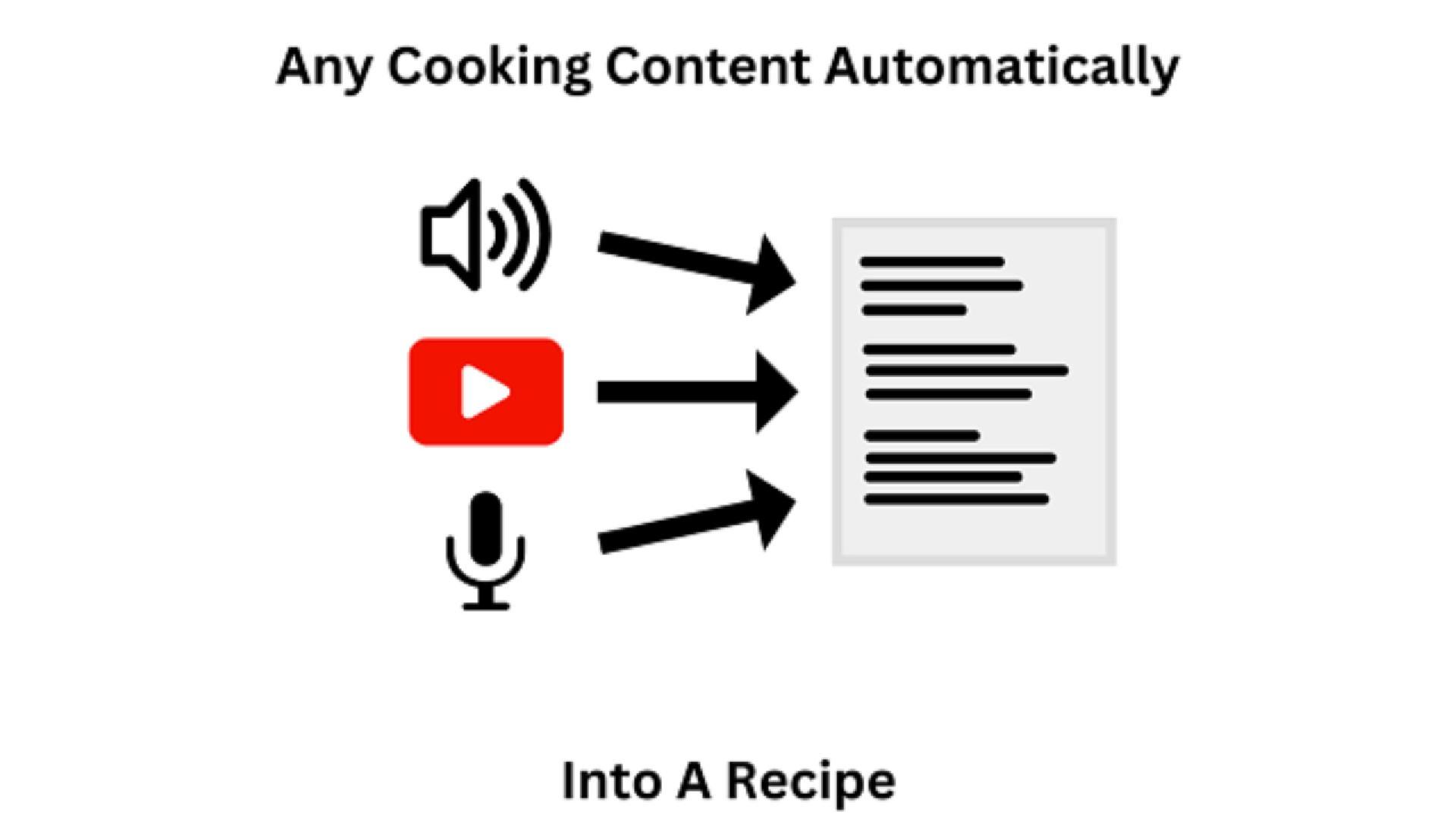
You are scrolling through Instagram and a mouth-watering, creamy Tuscan chicken pasta catches your eye. The creator is chopping, stirring, and plating at lightning speed while doing a fast-paced voiceover explaining the steps.
You want to make it for dinner tonight. You open the caption to screenshot the recipe, but what do you find?
“Check the link in my bio for the recipe!” or worse... absolutely nothing.
Aesthetic cooking Reels are incredibly satisfying to watch, but they are an absolute nightmare to actually cook from. If you want to follow along, you are forced to pause, rewind, and rewatch a 30-second video 20 times just to figure out if they said "one teaspoon" or "one tablespoon" of garlic powder.
If you have ever wished you could just turn video into recipe format with a single click, you are not alone. The search for a reliable videotorecipe tool has skyrocketed. Here is the ultimate hack to extract formatted, written recipes from any Instagram cooking Reel.
The "Cooking Video to Text" Hack
You do not need to sit there manually typing out ingredients into your iPhone notes app. Using AI, you can bypass the visual noise of the video and extract the exact recipe the creator is talking about.
Our specialized cooking video to text extractor doesn't just give you a messy block of raw transcript. It actively reads the transcript and formats it into standard culinary structure: Ingredients List and Step-by-Step Instructions.
Here is the simple, 3-step workflow to get your recipe:
Step 1: Copy the Reel URL
When you find a cooking video you want to save on Instagram (or TikTok/YouTube), tap the Share icon and select Copy Link.
Step 2: Paste the Link into the Recipe Extractor
Head over to the Video to Recipe Generator. Paste the copied URL directly into the search bar. You don't need to download the MP4 file to your phone—the tool works purely via the link.
Step 3: Save Your Formatted Recipe
Hit generate. In seconds, the AI will "listen" to the video and output a perfectly clean recipe card. You can immediately copy and paste this into your digital recipe book, Notion database, or a text message to your partner to pick up the groceries.
Why Food Bloggers and Meal Planners Love This
This tool isn't just for hungry scrollers. It is a massive time-saver for creators and organizers:
- For Home Cooks & Meal Planners: Build a digital cookbook in Notion or Apple Notes. Instead of saving hundreds of Instagram videos you will never find again, extract the text and make your recipes fully searchable by ingredient.
- For Food Bloggers: Did you just film a cooking Reel for your own Instagram page? Don't spend another 20 minutes typing out the recipe for your WordPress blog. Run your own video through the tool, extract the recipe, and paste it straight into your blog post!
- For Diet Tracking: Getting a clean list of ingredients makes it significantly easier to input the meal into macro-tracking apps like MyFitnessPal.
Stop Rewinding. Start Cooking.
The next time a creator hides the measurements in a fast-paced voiceover, don't get frustrated. Work smarter.
Copy the link, paste it into the AI, and get your apron on.
👉 Extract your first written recipe from a video for free right here.
Related Guides to Help You Do More:
*The Ultimate Instagram Reels to Text Hub *The Best Instagram Reel Summarizer: Turn 90-Second Videos into 3 Bullet Points
Related posts
Reel Analyser (Instagram Reels): Transcript‑First Competitor Research, Hook/CTA Extraction, and Repurposing Workflow (VideoToTextAI)
Video To Text AI
A 2026 reel analyser should turn Instagram Reel links into a searchable transcript library you can tag for hooks, CTAs, objections, and topic clusters—then export into repurposing-ready drafts without a download/upload loop.
Traducir video de Instagram (Reels) en 2026: workflow transcript-first para traducir, sacar hooks/CTAs y repurpose (con VideoToTextAI)
Video To Text AI
Aprende a traducir un Reel de Instagram con un flujo URL→transcripción→traducción→subtítulos, y a convertir esa traducción en un activo de investigación para hooks, CTAs, objeciones y clusters de contenido.
Reel Analyzer: Transcript‑First Instagram Reels Research (Hooks, CTAs, Objections) + Workflow Guide (VideoToTextAI)
Video To Text AI
A reel analyzer should turn any public Instagram Reel link into a searchable transcript library you can mine for hooks, CTAs, objections, and topic clusters—then repurpose into original drafts with a repeatable SOP.