
ChatGPT “Upload Video” Feature (2026): What Works, Why Uploads Fail, and the Reliable Link → Transcript Workflow
 Video To Text AI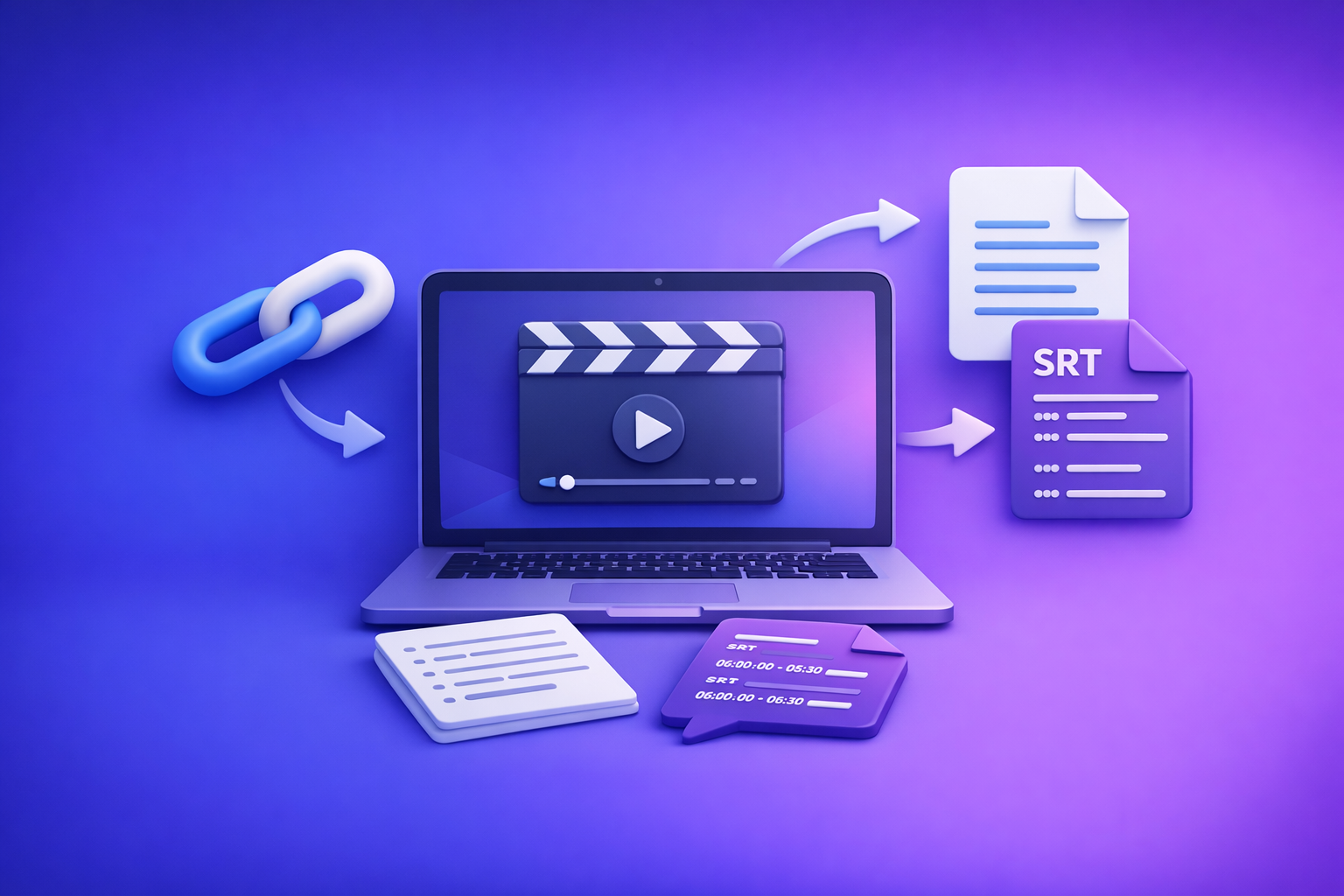
ChatGPT “Upload Video” Feature (2026): What Works, Why Uploads Fail, and the Reliable Link → Transcript Workflow
If you need ship-ready transcripts/captions, don’t bet your workflow on the ChatGPT “upload video” feature. Use a deterministic pipeline: video link (preferred) or MP4 → transcript + SRT/VTT → use ChatGPT on the text for repeatable deliverables.
TL;DR (for teams shipping transcripts/captions)
- ChatGPT video upload is best for quick clip understanding, not export-ready transcription/captions.
- For deterministic outputs: video link/MP4 → transcript + SRT/VTT → use ChatGPT on text.
- Use VideoToTextAI to generate TXT + SRT/VTT reliably, then prompt ChatGPT for summaries, chapters, cut lists, and repurposed posts.
Brand POV: Downloading video files as the default is an outdated workflow. Link-based extraction is the future of creator productivity because it’s faster, more portable, and easier to automate across teams.
What the “ChatGPT upload video” feature actually does (and doesn’t)
What it can do well
When the upload succeeds, ChatGPT can be useful for:
- High-level understanding of short clips (what’s happening, what’s visible).
- Topic and scene identification (rough segmentation, notable moments).
- Ideation notes (hooks, angles, thumbnail ideas, rough outlines).
This is valuable for quick analysis, especially when you don’t need exports or strict formatting.
What it does not reliably do for production workflows
For transcript/caption pipelines, the “chatgpt upload video feature” is inconsistent because it often can’t guarantee:
- Complete, time-coded captions you can ship (SRT/VTT).
- Long-form consistency (webinars, podcasts, courses, multi-hour recordings).
- Repeatable results across devices, apps, and plans.
- Deterministic exports and formatting for downstream tools (editors, CMS, localization).
If your deliverable is “publishable captions,” you need artifacts (TXT/SRT/VTT) you can store, diff, QA, and re-use.
Common failure modes: why ChatGPT video uploads break
Uploads fail for three broad reasons: file constraints, platform/session constraints, and output constraints (even when upload works).
File constraints that trigger failures
These issues commonly cause upload errors or partial processing:
- Large file sizes and long durations (timeouts, processing limits).
- High bitrates (slow upload, heavy decode).
- Unsupported/edge codecs (HEVC variants, unusual profiles).
- Variable frame rate or odd containers (MP4/MOV quirks).
- Audio track issues
- Missing audio track
- Multiple tracks (language tracks, commentary tracks)
- Corrupt or low-quality audio
If your goal is transcription, audio quality and track clarity matter more than video resolution.
Platform and session constraints
Even “valid” files can fail due to environment constraints:
- Network timeouts (mobile, VPN, unstable Wi‑Fi).
- Browser memory limits (tab crashes on large media).
- App differences (web vs. desktop vs. mobile behavior).
- Account/plan gating (feature availability varies by region, plan, rollout).
This is why “try again” isn’t a strategy for teams shipping content weekly.
Output constraints (even when upload succeeds)
The biggest problem: success doesn’t equal usable deliverables.
- No consistent SRT/VTT export.
- Incomplete transcription (missed segments, speaker confusion).
- Unstable timestamps (hard to align with editors/caption pipelines).
- Formatting drift (punctuation, paragraphing, speaker labels) across runs.
Production workflows need repeatability, not best-effort outputs.
The production-grade alternative: Link/MP4 → Transcript + SRT/VTT → ChatGPT-on-text
Why this workflow wins (determinism + portability)
An artifact-first workflow gives you stable assets you can ship and reuse:
- Exportable artifacts: TXT, SRT, VTT.
- Versionable outputs: re-run, compare diffs, track edits.
- Tool-agnostic portability: works with editors, CMS, localization, QA, accessibility.
- Batch-friendly: consistent formatting across a library of videos.
Key point: ChatGPT is excellent at transforming text into structured outputs. Let a transcript/caption tool do the media extraction, then use ChatGPT for the writing and planning.
When to use ChatGPT video upload vs. when not to
Use ChatGPT upload video when
- You need a quick answer about a short clip.
- You’re brainstorming hooks, titles, or scene descriptions.
- You’re doing lightweight review (e.g., “what does the demo show at 0:30?”).
Don’t use ChatGPT upload video when
- You need accurate transcripts, captions, subtitles, or compliance logs.
- You need consistent formatting, timestamps, speaker labels, or batch processing.
- You need exports that plug into editors and platforms without manual cleanup.
If the output must be publishable, treat video upload as optional—not foundational.
Step-by-step: reliable workflow using VideoToTextAI (implementation)
This workflow is designed for teams that need repeatable transcripts/captions and faster repurposing.
Step 1 — Choose input type: link or MP4
- Use a public video URL when possible.
- Faster ingestion
- Fewer upload failures
- Easier to automate and share across teammates
- Use MP4 upload when the video is private or local-only.
If you’re still downloading videos just to re-upload them elsewhere, that’s the bottleneck. Link-based extraction is the modern default.
Relevant tools:
Step 2 — Generate transcript + captions in VideoToTextAI
Generate the artifacts your pipeline actually needs.
Outputs to generate (pick what your pipeline needs)
- Transcript (TXT) for editing, summaries, repurposing, and search.
- SRT for most video editors and platforms.
- VTT for web players and accessibility workflows.
Direct tool links:
Quality controls to set before exporting
Set these before you export to reduce downstream edits:
- Language selection (and translation target if needed).
- Speaker labeling requirement (yes/no).
- Timestamp granularity (sentence vs. phrase-level if available).
If your team edits in an NLE, prioritize stable timecodes and consistent segmentation.
Step 3 — QA the transcript before prompting ChatGPT
Do a fast QA pass so ChatGPT doesn’t amplify errors.
- Spot-check:
- First 2 minutes (mic setup issues show up early)
- A technical segment (jargon/proper nouns)
- The ending (often rushed or noisy)
- Fix:
- Proper nouns (people, products, places)
- Brand names and product terms
- Normalize formatting:
- Speaker names
- Paragraph breaks
- Punctuation consistency
This takes minutes and prevents hours of cleanup in captions and repurposed content.
Step 4 — Use ChatGPT on the text (not the video) for repeatable outputs
Once you have TXT/SRT/VTT, ChatGPT becomes deterministic because the input is stable.
Prompts that work (copy/paste templates)
Chapters + timestamps (from transcript timecodes):
Create 8–12 chapters with titles. Use the existing timestamps in the transcript. Output as a table: start time, end time, title, 1-sentence summary.
YouTube description + key takeaways:
Write a YouTube description (200–300 words) + 8 bullet takeaways. Use only claims supported by the transcript.
Short-form cut list:
Find 10 clip candidates (15–45s). For each: start/end timestamps, hook line, why it works, suggested on-screen caption.
Implementation note: if your transcript is TXT without timecodes, use the SRT/VTT as the source for timestamped prompts.
Step 5 — Export and publish
- Export SRT/VTT to your platform/editor.
- Store TXT transcript in your content repo for reuse (blog, newsletter, help docs).
- Keep a “final captions” folder with the exact files shipped (for audits and re-uploads).
For podcast-style content, build a searchable archive:
Troubleshooting: if you must upload video to ChatGPT
Sometimes you’re forced into the upload path (quick review, no access to links). Reduce failure probability.
Pre-flight checks (reduce failure probability)
- Re-encode to H.264 + AAC in MP4 container.
- Trim to a short clip (e.g., 30–120 seconds) for analysis.
- Ensure a single, clear audio track (remove extra tracks if possible).
If you’re doing this often, it’s a sign your workflow should move to link-first ingestion.
If it fails anyway: fastest fallback path
- Stop retrying uploads after 2 attempts.
- Generate TXT + SRT/VTT via a transcript/caption workflow.
- Use ChatGPT on the transcript for the same end deliverables.
One reliable path beats five unreliable retries.
Checklist: ship-ready transcript/captions + repurposed content
Transcript & captions checklist
- Transcript exported as TXT
- Captions exported as SRT and/or VTT
- Proper nouns verified (people, products, places)
- Speaker labels consistent (if used)
- Timecodes align with actual audio (spot-check 3 segments)
Repurposing checklist (ChatGPT-on-text)
- Chapters outline generated from transcript timecodes
- Summary + key takeaways created with no unsupported claims
- 5–10 short clips identified with timestamps + hooks
- Blog/LinkedIn draft generated and edited for brand voice
For short-form pipelines, keep a dedicated workflow:
Competitor Gap
What most posts miss (and what this post must include)
Most “ChatGPT upload video” articles stop at “try a different browser” or “compress the file.” That advice ignores the real requirement: production deliverables must be exportable and repeatable.
This post includes what others miss:
- A deterministic artifact-first workflow (TXT/SRT/VTT) instead of “try uploading again.”
- A failure taxonomy: file constraints vs. platform constraints vs. output constraints.
- Copy/paste prompt templates that depend on transcript timecodes (so outputs are actionable).
- A QA checklist that prevents publishing broken captions.
- Clear decision rules: when upload video is acceptable vs. when it’s the wrong tool.
Use cases: pick the right VideoToTextAI workflow
YouTube → transcript → blog
Turn long videos into structured articles with headings, quotes, and takeaways.
- Generate transcript/captions first.
- Use ChatGPT to create:
- H2/H3 outline
- Pull quotes
- Summary + FAQ
- Publish with embedded video + transcript for SEO.
Tool: YouTube to Blog
Podcasts/webinars → searchable transcripts
Create archives for SEO, enable internal search, and generate show notes.
- Export TXT for your site search index.
- Export SRT/VTT for accessibility and clips.
- Use ChatGPT for:
- Show notes
- Sponsor timestamps
- Topic index
Tool: Podcast Transcription
Short-form (Reels/TikTok) → captions + post drafts
Extract hooks, generate subtitles, and repurpose into LinkedIn/X posts.
- Export VTT for web captions.
- Use ChatGPT to generate:
- 3 hook variants
- On-screen caption suggestions
- Post copy variants
Tool: TikTok to Transcript
FAQ (People Also Ask-aligned)
Can ChatGPT upload a video and transcribe it?
It can sometimes analyze a short clip, but it’s not a dependable transcription/caption engine for production. If you need accurate, time-coded captions, generate TXT + SRT/VTT first, then use ChatGPT on the transcript for summaries and repurposing.
Why does ChatGPT fail to upload videos?
Failures usually come from:
- File constraints (size, duration, codec/container, VFR, audio tracks)
- Platform constraints (timeouts, memory limits, app differences, plan gating)
- Output constraints (no stable SRT/VTT export, incomplete transcription)
What’s the best way to get SRT/VTT captions if ChatGPT can’t export them?
Use a workflow that produces exportable caption artifacts (SRT/VTT) as the primary output, then apply ChatGPT to the transcript text for chapters, descriptions, and cut lists.
Is it better to upload MP4 or use a video link for transcription?
A video link is usually better: faster, fewer failures, easier to automate, and more aligned with modern creator workflows. MP4 upload is best when the video is private or local-only.
How do I turn a video into a blog post using ChatGPT without uploading the video?
Generate a transcript from the video link (or MP4), then paste the transcript into ChatGPT and prompt for an outline, headings, and a draft. For a dedicated workflow, start with YouTube to Blog.
Recommended internal reading (implementation + workflows)
- ChatGPT “Upload Video” Feature (2026): How It Works, Why It Fails, and the Reliable Link → Transcript Workflow
- MP4 to Transcript
- MP4 to SRT
- YouTube to Blog
One workflow to standardize across your team
If your team is still downloading videos as a default step, you’re paying a productivity tax in every project. Standardize on link-first extraction → transcript/captions artifacts → ChatGPT-on-text to ship faster and with fewer failures.
Use VideoToTextAI to generate reliable TXT + SRT/VTT from links or MP4, then repurpose with ChatGPT: VideoToTextAI
Related posts
Reel Analyser (Instagram Reels): Transcript‑First Competitor Research, Hook/CTA Extraction, and Repurposing Workflow (VideoToTextAI)
Video To Text AI
A 2026 reel analyser should turn Instagram Reel links into a searchable transcript library you can tag for hooks, CTAs, objections, and topic clusters—then export into repurposing-ready drafts without a download/upload loop.
Traducir video de Instagram (Reels) en 2026: workflow transcript-first para traducir, sacar hooks/CTAs y repurpose (con VideoToTextAI)
Video To Text AI
Aprende a traducir un Reel de Instagram con un flujo URL→transcripción→traducción→subtítulos, y a convertir esa traducción en un activo de investigación para hooks, CTAs, objeciones y clusters de contenido.
Reel Analyzer: Transcript‑First Instagram Reels Research (Hooks, CTAs, Objections) + Workflow Guide (VideoToTextAI)
Video To Text AI
A reel analyzer should turn any public Instagram Reel link into a searchable transcript library you can mine for hooks, CTAs, objections, and topic clusters—then repurpose into original drafts with a repeatable SOP.