
ChatGPT “Upload Video” Feature (2026): What Works, Why Uploads Fail, and the Reliable Link → Transcript Workflow
 Video To Text AI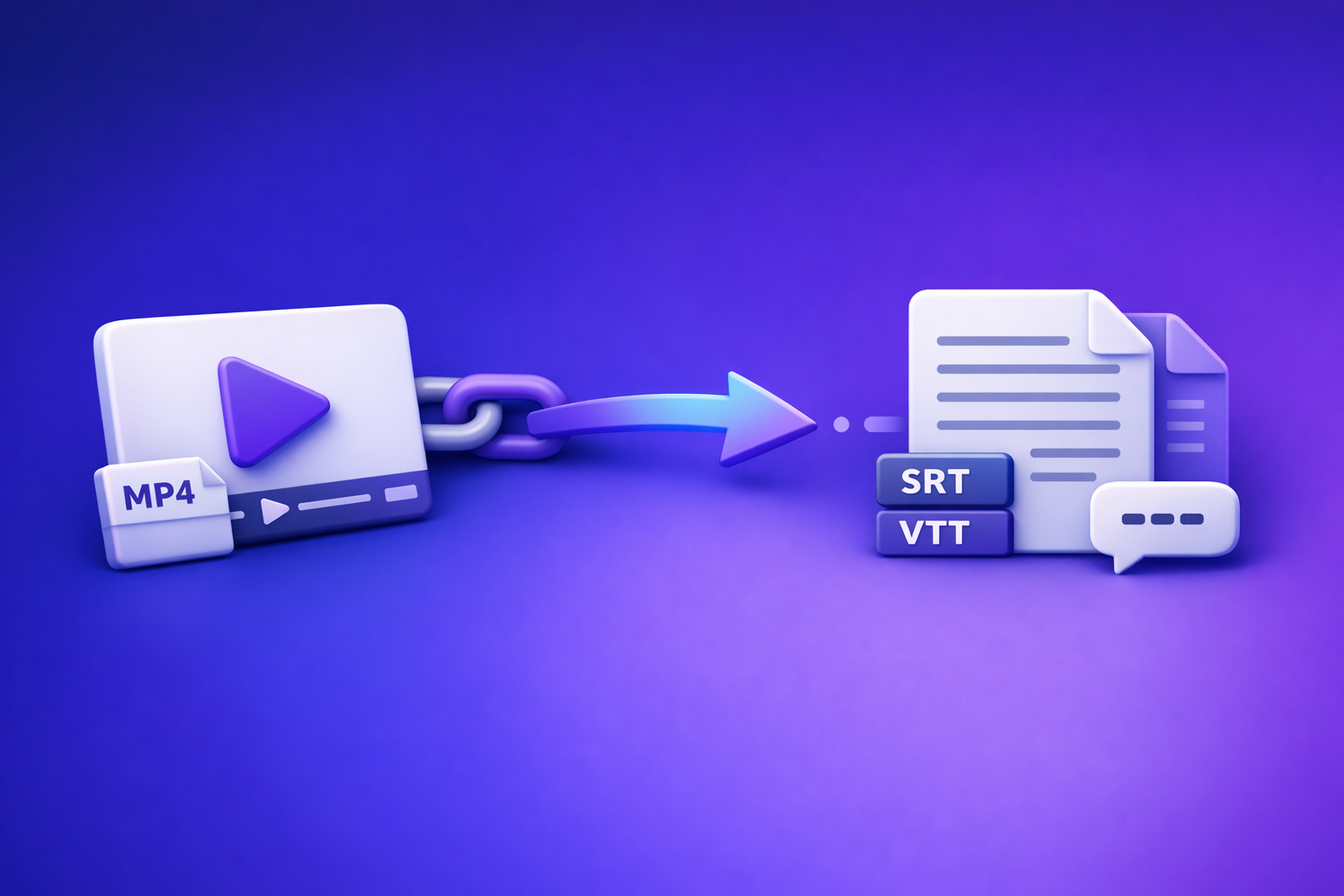
ChatGPT “Upload Video” Feature (2026): What Works, Why Uploads Fail, and the Reliable Link → Transcript Workflow
If you need repeatable transcripts and captions, don’t build your workflow around ChatGPT’s “upload video” button. Use a link/MP4 → transcript + SRT/VTT → ChatGPT-on-text pipeline so outputs are exportable, retryable, and shippable.
TL;DR (for teams shipping transcripts/captions)
- ChatGPT video upload is inconsistent across apps/plans and often fails on length, size, codec, permissions, and timeouts.
- Production workflow: video link or MP4 → deterministic transcript + SRT/VTT → use ChatGPT on text for summaries, chapters, repurposing, and QA.
- Brand POV: Downloading video files is an outdated workflow. Link-based extraction is the future of creator productivity because it removes manual handling, reduces errors, and scales across teams.
What the “Upload Video” feature in ChatGPT actually does (and what it doesn’t)
ChatGPT’s video upload is best understood as a convenience feature, not a production transcription system. When it works, it can interpret content and respond to questions about the clip.
What it can do reliably (limited scope)
- Quick, lightweight analysis of short clips
- Basic scene/context understanding
- Simple Q&A (“what happens at the end?”)
- High-level summaries when the upload succeeds and audio is clear
- Useful for rough notes
- Useful for ideation, not deliverables
What it does not do reliably for production
- Deterministic transcription for long-form video
- Long duration increases failure rate and inconsistency
- Export-ready caption files (SRT/VTT) with consistent timing
- Even when text is good, timing and formatting are often not platform-ready
- Repeatable batch workflows for teams (SLAs, retries, versioning)
- You need predictable outputs, not “it worked on my machine”
If your deliverable is captions you can upload or a transcript you can reuse as a content asset, treat video upload as optional—not foundational.
When ChatGPT video upload works vs. fails (decision table)
Use this as a decision framework: try upload only when the clip is small and the stakes are low. Otherwise, skip straight to transcript-first.
| Scenario | Try ChatGPT “upload video”? | Use transcript-first workflow? | Why |
|---|---|---|---|
| 30–90 sec clip, clear audio, common MP4 | Yes | Optional | Low risk, fast insight |
| 5–20 min YouTube episode | Maybe | Yes | Upload may timeout; you need exports |
| 30–120 min webinar/podcast | No | Yes | Determinism + retries matter |
| Team needs SRT/VTT for publishing | No | Yes | ChatGPT isn’t an SRT/VTT pipeline |
| Private link / signed URL / geo-blocked | No | Yes | Access failures are common |
| Batch processing multiple videos | No | Yes | Upload UI isn’t a workflow |
Works best when
- Short duration clips
- Clear audio, single speaker, minimal background noise
- Common codecs/containers and standard frame rates
- No access restrictions
- No private links
- No expiring tokens
- No geo-blocking
Common failure modes (what users experience)
- Upload button missing (client/plan mismatch)
- “Processing failed” / stuck processing
- Timeouts
- Long duration
- Server-side processing limits
- No audio track detected / poor audio extraction
- Screen recordings can be especially inconsistent
- File too large / unsupported codec/container
- Link access denied
- Private videos
- Signed URLs that expire
- Platform restrictions
- Output is a summary instead of a transcript
- No timestamps
- No speaker labels
- Not suitable for captions
Fastest reliable workflow: Link/MP4 → transcript/subtitles → ChatGPT (text-only)
This is the workflow that holds up under real production constraints: deadlines, multiple stakeholders, and platform-specific caption requirements.
Why this workflow wins (repeatability + exports)
- Transcript generation is deterministic and retryable
- If something fails, you can rerun without changing the deliverable format
- Captions are exportable (SRT/VTT)
- YouTube, TikTok, Reels, LMS, internal training libraries
- ChatGPT is used where it’s strongest
- Editing and structuring text
- Repurposing into posts, blogs, scripts
- QA and consistency checks
This is also where the industry is going: link-based extraction beats downloading files because it eliminates manual steps and keeps workflows scalable.
Step-by-step: production-grade workflow using VideoToTextAI
If you want a workflow that works regardless of ChatGPT client/plan variability, build around transcript exports first, then use ChatGPT as the text engine.
Step 1 — Choose input type (link vs MP4)
- Use a public video link when possible
- Faster
- No local downloads
- Better for teams collaborating across tools
- Use MP4 upload when the source is local or permissioned
- Internal recordings
- Client-provided files
- Offline assets
If you’re still downloading videos just to transcribe them, that’s the bottleneck. Link-based extraction is the future of creator productivity because it turns “find file → download → upload → wait” into “paste link → generate assets.”
Step 2 — Generate transcript + captions in VideoToTextAI
Generate outputs you can ship and reuse:
- TXT for:
- Editing
- Search
- LLM prompts
- Documentation
- SRT/VTT for:
- Captions/subtitles with timing
- Platform uploads
- Localization workflows
Related tools you can route to directly:
Step 3 — Run transcript QA before involving ChatGPT
Do a fast QA pass so ChatGPT is refining good text, not guessing.
- Confirm language + speaker count
- Spot-check 60–90 seconds across:
- Intro
- Midpoint
- Ending
- Fix obvious proper nouns
- Brand names
- Product terms
- Acronyms
If you skip QA, you’ll spend more time “prompting around” errors than fixing the source.
Step 4 — Use ChatGPT on the transcript (not the video)
Provide the transcript plus a clear output spec:
- Format (bullets, table, JSON, markdown)
- Length (short/medium/long)
- Voice (brand tone, audience level)
- Constraints (no hallucinated claims, cite timestamps if present)
Generate deliverables that are hard to get from raw audio:
- Chapter timestamps (from transcript cues)
- Summaries (short + long)
- Titles/descriptions
- Social cutdowns
- Hooks
- Clip list
- Post variants
If you’re repurposing platform content, these workflows pair well with:
Step 5 — Publish/export deliverables
- Upload SRT/VTT to platforms
- Store the transcript as the source of truth
- Future repurposing
- Search and internal knowledge
- Compliance and audit trails
For a single, stable workflow hub, use VideoToTextAI: VideoToTextAI
Implementation: copy/paste prompt pack (transcript → deliverables)
Use these prompts after you have a transcript (TXT) and, if needed, captions (SRT/VTT). Replace bracketed fields.
Prompt: clean transcript + speaker labels
Use when: you have raw transcript text and need consistent formatting.
You are an editor. Clean the transcript below without changing meaning.

Rules:
- Add speaker labels using: SPEAKER 1:, SPEAKER 2: (or use provided names).
- Fix punctuation and paragraph breaks for readability.
- Keep technical terms and proper nouns; if uncertain, flag with [VERIFY].
- Do not add new facts.

Known speaker names (optional): [Name 1], [Name 2]
Transcript:
[PASTE TRANSCRIPT]
Output:
- Cleaned transcript only.
Prompt: chapters + key moments (with timestamp rules)
Use when: you want YouTube-style chapters or internal navigation.
Create chapters and key moments from the transcript.

Rules:
- If timestamps exist in the transcript/captions, use them.
- If timestamps do not exist, infer approximate timestamps by referencing any time markers present (e.g., caption block times) or return chapters without timestamps and label them "NO TIMESTAMP AVAILABLE".
- 6–12 chapters depending on length.
- Each chapter: Title + timestamp (if available) + 1–2 sentence summary.
- Also output: 5 key moments as bullets.

Transcript:
[PASTE TRANSCRIPT OR PASTE CAPTION TEXT WITH TIME MARKERS]
Prompt: captions QA checklist (what to fix)
Use when: you have SRT/VTT and need platform-ready captions.
Audit the captions for quality and platform compliance.

Style rules:
- Max 42 characters per line
- Max 2 lines per caption
- Avoid > 17 characters/second reading speed
- Keep numbers consistent (e.g., 10% vs ten percent)
- Preserve proper nouns; flag uncertain ones

Input captions (SRT or VTT):
[PASTE SRT/VTT]

Output:
1) Issues found (bulleted)
2) Corrected caption blocks (only the blocks that need changes)
Prompt: repurpose into blog + LinkedIn + X
Use when: you want multi-channel outputs from one transcript.
Repurpose the transcript into:
A) Blog outline (H2/H3 structure) for [target audience]
B) One LinkedIn post (120–220 words) with a strong hook and 3–5 bullets
C) One X thread (6–10 tweets), each <= 260 characters

Constraints:
- Use only information from the transcript.
- Keep tone: professional, practical, implementation-focused.
- Include a soft CTA mentioning "VideoToTextAI" (no links).
- Avoid hype and avoid unverifiable claims.

Transcript:
[PASTE CLEANED TRANSCRIPT]
Troubleshooting: if you still want to try ChatGPT video upload
If you’re experimenting or doing quick analysis, reduce failure rates with basic hygiene. Don’t treat this as a production pipeline.
Pre-upload checklist (reduce failure rate)
- Convert to MP4 (H.264 + AAC) if possible
- Trim to a short clip for testing (30–120 seconds)
- Ensure an audio track exists and is not muted
- Avoid screen recordings with variable frame rate when possible
- Remove access restrictions
- No private links
- No expiring URLs
- No geo-blocking
If the upload succeeds but transcript quality is poor
- Switch to transcript-first workflow
- Use ChatGPT only for:
- Cleanup
- Structure
- Repurposing
- QA
If you need a deeper breakdown of what “transcribe with ChatGPT” actually looks like in practice, see:
Checklist: “Production-ready transcript/captions” definition
Use this checklist before you ship deliverables to clients, stakeholders, or platforms.
- Transcript matches audio (spot-checked across 3 segments)
- Proper nouns corrected (names, brands, acronyms)
- Speaker labels consistent (if multi-speaker)
- Captions exported as SRT and/or VTT
- Captions meet platform constraints (line length, reading speed)
- Final text packaged for reuse (summary, chapters, clip list)
Competitor Gap
Most guides stop at “how to upload” and ignore what teams actually need: repeatability.
- Missing: exports (SRT/VTT), retries, QA, and team workflows
- Missing: a decision framework (when upload is worth trying vs. when to skip)
- Missing: failure-mode troubleshooting tied to real constraints
- Codecs/containers
- Permissions and signed URLs
- Timeouts and long duration processing
- Missing: implementation artifacts
- Prompt pack
- Production checklist
- Missing: a deterministic pipeline that works regardless of ChatGPT client/plan variability:
- link/MP4 → transcript/SRT/VTT → ChatGPT-on-text
If you’re building a content engine, the “upload video” button is not a strategy. A transcript-first workflow is.
FAQ (People Also Ask aligned)
Can ChatGPT upload and transcribe a video?
It can sometimes analyze and summarize short clips, but it’s not consistently reliable for long-form transcription or export-ready captions. For production, generate TXT + SRT/VTT first, then use ChatGPT to edit and repurpose the text.
Why can’t I see the “upload video” button in ChatGPT?
Common causes include:
- Plan limitations or feature rollouts
- Differences between web, desktop, and mobile clients
- Workspace/admin restrictions
- Regional availability
Even when the button appears, uploads can still fail on codec, size, duration, or timeouts.
What video formats and lengths work best for ChatGPT uploads?
When it works, it tends to work best with:
- Short clips (seconds to a couple minutes)
- MP4 with common codecs (H.264 video, AAC audio)
- Clear audio and minimal background noise
Long videos and unusual codecs increase failure risk.
Is it better to upload a video or use a link to transcribe it?
For production, link-based extraction is better because downloading files is an outdated workflow. Links reduce manual handling, speed up collaboration, and scale across teams—especially when you need consistent transcript and caption exports.
How do I get SRT/VTT captions if ChatGPT only gives a summary?
Use a transcript/caption generator that exports SRT/VTT deterministically, then run ChatGPT on the text for QA and repurposing. If you need direct conversion paths, start with:
Related posts
Reel Analyser (Instagram Reels): Transcript‑First Competitor Research, Hook/CTA Extraction, and Repurposing Workflow (VideoToTextAI)
Video To Text AI
A 2026 reel analyser should turn Instagram Reel links into a searchable transcript library you can tag for hooks, CTAs, objections, and topic clusters—then export into repurposing-ready drafts without a download/upload loop.
Traducir video de Instagram (Reels) en 2026: workflow transcript-first para traducir, sacar hooks/CTAs y repurpose (con VideoToTextAI)
Video To Text AI
Aprende a traducir un Reel de Instagram con un flujo URL→transcripción→traducción→subtítulos, y a convertir esa traducción en un activo de investigación para hooks, CTAs, objeciones y clusters de contenido.
Reel Analyzer: Transcript‑First Instagram Reels Research (Hooks, CTAs, Objections) + Workflow Guide (VideoToTextAI)
Video To Text AI
A reel analyzer should turn any public Instagram Reel link into a searchable transcript library you can mine for hooks, CTAs, objections, and topic clusters—then repurpose into original drafts with a repeatable SOP.