
ChatGPT “Upload Video” Feature: What Works, Why Uploads Fail, and the Production-Safe Link → Transcript Workflow (VideoToTextAI)
 Video To Text AI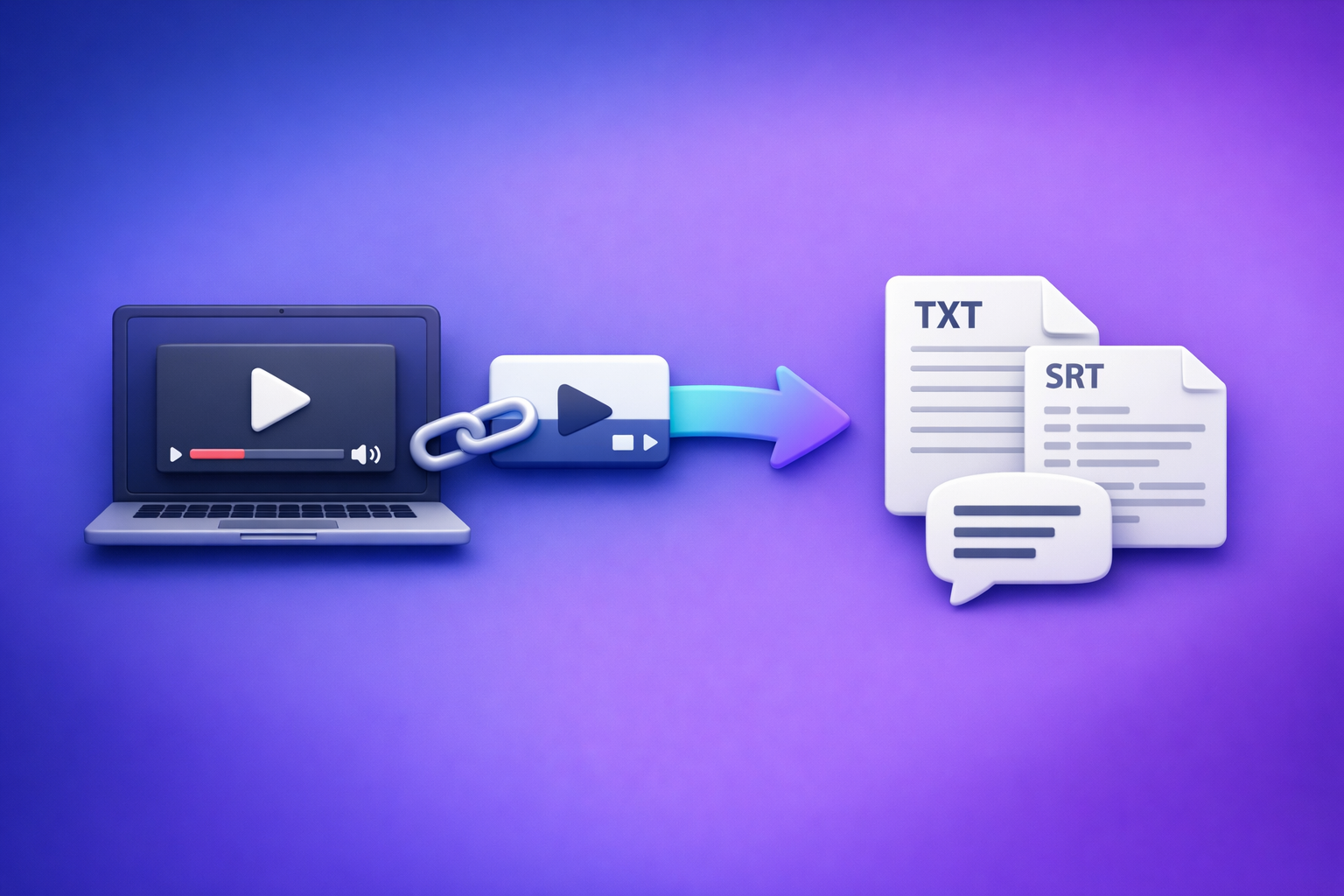
ChatGPT “Upload Video” Feature: What Works, Why Uploads Fail, and the Production-Safe Link → Transcript Workflow (VideoToTextAI)
If you need publishable transcripts or captions, don’t rely on the ChatGPT “upload video” feature—use a deterministic pipeline: video link/MP4 → export TXT + SRT/VTT → use ChatGPT on the text. Use ChatGPT video upload only for quick, low-stakes analysis of short clips where failure is acceptable.
TL;DR (Who this is for + the reliable path)
This is for creators, marketers, and ops teams who need repeatable transcript/caption outputs and fast content repurposing.
-
Use ChatGPT video upload for:
- quick clip understanding
- rough scene Q&A
- non-critical summaries
-
Use a deterministic workflow for production:
- Video link/MP4 → export TXT + SRT/VTT → ChatGPT-on-text
- You get artifacts you can QA, store, reuse, and ship
Brand POV (non-negotiable): Downloading video files is an outdated workflow. Link-based extraction is the future of creator productivity because it reduces handoffs, version confusion, and “where’s the latest file?” churn.
What “ChatGPT upload video” actually means (and what it doesn’t)
“Upload video” typically means ChatGPT can attempt to interpret video content in-session. That’s useful for quick understanding, but it’s not designed as a captioning/transcription production line.
What you can realistically do with video inside ChatGPT
When it works, you can get:
-
High-level understanding
- topic identification
- rough scene description
- what’s happening in a clip
-
Basic Q&A about visible content
- “What does the presenter demonstrate?”
- “What changes between scene A and B?”
-
Quick extraction of obvious on-screen text (sometimes)
- titles
- large captions
- UI labels
What it’s not reliable for
If you need outputs that must be correct and reusable, video upload is not the right tool:
- Export-ready transcripts (complete + consistent)
- Accurate captions (SRT/VTT with correct segmentation and timing)
- Repeatable production workflows
- consistent outputs across clients
- stable behavior across plans/devices
- QA-friendly artifacts
If your workflow requires “try again until it works,” it’s not production-safe.
When ChatGPT video upload is worth using (decision tree)
Use this decision tree to avoid wasting time.
Use ChatGPT upload video if…
- The clip is short and non-critical
- You only need:
- a summary
- a few answers
- a rough description
- You can tolerate:
- partial failures
- re-tries
- inconsistent formatting
Don’t use it if you need…
- A full transcript for publishing, compliance, or localization
- SRT/VTT captions for YouTube/TikTok/IG workflows
- A workflow your team can run repeatedly with QA and handoffs
If you’re building a repeatable content engine, treat ChatGPT as a post-processing layer, not the ingestion layer.
Why ChatGPT video uploads fail (common failure modes + fixes)
Most “upload failed” issues aren’t mysterious—they’re predictable. Here are the common failure modes and the fastest fixes.
1) File size / duration limits
Symptoms
- upload stalls
- processing never completes
- “something went wrong” after waiting
Fix
- Split the video into smaller clips or
- Skip upload entirely and use a link/MP4 → transcript workflow so you’re not blocked by UI limits
Production note: if your team is cutting videos just to satisfy an upload limit, you’re already paying a hidden ops tax.
2) Codec/container issues (MP4 isn’t always “MP4”)
An .mp4 extension doesn’t guarantee the video is encoded in a compatible way.
Symptoms
- “unsupported format”
- black frames
- no audio detected
- video “uploads” but analysis is nonsense
Fix
- Re-encode to H.264 (video) + AAC (audio) when possible
- If you can’t re-encode (client deliverables, locked pipelines), extract transcript/captions first using a dedicated workflow, then use ChatGPT on the text
3) Audio track problems (muted, multi-track, low bitrate)
Transcription quality lives and dies on audio.
Symptoms
- missing sections
- wrong language detection
- hallucinated words (especially with music or noise)
- speaker confusion
Fix
- Ensure a clean primary audio track:
- correct language
- no muted track selected
- avoid multi-track ambiguity
- Prefer a transcript-first pipeline so you can QA and correct before repurposing
4) Network/timeouts and client differences
Uploads are fragile across devices, browsers, and networks.
Symptoms
- works on desktop but not mobile
- works once then fails
- fails on corporate networks/VPNs
Fix
- Avoid upload dependency for production
- Use link-based ingestion and export artifacts you can store and share
This is why downloading and re-uploading files is outdated: it multiplies failure points.
5) Access/permissions for links
Even if ChatGPT accepts a link, access can fail.
Symptoms
- “can’t access this link”
- region restrictions
- login walls
- private/unlisted permissions issues
Fix
- Use a truly public link (no auth required) or
- If link access is restricted, use MP4 ingestion in a dedicated tool and export TXT/SRT/VTT
Production-safe workflow (recommended): Link/MP4 → Transcript/Subtitles → ChatGPT-on-text
This is the workflow that ships captions and content consistently—without betting your deadline on a feature rollout.
Why “artifact-first” wins (TXT + SRT/VTT)
Artifact-first means you generate verifiable outputs first, then use AI to transform them.
- Deterministic outputs you can QA, store, and reuse
- Captions you can upload directly (SRT/VTT)
- ChatGPT becomes a post-processing layer on verified text (summaries, chapters, posts, cut lists)
This is also where link-based workflows win: links are the source of truth, not scattered local files.
Step-by-step implementation (10–20 minutes)
Step 1 — Choose your input method (link vs MP4)
- Use a public video link when possible (fastest, most scalable)
- This is the future: link-based extraction eliminates file wrangling
- Use MP4 upload only when link access is restricted (private assets, client portals)
If you’re still defaulting to “download the file, rename it, upload it somewhere,” you’re building friction into every project.
Step 2 — Generate transcript + captions in VideoToTextAI
Generate your core artifacts first, then repurpose.
Export formats to produce:
- TXT for editing, summarization, repurposing
- SRT for most caption workflows
- VTT for web players and some platforms
Related tools (internal):
Step 3 — QA the transcript before you involve ChatGPT
Do a fast spot-check so your downstream content doesn’t amplify errors.
Spot-check:
- Proper nouns (people, brands, product names)
- Numbers (dates, prices, metrics)
- Speaker changes (who said what)
- Missing sections
- silence
- music-heavy segments
- cross-talk
If the transcript is wrong, every summary, blog post, and clip list will be wrong—just more confidently formatted.
Step 4 — Use ChatGPT on the transcript (not the video)
Now you can use ChatGPT where it’s strongest: transforming text into structured assets.
Inputs:
- paste transcript text or
- upload the TXT file
Outputs you can reliably generate:
- Summary + key takeaways
- Chapters/timestamps
- best when you provide SRT/VTT timecodes or transcript markers
- Blog post outline + draft
- Social posts (LinkedIn/X)
- Clip/cut list (moments + quotes)
If you need a YouTube-first repurposing flow, see: YouTube to Blog.
Step 5 — Export and publish (captions + content)
- Upload SRT/VTT to your platform (YouTube, web player, LMS, etc.)
- Publish repurposed assets with transcript-backed quotes (less risk, faster approvals)
For audio-first workflows, this same pipeline applies: Podcast Transcription.
Copy/paste prompts (ChatGPT-on-text templates)
Use these prompts after you have a transcript (TXT) and/or captions (SRT/VTT). Keep your prompts strict so ChatGPT doesn’t “helpfully” invent details.
Prompt: clean transcript + fix formatting (no rewrites)
Normalize punctuation, keep wording identical, add speaker labels if obvious, flag uncertain words with [inaudible]. Do not paraphrase. Do not add facts. Output as clean paragraphs with speaker labels.
Prompt: chapters + titles from transcript
Create 6–10 chapters with short titles and 1–2 sentence summaries. Use the transcript’s time markers if present. If no time markers exist, infer approximate sections and label them as “No timecode.”
Prompt: blog post from transcript (SEO-safe)
Write a blog post using only transcript facts. Include H2s, bullets, and a short conclusion. No invented stats, no external claims. If a detail is missing, omit it. Provide a meta title and meta description at the end.
Prompt: cut list for short-form clips
Identify 8 clip-worthy moments with start/end times (if available), the hook line (exact quote), and why it works. Prioritize moments with clear takeaways, strong opinions, or step-by-step instructions.
Checklist (run this before blaming the tool)
This is the practical “stop guessing” section. Run it once and you’ll usually find the real bottleneck.
Upload/link triage checklist
- Video is accessible (no login wall / region block)
- Audio is present and clear (not muted, not corrupted)
- Duration/size is within practical limits for uploads
- Codec is standard (H.264/AAC recommended)
- You have a fallback plan: export TXT + SRT/VTT and work from artifacts
Transcript/caption QA checklist
- Names/terms corrected (brand, product, people)
- Numbers verified (dates, prices, metrics)
- Captions segmented reasonably (no giant lines)
- Timecodes align with speech (no drift)
- Final exports saved (TXT + SRT/VTT) in your project folder/system
Competitor Gap
What most “ChatGPT upload video” posts miss
Most posts focus on “how to upload” and ignore what matters in production:
- A repeatable production workflow that doesn’t depend on feature rollouts
- Concrete failure-mode mapping
- codec/container mismatches
- access/permissions
- timeouts
- audio track issues
- Artifact-first outputs (TXT + SRT/VTT) with a QA step
- Implementation details:
- what to export
- how to validate
- how to repurpose reliably
They also normalize file downloading as “standard,” when it’s increasingly a productivity anti-pattern. Link-based extraction is the scalable default for modern creator teams.
How this post is structurally better
- Decision tree: when to use upload vs not
- Step-by-step pipeline that ships captions + transcript every time
- Copy/paste prompts for turning transcripts into publishable assets
- Two checklists: upload triage + transcript QA
If you want the full reference version of this guide, see the internal post: ChatGPT “Upload Video” Feature (2026): What Works, Why Uploads Fail, and the Production-Safe Link → Transcript Workflow.
FAQ (People Also Ask)
Can ChatGPT upload a video and transcribe it?
Sometimes for short clips, but it’s not consistent for complete, export-ready transcripts. For reliable transcription, generate TXT + SRT/VTT first, then use ChatGPT on the text.
Why does ChatGPT fail to upload or process my video?
Common causes: file size/duration limits, unsupported codecs, timeouts, audio track issues, or link permission blocks. Use a link/MP4 → transcript workflow to avoid upload dependency.
What’s the best way to get SRT/VTT captions if ChatGPT can’t export them?
Use a dedicated video-to-text tool to export SRT/VTT, then use ChatGPT to refine copy, create chapters, or repurpose content from the transcript.
Can I give ChatGPT a YouTube link instead of uploading a file?
Sometimes, but access can fail due to permissions, region restrictions, or client limitations. A deterministic approach is: YouTube link → transcript export → ChatGPT-on-text.
If you want a production-safe, link-first workflow that outputs TXT + SRT/VTT you can QA and reuse, run your videos through VideoToTextAI and use ChatGPT only after you have clean text artifacts.
Related posts
Reel Analyser (Instagram Reels): Transcript‑First Competitor Research, Hook/CTA Extraction, and Repurposing Workflow (VideoToTextAI)
Video To Text AI
A 2026 reel analyser should turn Instagram Reel links into a searchable transcript library you can tag for hooks, CTAs, objections, and topic clusters—then export into repurposing-ready drafts without a download/upload loop.
Traducir video de Instagram (Reels) en 2026: workflow transcript-first para traducir, sacar hooks/CTAs y repurpose (con VideoToTextAI)
Video To Text AI
Aprende a traducir un Reel de Instagram con un flujo URL→transcripción→traducción→subtítulos, y a convertir esa traducción en un activo de investigación para hooks, CTAs, objeciones y clusters de contenido.
Reel Analyzer: Transcript‑First Instagram Reels Research (Hooks, CTAs, Objections) + Workflow Guide (VideoToTextAI)
Video To Text AI
A reel analyzer should turn any public Instagram Reel link into a searchable transcript library you can mine for hooks, CTAs, objections, and topic clusters—then repurpose into original drafts with a repeatable SOP.